Year in Review Template (Printable PDF & GoodNotes)
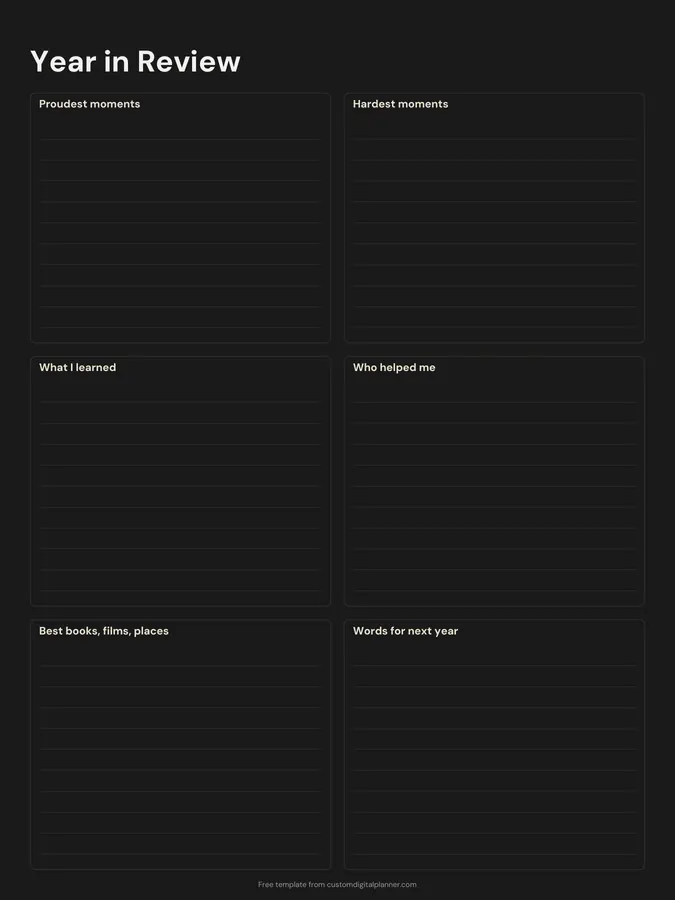
A one-page reflection for the end of the year, with six lined boxes: proudest moments, hardest moments, what I learned, who helped me, best books, films and places, and words for next year. Fill it in over a quiet evening in December, or on your birthday.
- Printable US Letter8.5 × 11 in, white paper
- Printable A4210 × 297 mm, white paper
- iPad / GoodNotesAlso Notability and Noteshelf
- E-ink tabletreMarkable, Kindle Scribe, Boox
Free PDF, 1 page, undated. No sign-up needed.
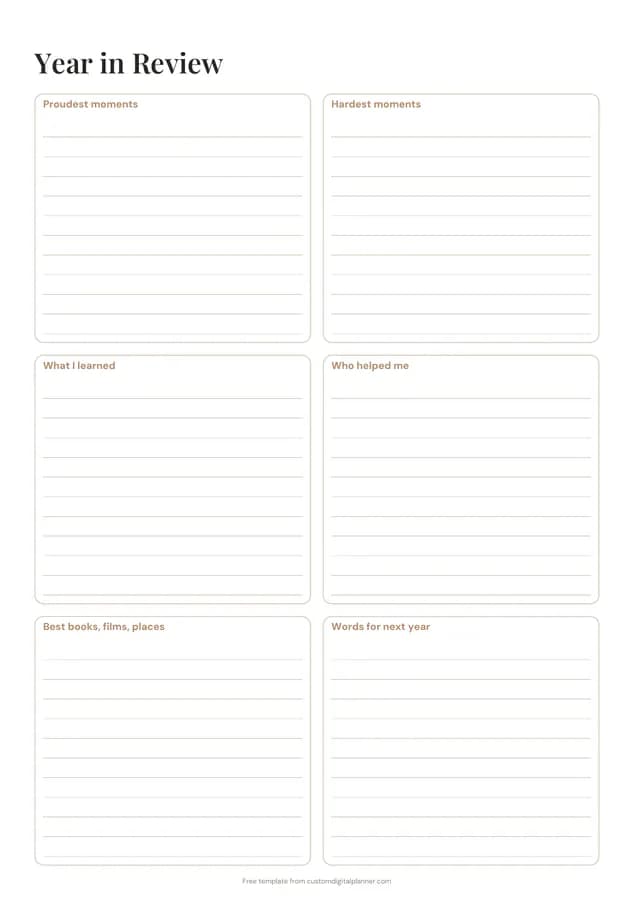
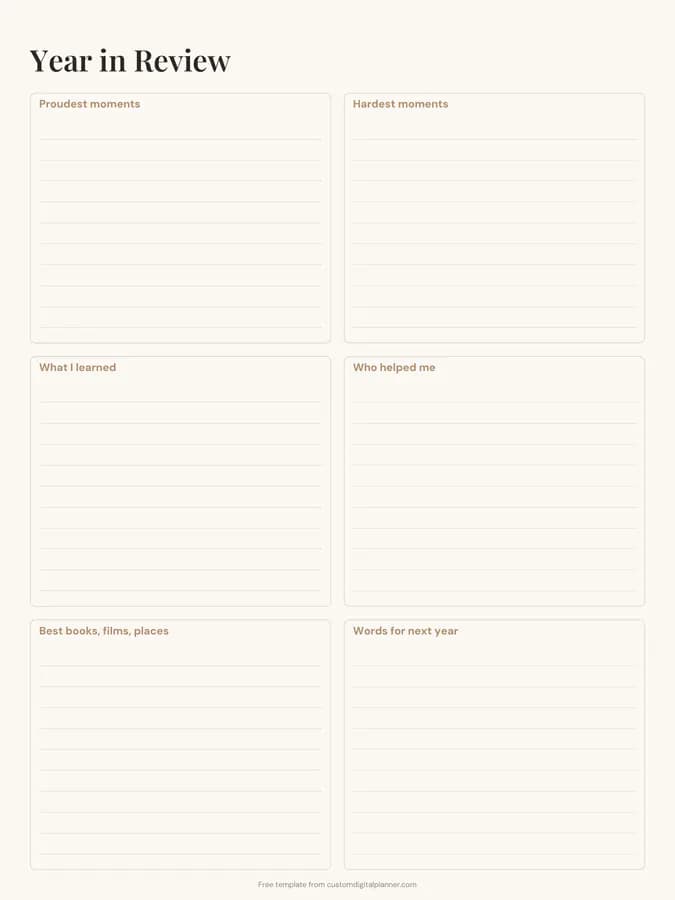
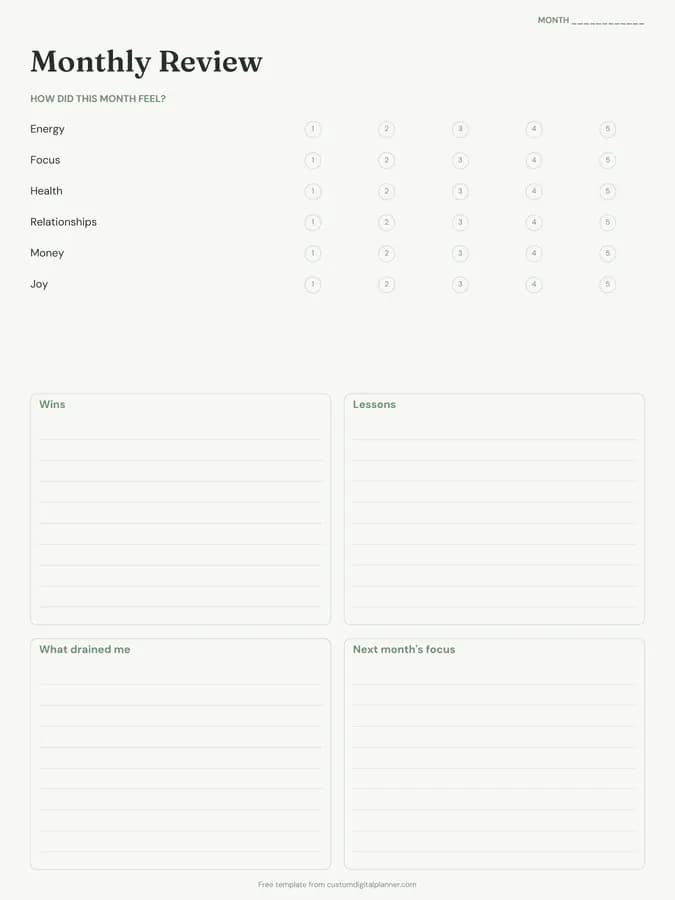
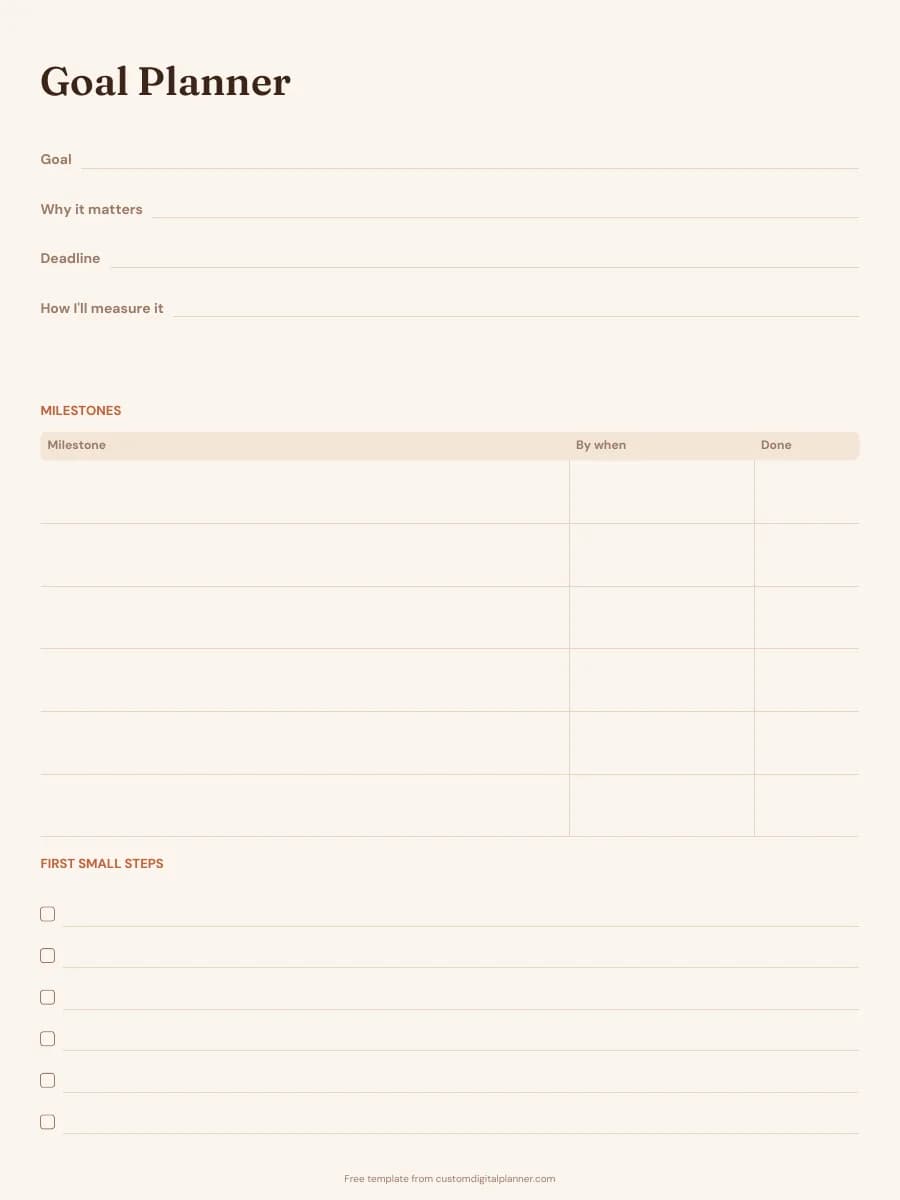
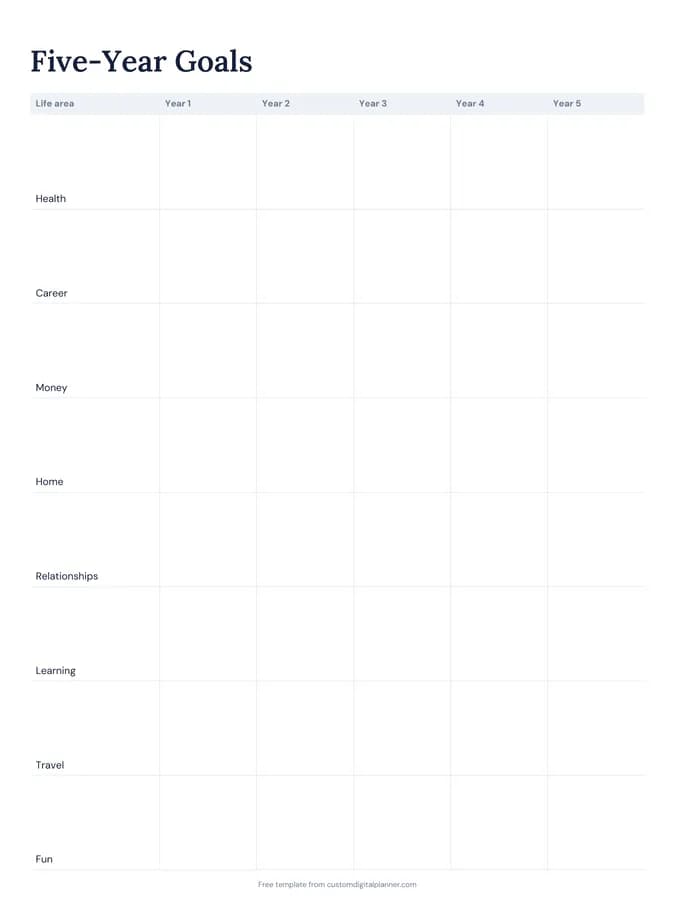
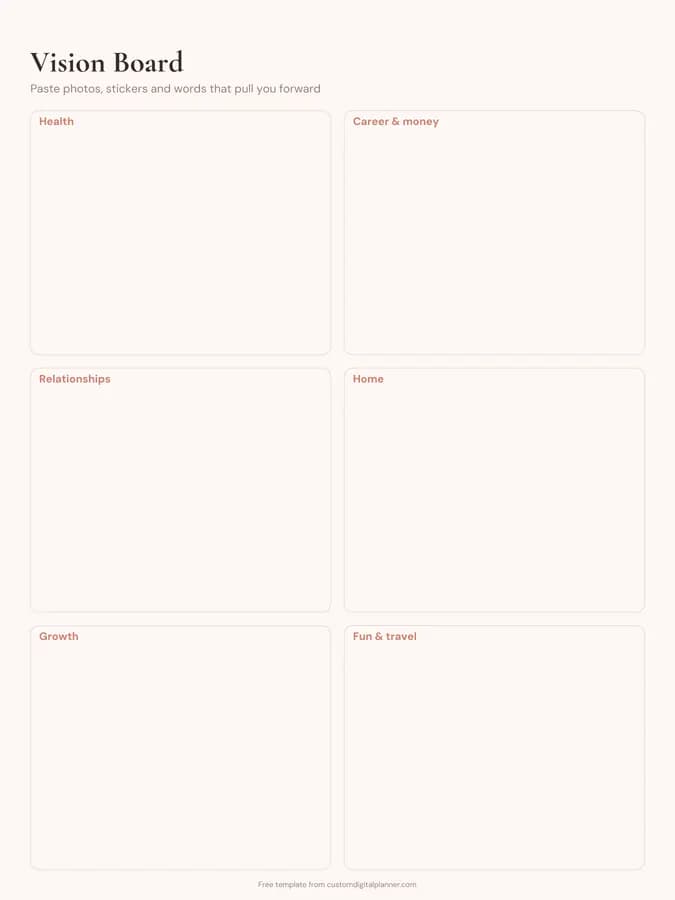
Shown for iPad in the Ivory Minimal theme. Printable downloads use white paper (there's a dark mode preview below); the e-ink version is black and white.
One page, ready to fill in.
- Boxes for proudest moments, hardest moments, what I learned, who helped me, best books, films, places and words for next year
- Undated, so you can print or duplicate it as often as you need
Getting the most from a year in review.
Look back through your calendar and photos first
Memory favours the last few weeks. Scroll through your camera roll, calendar and old planner pages month by month before you write, so January and February get the same weight as November.
Give the hard moments the same space as the proud ones
The hardest-moments box isn't there to make you feel bad. Writing down what was difficult, and how you got through it, is often where the real lessons for the next year come from.
Be specific in "Who helped me"
Write names and what they did: the friend who drove you to appointments, the colleague who covered for you. It makes a ready list of thank-you messages, and it's the box people tend to reread years later.
Use the last box to choose a word or theme
"Words for next year" works well as a single word to steer the year, like rest, build or brave, or a short phrase. Copy it onto the first page of next year's planner.
Keep every year's page together
If you print it, keep each year's review in the same folder; if you use it digitally, add it to the back of your planner. Reading three or four years side by side shows patterns one year can't.
Included in 48 planners
This template is a page in each of these planners. Open one to see everything else that comes with it.
- All-in-One Life Planner
- Weekly Planner
- Goal Planner
- Academic Planner (Aug–Jul)
- Teacher Planner
- Budget Planner
- Small Business Planner
- Etsy & Online Shop Planner
- Content Creator Planner
- Bible Study & Faith Planner
- Christian Planner
- Homeschool Planner
- Teen Planner
- Wedding Planner
- Party Planner
- Graduation Party Planner
- Reading Journal
- Habit Tracker Planner
- Work & Project Planner
- Real Estate Agent Planner
- Undated Planner
- Lesson Planner
- 18 Month Planner
- Dissertation Planner
- Monthly Planner
- Couples Planner & Journal
- Manifestation Journal
- Islamic Planner
- 5 Year Planner
- Crochet & Knitting Journal
- Music Practice Journal
- Side Hustle Planner
- Novel Writing Planner
- Trading Journal
- Job Search Planner
- College Application Planner
- Golf Journal
- Podcast Planner
- D&D Campaign Planner
- Hourly Planner
- Desk Planner
- Astrology Planner
- 90-Day Planner
- Yoga Teacher Planner
- Two-Page-Per-Day Planner
- 2 Year Planner
- 3 Year Planner
- Jewish Planner
Get it inside a full hyperlinked planner
The goal planner includes this page alongside dated month and week pages for your year, with side tabs and links between every page. Pick your device and theme, preview it free, and pay only when it's right.
- Dated pages for the whole year
- Tap a tab or a date to jump there
- GoodNotes, Notability, Samsung Notes, e-ink and print sizes
Opens the goal planner with the Goals section switched on.
Or read about the goal planner first.
What questions should I ask in a year in review?
The template covers the six that matter most: what you're proud of, what was hard, what you learned, who helped you, what you enjoyed, and what you want next year to feel like. If you want more, add questions about health, money or work in the margins.
When is the best time to do a yearly review?
The last week of December is the usual choice, but any fixed point works: your birthday, the end of the school year or the start of a new financial year. What matters is doing it at the same time each year.
Can I use it with my family or partner?
Yes. Print a copy each and fill them in separately, then share answers over dinner. Children can do the proud moments and best books, films and places boxes on their own.
Does it work on GoodNotes and e-ink tablets?
Yes. There's an iPad version for GoodNotes and Notability, and an e-ink version in black and white for reMarkable, Kindle Scribe and Boox tablets. Both have the same six boxes as the printable.
What comes after the year in review?
Use the answers to set next year's goals. The free goal setting worksheet and the five-year plan template both pick up where this page ends.