AI planner generator: a custom digital planner, ready to preview
Choose from 39 planner types, set your dates and device, and type your goals. The generator builds a hyperlinked PDF with AI-written milestones on the pages. Preview every page free; download for $9 when it's right.
No card needed to preview. $9 for one planner, or $29 a year for unlimited planners on Pro.
your goals, already on the pages
From blank to planner in three steps.
- 1
Choose a planner and device
Pick a planner type, dated or undated, your start month and the size: iPad, Android tablet, e-ink tablet or printable. Then a theme and a cover.
- 2
Add goals and pages
Type up to six goals for AI to plan, choose your habits and the add-on sections you want, and pick your weekly and daily layouts.
- 3
Preview free, then download
Flip through the watermarked preview and tap the links. Download the clean PDF for $9, or make as many as you like on Pro.
What it does, and what it doesn't.
It does
- Builds a complete hyperlinked PDF: year, months, weeks, days if you want them, and add-on sections, all joined by tabs
- Covers 39 planner types, from ADHD and budget planners to teacher and wedding planners
- Comes in 13 themes and 9 sizes, for iPad, Android tablets, e-ink tablets and printing
- Uses AI to write your monthly milestones, weekly actions and monthly mottos
- Shows a free watermarked preview of every page, with working links, before you pay
- Lets you edit and download a bought planner again, and roll it on to next year
It doesn't
- Draw the page designs with AI. Layouts come from our planner engine, so every date and link is exact
- Need an app. It runs in your browser and gives you a PDF for the notes app you already use
- Sync your handwriting. The PDF is a file on your device, and what you write stays there
- Give you editable source files. You get a finished PDF, not a Canva or Keynote template
- Require a subscription. A single planner is a one-off payment
What's in a generated planner.
The exact pages depend on the planner type and the sections you choose. A typical dated planner includes:
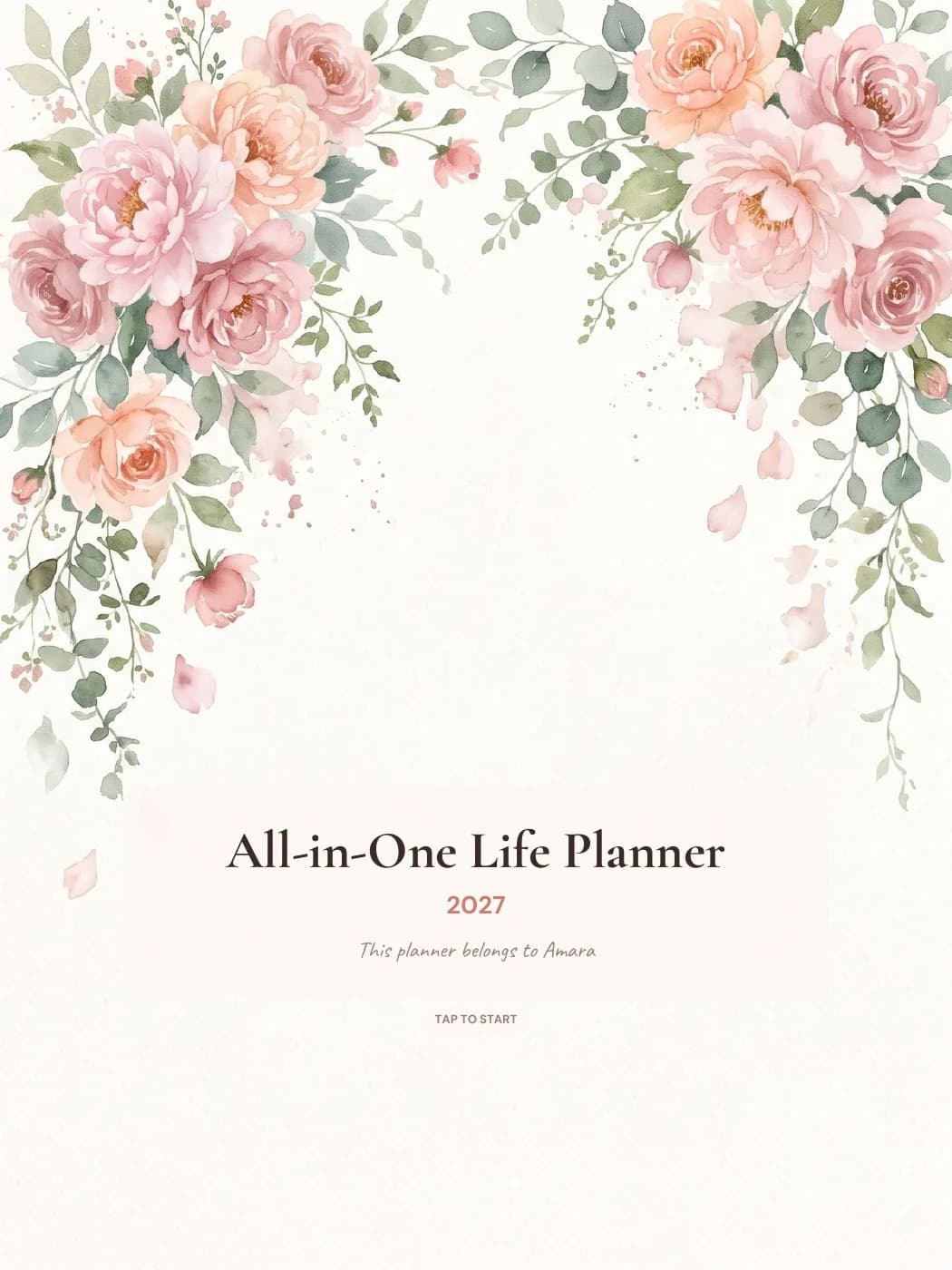
- A cover with your title and a home page linking to every section
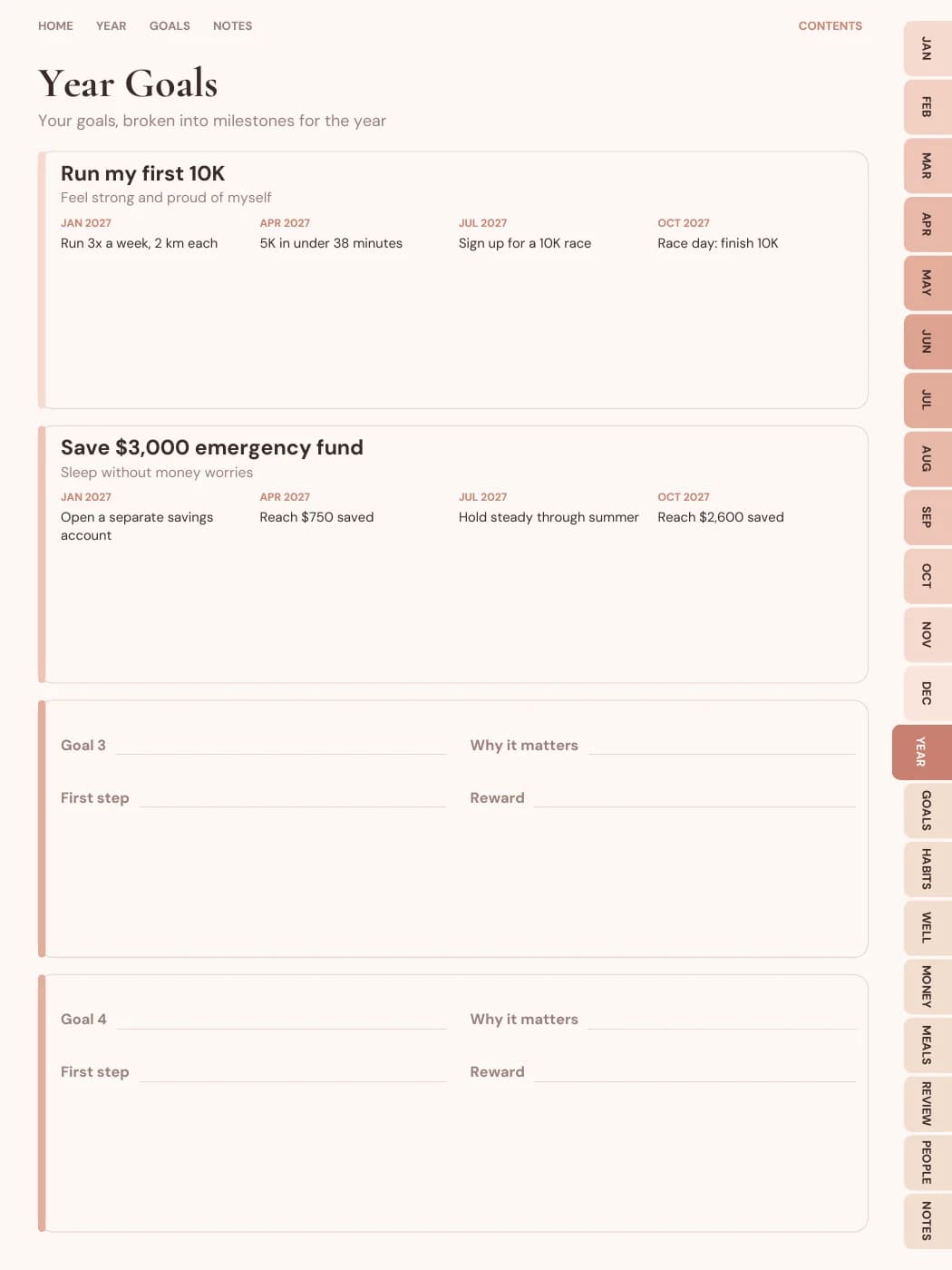
- A year overview and a goals page with your AI-planned milestones
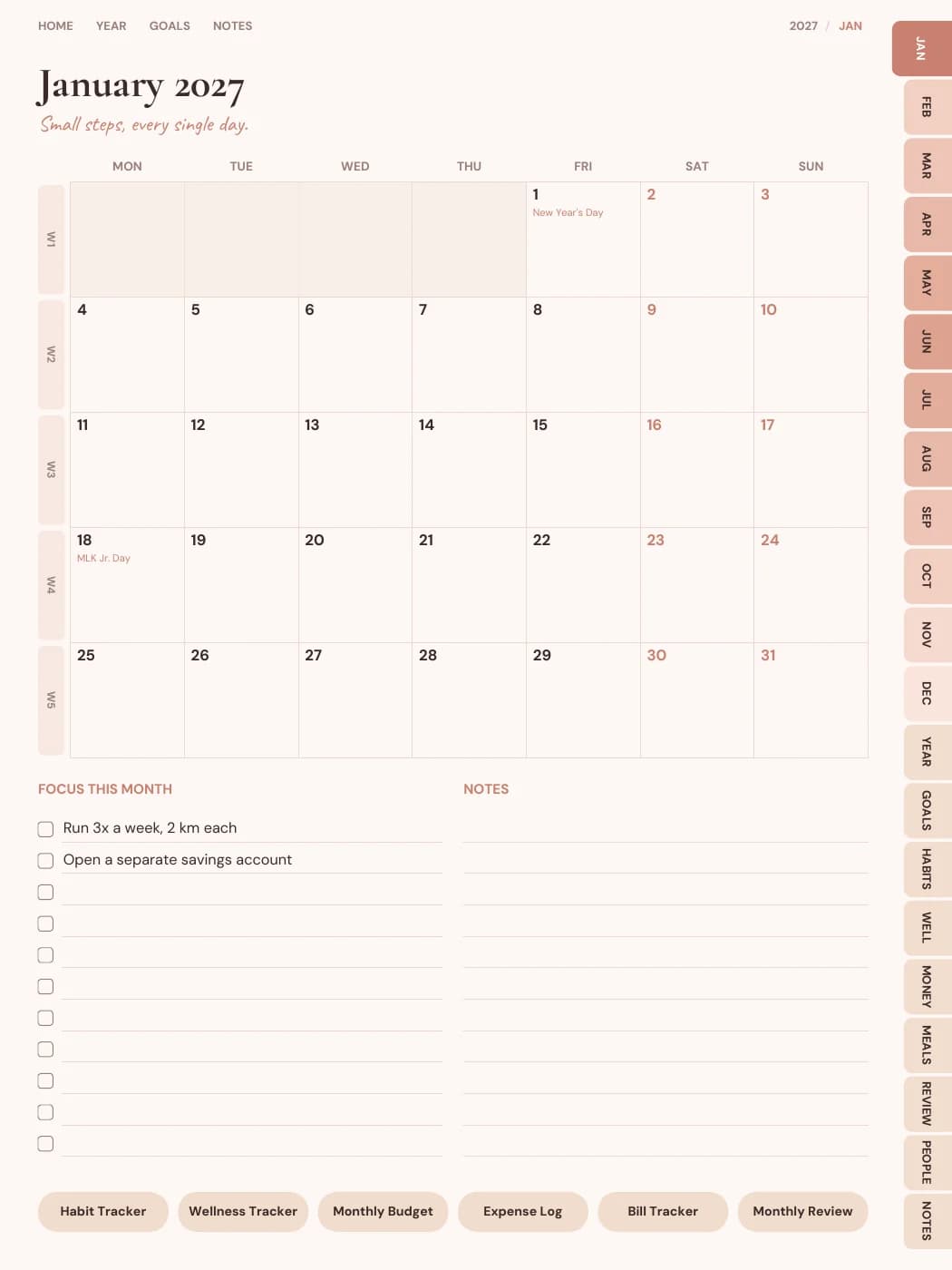
- Month pages with a calendar, the motto, this month's focus and notes
- Week pages with this week's goal actions
- Daily pages, if you choose them
- Add-on sections for your planner type, such as habits, budget, meals or lesson plans
Free, single planner or Pro
| Item | Free preview | Single planner, $9 | Pro, $29 a year |
|---|---|---|---|
| See every page | Yes, watermarked | Yes | Yes |
| Download the PDF | No | That planner | Unlimited planners |
| AI goal plans a day | 3, or 6 with a free account | 6 | 60 |
| Calendar and Notion exports | No | Yes | Yes |
| Sticker books | No | No | Yes, every theme |
Selling what you make needs the Seller plan. Full details are on the pricing page.
Device notes.
iPad
Portrait or landscape, for GoodNotes, Notability, Noteshelf and other PDF apps that follow links.
Android tablets
Portrait or landscape, for Samsung Notes, Penly, Flexcil and Xodo.
E-ink tablets
A high-contrast size for reMarkable, Kindle Scribe, Boox and Supernote.
Printables
A5, A4, US Letter and Half Letter, with a wider inner margin for binding. See devices and apps.
Questions people ask
Is there a free AI planner generator?
Building and previewing here is free, including AI goal planning within daily limits. The preview is watermarked. Downloading the clean PDF costs $9 for one planner, or it's included in Pro.
What does the AI actually do?
It writes the words of your plan: a milestone for every month, an action for every week and a motto for each month, based on the goals you type. The pages, tabs and dates are made by our planner engine, not by AI.
Which apps can I use the planner in?
Any PDF app that follows internal links: GoodNotes, Notability, Noteshelf, Xodo, Samsung Notes, Penly, Flexcil, and recent e-ink tablets. See devices and apps for details.
Can I change it after downloading?
Yes. Edit it in the builder and download again; a planner you bought stays unlocked for edits and next year's version. A new download is a fresh file, so your handwriting stays in the copy you've been writing in.
Is it an app?
No. It's a website that makes a PDF. You write in the PDF with the notes app you already have.
Related
Generate yours and look through every page.
No card needed. Pay only if you want to download it.
Generate my planner