Toolkit
ADHD Toolkit
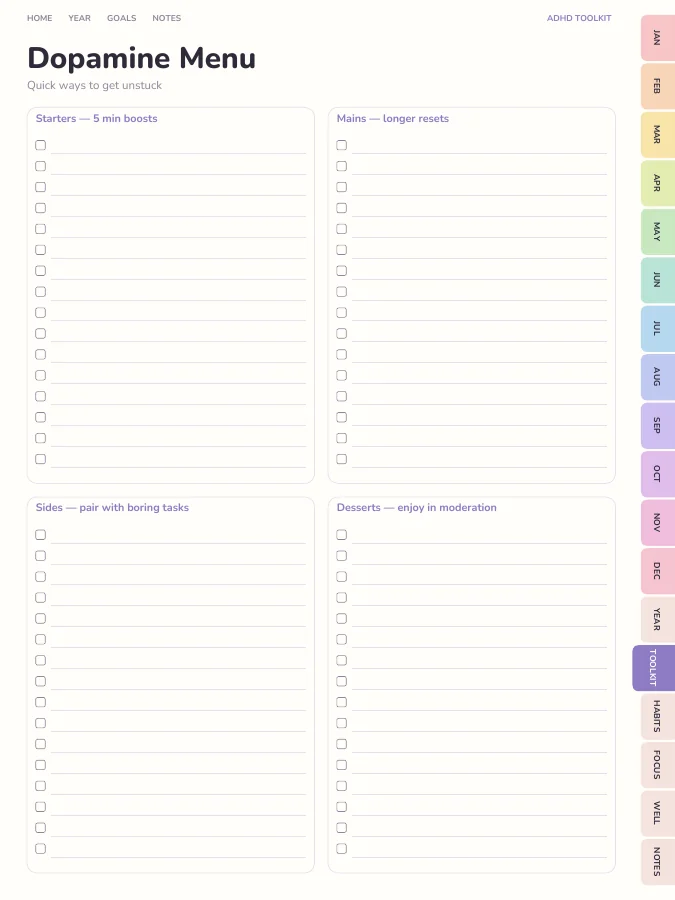
Dopamine menu, task breakdowns, brain dumps, time estimate checks.
- Dopamine Menu1 page
- Brain Dump12 pages
- Task Breakdown12 pages
- Time Estimate Check4 pages
An ADHD planner for adults: must, should and could lists, time blocks, brain dumps, task breakdowns and a dopamine menu.
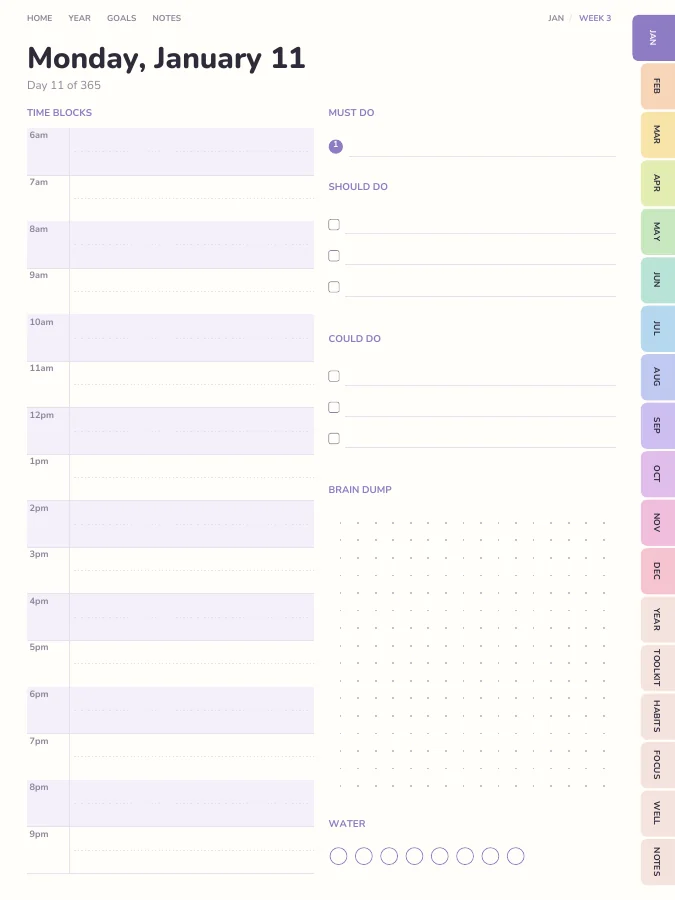
Daily pages built around a 'must, should, could' list, colour-friendly time blocks and a brain-dump box. Plus a dopamine menu, task breakdown pages and time-estimate checks to make starting easier.
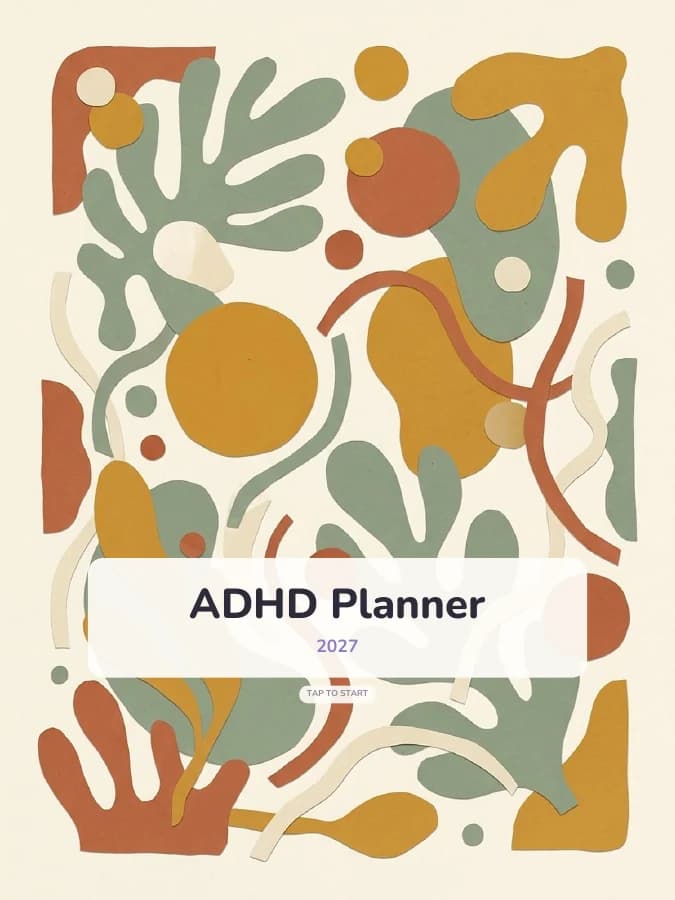
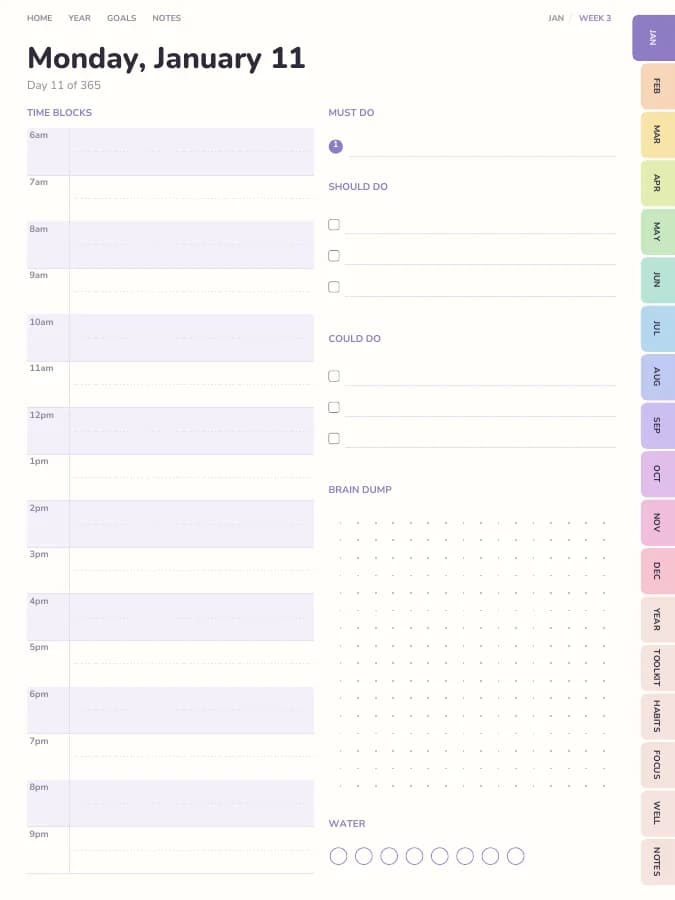
Rendered by the same engine that builds yours, in the Pastel Rainbow theme for iPad portrait.
Dopamine menu, task breakdowns, brain dumps, time estimate checks.
A habit tracker for every month.
Brain dump, priority matrix, routines.
Wellness tracker, year in pixels, self-care menu.
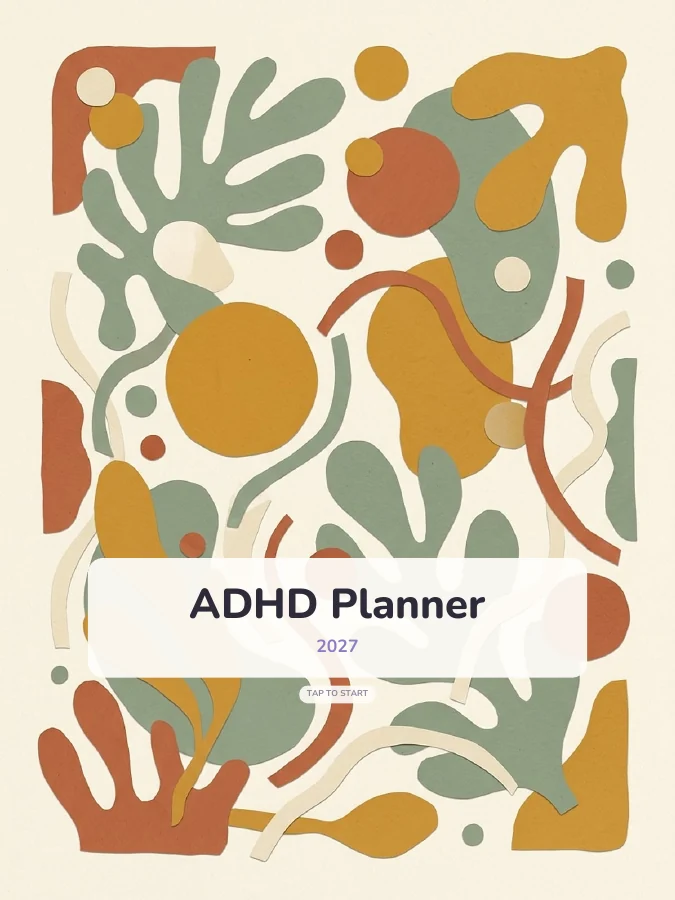
Cover and contents · 2 pages
A cover with your name and a linked contents page that every tab returns to.
Year overview · 1 page
The whole year on one page. Tap any date to open it.
Year goals · 1 page
Your goals and their milestones in one place, filled in by the AI if you use it.
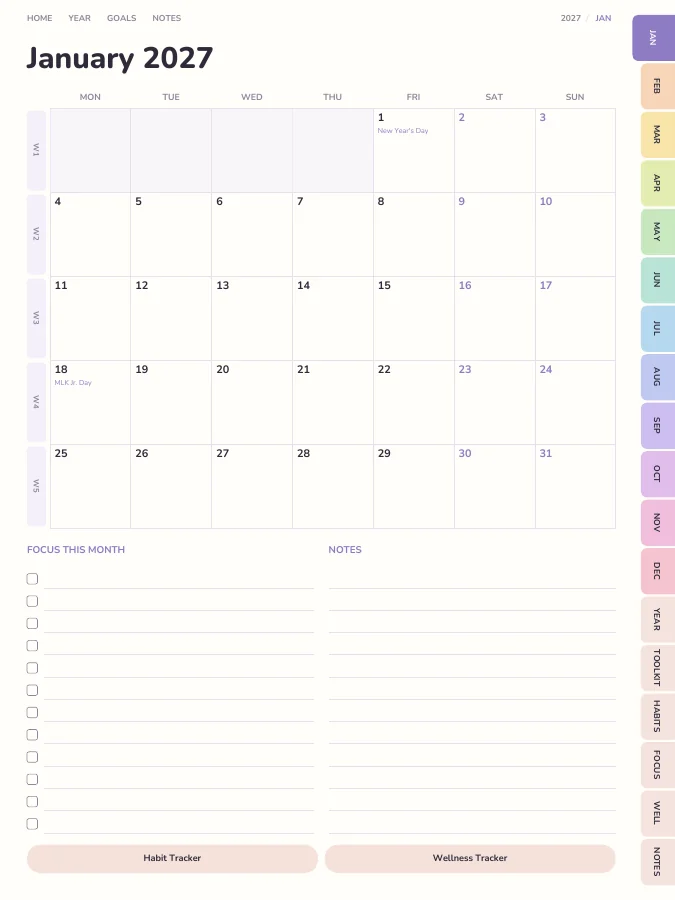
Monthly calendars · every month
A month grid with a focus list and notes. Every date links to its day or week.
Weekly pages · every week
One page per week with your weekly goal actions and priorities.
Daily pages · every day
A page for each day, linked back to its week and month.
Notes · 20 pages
Lined, dotted, grid or blank pages. You choose how many, up to 100.
The sample above comes to 500 pages over 12 months. Yours changes with the months, sections and notes pages you choose.
Type a goal like one of these and the AI breaks it into a milestone for each month and a small action for each week, then prints them on your month and week pages. You read and edit every line before you download.
Your goal
Stop paying late fees
Your goal
Keep the kitchen reset every night
Before planning anything, empty your head into the dotted brain dump box: worries, errands, ideas. It's easier to choose once it's all on the page.
The daily page has room for exactly one must-do. If you only get that done, the day still counts.
Write the must-do into a shaded time block and leave empty blocks between tasks. Transitions take longer than you think, and the plan should allow for that.
If a task keeps getting moved, turn to a task breakdown page and split it into steps so small that the first one feels almost silly.
On the time estimate check pages, write how long you think a task will take and how long it actually took. Over a few weeks your guesses get better.
Planners built for neurotypical brains often ask for too many decisions per page. This one is built around fewer decisions, visible time and quick wins:
Daily pages with shaded time blocks, a must/should/could list, a brain dump box and a water tracker. Weekly pages carry the week's goal actions. Switch to undated if you tend to skip days, so nothing goes to waste.
A dopamine menu of quick boosts and longer resets, 12 brain dump pages, 12 task breakdown pages and time estimate checks.
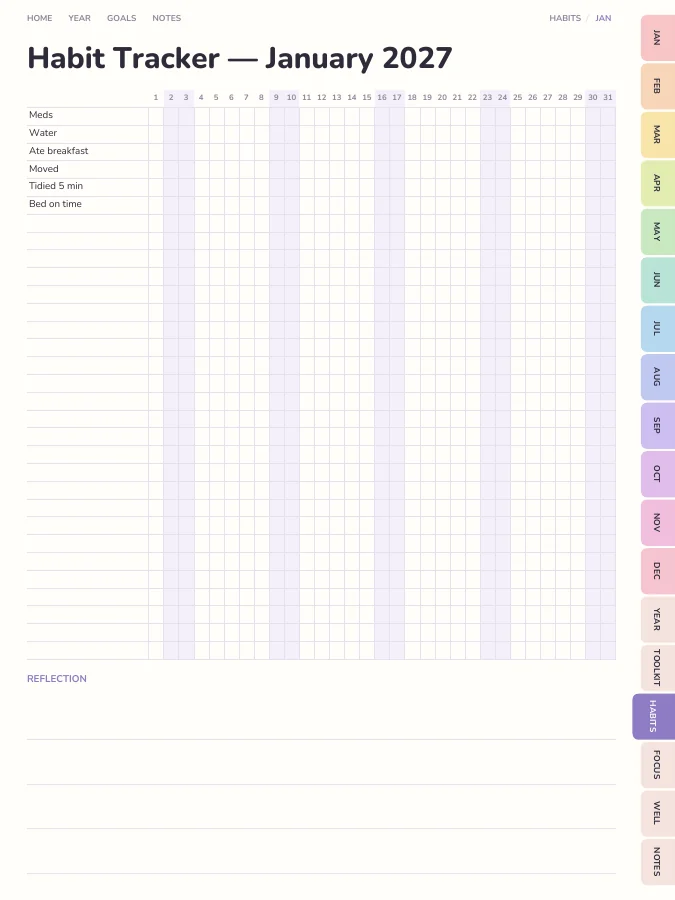
A monthly tracker for the basics that slip first, like meds, water and breakfast. It is your list, printed on every month.
Extra brain dumps, a priority matrix for overwhelming weeks, and a daily routines page for mornings and evenings.
Mood pixels, a self-care menu and a wellness tracker, because energy and mood shape what's possible on any given day.
Every section can be switched off in the builder, and sections from other planners can be added.
A digital ADHD planner has a few practical advantages: you can't lose it under a pile of paper, the tabs cut down on flipping, and moving a task is a quick lasso-and-drag in GoodNotes instead of a crossed-out mess. Colour-coding is free, too.
A printable ADHD planner suits people who need it physically open on the desk to remember it exists. Print a week at a time on A5 or Half Letter so a lost week isn't a lost year, and keep the dopamine menu taped somewhere you'll see it.
One goal, followed through a single week. The milestone and weekly actions are the kind of lines the AI goal step writes onto your month and week pages; the daily notes are what you add by hand.
Goal
Stop paying late fees
Milestone for March
Every bill this month paid on or before its due date
This week's actions
iPad — Portrait
GoodNotes, Notability, Noteshelf, Xodo, Collanote, ZoomNotes
iPad — Landscape
GoodNotes, Notability, Noteshelf, Xodo
Android tablet — Portrait
Samsung Notes, Penly, Flexcil, Xodo, Noteshelf
Android tablet — Landscape
Samsung Notes, Penly, Flexcil, Xodo
E-ink tablet
reMarkable, Kindle Scribe, Boox, Supernote
Printable — A5
Print at home or at a print shop, fits A5 binders
Printable — A4
Print at home on standard A4 paper
Printable — US Letter
Print at home on US Letter paper
Printable — Half Letter
Fits Happy Planner classic and half-letter discs
Pastel Rainbow
A different soft colour for every month.
Prefer something else? Pick from 13 themes, including dark mode and an e-ink theme, and change the accent colour.
See all themesFewer decisions per page, three-tier priorities instead of a long list, visual time blocks, and tools like a dopamine menu and task breakdowns.
Yes. Undated planners are great if you skip days — nothing goes to waste.
For many people, yes, for practical reasons: it's always on the device you already carry, tabs reduce searching, and moving tasks doesn't make the page messy. Some people do better with paper because they need to see it. You can download both versions of this planner, so you can try each.
You can build this ADHD planner and flip through every page in your browser for free, with a watermark. The tabs and links work in the preview, so you can check the layout before you pay. The clean PDF is $9 once, or included in Pro at $29 a year for unlimited planners. There is no free download of the full planner.
Yes. Download the iPad size for GoodNotes, Notability, Noteshelf, Xodo, Collanote or ZoomNotes; the Android size for Samsung Notes, Penly, Flexcil or Xodo; or the E-ink size for reMarkable, Kindle Scribe, Boox and Supernote. The links work in any app that follows PDF links, usually in read mode rather than pen mode. Every size is included in the price.
Yes. Choose A5, A4, US Letter or Half Letter in the builder for a printable PDF with a wider inner margin for hole punching. Printable and digital sizes come with the same purchase, so you can use the ADHD planner on a tablet and print the pages you want on paper.
Only the goal parts, and only if you want it to. Type up to six goals and the AI writes a milestone for each month and a short action for each week onto your month and week pages, plus a motto for each month. You can edit every line before you download. Everything else, from the calendar pages to the trackers, is yours to fill in by hand. You can try it 3 times a day without an account.
With the default settings it comes to about 519 pages. That includes 12 month pages, 53 weekly pages, 365 daily pages, the ADHD Toolkit, Habits, Productivity and Wellness pages and 20 notes pages. Switching off daily pages or sections makes it shorter, and the builder shows the total as you change things.
Set your dates, device and goals, flip through the preview free, and pay only when it's right.
Build this planner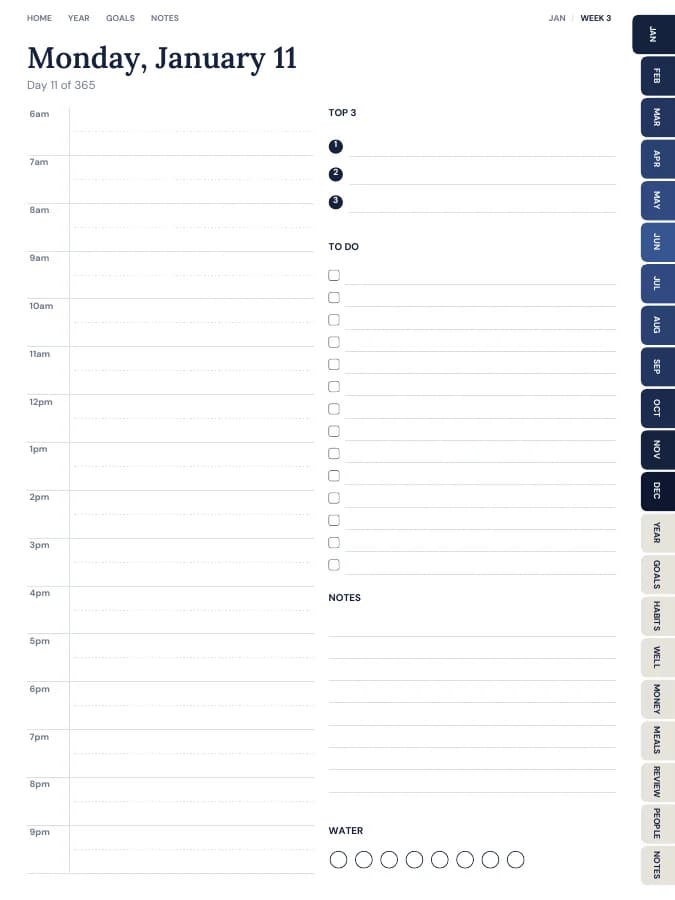
Your whole year — goals, habits, money and meals — in one tabbed planner.
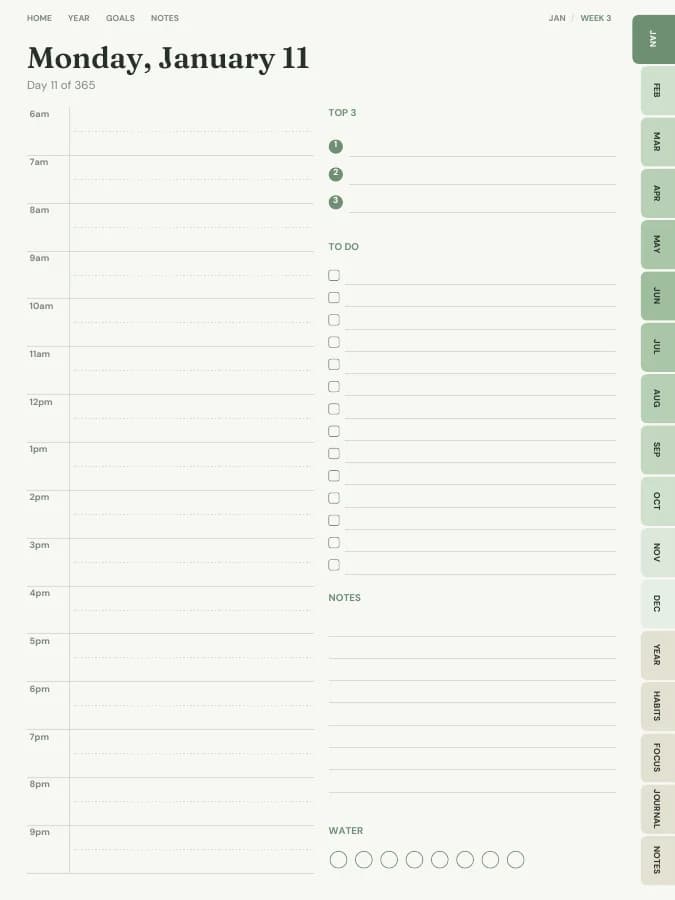
A dated page for every single day, with schedule, priorities and to-dos.
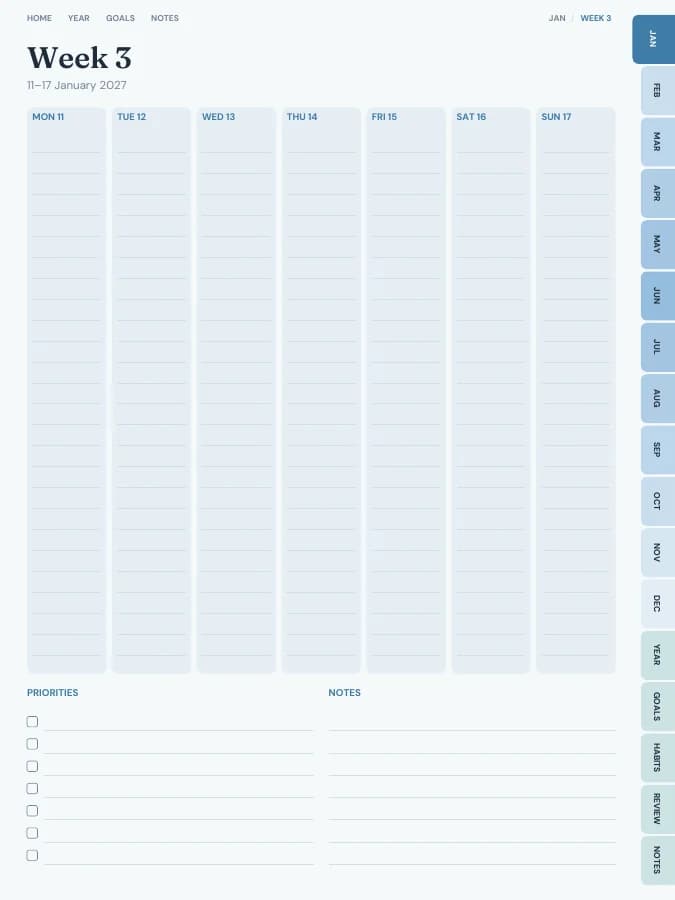
See your whole week at a glance — lighter than a daily planner.
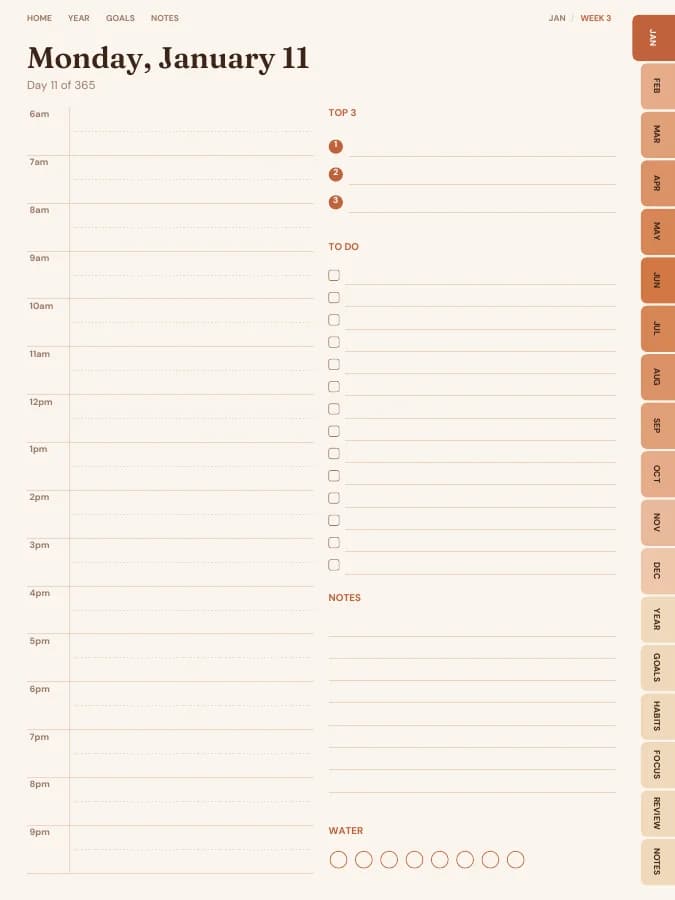
Type your goals. Get a planner with every milestone already on the right page.