Goals
Goals
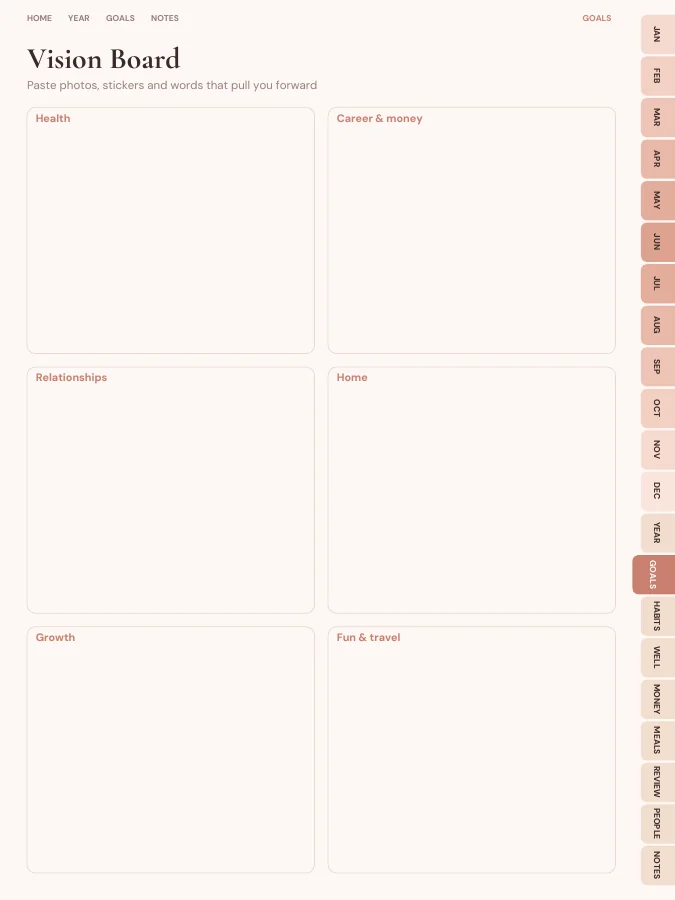
Goal planners, vision board and reviews.
- Vision Board1 page
- Goal Planner4 pages
- Quarterly Reset4 pages
- Year in Review1 page
An all-in-one digital life planner with linked year, month, week and daily pages, sized for iPad, Android, e-ink or print.
A complete life planner with year, month, week and daily pages, plus goals, habit tracking, budgeting, meal planning and monthly reviews. Every page is linked, so you can jump from a date to its week or a month to its budget in one tap.
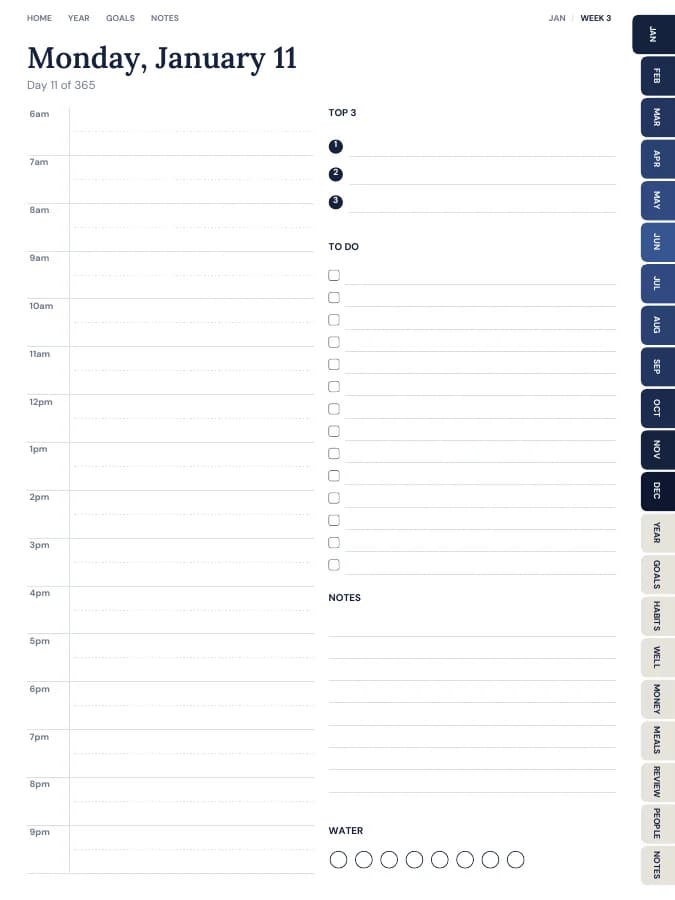
Rendered by the same engine that builds yours, in the Ivory Minimal theme for iPad portrait.
Goal planners, vision board and reviews.
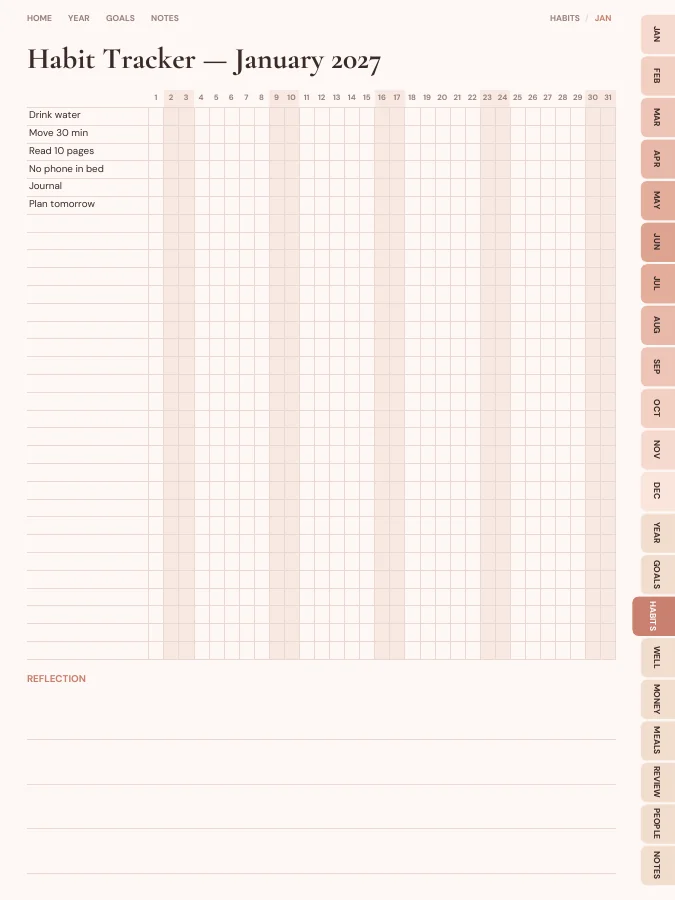
A habit tracker for every month.
Wellness tracker, year in pixels, self-care menu.
Monthly budget, expense log and bill tracker.
Weekly meal plans, grocery lists and recipe cards.
A reflection page at the end of each month.
Contacts, birthdays and key info.
Cover and contents · 2 pages
A cover with your name and a linked contents page that every tab returns to.
Year overview · 1 page
The whole year on one page. Tap any date to open it.
Year goals · 1 page
Your goals and their milestones in one place, filled in by the AI if you use it.
Monthly calendars · every month
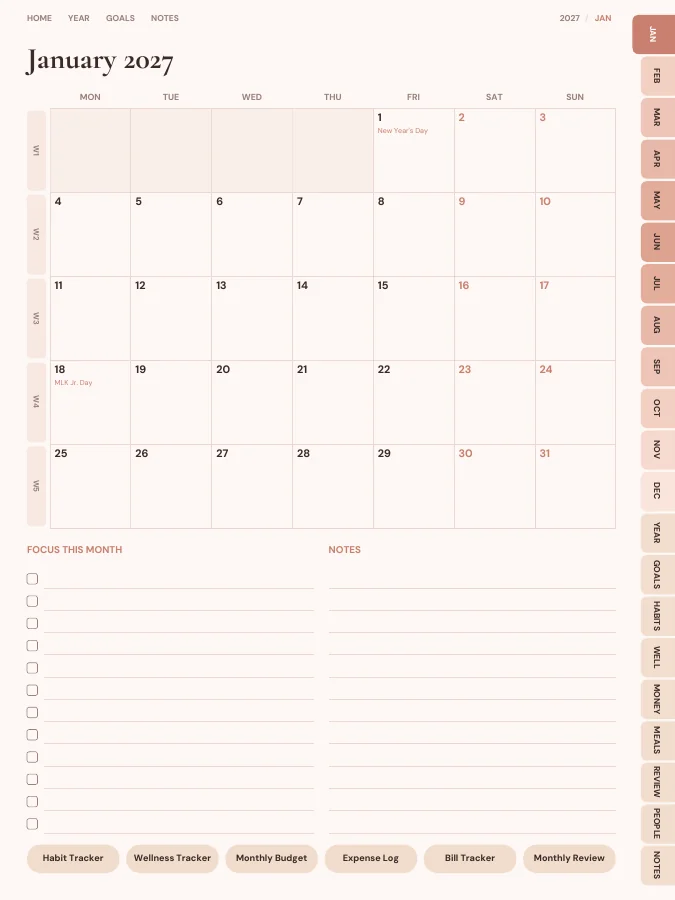
A month grid with a focus list and notes. Every date links to its day or week.
Weekly pages · every week
One page per week with your weekly goal actions and priorities.
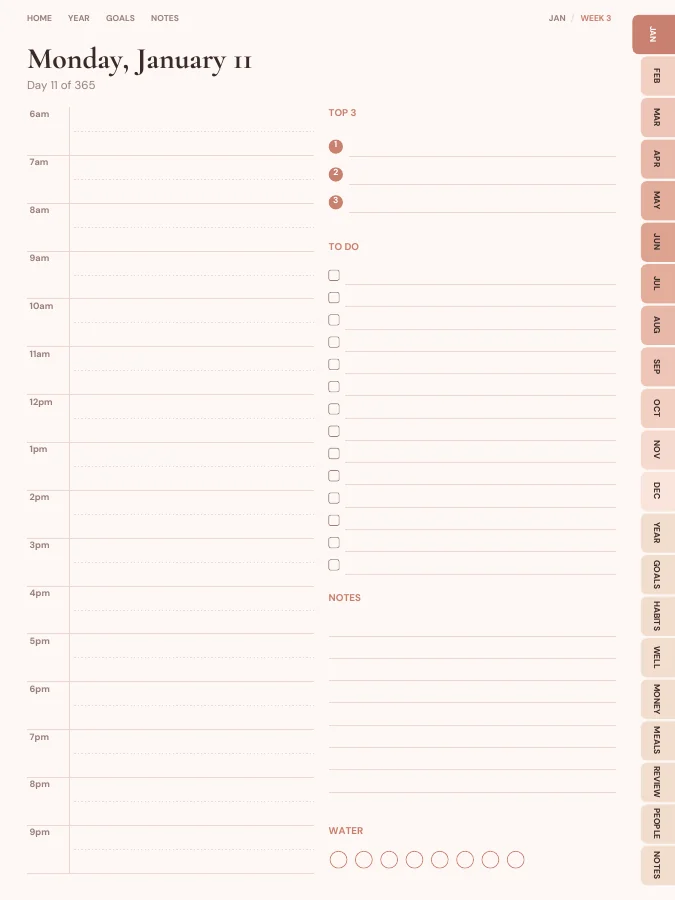
Daily pages · every day
A page for each day, linked back to its week and month.
Notes · 20 pages
Lined, dotted, grid or blank pages. You choose how many, up to 100.
The sample above comes to 650 pages over 12 months. Yours changes with the months, sections and notes pages you choose.
Type a goal like one of these and the AI breaks it into a milestone for each month and a small action for each week, then prints them on your month and week pages. You read and edit every line before you download.
Your goal
Save $5,000 for an emergency fund
Your goal
Run a 10K
Your goal
Read 24 books
Write no more than three goals for the year. If you use the AI goal step, each one already has a milestone on every month page, so you only need to check that the timing suits you.
Fill in the month's budget, note birthdays from your contacts pages, and copy the month's goal milestone into the focus list. This takes about fifteen minutes and sets the tone for the next four weeks.
Look at the weekly goal actions printed on the week page, add appointments, then plan dinners on the meal page and write the grocery list on the same evening.
Block out fixed commitments on the hourly schedule, pick three priorities, and tick the habit tracker before bed. Leave the rest of the day page blank if it's a quiet day; that's fine.
The monthly review asks how your energy, focus, health, money and relationships felt. Rate them honestly, then write next month's focus. Over a year these pages show patterns you won't notice day to day.
A good life planner covers the areas of life that compete for your time, without turning into five separate notebooks. This one starts from a linked calendar and adds seven sections:
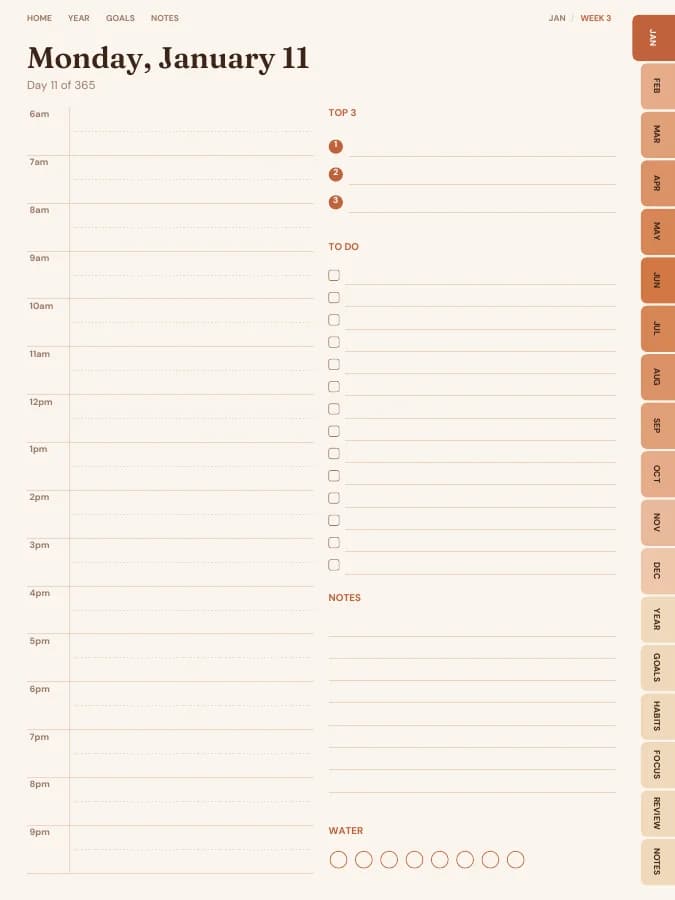
A page for each day with an hourly schedule, top three and a to-do list, plus a weekly page that carries your goal actions. Every date links to its day, so the calendar is the hub for everything else.
Goal planners, a vision board and quarterly resets keep the big picture in view when daily life gets busy.
One tracker per month means you can change habits each month without starting a new book.
Mood pixels and a monthly wellness tracker show how sleep, movement and time outside affect everything else.
Money is part of life planning: a monthly budget, expense log and bill tracker sit next to the calendar where you'll actually see due dates.
Weekly meal plans and grocery lists cut the nightly dinner question and keep food spending close to your budget.
A monthly review is where a life planner earns its keep: it turns a year of entries into lessons.
Contacts, birthdays and an important-info page (hints only, never full passwords) save hunting through your phone.
Every section can be switched off in the builder, and sections from other planners can be added.
A digital life planner suits people who already carry a tablet: tabs take you from today's page to the budget or meal plan in one tap, and a 600-page planner weighs nothing. You can also duplicate a page in GoodNotes when one month's budget needs a second sheet.
A printable life planner suits people who like a desk book or a ring binder. Choose A5 or Half Letter for a binder, or A4 and US Letter for full pages, and print only the sections you'll write in by hand. The same purchase covers both, so you can keep the budget digital and print the meal plans for the kitchen.
One goal, followed through a single week. The milestone and weekly actions are the kind of lines the AI goal step writes onto your month and week pages; the daily notes are what you add by hand.
Goal
Run a 10K
Milestone for March
Run 5K without stopping
This week's actions
iPad — Portrait
GoodNotes, Notability, Noteshelf, Xodo, Collanote, ZoomNotes
iPad — Landscape
GoodNotes, Notability, Noteshelf, Xodo
Android tablet — Portrait
Samsung Notes, Penly, Flexcil, Xodo, Noteshelf
Android tablet — Landscape
Samsung Notes, Penly, Flexcil, Xodo
E-ink tablet
reMarkable, Kindle Scribe, Boox, Supernote
Printable — A5
Print at home or at a print shop, fits A5 binders
Printable — A4
Print at home on standard A4 paper
Printable — US Letter
Print at home on US Letter paper
Printable — Half Letter
Fits Happy Planner classic and half-letter discs
Ivory Minimal
Warm cream paper, quiet neutrals and an editorial serif.
Prefer something else? Pick from 13 themes, including dark mode and an e-ink theme, and change the accent colour.
See all themesIt's a PDF planner you write in with a stylus inside a note-taking app like GoodNotes or Notability. Tabs and calendar dates are clickable, so you move around it like an app.
Yes. In the builder you can switch any section on or off, add others from the add-on library, and change how many notes pages you get.
No. A daily planner is mostly a page for each day. A life planner adds the pages that sit around those days: goals, habits, budget, meals, wellness, reviews and contacts. You can still switch off the daily pages if a weekly view is enough.
You can build this life planner and flip through every page in your browser for free, with a watermark. The tabs and links work in the preview, so you can check the layout before you pay. The clean PDF is $9 once, or included in Pro at $29 a year for unlimited planners. There is no free download of the full planner.
Yes. Download the iPad size for GoodNotes, Notability, Noteshelf, Xodo, Collanote or ZoomNotes; the Android size for Samsung Notes, Penly, Flexcil or Xodo; or the E-ink size for reMarkable, Kindle Scribe, Boox and Supernote. The links work in any app that follows PDF links, usually in read mode rather than pen mode. Every size is included in the price.
Yes. Choose A5, A4, US Letter or Half Letter in the builder for a printable PDF with a wider inner margin for hole punching. Printable and digital sizes come with the same purchase, so you can use the life planner on a tablet and print the pages you want on paper.
Dated by default, starting in January 2027. You can pick any start month and year (including this month), 12 or 18 months, and Monday or Sunday weeks. Or switch to undated and write the dates in yourself, so a skipped week isn't wasted.
Only the goal parts, and only if you want it to. Type up to six goals and the AI writes a milestone for each month and a short action for each week onto your month and week pages, plus a motto for each month. You can edit every line before you download. Everything else, from the calendar pages to the trackers, is yours to fill in by hand. You can try it 3 times a day without an account.
Set your dates, device and goals, flip through the preview free, and pay only when it's right.
Build this planner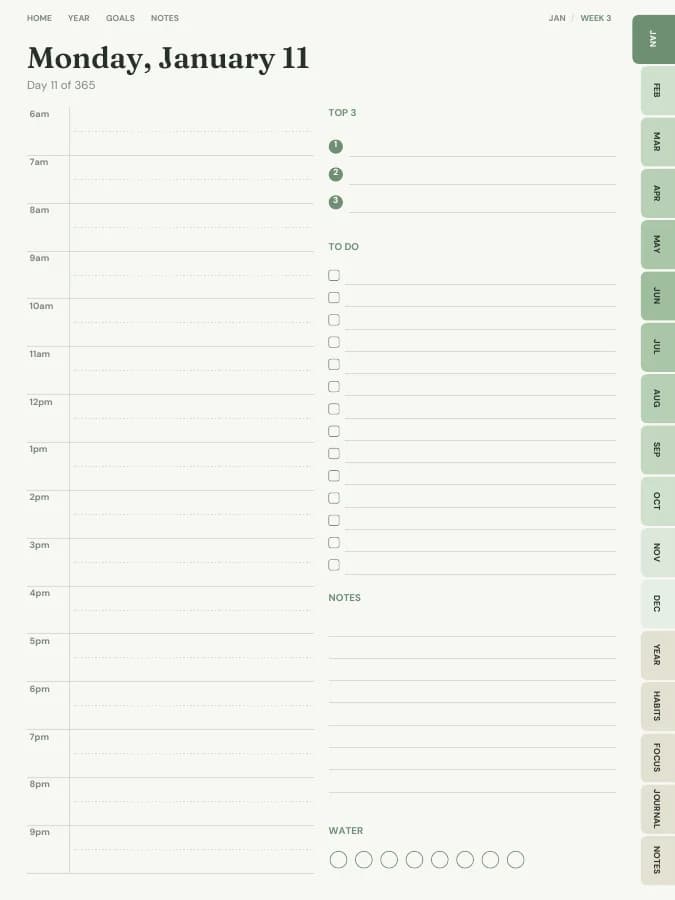
A dated page for every single day, with schedule, priorities and to-dos.
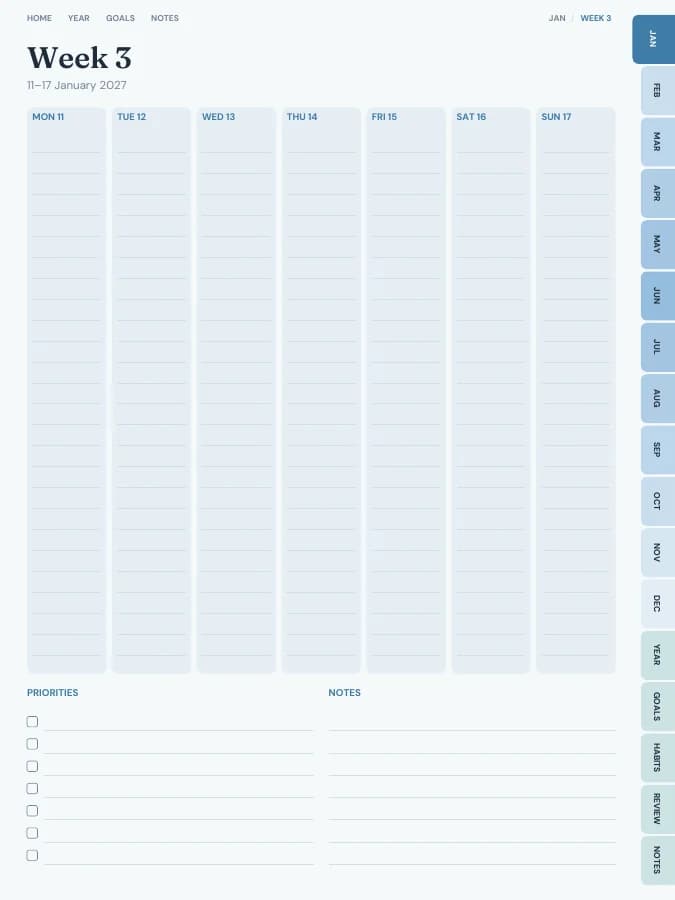
See your whole week at a glance — lighter than a daily planner.
Type your goals. Get a planner with every milestone already on the right page.
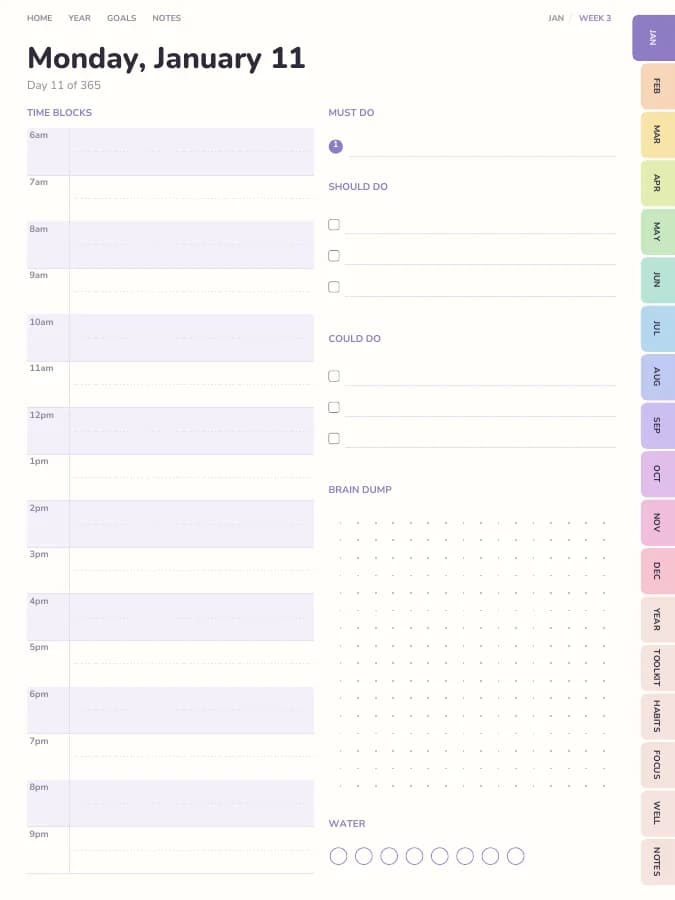
Time blocks, brain dumps and tiny steps — designed for ADHD brains.