Budget Planner Template (Printable PDF & GoodNotes)
A month-to-month budget page with income, spending by category and totals, plus an expense log for writing down each purchase as it happens. Print one set for each month.
- Printable US Letter8.5 × 11 in, white paper
- Printable A4210 × 297 mm, white paper
- iPad / GoodNotesAlso Notability and Noteshelf
- E-ink tabletreMarkable, Kindle Scribe, Boox
Free PDF, 2 pages, undated. No sign-up needed.
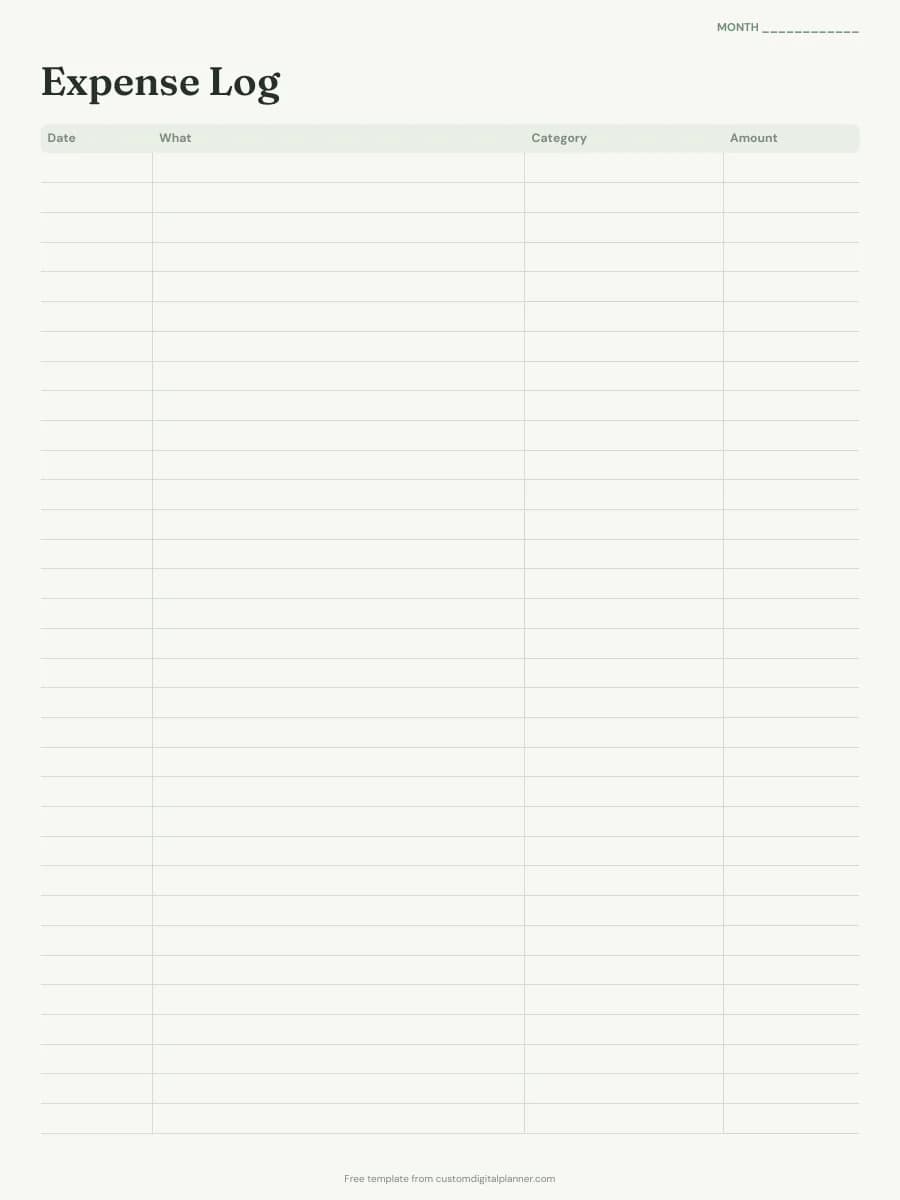
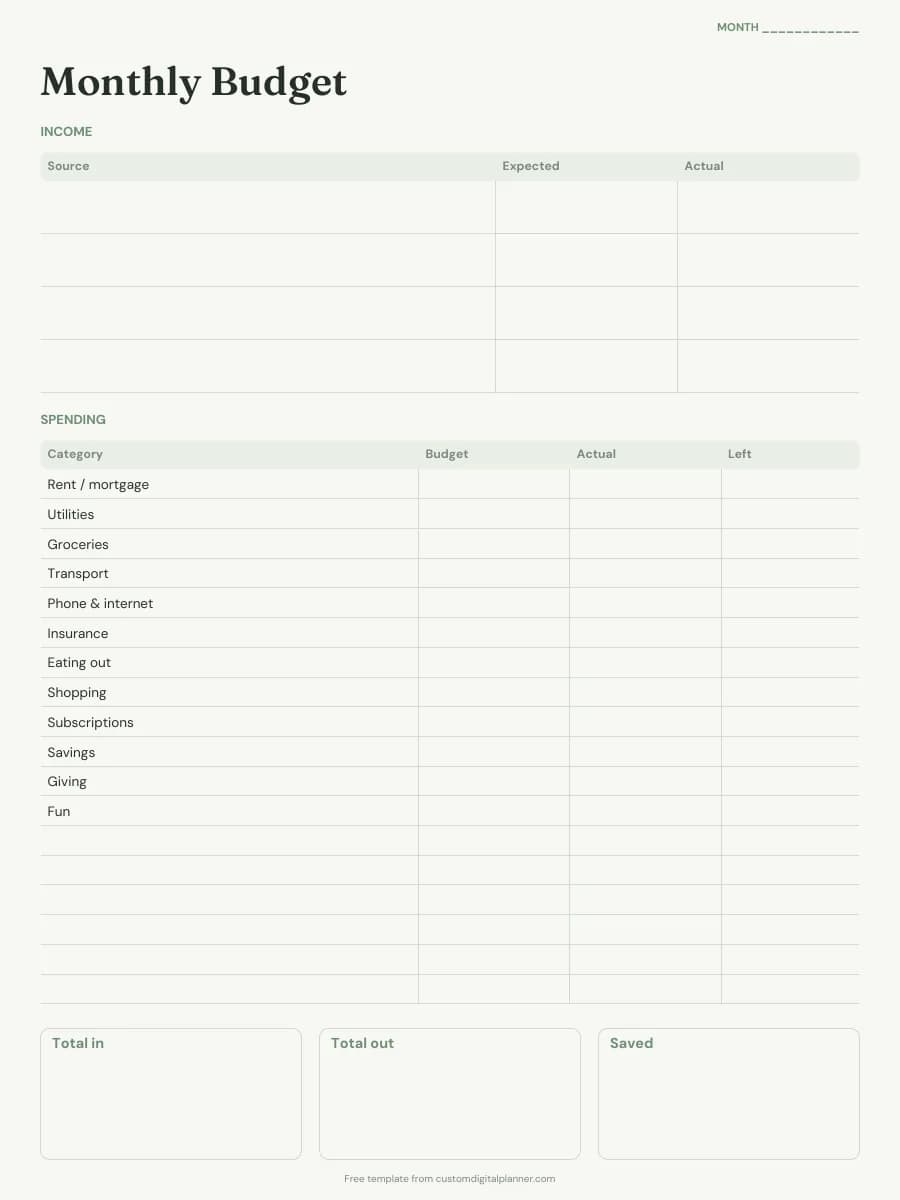
Shown for iPad in the Sage Botanical theme. Printable downloads use white paper; the e-ink version is black and white.
2 pages, ready to fill in.
- Page 1: an income table with expected and actual columns
- A spending table with budget, actual and left columns, started with twelve common categories and blank rows for your own
- Total in, total out and saved boxes at the bottom
- Page 2: an expense log with date, what, category and amount columns
- A "Month" line on both pages
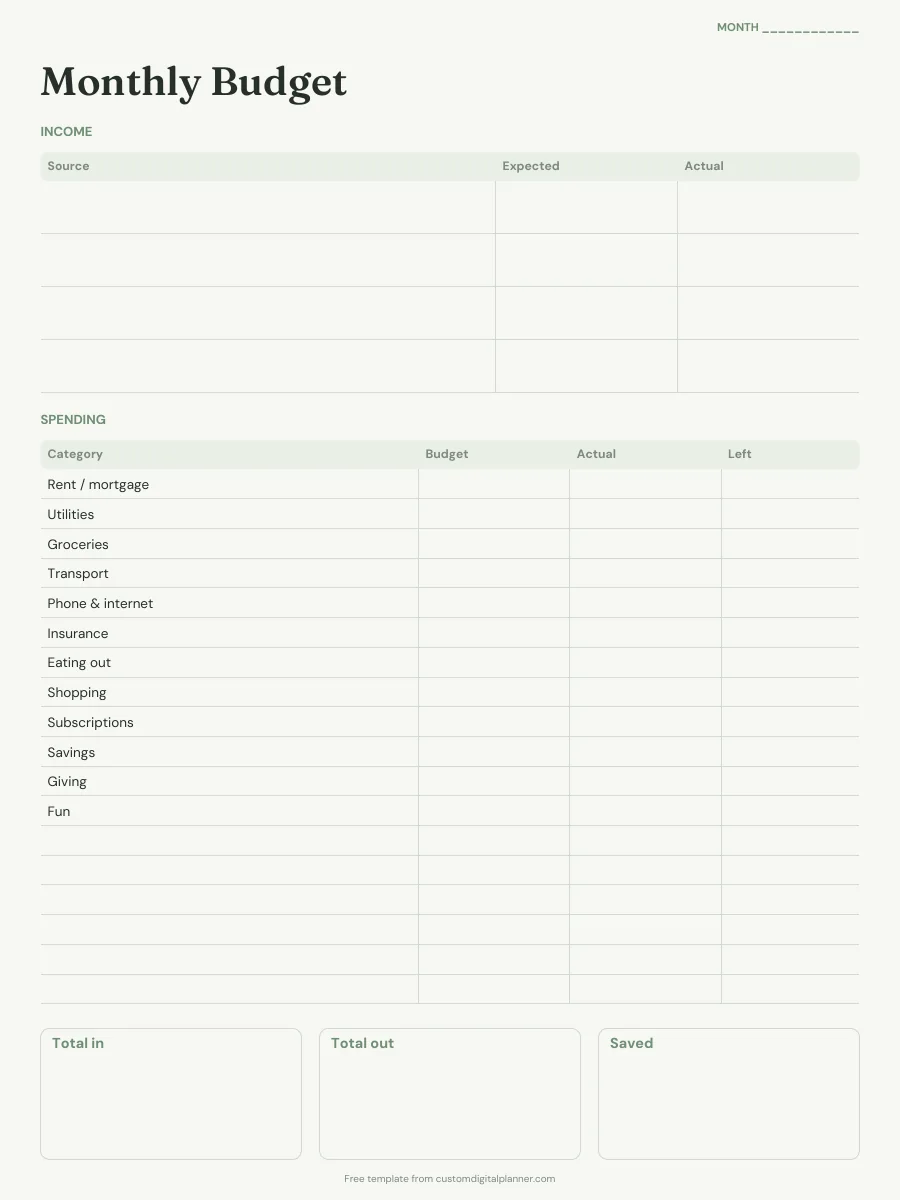
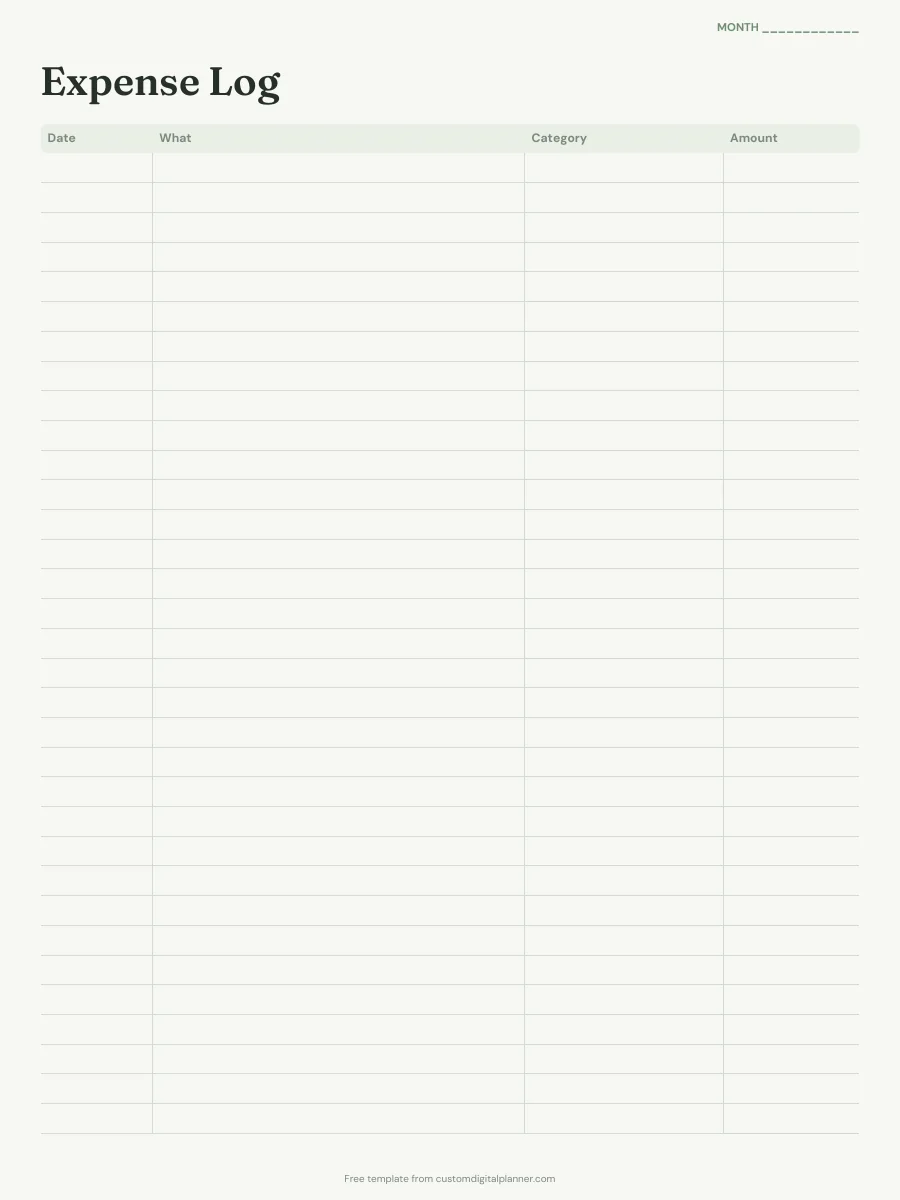
Getting the most from a budget planner.
Write expected income first
Start with the money you know is coming in this month and budget from that number, not from last month's spending. That way you never plan to spend money you don't have.
Give every category a number before the month starts
Fill the Budget column on the first day of the month, savings included. If the total is more than your income, trim a category now rather than finding out in week three.
Log spending as you go
Write every purchase in the expense log, or copy them over from your banking app once a day. At the end of the month, add up each category and copy the totals into the Actual column.
Use the Left column to decide, not just record
Budget minus actual shows what's left in each category. When eating out runs low, you can see it in time and move money over from another category on purpose.
Change the categories to fit your life
The printed categories are a starting point. Cross out the ones that don't apply and use the blank rows for your own, such as childcare, pets or debt payments.
Included in 16 planners
This template is a page in each of these planners. Open one to see everything else that comes with it.
Get it inside a full hyperlinked planner
The budget planner includes this page alongside dated month and week pages for your year, with side tabs and links between every page. Pick your device and theme, preview it free, and pay only when it's right.
- Dated pages for the whole year
- Tap a tab or a date to jump there
- GoodNotes, Notability, Samsung Notes, e-ink and print sizes
Or read about the budget planner first.
Is this budget planner template free?
Yes. Every download on this page is free and doesn't need an account or an email address. Print it or import it as often as you like for your own use.
Is it a month-to-month budget planner?
Yes. It's undated, so print one budget page and one expense log for each month and write the month at the top. Keep last month's pages to compare against.
Which currency does it use?
None is printed, so it works with dollars, pounds, naira, euros or any other currency.
How do I use it in GoodNotes or Notability?
Download the iPad / GoodNotes version. In GoodNotes, tap + then Import and choose the PDF; in Notability, tap Import and pick it from Files. To reuse a page, duplicate it from the page thumbnails instead of downloading it again.
What does the full budget planner add?
Monthly budget, expense log and bill tracker pages for every month, with your own spending categories printed in, plus savings trackers, sinking funds, debt payoff and no-spend pages. Every page is linked from the side tabs.