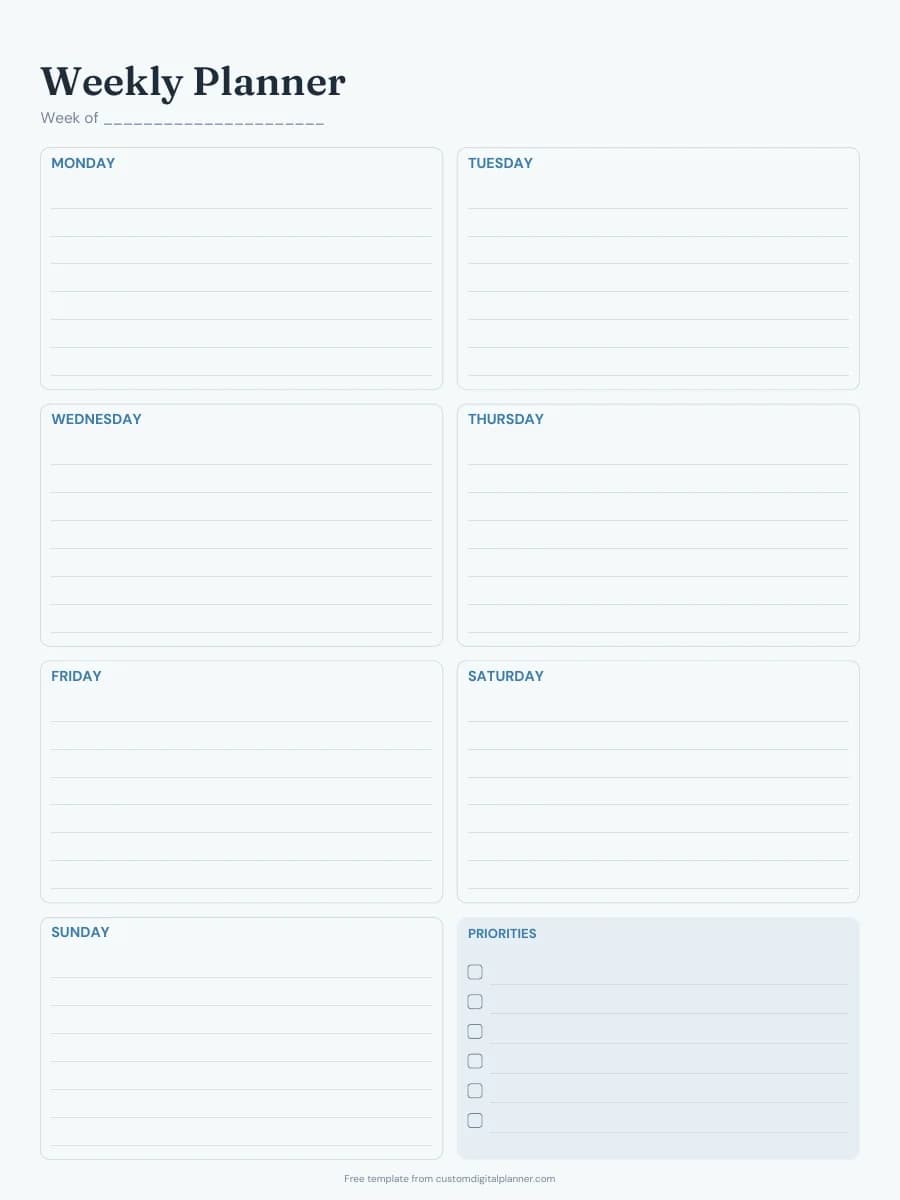
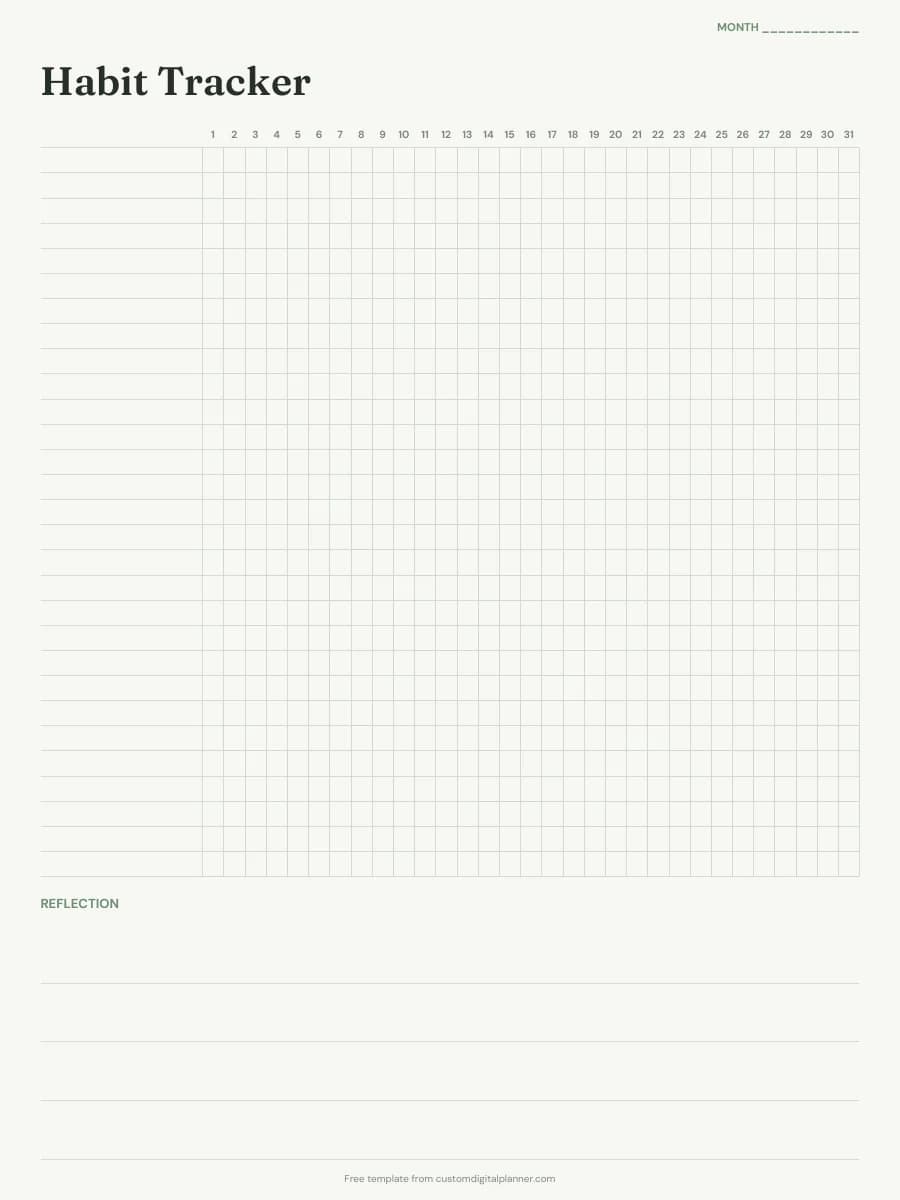
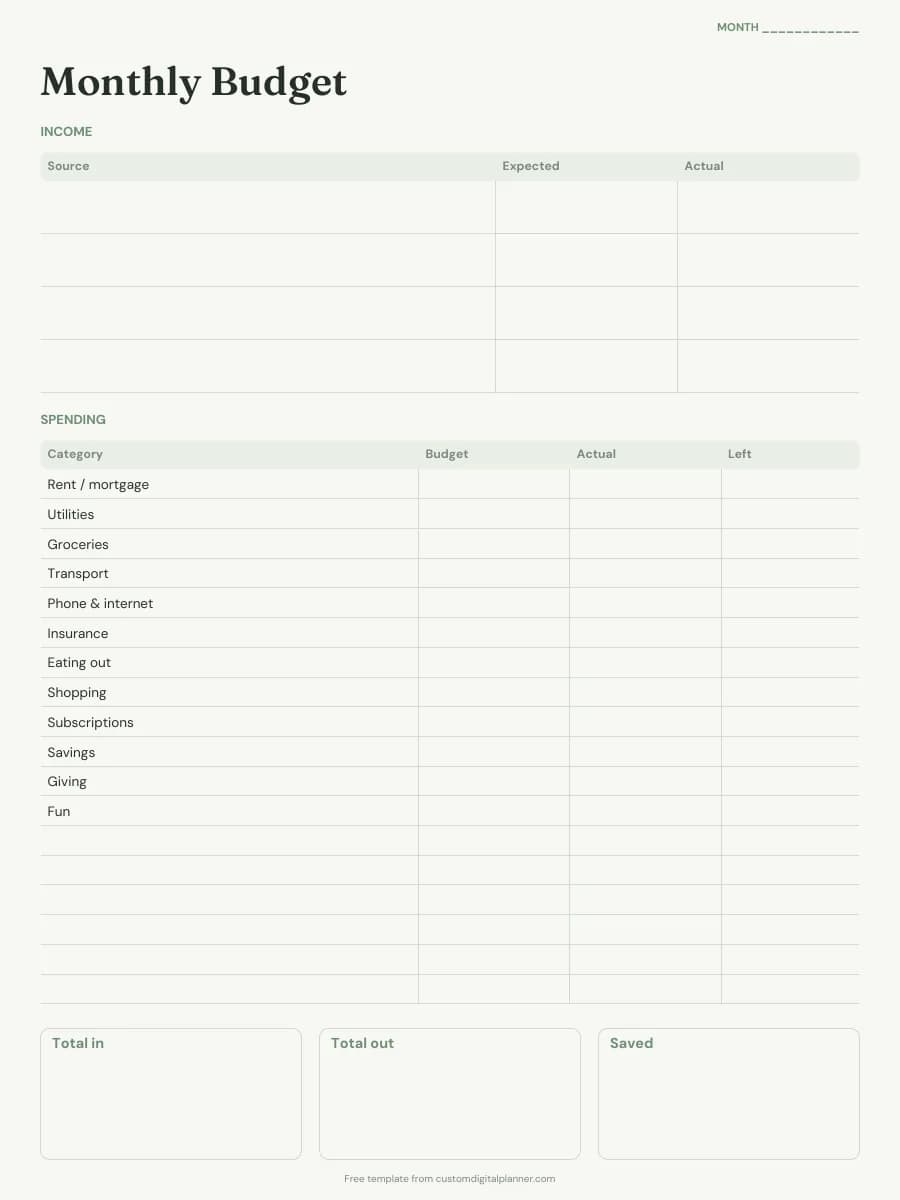
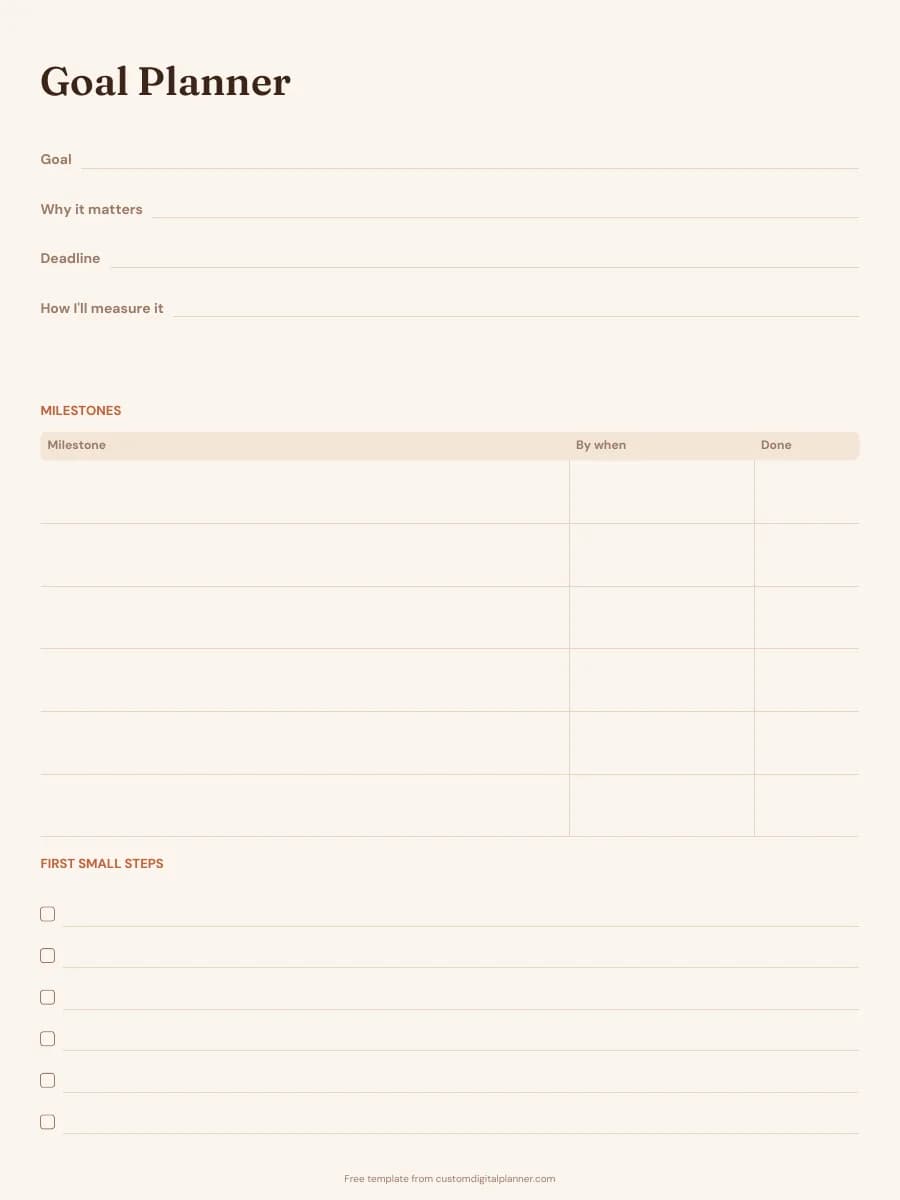
Meal Planner Template (Printable PDF & GoodNotes)
A weekly meal plan with rows for breakfast, lunch, dinner and snacks, and a second page with a grocery list split by store section. Both pages are undated, so you can reuse them every week.
- Printable US Letter8.5 × 11 in, white paper
- Printable A4210 × 297 mm, white paper
- iPad / GoodNotesAlso Notability and Noteshelf
- E-ink tabletreMarkable, Kindle Scribe, Boox
Free PDF, 2 pages, undated. No sign-up needed.
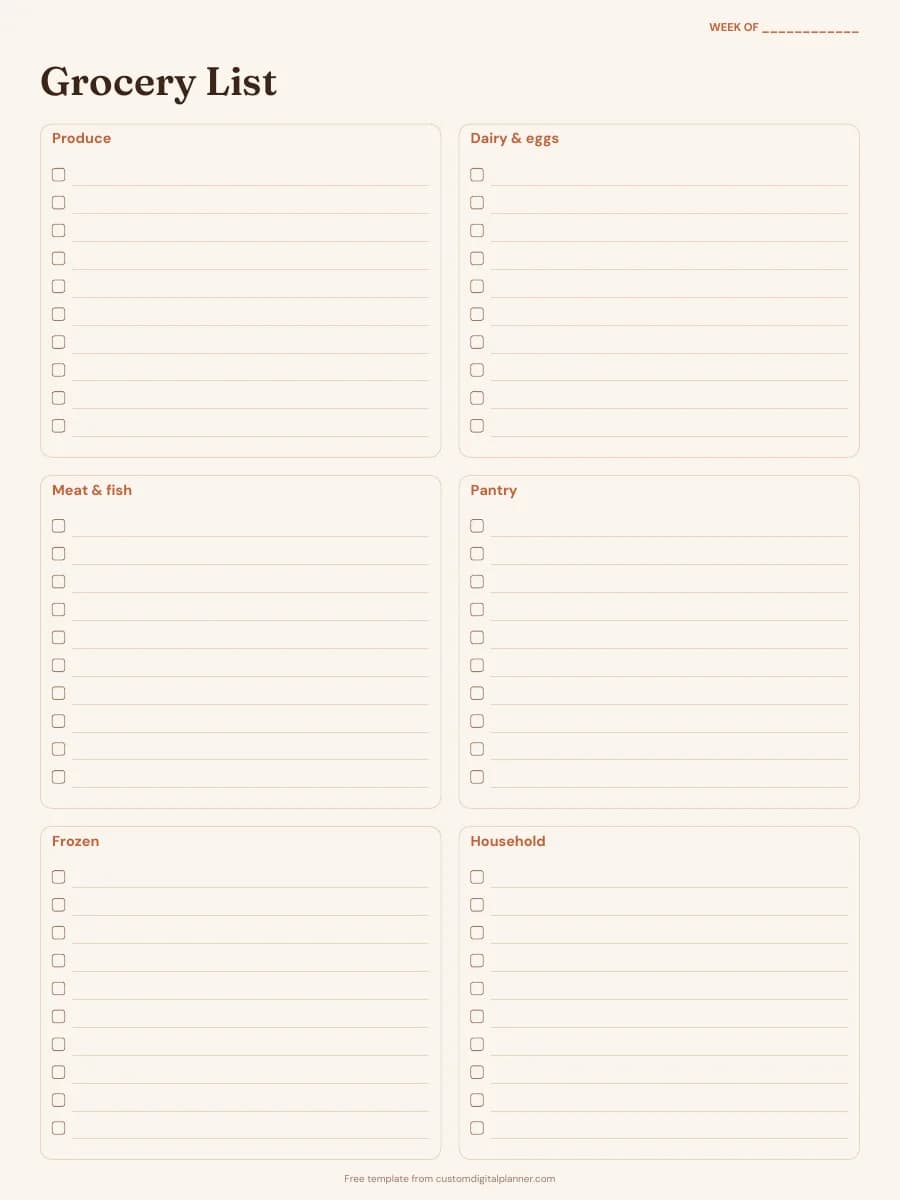
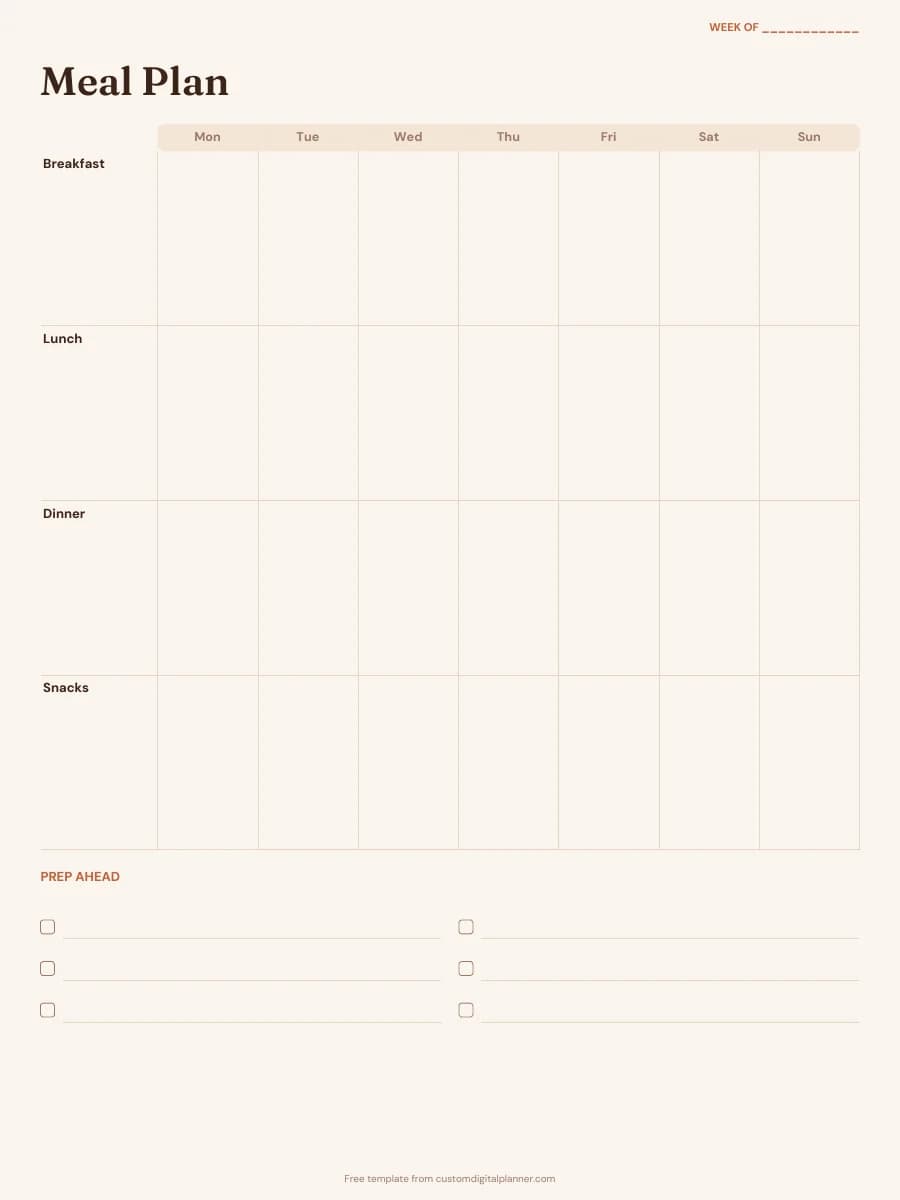
Shown for iPad in the Terracotta Sun theme. Printable downloads use white paper; the e-ink version is black and white.
2 pages, ready to fill in.
- Page 1: a Monday-to-Sunday grid with rows for breakfast, lunch, dinner and snacks
- A "Prep ahead" checklist for batch cooking, defrosting and chopping
- Page 2: a grocery list in six sections: produce, dairy & eggs, meat & fish, pantry, frozen and household
- A checkbox on every grocery line so you can tick items off in the shop
- A "Week of" line on both pages
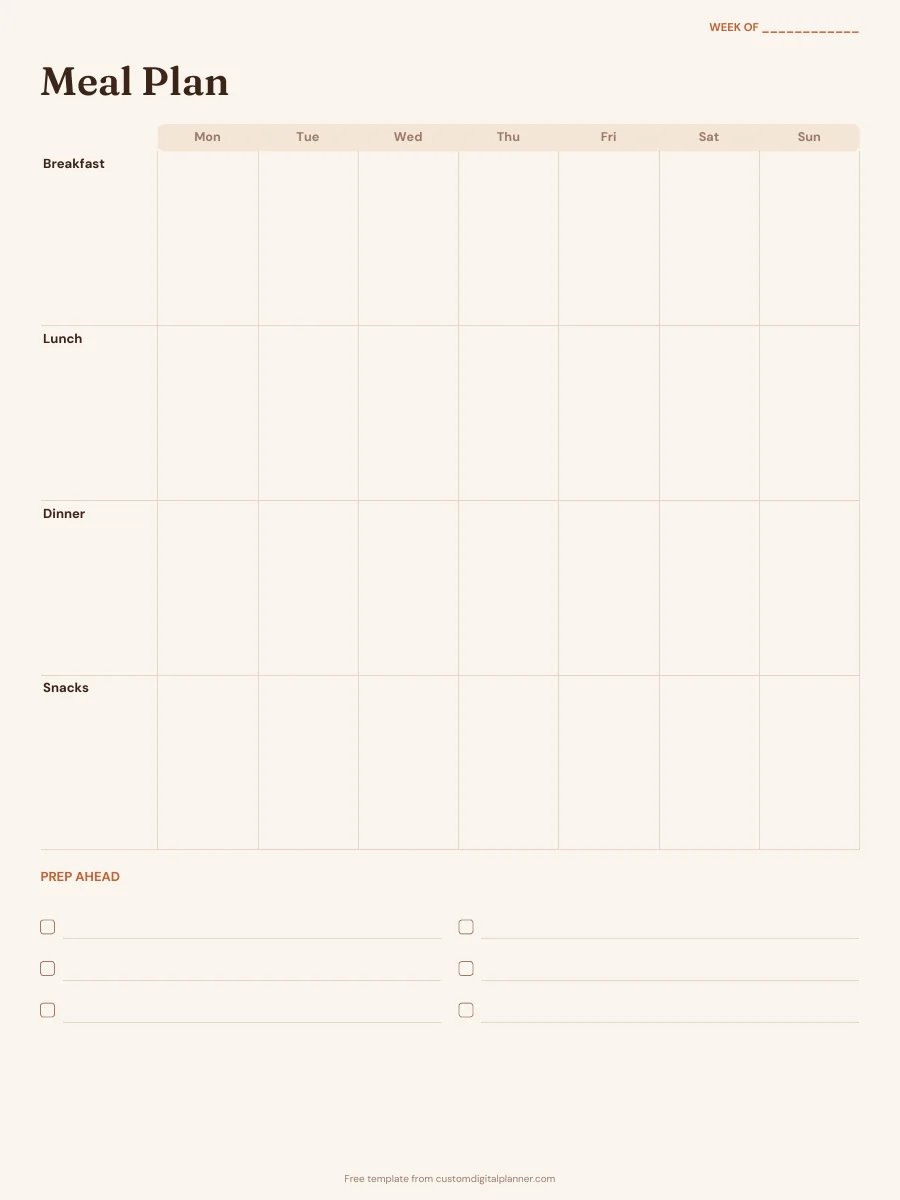
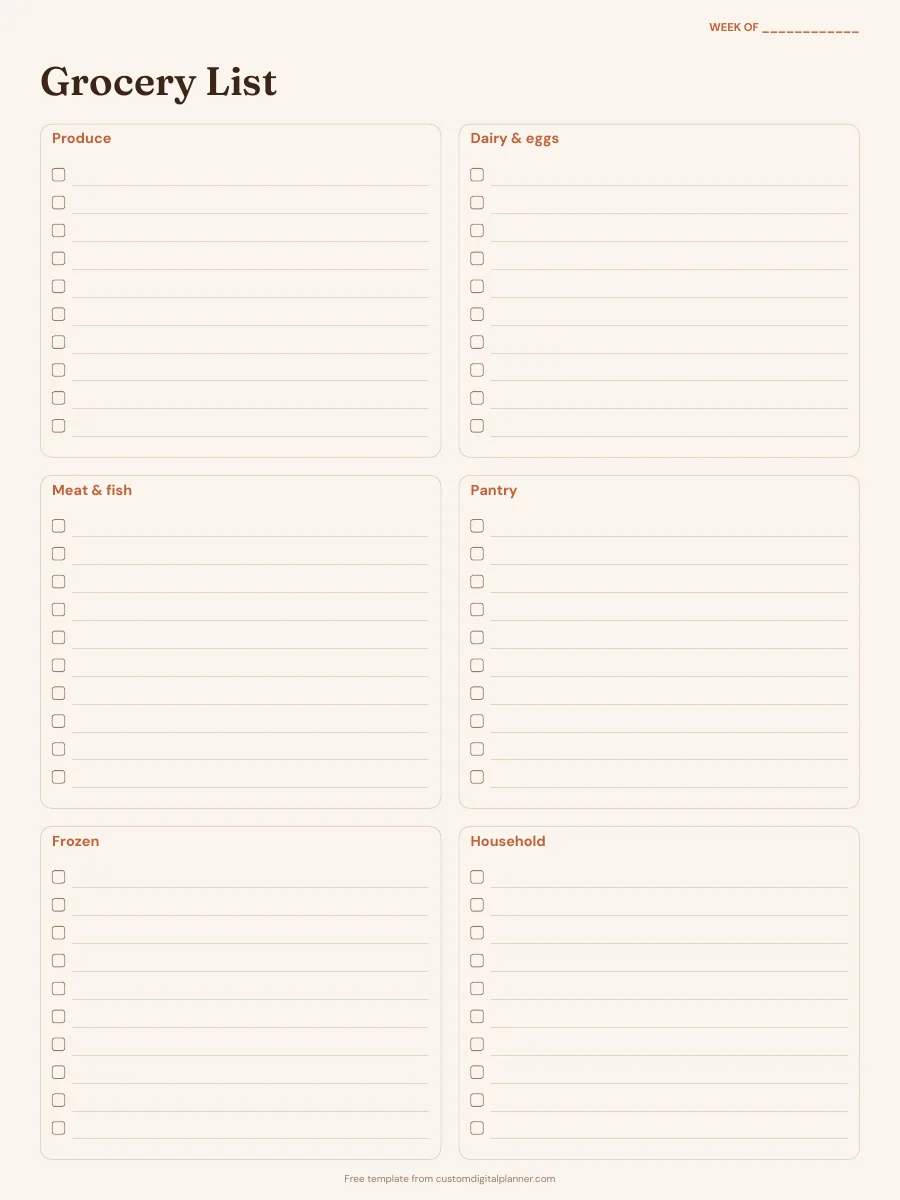
Getting the most from a meal planner.
Plan dinners first
Dinner usually takes the most time and money, so fill that row before the others. Cook a little extra and write the leftovers into the next day's lunch box.
Shop your kitchen before the store
Check the fridge, freezer and cupboards before you write the grocery list, and build one or two meals around what needs using up. The list gets shorter and less food gets thrown away.
Write the list in store order
The grocery page is split roughly the way most supermarkets are laid out. Add each ingredient under its section as you plan a meal, so you walk the shop once instead of doubling back.
Use the prep-ahead list
Note anything that has to happen the day before: defrosting meat, soaking beans, marinating or washing salad. A few minutes the night before makes a weeknight dinner much quicker.
Keep a list of meals you repeat
After a few weeks the same handful of meals keeps coming back. Write them on a spare page and pick from it when you plan, so planning becomes choosing rather than inventing.
Included in 5 planners
This template is a page in each of these planners. Open one to see everything else that comes with it.
Get it inside a full hyperlinked planner
The meal planner includes this page alongside dated month and week pages for your year, with side tabs and links between every page. Pick your device and theme, preview it free, and pay only when it's right.
- Dated pages for the whole year
- Tap a tab or a date to jump there
- GoodNotes, Notability, Samsung Notes, e-ink and print sizes
Or read about the meal planner first.
Is this meal planner template free?
Yes. Every download on this page is free and doesn't need an account or an email address. Print it or import it as often as you like for your own use.
Does it include a shopping list?
Yes. The second page is a grocery list with six store sections and a checkbox on every line. Both pages download together in one PDF.
How do I use it in GoodNotes or Notability?
Download the iPad / GoodNotes version. In GoodNotes, tap + then Import and choose the PDF; in Notability, tap Import and pick it from Files. To reuse a page, duplicate it from the page thumbnails instead of downloading it again.
Can I print it on A4 or US Letter?
Both. There are separate downloads for A4 and US Letter, each laid out for that paper size with white paper and even margins.
What does the full meal planner add?
A meal plan and a grocery list for every week of the year, each linked from its week page, plus recipe cards and a monthly budget. You choose the theme, device and start date in the builder.