Make planners to sell, with the listing already drafted.
The Seller plan turns the planner builder into a small production line: your brand on the cover, every theme and format exported at once, mockup images, and an Etsy title, tags and description written from the file itself.
$19 a month. Cancel any time and keep access until the end of the month you've paid for.
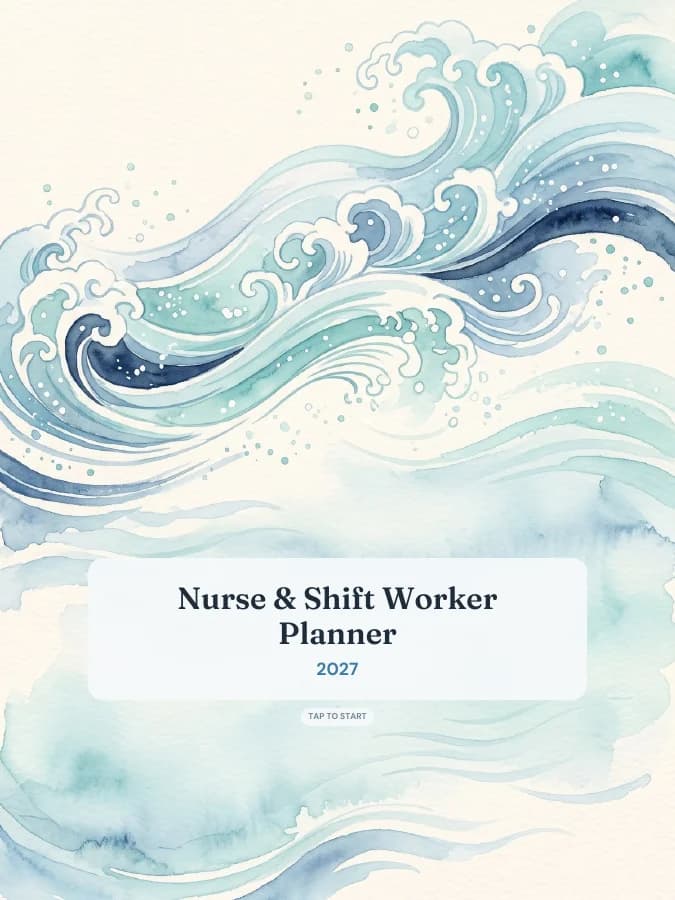
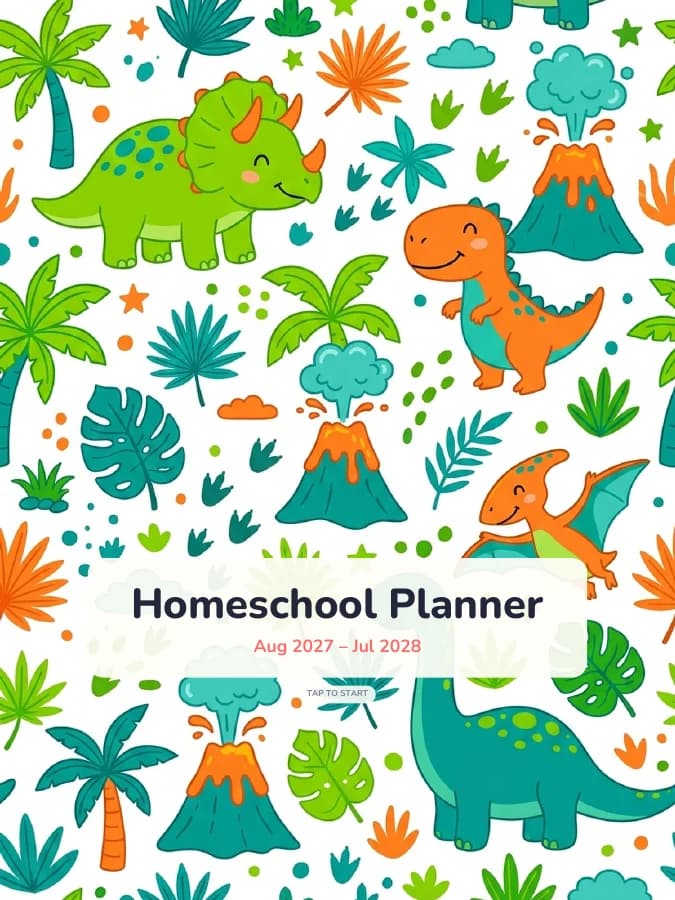

Everything in Pro, plus the parts selling needs.
Commercial licence
Sell the planners you make here as digital downloads in your own shop. The licence spells out what's allowed.
Your shop name, not ours
Your shop name and logo go on the cover, and your name goes in the PDF details. The “Made with” credit line is removed from every page.
Tablet mockup images
Put your pages on a tablet frame in the seller studio and download images sized for listing photos.
Etsy titles, 13 tags and descriptions
The AI writes a listing from your planner's real details — niche, page count, sections, format and theme. Edit it before you paste it in.
Unlimited Hyperlink-my-planner
Already design planners in Canva or Keynote? Add tabs and links to as many of your own PDFs as you like.
Bulk export into a zip
Pick up to eight theme and format combinations and download them together, with a licence file included.
Matching sticker books
Add a sticker book in the same theme to each variant, a common bundle extra for digital planner buyers.
From idea to listing, step by step.
- 1
Pick a niche
Start from one of 39 planners. A narrow niche — nurses, homeschoolers, pet owners — is easier to describe and stands out more than another general planner.
Browse planners - 2
Customise it
Set the dates or make it undated, choose sections, daily and weekly layouts, habits and cover. Add your shop name and logo so they print on the cover.
Open the builder - 3
Bulk export your variants
Choose the themes and formats you want to offer — say, iPad portrait and landscape in three colourways — and download them as one zip.
- 4
Make your mockups
In the seller studio, place your cover and inside pages on tablet frames and download the images for your listing photos.
Open seller studio - 5
Generate the listing
Get an Etsy-length title, 13 tags and a description built from what's actually in the file. Read it through and adjust anything that isn't quite right.
- 6
Upload to your shop
Add the PDFs as digital files, upload your mockups, paste the listing, and set your price. Repeat for the next niche.
A few honest notes.
No income promises
We can't tell you what you'll sell. Digital planners are a crowded market, and results depend on your niche, photos, pricing and how much you put in.
Buyers expect quality
Check every variant in the preview before you list it. Tap the tabs, look at the cover, and make sure the listing describes exactly what's in the file.
Check the marketplace rules
Etsy, Shopify and Gumroad each have their own rules for digital items and for tools used to make them. Read them, and follow what they ask you to disclose.
The licence lets you sell finished planner files. It doesn't let you resell editable templates or pass the files to other sellers. Read the commercial licence
$19 a month, cancel any time.
Seller
$19a month
- Commercial licence to sell what you make
- Your shop name and logo on covers, no credit line
- Tablet mockup images for listings
- AI-written Etsy titles, 13 tags and descriptions
- Unlimited Hyperlink-my-planner files
- Bulk export: many themes and formats at once
- Everything in Pro