Goals
Goals
Goal planners, vision board and reviews.
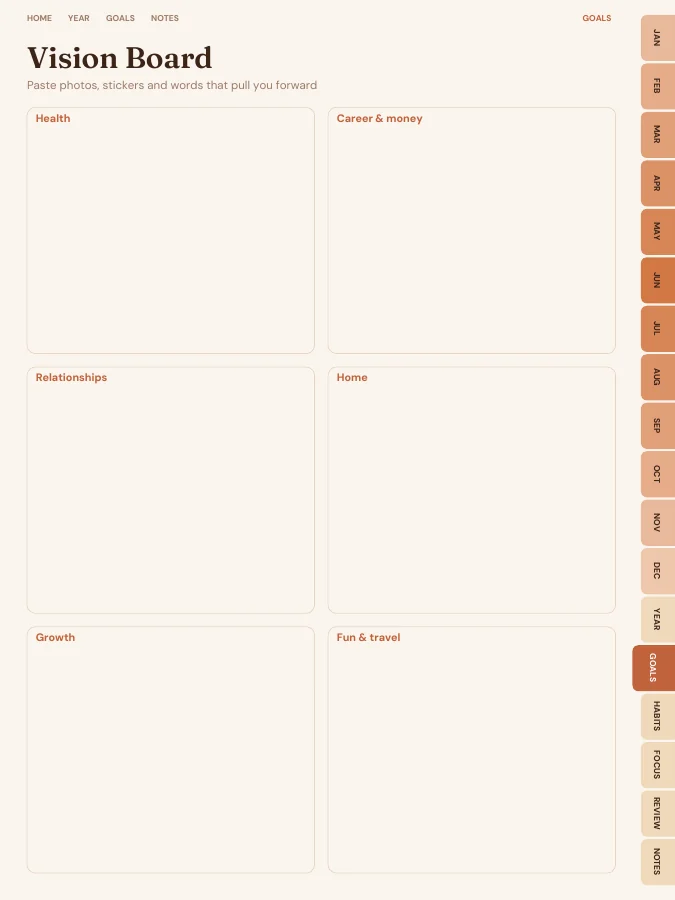
- Vision Board1 page
- Goal Planner4 pages
- Quarterly Reset4 pages
- Year in Review1 page
Type your goals and the AI turns each one into monthly milestones and weekly actions on the right pages. You edit every line before you download.
Tell us what you want to achieve and our AI breaks each goal into monthly milestones and weekly actions, then writes them into your monthly and weekly pages before you download. You start the year with a plan, not a blank book.
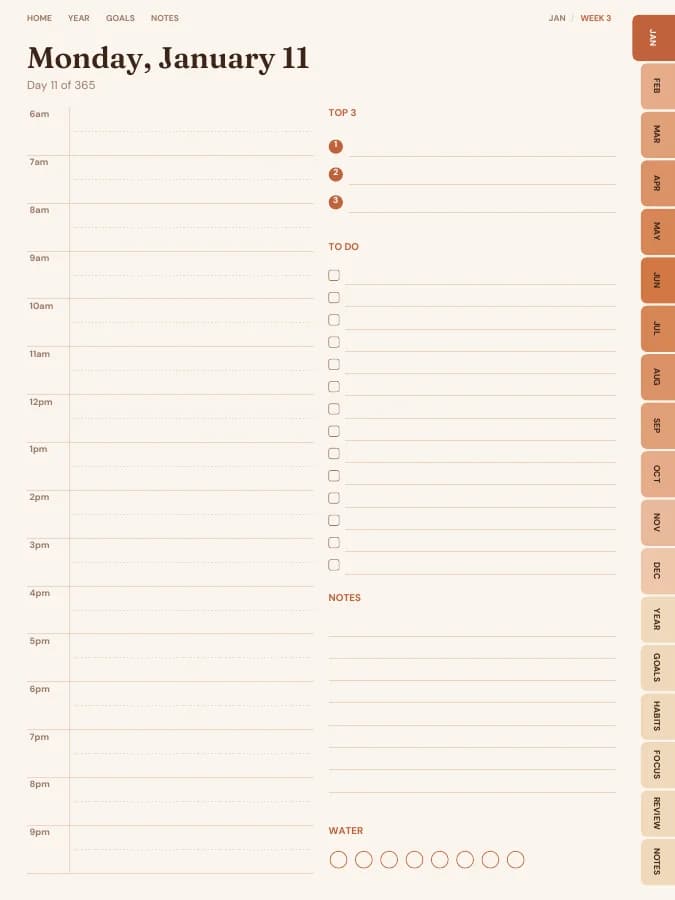
Rendered by the same engine that builds yours, in the Terracotta Sun theme for iPad portrait.
Goal planners, vision board and reviews.
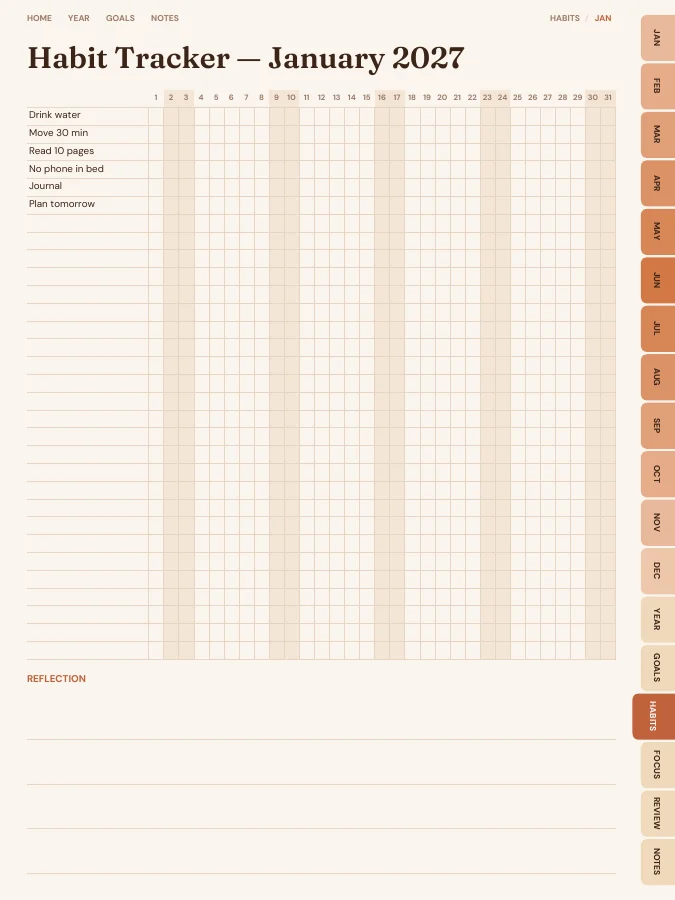
A habit tracker for every month.
Brain dump, priority matrix, routines.
A reflection page at the end of each month.
Cover and contents · 2 pages
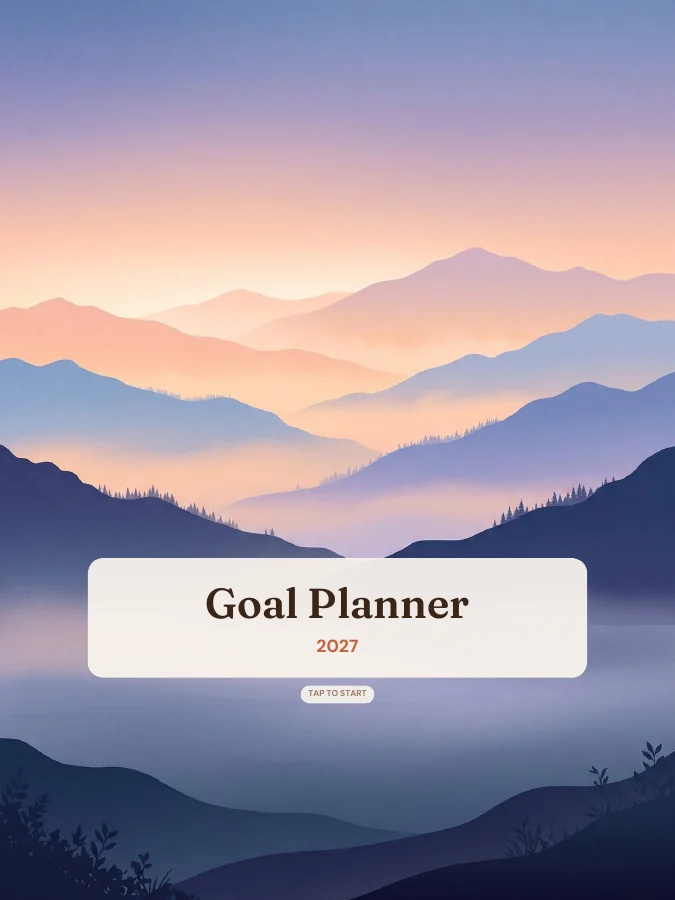
A cover with your name and a linked contents page that every tab returns to.
Year overview · 1 page
The whole year on one page. Tap any date to open it.
Year goals · 1 page
Your goals and their milestones in one place, filled in by the AI if you use it.
Monthly calendars · every month
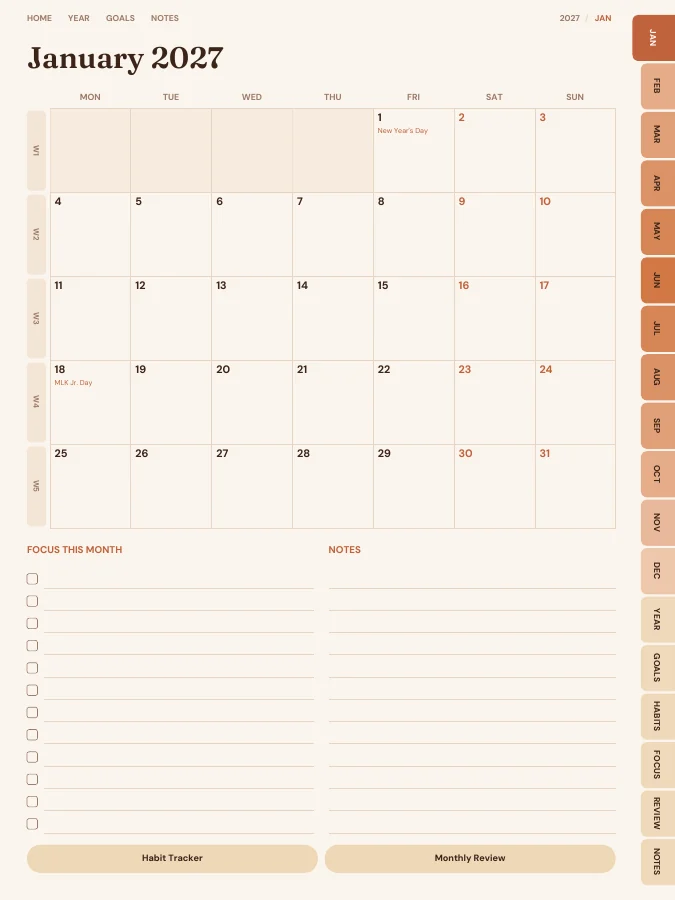
A month grid with a focus list and notes. Every date links to its day or week.
Weekly pages · every week
One page per week with your weekly goal actions and priorities.
Daily pages · every day
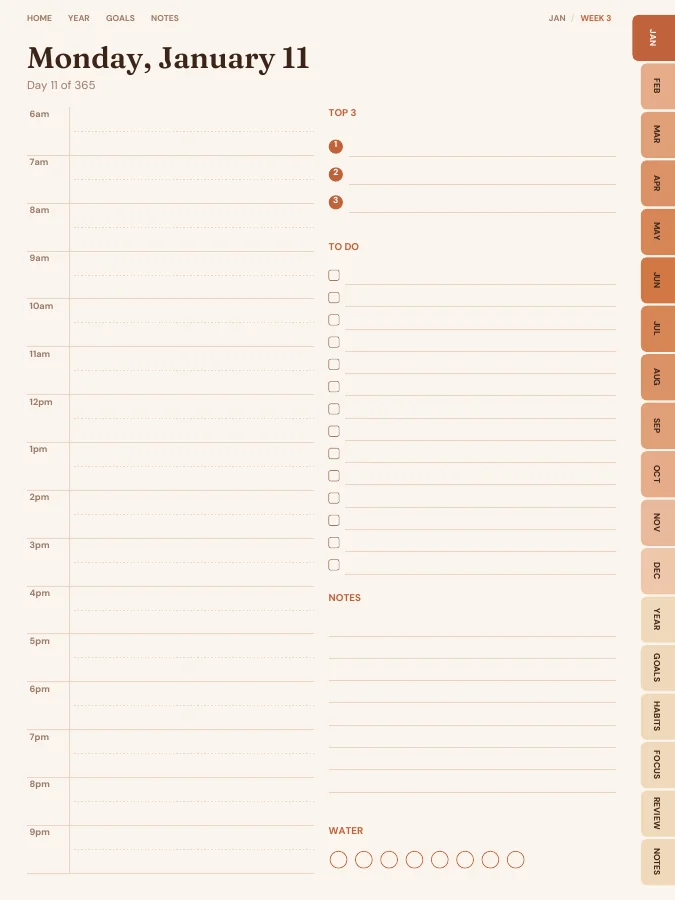
A page for each day, linked back to its week and month.
Notes · 20 pages
Lined, dotted, grid or blank pages. You choose how many, up to 100.
The sample above comes to 479 pages over 12 months. Yours changes with the months, sections and notes pages you choose.
Type a goal like one of these and the AI breaks it into a milestone for each month and a small action for each week, then prints them on your month and week pages. You read and edit every line before you download.
Your goal
Launch my online store
Your goal
Pay off $8,000 of credit card debt
Your goal
Learn conversational Spanish
Three is plenty for a year. Write each one as something you could check off: "Pay off $8,000 of credit card debt" rather than "be better with money".
The builder asks for an optional reason and deadline. They help the AI pace the milestones, and they help you on the weeks when motivation is low.
The AI suggests a milestone for each month and an action for each week. Edit anything that doesn't fit your life, such as a busy December or a holiday in July.
Each week page shows that week's goal actions. Put them in a time slot on a daily page early in the week rather than leaving them for Sunday night.
The quarterly reset page asks what to keep, start and stop. If a goal has changed, regenerate the planner from your dashboard with the new goal.
Most goals come down to a repeated action: a weekly transfer, three runs, an hour of practice. Add that action to the habit tracker so you can watch the streak build, which is often more motivating than a distant finish line.
What turns a notebook into a goal planner is the structure between the yearly goal and today's page. This one includes:
Each month page carries that month's milestone and a motto, each week page carries the week's actions, and each daily page has an hourly schedule and a top three, so the goal has a slot in your actual day.
Goal planner pages with milestones and first small steps, a vision board, quarterly resets and a year-in-review page.
Many goals are really habits in disguise. A monthly habit tracker lets you count the reps.
Brain dumps and a priority matrix stop urgent but unimportant tasks from crowding out the goal.
Monthly reviews catch a goal drifting off course after four weeks, not eleven months.
Every section can be switched off in the builder, and sections from other planners can be added.
The AI-written milestones are printed into both versions, so the main choice is how you like to work. Digital suits people who plan on a tablet and like jumping from a goal page to the week it's due.
Printable suits people who want a goal planner open on the desk. Print the goal and review pages on A4 or US Letter for space to think, and the weeks on A5. If your goal changes, regenerate the planner and reprint only the months ahead.
One goal, followed through a single week. The milestone and weekly actions are the kind of lines the AI goal step writes onto your month and week pages; the daily notes are what you add by hand.
Goal
Pay off $8,000 of credit card debt
Milestone for May
Balance below $5,500; second card cleared
This week's actions
iPad — Portrait
GoodNotes, Notability, Noteshelf, Xodo, Collanote, ZoomNotes
iPad — Landscape
GoodNotes, Notability, Noteshelf, Xodo
Android tablet — Portrait
Samsung Notes, Penly, Flexcil, Xodo, Noteshelf
Android tablet — Landscape
Samsung Notes, Penly, Flexcil, Xodo
E-ink tablet
reMarkable, Kindle Scribe, Boox, Supernote
Printable — A5
Print at home or at a print shop, fits A5 binders
Printable — A4
Print at home on standard A4 paper
Printable — US Letter
Print at home on US Letter paper
Printable — Half Letter
Fits Happy Planner classic and half-letter discs
Terracotta Sun
Earthy rust, ochre and sand.
Prefer something else? Pick from 13 themes, including dark mode and an e-ink theme, and change the accent colour.
See all themesYou type up to 6 goals with an optional why and deadline. The AI turns each into 12 monthly milestones and short weekly actions, which are printed on your month and week pages. You can edit every line before generating.
Regenerate your planner from your dashboard with updated goals. Pro members can regenerate as often as they like.
You can build this goal planner and flip through every page in your browser for free, with a watermark. The tabs and links work in the preview, so you can check the layout before you pay. The clean PDF is $12 once, or included in Pro at $49 a year for unlimited planners. There is no free download of the full planner.
Yes. Download the iPad size for GoodNotes, Notability, Noteshelf, Xodo, Collanote or ZoomNotes; the Android size for Samsung Notes, Penly, Flexcil or Xodo; or the E-ink size for reMarkable, Kindle Scribe, Boox and Supernote. The links work in any app that follows PDF links, usually in read mode rather than pen mode. Every size is included in the price.
Yes. Choose A5, A4, US Letter or Half Letter in the builder for a printable PDF with a wider inner margin for hole punching. Printable and digital sizes come with the same purchase, so you can use the goal planner on a tablet and print the pages you want on paper.
Dated by default, starting in January 2027. You can pick any start month and year (including this month), 12 or 18 months, and Monday or Sunday weeks. Or switch to undated and write the dates in yourself, so a skipped week isn't wasted.
With the default settings it comes to about 498 pages. That includes 12 month pages, 53 weekly pages, 365 daily pages, the Goals, Habits, Productivity and Monthly Reviews pages and 20 notes pages. Switching off daily pages or sections makes it shorter, and the builder shows the total as you change things.
Set your dates, device and goals, flip through the preview free, and pay only when it's right.
Build this planner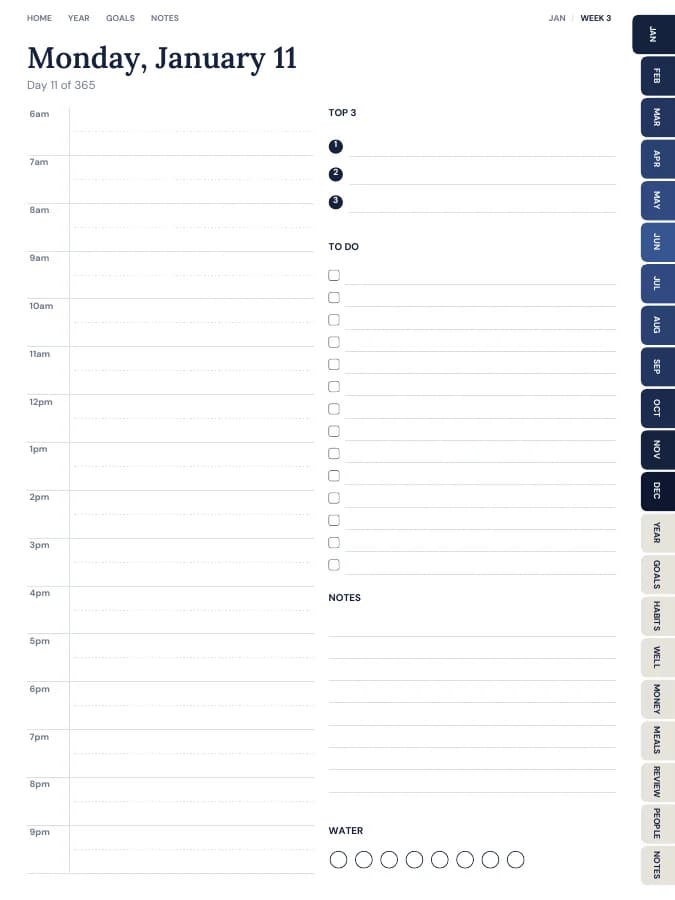

Your whole year — goals, habits, money and meals — in one tabbed planner.
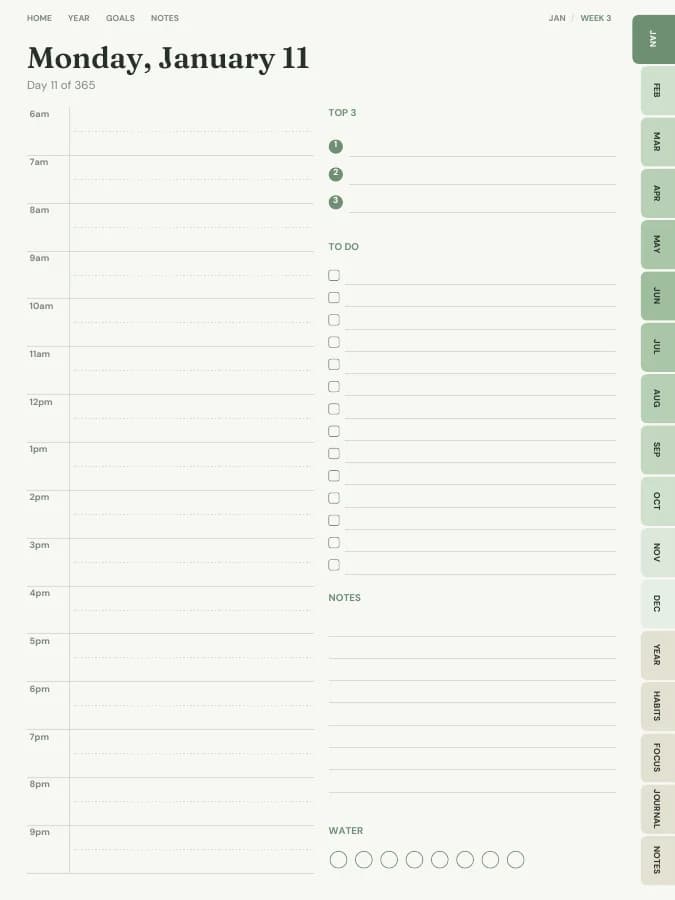
A dated page for every single day, with schedule, priorities and to-dos.
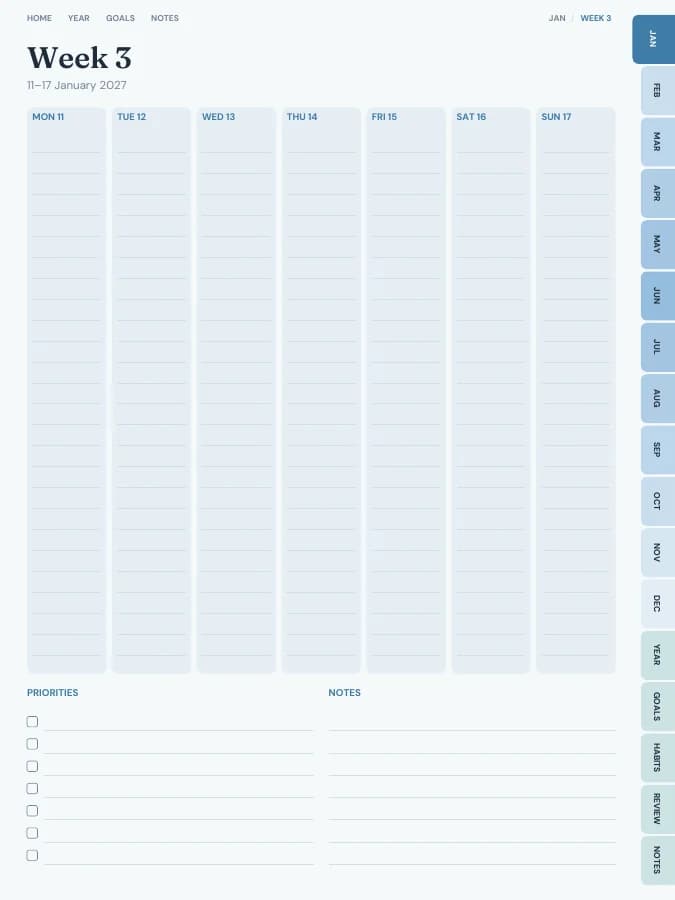
See your whole week at a glance — lighter than a daily planner.
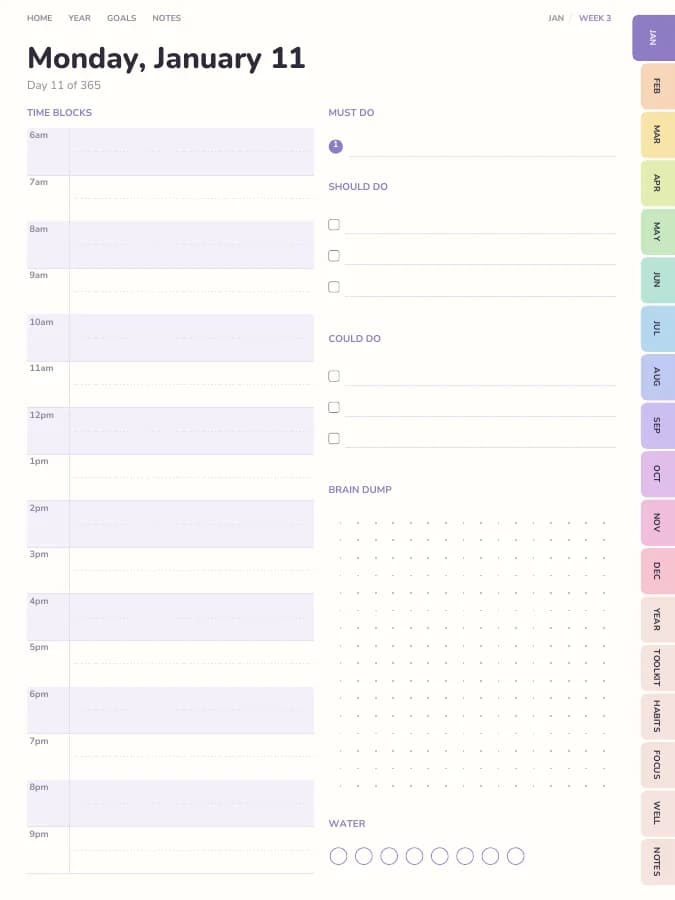
Time blocks, brain dumps and tiny steps — designed for ADHD brains.