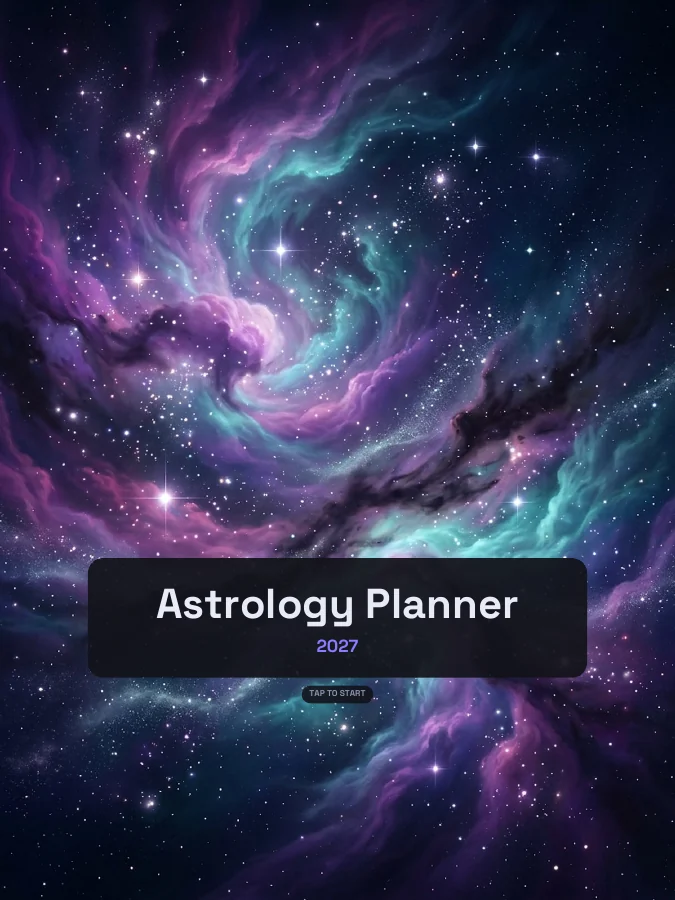
Astrology Planner 2027 with moon phases for every month
An astrology planner with moon phases calculated for every month, a page for every new moon and full moon, a page for each zodiac season, a retrograde log, a birth chart page, tarot readings and journal pages.
An astrology planner with a moon phases page for every month showing the dates and times (UTC) of the new moon, first quarter, full moon and last quarter, calculated for that month. Every new moon gets an intentions page and every full moon a release page, each titled with its date and sign. There's a zodiac year overview with the dates the Sun enters each sign, a page for each zodiac season, a retrograde log, a birth chart page with an empty chart wheel, 24 tarot reading pages and card notes, weekly gratitude and journal pages, goal pages, a habit tracker, and dated month and week calendars.
Each section gets its own side tab. You can switch any of them off, or add sections from other planners, in the builder.
Astro
Astrology
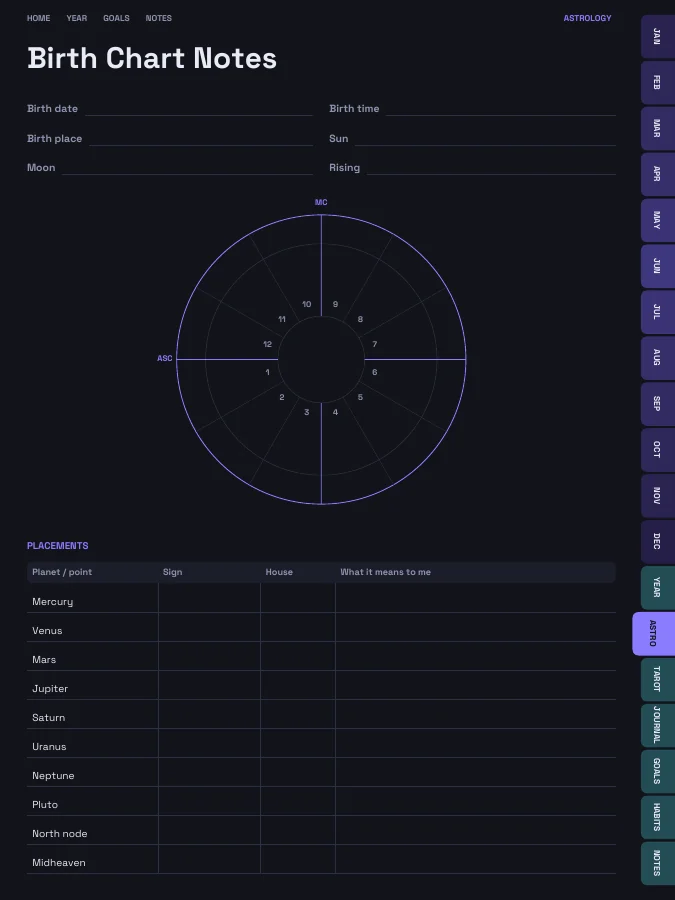
Birth chart notes, the zodiac year and a page per zodiac season, a retrograde log, monthly moon phases, and a page for every new moon and full moon.
Birth Chart Notes1 page
Zodiac Seasons1 page
Zodiac Seasonevery zodiac season
Retrograde Notes2 pages
Moon Phasesevery month
New Moon Intentionsevery new moon
Full Moon Releaseevery full moon
Tarot
Tarot
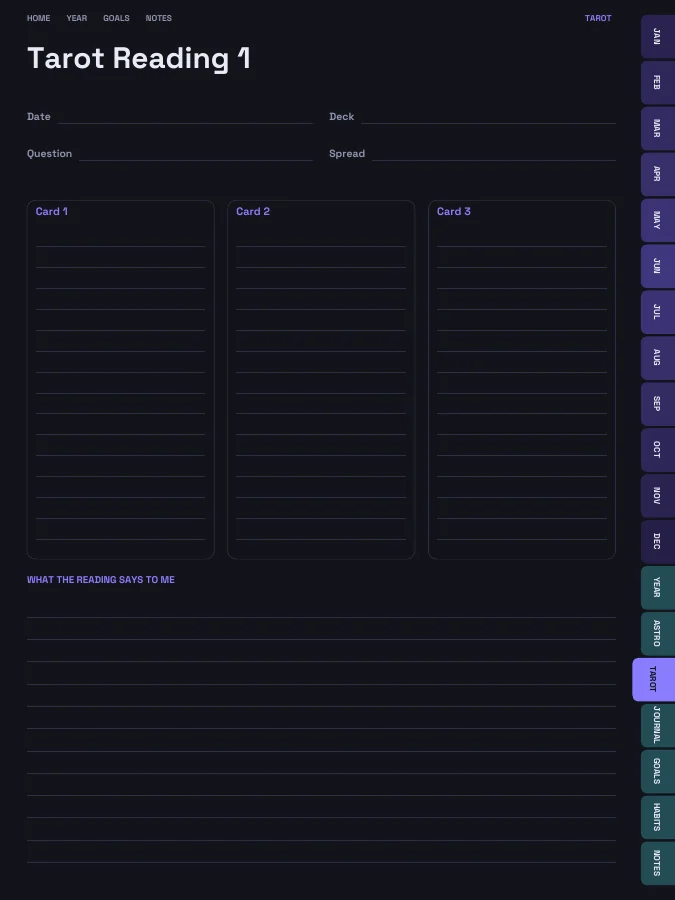
Tarot reading pages and card meaning notes.
Tarot Reading24 pages
Card Meanings4 pages
Journal
Gratitude & Journal
Weekly gratitude pages, affirmations and journal pages.
Affirmations1 page
Gratitudeevery week
Journal24 pages
Goals
Goals
Goal planners, vision board and reviews.
Vision Board1 page
Goal Planner4 pages
Quarterly Reset4 pages
Year in Review1 page
Habits
Habits
A habit tracker for every month.
Habit Trackerevery month
Plus the linked calendar every planner has
Cover and contents · 2 pages
A cover with your name and a linked contents page that every tab returns to.
Year overview · 1 page
The whole year on one page. Tap any date to open it.
Year goals · 1 page
Your goals and their milestones in one place, filled in by the AI if you use it.
Monthly calendars · every month
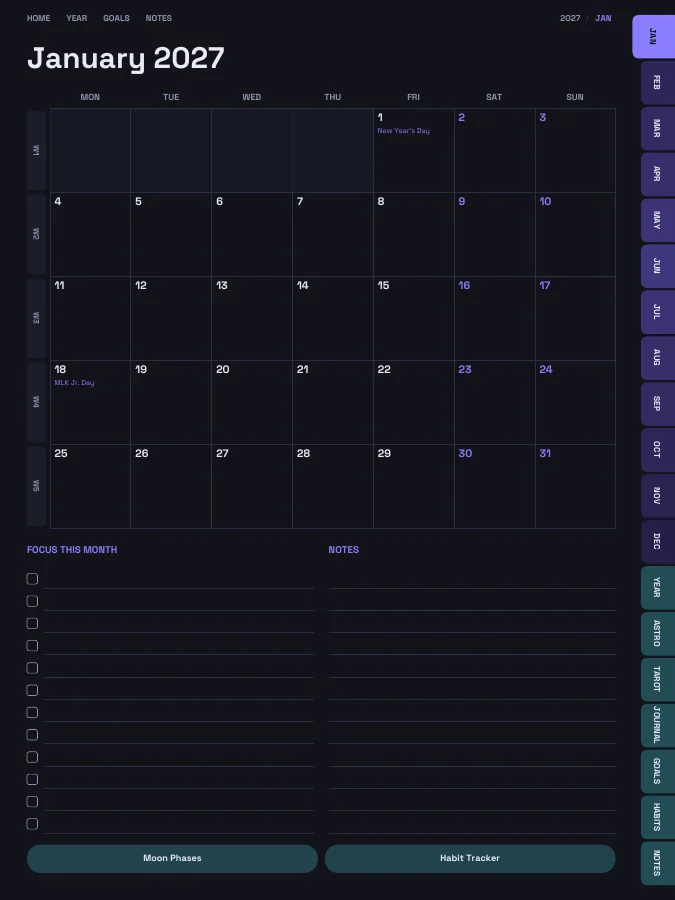
A month grid with a focus list and notes. Every date links to its day or week.
Weekly pages · every week
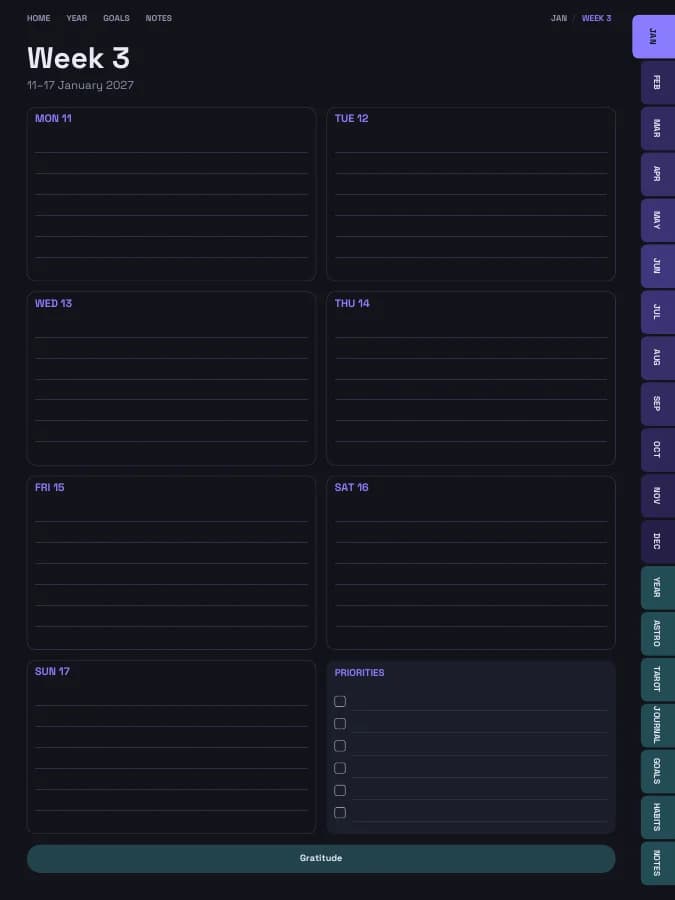
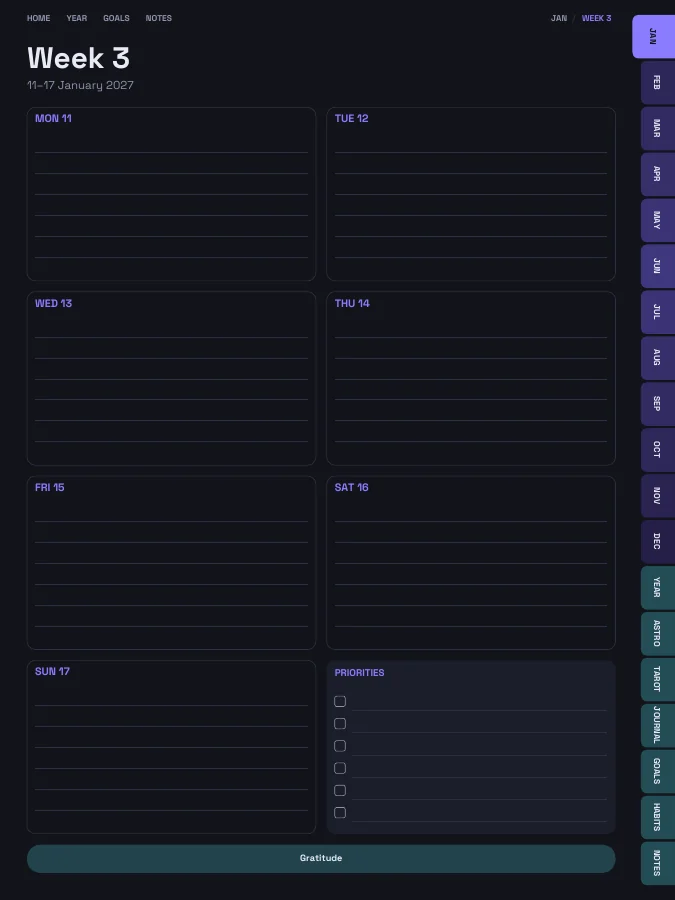
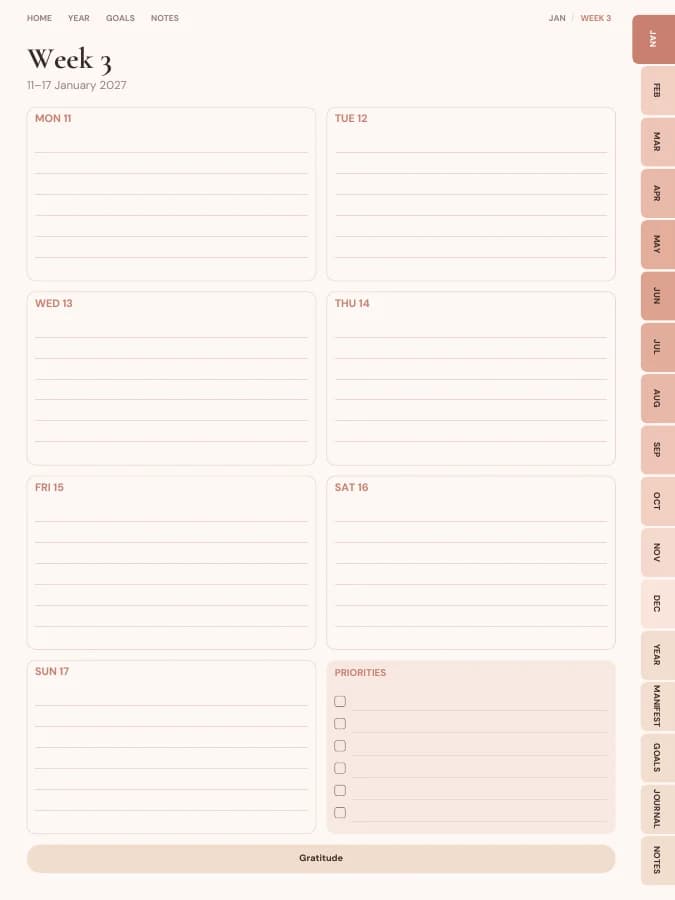
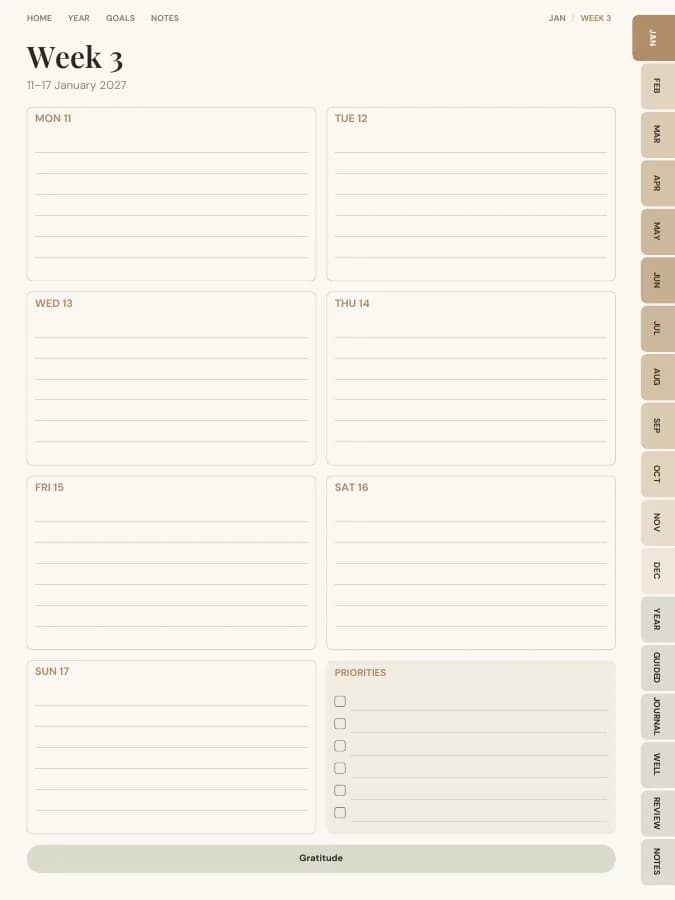
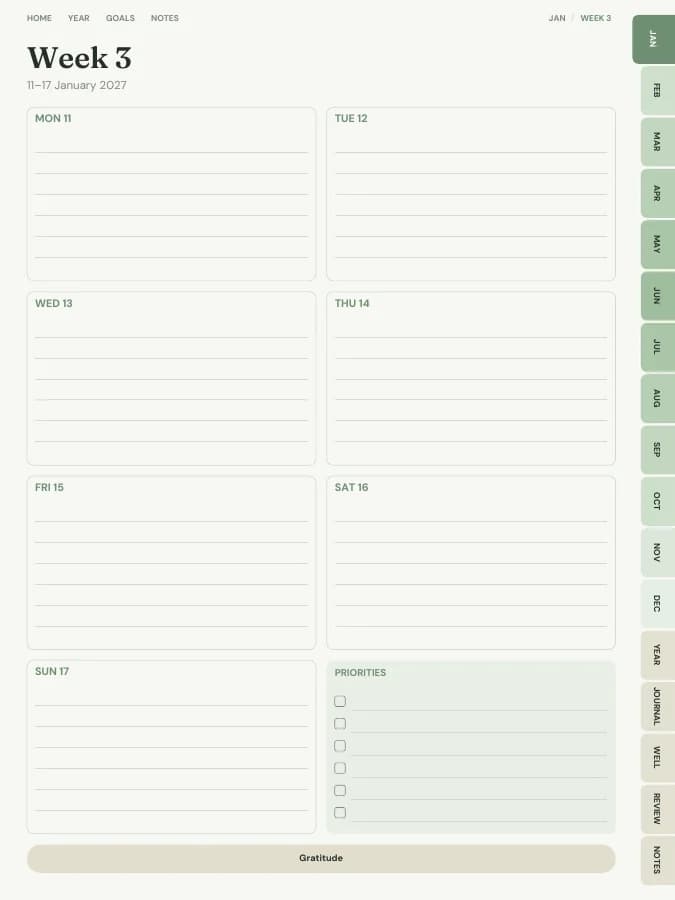
One page per week with your weekly goal actions and priorities.
Notes · 20 pages
Lined, dotted, grid or blank pages. You choose how many, up to 100.
The sample above comes to 252 pages over 12 months. Yours changes with the months, sections and notes pages you choose.
Who it's for
Who reaches for this one
People who plan around the moon's cycle
Astrology lovers learning their birth chart
Anyone who likes monthly intention-setting
AI goal planning
Goals people plan with it
Type a goal like one of these and the AI breaks it into a milestone for each month and a small action for each week, then prints them on your month and week pages. You read and edit every line before you download.
Your goal
Set intentions at every new moon this year
12 monthly milestonesWeekly actionsA motto each month
Your goal
Learn what my birth chart placements mean
12 monthly milestonesWeekly actionsA motto each month
Your goal
Journal at every full moon
12 monthly milestonesWeekly actionsA motto each month
An astrology planner follows the sky's rhythm through the year: a new moon to set intentions, a full moon to look back, and the Sun moving through each sign. Having the dates on the page makes it easy to keep up.
1
Fill in your birth chart
Write your birth details and placements on the birth chart page, and draw your chart in the empty wheel.
2
Check the month's moon phases
Each month's moon page lists the new moon, first quarter, full moon and last quarter with dates and times in UTC.
3
Set intentions at each new moon
Every new moon has its own page, titled with its date and sign. Write up to five intentions and a first small step.
4
Release at each full moon
Each full moon page asks what came to light, what you're letting go of and how your intentions are going.
5
Follow the seasons
Each zodiac season page has the dates, element, mode and ruling planet, and space for themes and what you noticed.
What to include in an astrology planner
An astrology planner should keep the moon and the zodiac year in view. This one includes:
Calendar
Weekly and monthly pages
Dated month calendars and a weekly page for each week. Moon phases are calculated for every month of the planner, and there's a page for every new moon and full moon. No daily pages.
Astro
Astrology
A birth chart page with an empty chart wheel, a zodiac year overview, a page for each zodiac season, retrograde log pages, a moon phases page for every month, and a page for every new moon and full moon.
Birth Chart Notes · 1 page
Zodiac Seasons · 1 page
Zodiac Season · every zodiac season
Retrograde Notes · 2 pages
Moon Phases · every month
New Moon Intentions · every new moon
Full Moon Release · every full moon
Tarot
Tarot
24 three-card tarot reading pages and four pages of card meaning notes.
Tarot Reading · 24 pages
Card Meanings · 4 pages
Journal
Gratitude & Journal
Affirmations, a gratitude page for every week and 24 journal pages.
Affirmations · 1 page
Gratitude · every week
Journal · 24 pages
Goals
Goals
A vision board, goal planners, quarterly reviews and a year in review.
Vision Board · 1 page
Goal Planner · 4 pages
Quarterly Reset · 4 pages
Year in Review · 1 page
Habits
Habits
A habit tracker for every month.
Habit Tracker · every month
Every section can be switched off in the builder, and sections from other planners can be added.
Digital vs printable astrology planner
A digital astrology planner works well with colour: highlight moon days on the month pages and paste in images of your tarot cards.
Printed, the moon and season pages make a lovely ritual journal. Use a dark theme on a tablet, or a light theme to print.
A5 print, A4 print, Letter print, Half letter, Pocket print
An example week in an astrology planner
One goal, followed through a single week. The milestone and weekly actions are the kind of lines the AI goal step writes onto your month and week pages; the daily notes are what you add by hand.
Goal
Set intentions at every new moon this year
Milestone for January
First new moon page filled in
This week's actions
Read the month's moon page
Write intentions on new moon day
Note one small step
MondayMoon page: new moon on 7 January. Added it to the calendar.
ThursdayNew moon in Capricorn page: five intentions, mostly about work.
FridayFirst small step: blocked an hour for the portfolio.
SaturdayThree-card tarot reading on the intentions. Notes on the card meanings page.
SundayGratitude page done. Full moon is on the 22nd.
Moon phase dates and times are worked out for the months in your planner using standard astronomical formulas, so they're right for whatever year you build. They're shown in UTC; depending on where you live, the local date can be a day either side.
New moon: intentions and fresh starts
First quarter: take action
Full moon: look back and let go
Last quarter: rest and review
Formats
Download it for your device.
Every format is included in the price. Switch between them and download again whenever you like.
They're calculated for each month of your planner with standard astronomical formulas and shown in UTC. Depending on where you live, the local date can be a day earlier or later.
Does it include retrograde dates?+
It has a retrograde notes page with a row for each planet, so you can copy the year's dates from an ephemeris or app you trust and add your own notes.
Is there a free astrology planner?+
You can build this astrology planner and flip through every page in your browser for free, with a watermark. The tabs and links work in the preview, so you can check the layout before you pay. The clean PDF is $12 once, or included in Pro at $49 a year for unlimited planners. There is no free download of the full planner.
Does it work with GoodNotes, Notability, Samsung Notes and e-ink tablets?+
Yes. Download the iPad size for GoodNotes, Notability, Noteshelf, Xodo, Collanote or ZoomNotes; the Android size for Samsung Notes, Penly, Flexcil or Xodo; or the E-ink size for reMarkable, Kindle Scribe, Boox and Supernote. The links work in any app that follows PDF links, usually in read mode rather than pen mode. Every size is included in the price.
Can I print the astrology planner?+
Yes. Choose A5, A4, US Letter, Half Letter or Pocket in the builder for a printable PDF with a wider inner margin for hole punching. Printable and digital sizes come with the same purchase, so you can use the astrology planner on a tablet and print the pages you want on paper.
Is the astrology planner dated or undated?+
Dated by default, starting in January 2027. You can pick any start month and year (including this month), a length from 3 months to 5 years, and Monday or Sunday weeks. Or switch to undated and write the dates in yourself, so a skipped week isn't wasted.
Does the AI fill in the astrology planner for me?+
Only the goal parts, and only if you want it to. Type up to six goals and the AI writes a milestone for each month and a short action for each week onto your month and week pages, plus a motto for each month. You can edit every line before you download. Everything else, from the calendar pages to the trackers, is yours to fill in by hand. You can try it 3 times a day without an account.
How many pages is the astrology planner?+
With the default settings it comes to about 271 pages. That includes 12 month pages, 53 weekly pages, the Astrology, Tarot, Gratitude & Journal, Goals and Habits pages and 20 notes pages. Switching off sections makes it shorter, and the builder shows the total as you change things.
Make it yours in about a minute.
Set your dates, device and goals, flip through the preview free, and pay only when it's right.