Vision Board Template (Printable PDF & GoodNotes)
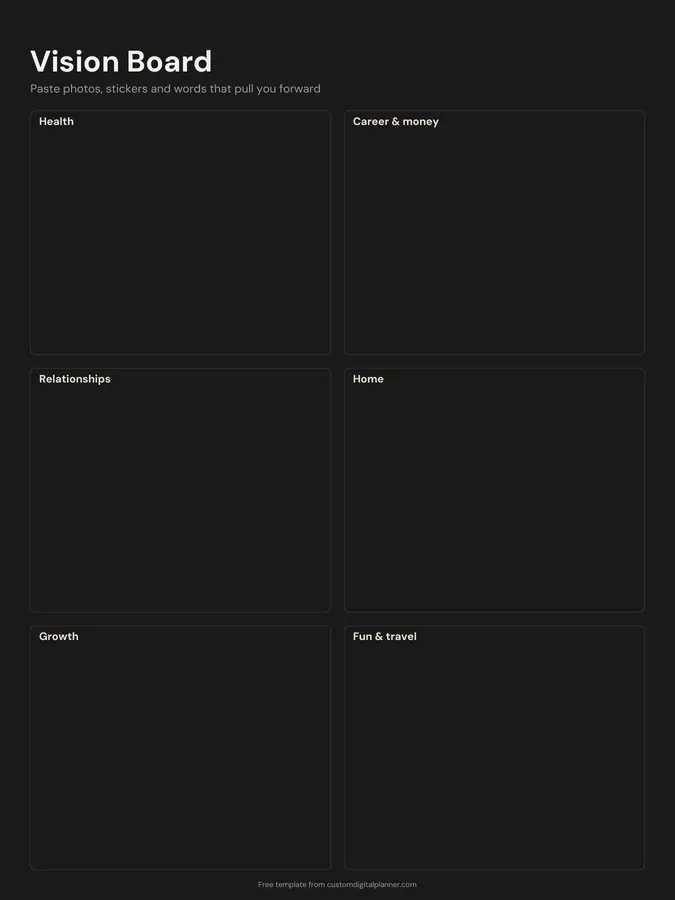
A one-page vision board split into six life areas: health, career and money, relationships, home, growth, and fun and travel. The boxes are empty on purpose, so you can paste photos, stickers, cut-out words or quick sketches of the life you're working towards.
- Printable US Letter8.5 × 11 in, white paper
- Printable A4210 × 297 mm, white paper
- iPad / GoodNotesAlso Notability and Noteshelf
- E-ink tabletreMarkable, Kindle Scribe, Boox
Free PDF, 1 page, undated. No sign-up needed.
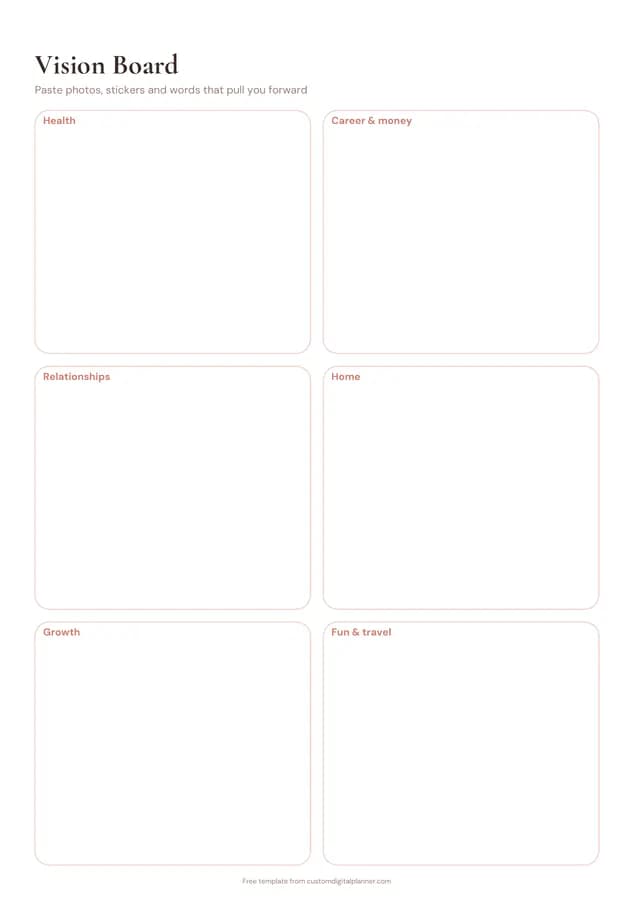
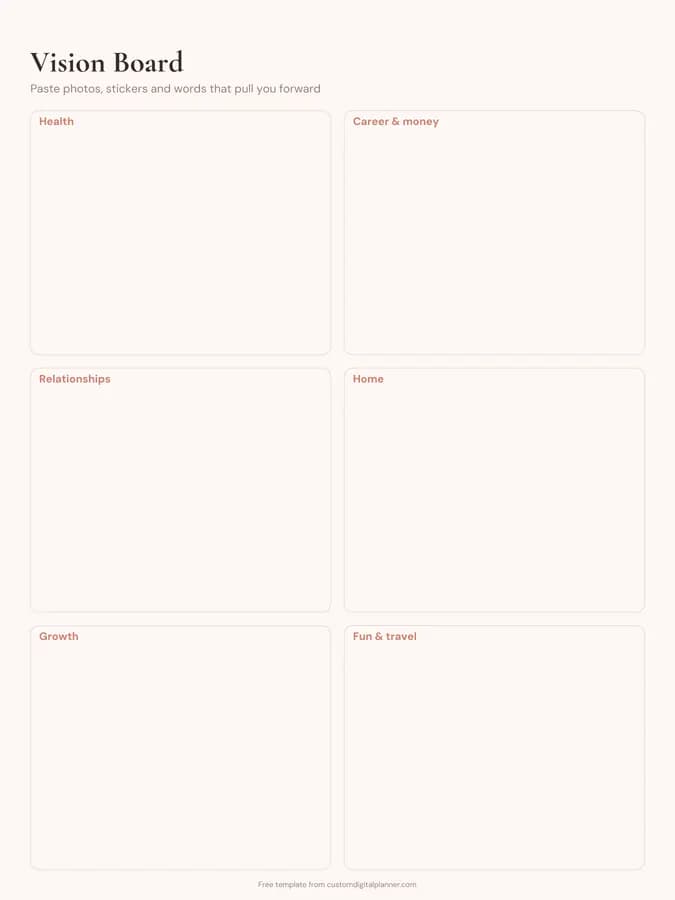
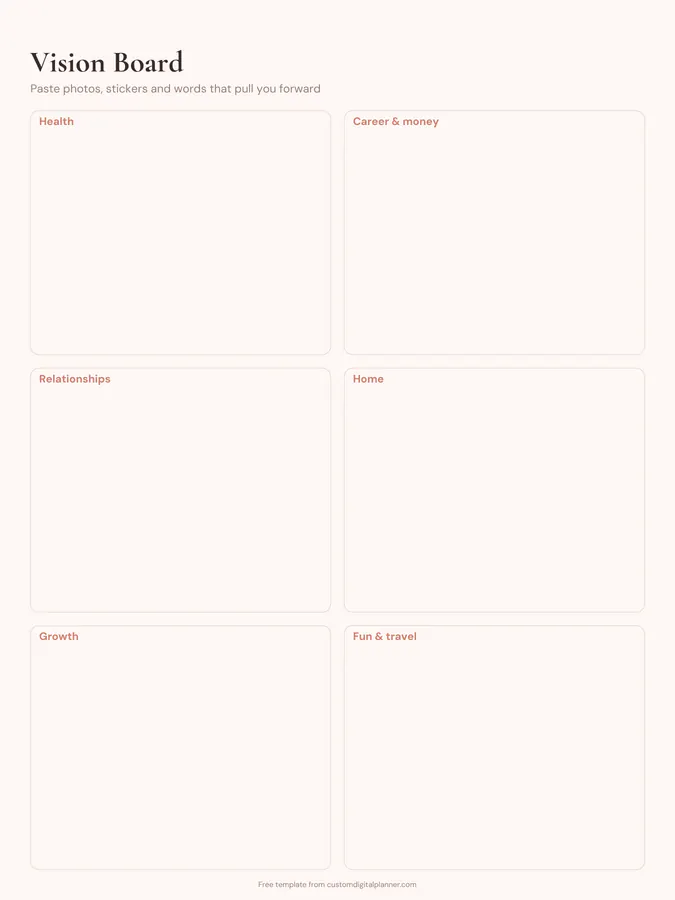
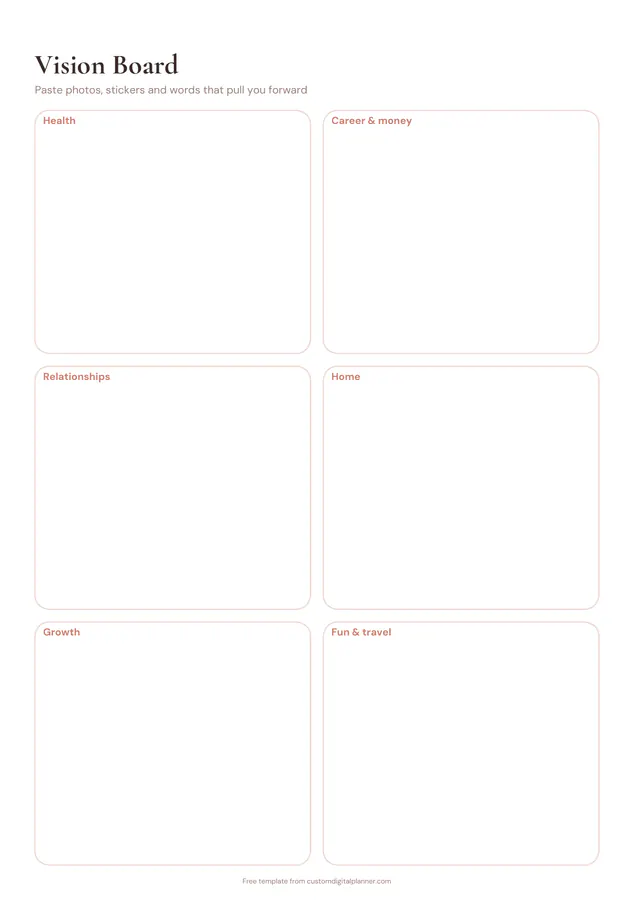
Shown for iPad in the Blush Boho theme. Printable downloads use white paper (there's a dark mode preview below); the e-ink version is black and white.
One page, ready to fill in.
- Boxes for health, career & money, relationships, home, growth and fun & travel
- Undated, so you can print or duplicate it as often as you need
Getting the most from a vision board.
Decide what you want before you look for pictures
Write one sentence for each area first, such as "run a half marathon" or "a calm, tidy bedroom". Then look for images that match the sentence. Starting from pictures tends to give you a board of things that look nice rather than things you actually want.
Leave an area empty if it isn't a priority
Six boxes doesn't mean six goals. If home is fine as it is, leave that box blank or use it for a quote. A board with three strong areas is easier to act on than one where every box is crowded.
Make it digital with stickers and photos
In GoodNotes or Notability, use the image tool to drop photos straight into each box and resize them to fit. Screenshots from your camera roll, saved sticker sets and short typed phrases all work, and you can rearrange them later.
Add one action under each picture
A picture of a beach is a wish; "save $50 a week for the trip" is a plan. Write a small action under each image, then copy those actions into your weekly pages so the board turns into things you do.
Keep it where you'll see it
Print it and pin it above your desk, or make it the first page of your planner so it's there every time you open it. Look at it during your weekly planning and ask which area got attention this week.
Included in 48 planners
This template is a page in each of these planners. Open one to see everything else that comes with it.
- All-in-One Life Planner
- Weekly Planner
- Goal Planner
- Academic Planner (Aug–Jul)
- Teacher Planner
- Budget Planner
- Small Business Planner
- Etsy & Online Shop Planner
- Content Creator Planner
- Bible Study & Faith Planner
- Christian Planner
- Homeschool Planner
- Teen Planner
- Wedding Planner
- Party Planner
- Graduation Party Planner
- Reading Journal
- Habit Tracker Planner
- Work & Project Planner
- Real Estate Agent Planner
- Undated Planner
- Lesson Planner
- 18 Month Planner
- Dissertation Planner
- Monthly Planner
- Couples Planner & Journal
- Manifestation Journal
- Islamic Planner
- 5 Year Planner
- Crochet & Knitting Journal
- Music Practice Journal
- Side Hustle Planner
- Novel Writing Planner
- Trading Journal
- Job Search Planner
- College Application Planner
- Golf Journal
- Podcast Planner
- D&D Campaign Planner
- Hourly Planner
- Desk Planner
- Astrology Planner
- 90-Day Planner
- Yoga Teacher Planner
- Two-Page-Per-Day Planner
- 2 Year Planner
- 3 Year Planner
- Jewish Planner
Get it inside a full hyperlinked planner
The goal planner includes this page alongside dated month and week pages for your year, with side tabs and links between every page. Pick your device and theme, preview it free, and pay only when it's right.
- Dated pages for the whole year
- Tap a tab or a date to jump there
- GoodNotes, Notability, Samsung Notes, e-ink and print sizes
Opens the goal planner with the Goals section switched on.
Or read about the goal planner first.
What should I put on a vision board?
Images, words and short phrases that show how you want each part of your life to look and feel: places you want to visit, a body you feel strong in, a home you love, people you want to spend time with. Pick things that are specific to you rather than generic success pictures.
How do I make a digital vision board in GoodNotes?
Download the iPad version, import it into GoodNotes, then use the image tool (or drag photos in from Photos or Files) to fill each box. You can use sticker packs too. Lock the page as a template once you're happy, or duplicate it each year.
Can I print it and make a paper vision board?
Yes. Print the US Letter or A4 version and glue in pictures cut from magazines or printed photos. The boxes have plain space inside so glue and tape don't cover any lines.
How often should I update my vision board?
Most people make one a year and check it every month or quarter. Swap out anything you've achieved or stopped caring about. A vision board that never changes is easy to stop seeing.
Is a vision board the same as goal setting?
It's the picture of where you want to go; goal setting is the route. Pair it with the free goal setting worksheet to turn one area of the board into a dated goal with milestones.