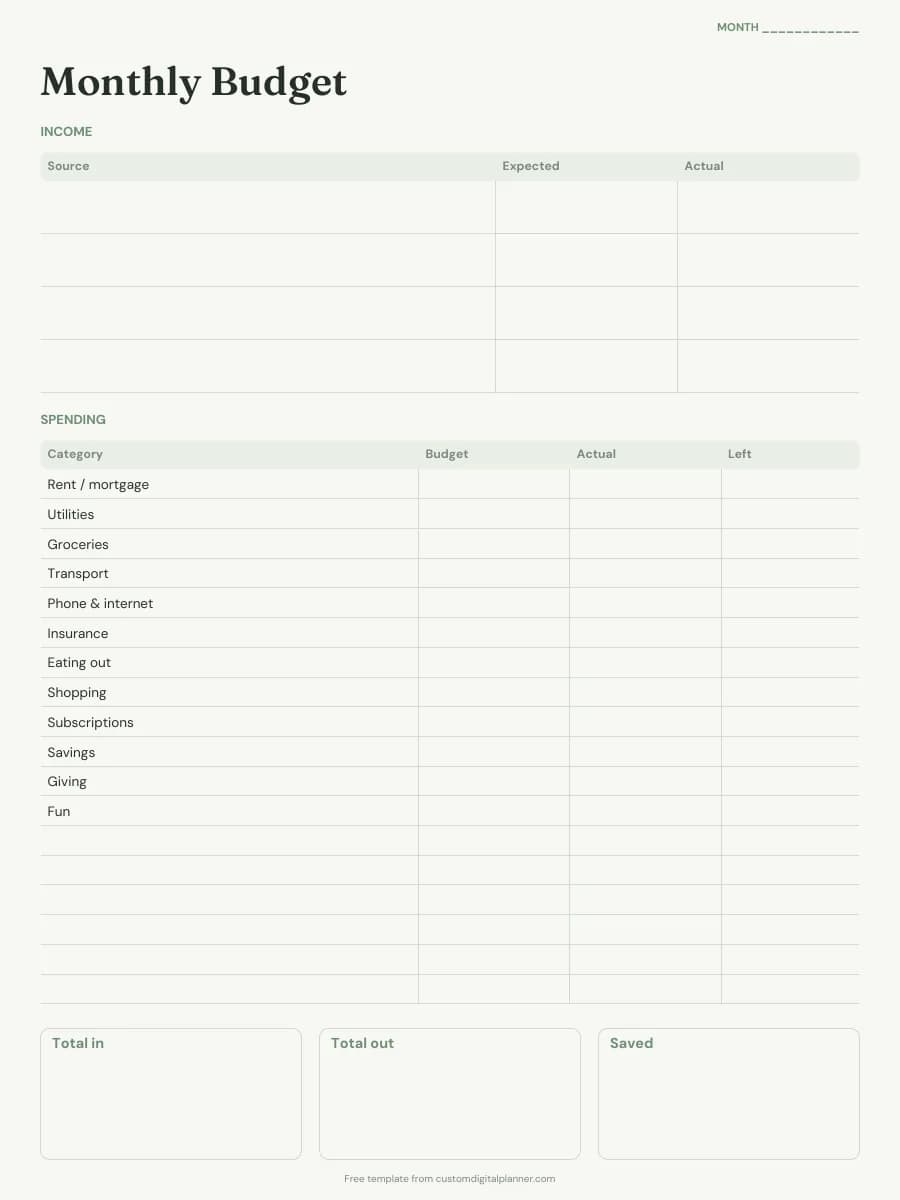
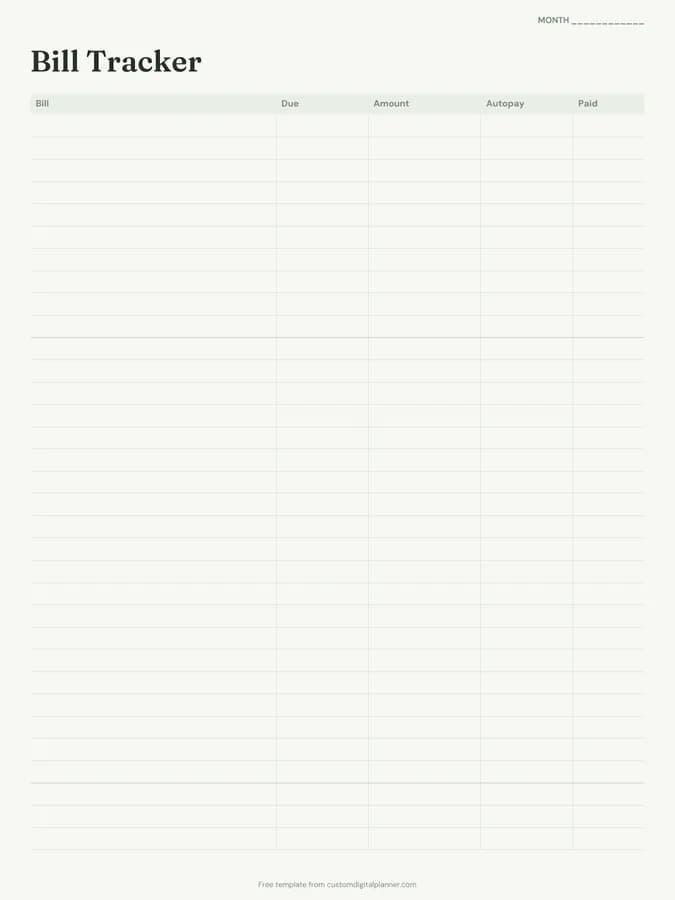
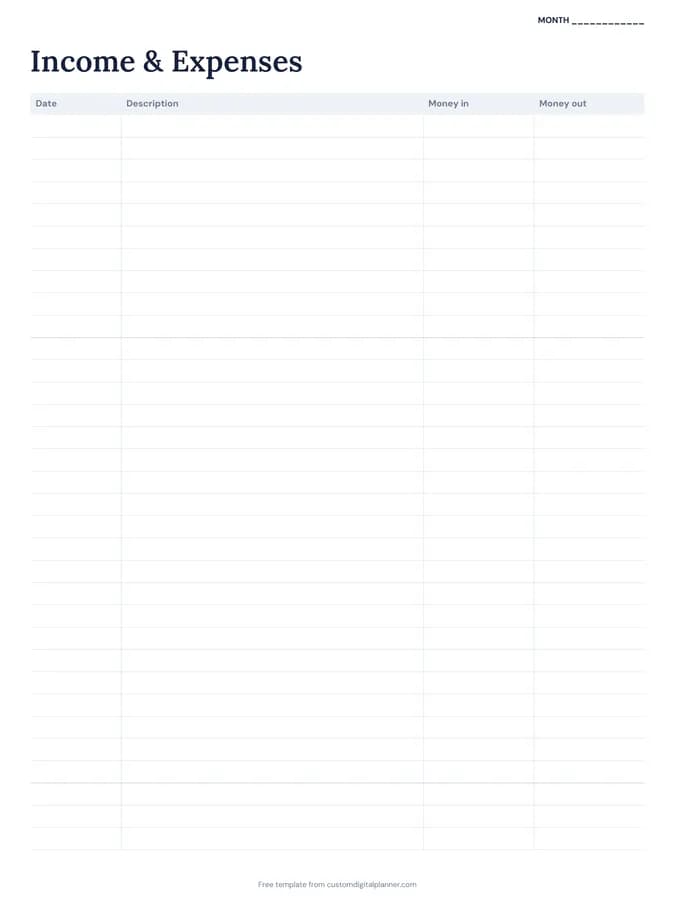
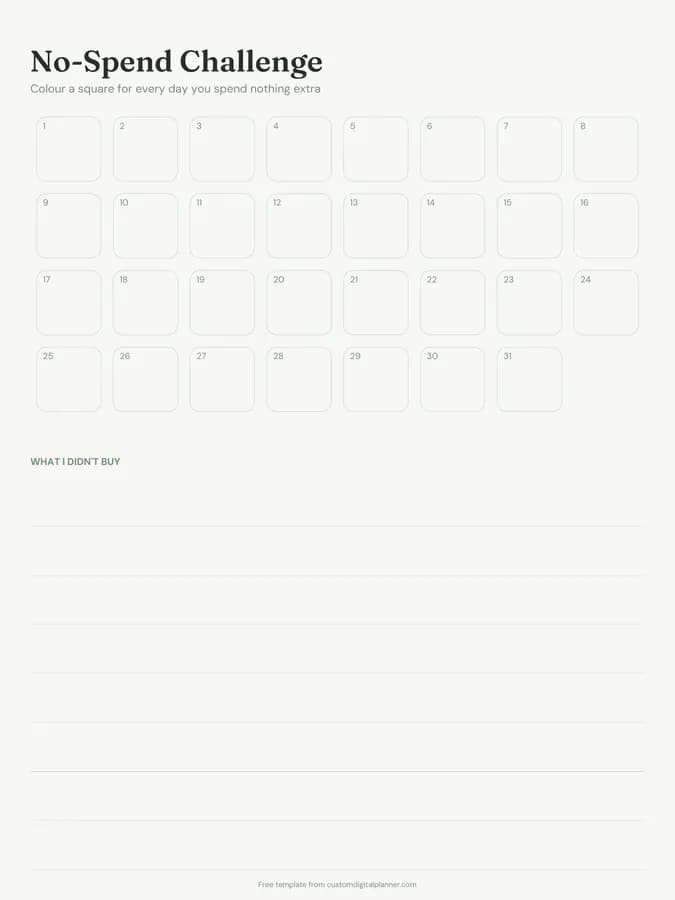
Expense Tracker Template (Printable PDF & GoodNotes)
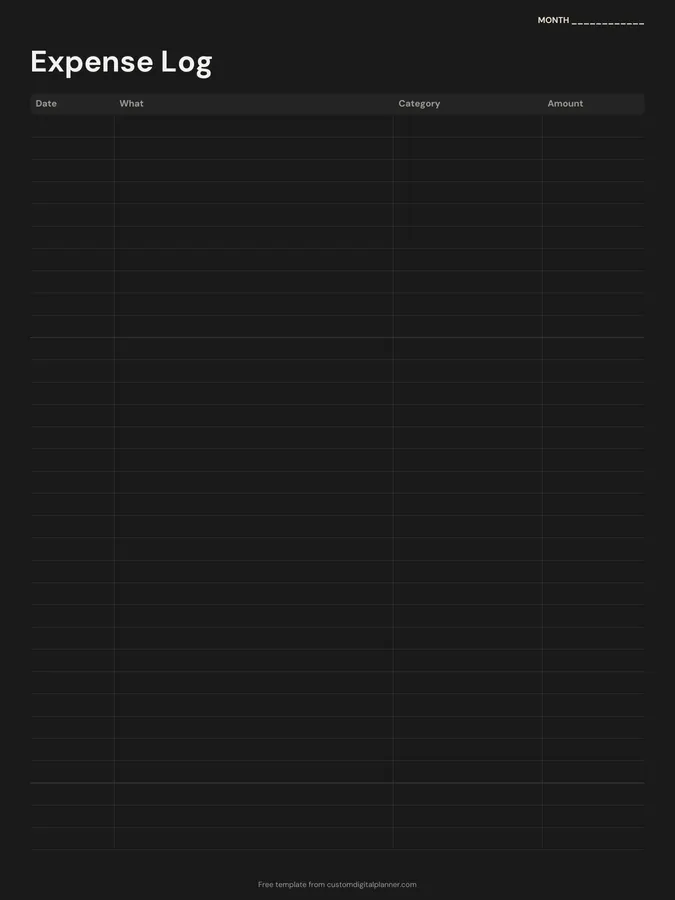
A monthly expense log with four columns: date, what, category and amount. Write every purchase as it happens, then add up each category at the end of the month to see exactly where your money went.
- Printable US Letter8.5 × 11 in, white paper
- Printable A4210 × 297 mm, white paper
- iPad / GoodNotesAlso Notability and Noteshelf
- E-ink tabletreMarkable, Kindle Scribe, Boox
Free PDF, 1 page, undated. No sign-up needed.
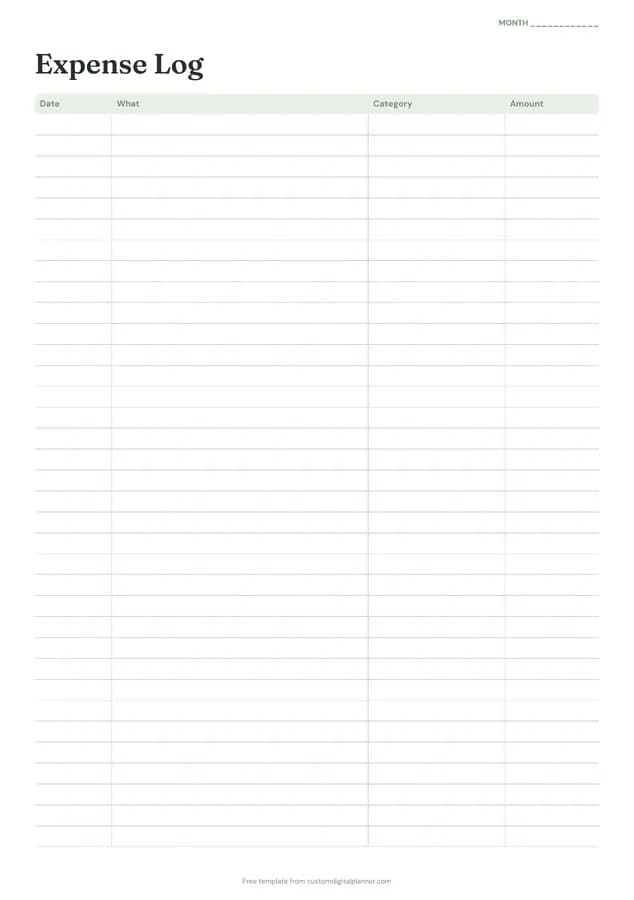
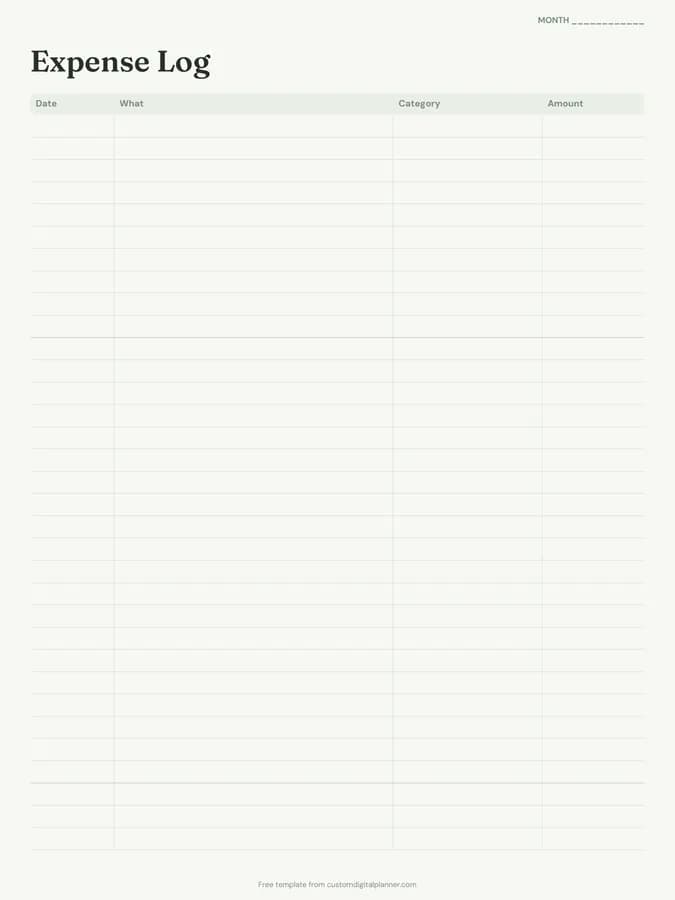
Shown for iPad in the Sage Botanical theme. Printable downloads use white paper (there's a dark mode preview below); the e-ink version is black and white.
One page, ready to fill in.
- A table with columns for date, what, category and amount
- A “Month” line at the top, so it works for any month and year
Who it's for
People starting a budget who first need to know where their money goes, those paying off debt, students on a tight allowance, and anyone who uses cash or several cards and loses track of spending.
Getting the most from a expense tracker.
Write it down the same day
Small purchases are the ones that disappear. Log them the same day, or copy them over from your banking app each evening.
Use the same categories every month
Pick six to ten categories, like groceries, eating out, transport, kids, home, fun, and use them consistently. Totals only compare month to month if the categories match.
Add a running total
Every week, draw a line and total the amount column. A quick weekly check stops overspending before it's too late to fix.
Highlight one category to watch
Choose the category that usually runs over and highlight each entry for it. Seeing the colour build up is a gentle nudge.
Copy totals into your budget
At the end of the month, total each category and write them in the actual column of the budget planner page. That's where tracking turns into planning.
Included in 39 planners
This template is a page in each of these planners. Open one to see everything else that comes with it.
- All-in-One Life Planner
- Student Planner
- Budget Planner
- Meal Planner
- Christian Planner
- Wedding Planner
- Pregnancy & Baby Planner
- Party Planner
- Baby Shower Planner
- Bridal Shower Planner
- Graduation Party Planner
- Christmas Planner
- Family & Mom Planner
- Travel Planner
- Nurse & Shift Worker Planner
- Pet Care Planner
- Debt Payoff Planner
- Savings Challenge Planner
- Home Management Binder
- Caregiver Planner
- Moving Planner
- Couples Planner & Journal
- IVF & Fertility Journal
- College Planner
- Theme Park Trip Planner
- Home Renovation Planner
- Side Hustle Planner
- Trading Journal
- Paycheck Budget Planner
- Family Planner
- College Application Planner
- Hair Stylist Planner
- Homestead Planner
- Visa Application Planner
- Cruise Planner
- Tax Organizer
- Airbnb Host Planner
- Umrah & Hajj Planner
- National Parks Planner
Get it inside a full hyperlinked planner
The budget planner includes this page alongside dated month and week pages for your year, with side tabs and links between every page. Pick your device and theme, preview it free, and pay only when it's right.
- Dated pages for the whole year
- Tap a tab or a date to jump there
- GoodNotes, Notability, Samsung Notes, e-ink and print sizes
Opens the budget planner with the Budget section switched on.
Or read about the budget planner first.
About this expense tracker template
Need help importing it? See devices and apps or the FAQ.
What is an expense tracker?
A record of every purchase you make, with when, what, which category and how much. It shows where your money actually goes, which is the first step to a budget that works.
How many expenses fit on a page?
Around 30 rows on the printable versions. Busy months may need two pages; print as many as you need.
Is it the same as the expense log in the budget planner?
Yes. It's the second page of the free budget planner download, offered here on its own if you just want to track spending.
Can I use it for business expenses?
Yes, for a simple log. For business income and costs together, the income and expense tracker has money in and money out columns.