Family
Family Week
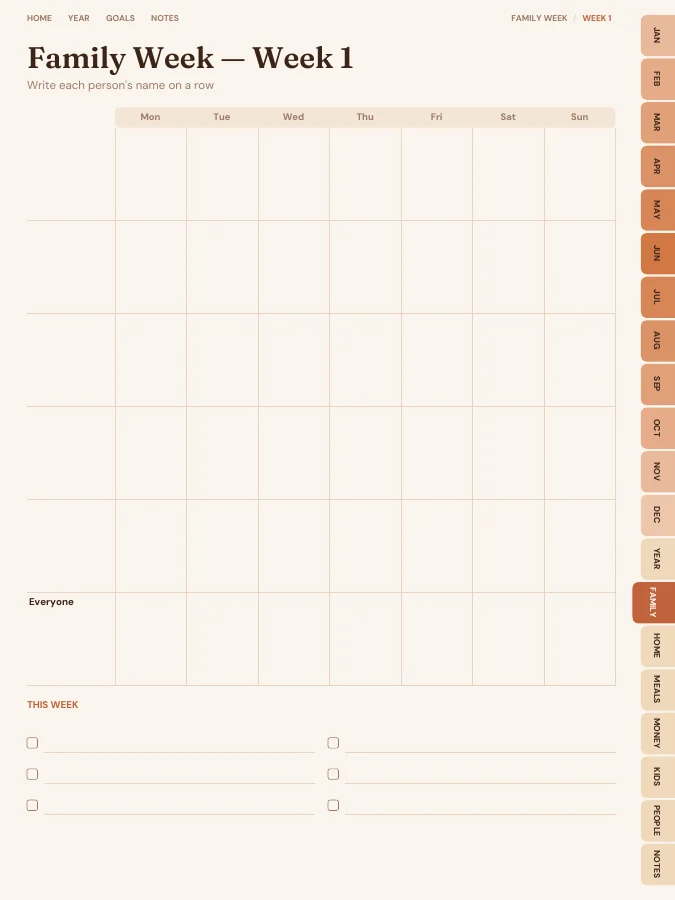
A family week page with a row for each person.
- Family Weekevery week
A family organizer with a family week page (a row for each person), meal plans and grocery lists, chore charts, kids' pages, a family budget and contacts.
A family planner with a family week page for every week (a row for each person and one for everyone), monthly calendars, weekly meal plans and grocery lists, routines and chore charts, kids' homework and star charts, a family budget and contacts and birthdays.
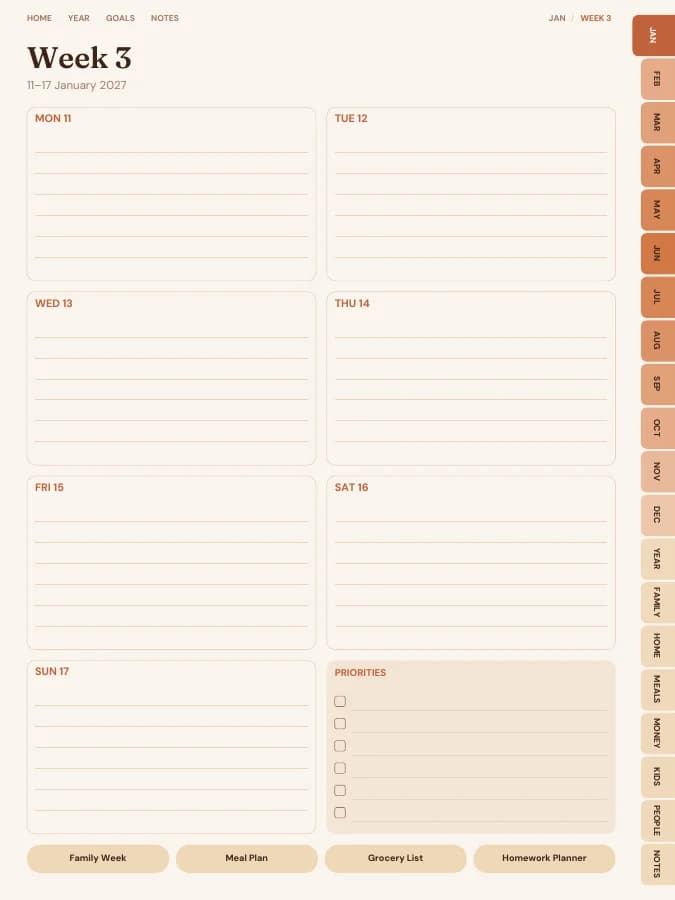
Rendered by the same engine that builds yours, in the Terracotta Sun theme for iPad portrait.
A family week page with a row for each person.
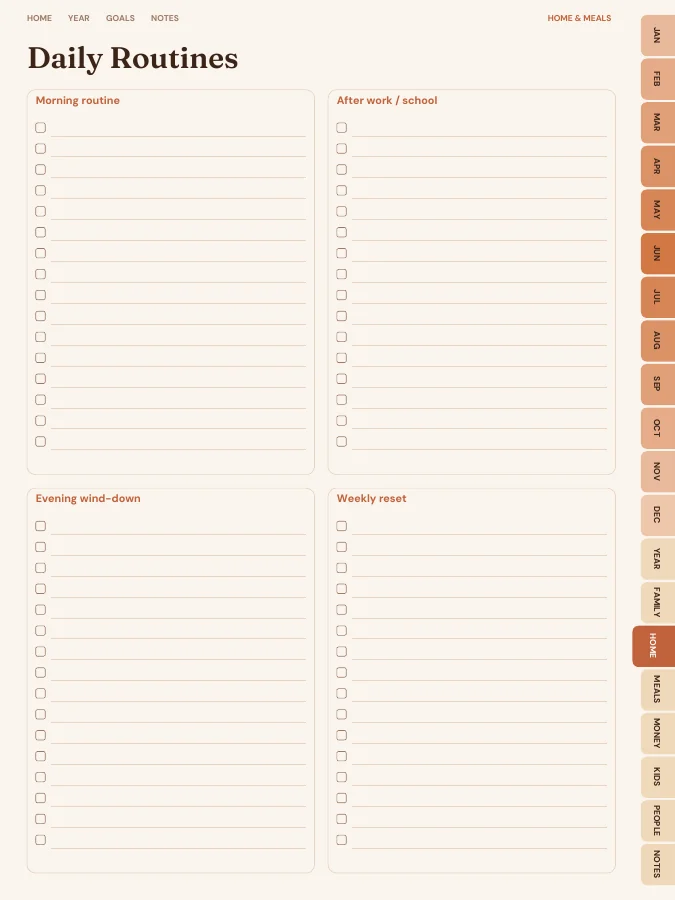
Routines, cleaning and grocery planning.
Weekly meal plans, grocery lists and recipe cards.
Monthly budget, expense log and bill tracker.
Homework planner, chore chart, star chart and reading log.
Contacts, birthdays and key info.
Cover and contents · 2 pages
A cover with your name and a linked contents page that every tab returns to.
Year overview · 1 page
The whole year on one page. Tap any date to open it.
Year goals · 1 page
Your goals and their milestones in one place, filled in by the AI if you use it.
Monthly calendars · every month
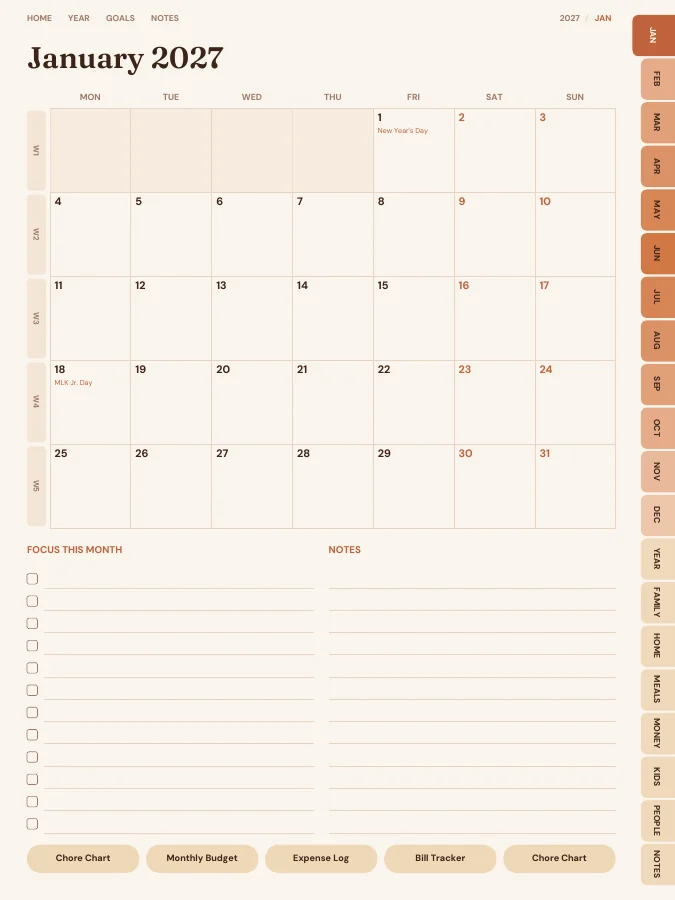
A month grid with a focus list and notes. Every date links to its day or week.
Weekly pages · every week
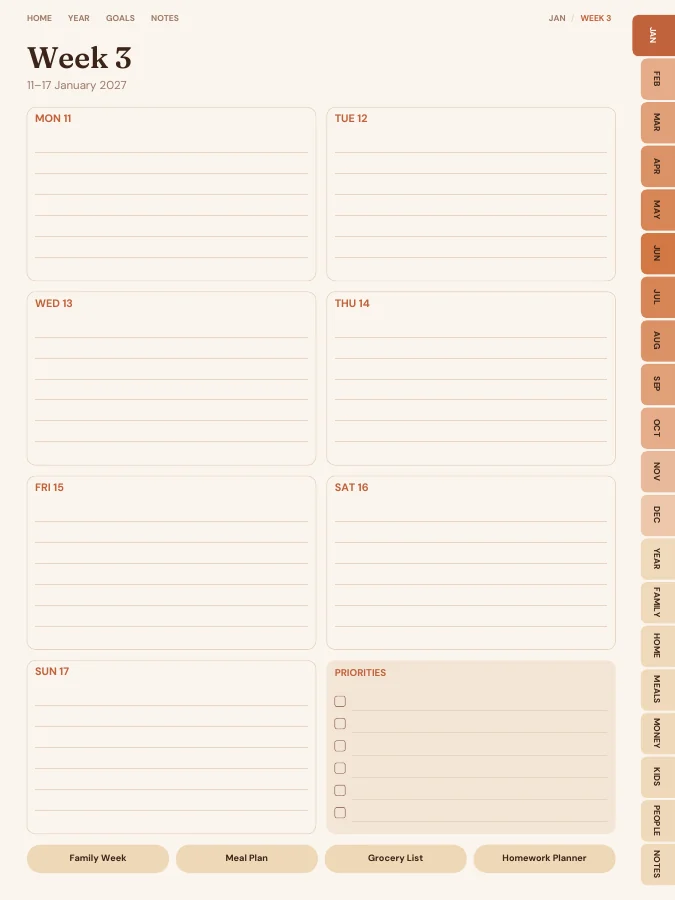
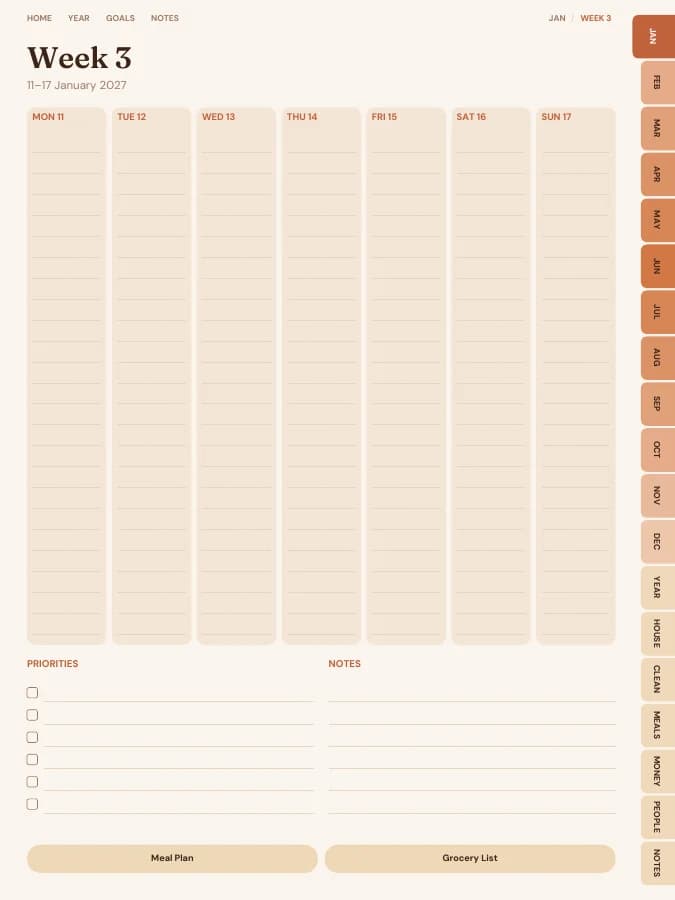
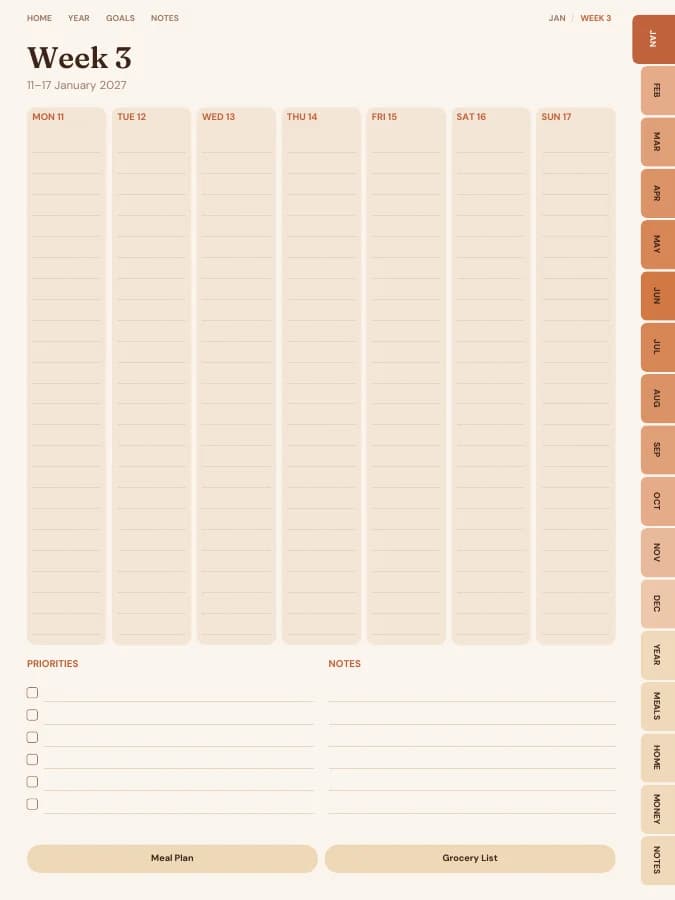
One page per week with your weekly goal actions and priorities.
Notes · 20 pages
Lined, dotted, grid or blank pages. You choose how many, up to 100.
The sample above comes to 389 pages over 12 months. Yours changes with the months, sections and notes pages you choose.
Type a goal like one of these and the AI breaks it into a milestone for each month and a small action for each week, then prints them on your month and week pages. You read and edit every line before you download.
Your goal
Plan the family week every Sunday
Your goal
Family dinner four nights a week
Your goal
Get the kids doing their own chore chart
Each family week page has five rows for people and one for everyone. Write each person's name on a row.
Fill in the week: school events, practices, work trips and who's driving.
Use the meal plan and grocery list to match quick dinners to busy nights.
Routines and a chore chart for every month keep household jobs visible and fair.
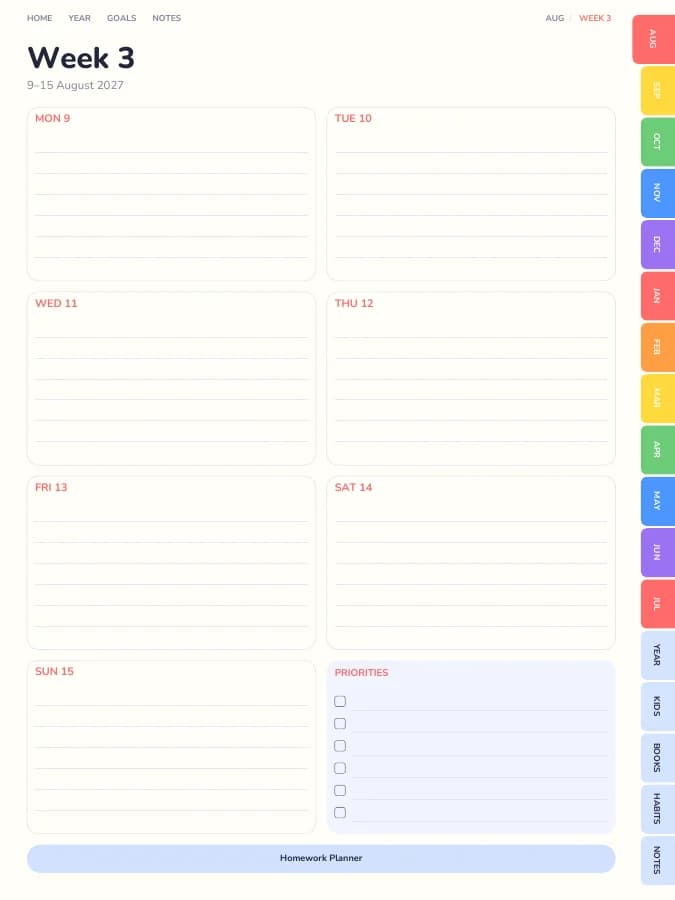
Homework planners, star charts and reading logs live in the kids' section.
A family organizer should show everyone's week at a glance. This one includes:
Dated month calendars and a family week page for every week, plus a standard weekly page. No daily pages.
A family week page for every week, with a row for each person, a row for everyone and a box for this week's notes.
Routines, a chore chart for every month and 12 grocery lists.
Weekly meal plans, grocery lists and 20 recipe cards.
A monthly family budget, expense log and bill tracker.
A weekly homework planner, chore charts, star charts and reading logs.
Contacts, birthdays and key information like school and doctor numbers.
Every section can be switched off in the builder, and sections from other planners can be added.
A digital family planner on a shared tablet means anyone can check what's on, and changes don't need rubbing out.
A printed family week on the fridge is still hard to beat. Print the family week pages on A4 or US Letter and update them every Sunday.
One goal, followed through a single week. The milestone and weekly actions are the kind of lines the AI goal step writes onto your month and week pages; the daily notes are what you add by hand.
Goal
Plan the family week every Sunday
Milestone for September
First month of school weeks planned in advance
This week's actions
iPad — Portrait
GoodNotes, Notability, Noteshelf, Xodo, Collanote, ZoomNotes
iPad — Landscape
GoodNotes, Notability, Noteshelf, Xodo
Android tablet — Portrait
Samsung Notes, Penly, Flexcil, Xodo, Noteshelf
Android tablet — Landscape
Samsung Notes, Penly, Flexcil, Xodo
E-ink tablet
reMarkable, Kindle Scribe, Boox, Supernote
Printable — A5
Print at home or at a print shop, fits A5 binders
Printable — A4
Print at home on standard A4 paper
Printable — US Letter
Print at home on US Letter paper
Printable — Half Letter
Fits Happy Planner classic and half-letter discs
Terracotta Sun
Earthy rust, ochre and sand.
Prefer something else? Pick from 13 themes, including dark mode and an e-ink theme, and change the accent colour.
See all themesFive named rows plus an 'Everyone' row. Write names in once and duplicate the page in your note app if you need more rows.
The mom planner is built around one parent's day, with daily pages and self-care. The family planner is built around the household's week, with a row for each person.
You can build this family planner and flip through every page in your browser for free, with a watermark. The tabs and links work in the preview, so you can check the layout before you pay. The clean PDF is $12 once, or included in Pro at $49 a year for unlimited planners. There is no free download of the full planner.
Yes. Download the iPad size for GoodNotes, Notability, Noteshelf, Xodo, Collanote or ZoomNotes; the Android size for Samsung Notes, Penly, Flexcil or Xodo; or the E-ink size for reMarkable, Kindle Scribe, Boox and Supernote. The links work in any app that follows PDF links, usually in read mode rather than pen mode. Every size is included in the price.
Yes. Choose A5, A4, US Letter or Half Letter in the builder for a printable PDF with a wider inner margin for hole punching. Printable and digital sizes come with the same purchase, so you can use the family planner on a tablet and print the pages you want on paper.
Dated by default, starting in January 2027. You can pick any start month and year (including this month), a length from 3 months to 5 years, and Monday or Sunday weeks. Or switch to undated and write the dates in yourself, so a skipped week isn't wasted.
Only the goal parts, and only if you want it to. Type up to six goals and the AI writes a milestone for each month and a short action for each week onto your month and week pages, plus a motto for each month. You can edit every line before you download. Everything else, from the calendar pages to the trackers, is yours to fill in by hand. You can try it 3 times a day without an account.
With the default settings it comes to about 408 pages. That includes 12 month pages, 53 weekly pages, the Family Week, Home & Meals, Meals, Budget, Kids Zone and Contacts & Dates pages and 20 notes pages. Switching off sections makes it shorter, and the builder shows the total as you change things.
Set your dates, device and goals, flip through the preview free, and pay only when it's right.
Build this planner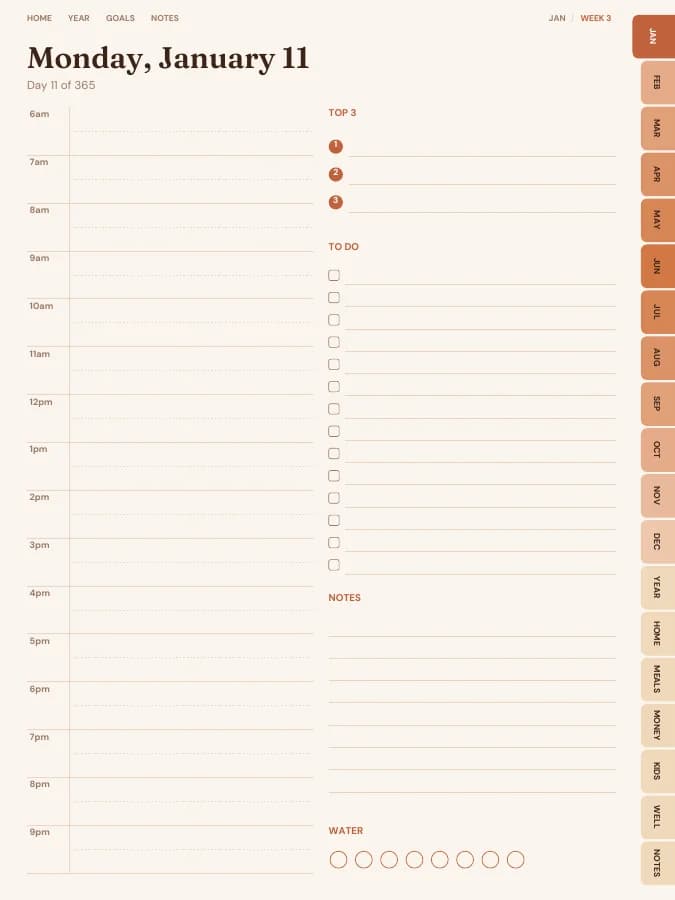
Family schedule, meals, chores, budget and a little time for you.
Everything about running the house in one binder: info, maintenance, cleaning, meals and money.
Weekly meal plans, grocery lists and recipe cards that save money.
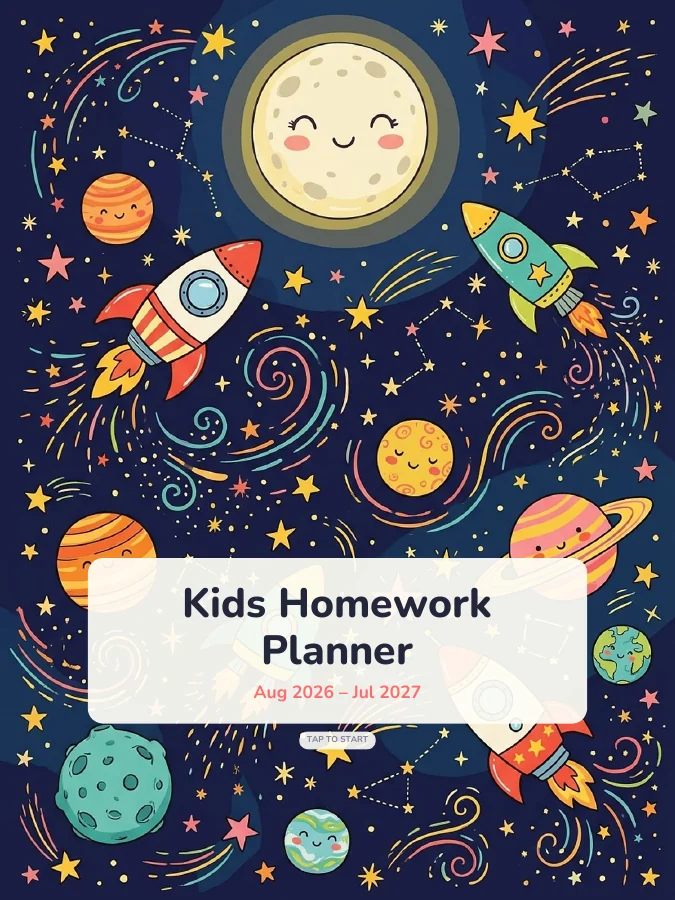
Big, bright pages for homework, chores, reading and rewards.