No-Spend Challenge Template (Printable PDF & GoodNotes)
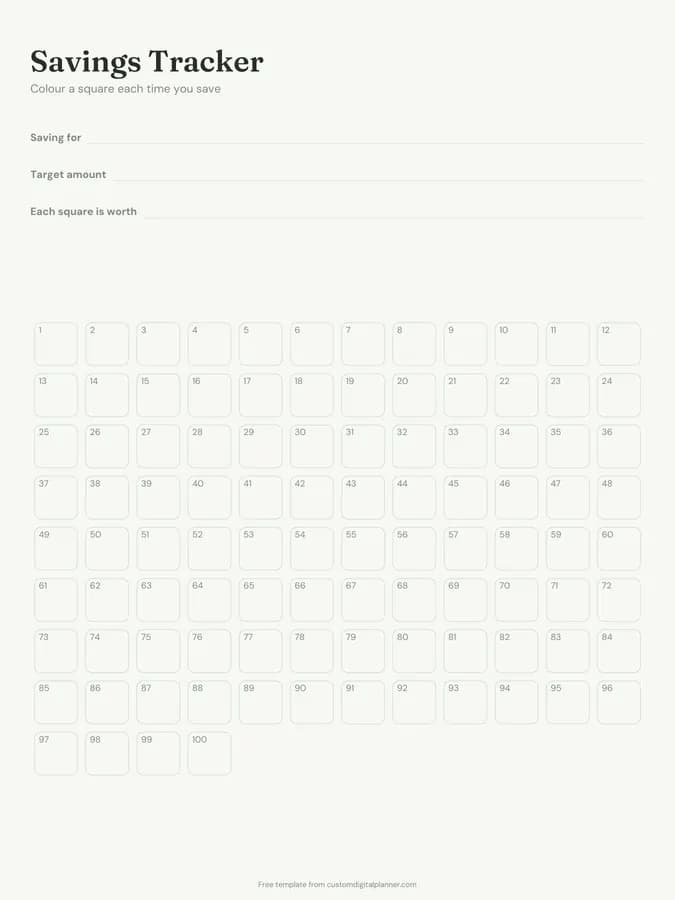
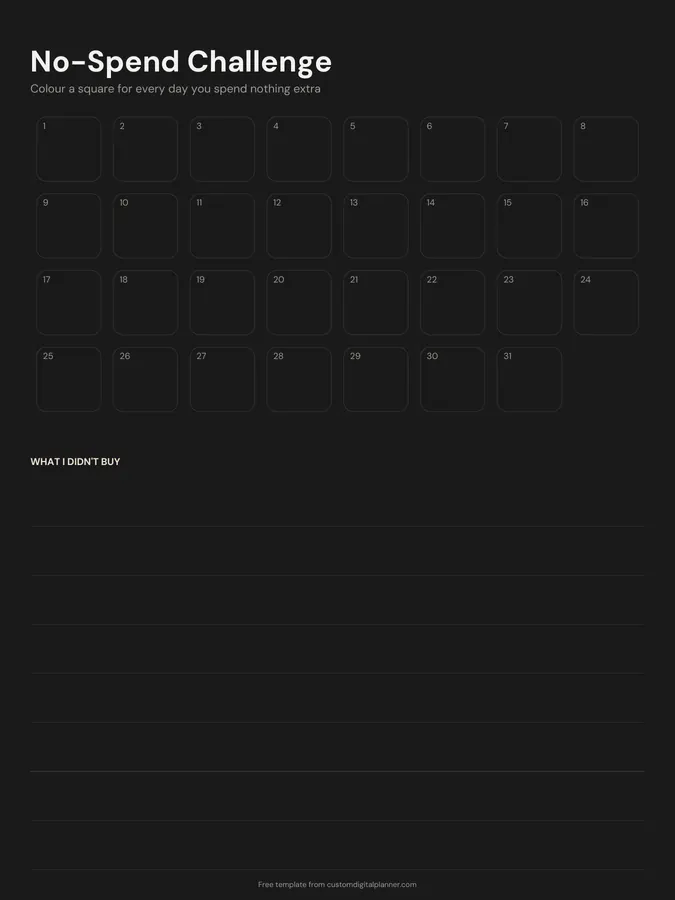
A one-month no-spend challenge tracker: 31 numbered squares to colour for every day you spend nothing beyond your essentials, and a lined box for the things you didn't buy. It's a simple way to reset your spending habits.
- Printable US Letter8.5 × 11 in, white paper
- Printable A4210 × 297 mm, white paper
- iPad / GoodNotesAlso Notability and Noteshelf
- E-ink tabletreMarkable, Kindle Scribe, Boox
Free PDF, 1 page, undated. No sign-up needed.
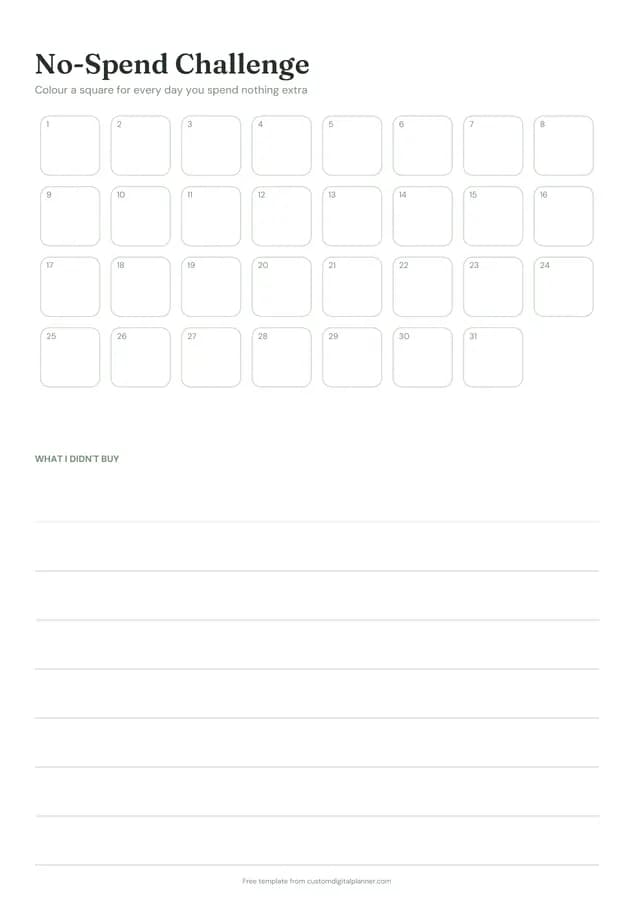
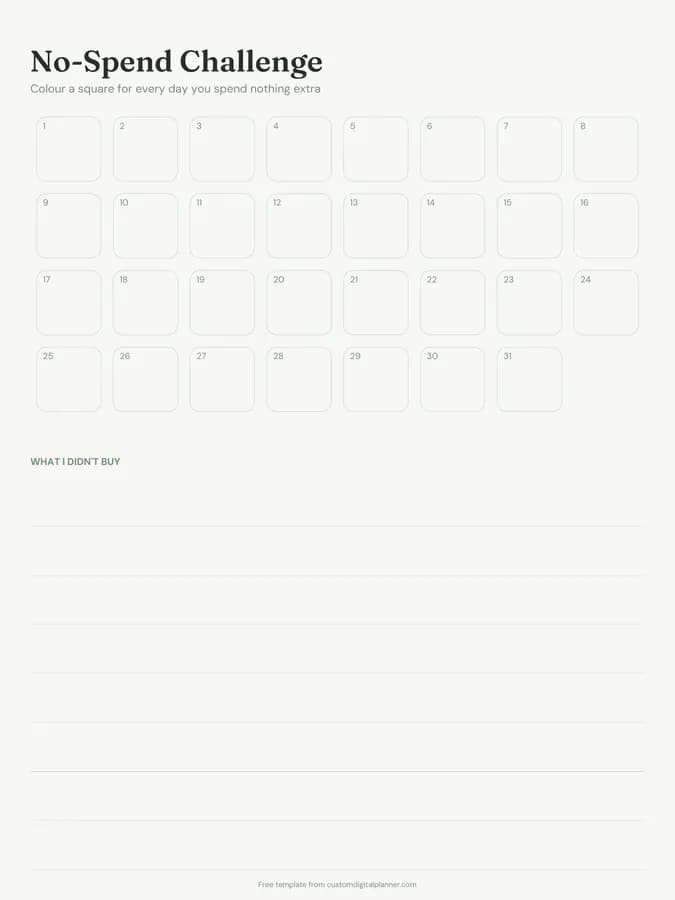
Shown for iPad in the Sage Botanical theme. Printable downloads use white paper (there's a dark mode preview below); the e-ink version is black and white.
One page, ready to fill in.
- 31 numbered squares to colour in
- Lined space for "What I didn't buy"
- Undated, so you can print or duplicate it as often as you need
Who it's for
People who want to reset impulse spending after the holidays or a big month, those saving fast for a goal, and anyone curious how much they spend without thinking. It's popular in January and before big trips.
Getting the most from a no-spend challenge.
Write your rules first
Decide what still counts as allowed: rent, bills, groceries, fuel, medicine. Write them at the top so there's no arguing with yourself mid-month.
Colour only true no-spend days
A square gets coloured when you spent nothing outside your essentials. Leave the others white; the gaps are honest information.
Use "What I didn't buy" with prices
Write the thing and roughly what it cost: takeaway $25, new shoes $60. Adding them up at the end shows what the challenge saved.
Plan for weekends
Most slips happen on weekends. Plan free things in advance: a walk, a library trip, a film night at home, a potluck with friends.
Move the savings on purpose
At the end of the month, transfer the money you didn't spend into savings or a debt. Otherwise it tends to vanish.
Included in 5 planners
This template is a page in each of these planners. Open one to see everything else that comes with it.
Get it inside a full hyperlinked planner
The budget planner includes this page alongside dated month and week pages for your year, with side tabs and links between every page. Pick your device and theme, preview it free, and pay only when it's right.
- Dated pages for the whole year
- Tap a tab or a date to jump there
- GoodNotes, Notability, Samsung Notes, e-ink and print sizes
Opens the budget planner with the Savings & Debt section switched on.
Or read about the budget planner first.
About this no-spend challenge template
Need help importing it? See devices and apps or the FAQ.
What is a no-spend challenge?
A set period, often a week or a month, where you only spend on essentials like bills, groceries and transport. It breaks impulse-buying habits and frees up money.
What counts as essential?
You decide. Most people allow housing, bills, basic groceries, fuel or transport, medicine and childcare, and cut takeaways, shopping and entertainment.
Can I do a shorter challenge?
Yes. Use the first seven or fourteen squares for a no-spend week or fortnight.
Which planners include it?
Planners with the Savings & Debt section, including the budget and debt payoff planners, where it comes with savings trackers, sinking funds and a net worth snapshot.
What if I have to buy something unplanned?
If it's a true essential, like medicine or a repair, buy it and still colour the square. If it isn't, write it in the box of things you didn't buy and wait a week.