Savings Tracker Template (Printable PDF & GoodNotes)
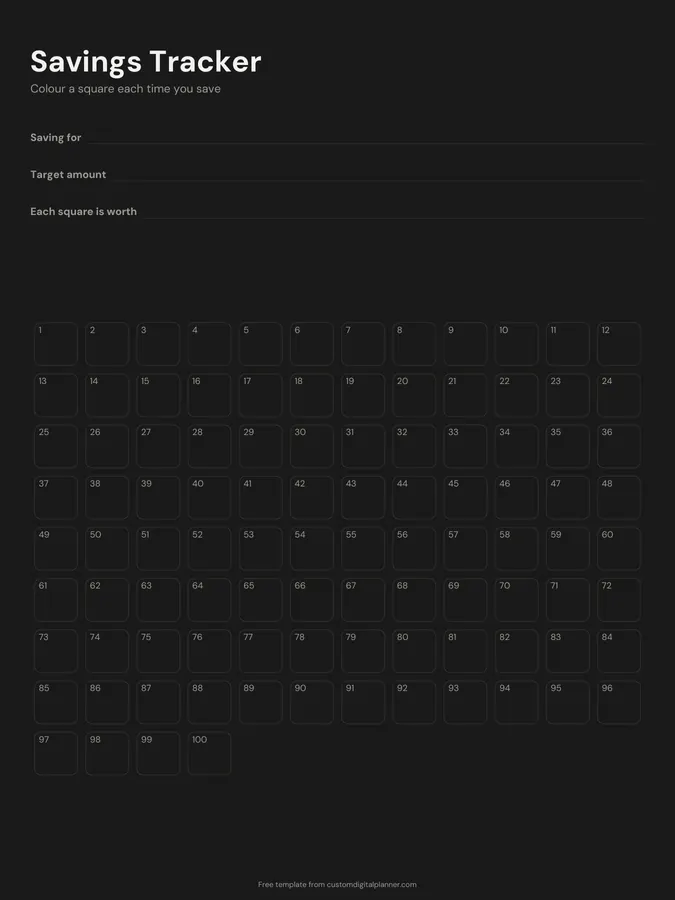
A savings goal chart. Write what you're saving for, the target amount and what each square is worth, then colour in one of the 100 numbered squares each time you save that amount. When all 100 are filled, you've reached your goal.
- Printable US Letter8.5 × 11 in, white paper
- Printable A4210 × 297 mm, white paper
- iPad / GoodNotesAlso Notability and Noteshelf
- E-ink tabletreMarkable, Kindle Scribe, Boox
Free PDF, 1 page, undated. No sign-up needed.
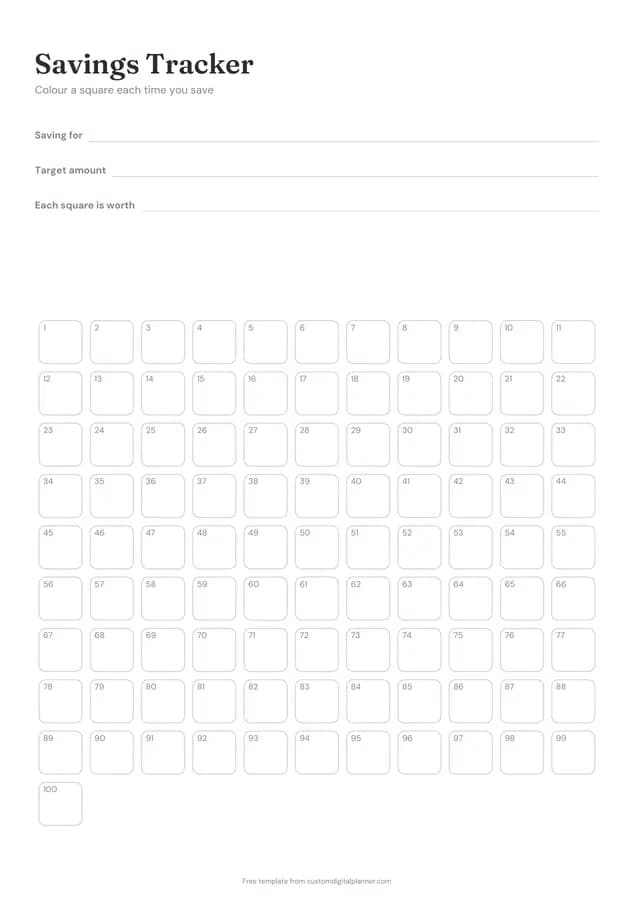
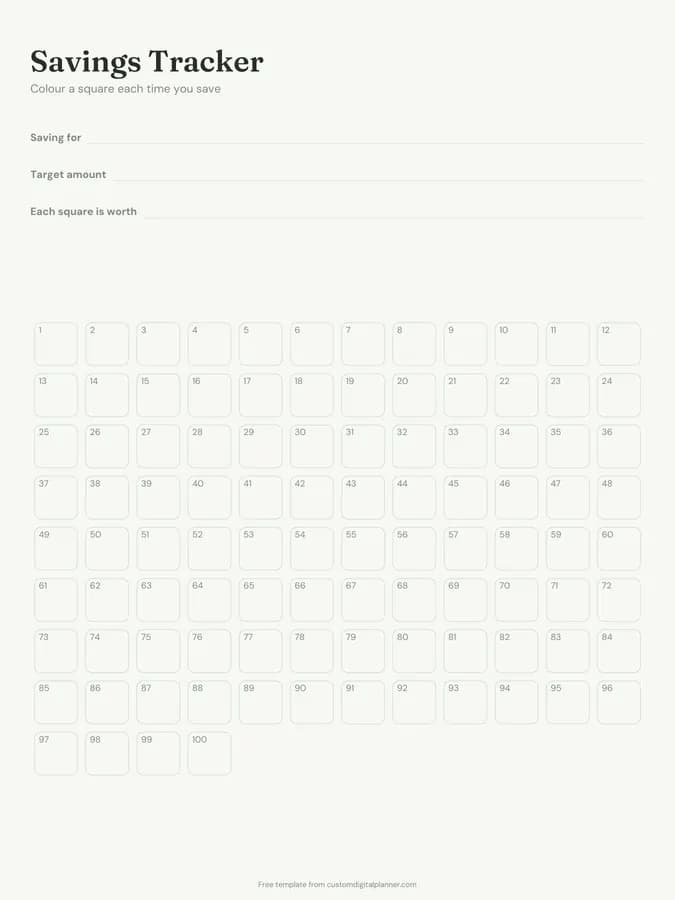
Shown for iPad in the Sage Botanical theme. Printable downloads use white paper (there's a dark mode preview below); the e-ink version is black and white.
One page, ready to fill in.
- Write-in lines for saving for, target amount and each square is worth
- 100 numbered squares to colour in
- Undated, so you can print or duplicate it as often as you need
Who it's for
People saving for something specific, such as an emergency fund, a holiday, a car or a deposit, families saving together, and children learning to save with a visual chart.
Getting the most from a savings tracker.
Divide the target by 100
For a $2,000 goal, each square is worth $20; for £500, each is £5. Write the value on the page so you know exactly how much to put away to colour one in.
Make it specific
"Emergency fund" or "new laptop by September" works better than "savings". A named goal is easier to stick to when you're tempted to spend.
Colour as soon as the money moves
Colour the square when the money is actually in the savings account, not when you plan to transfer it.
Use one page per goal
If you're saving for several things, give each its own page so progress on one doesn't hide slow progress on another.
Put it where you'll see it
Stick it on the fridge or make it the first page of your planner. Seeing the squares fill up is the point.
Included in 5 planners
This template is a page in each of these planners. Open one to see everything else that comes with it.
Get it inside a full hyperlinked planner
The budget planner includes this page alongside dated month and week pages for your year, with side tabs and links between every page. Pick your device and theme, preview it free, and pay only when it's right.
- Dated pages for the whole year
- Tap a tab or a date to jump there
- GoodNotes, Notability, Samsung Notes, e-ink and print sizes
Opens the budget planner with the Savings & Debt section switched on.
Or read about the budget planner first.
About this savings tracker template
Need help importing it? See devices and apps or the FAQ.
How does the savings tracker work?
Decide your goal and divide it into 100 equal parts. Every time you save one part, colour a numbered square. The chart fills up as you get closer.
Can I use it for any amount?
Yes. Small goals might be $1 or £1 a square; big ones $50 or more. Write the value per square on the page.
Is it the same as the 100 envelope challenge?
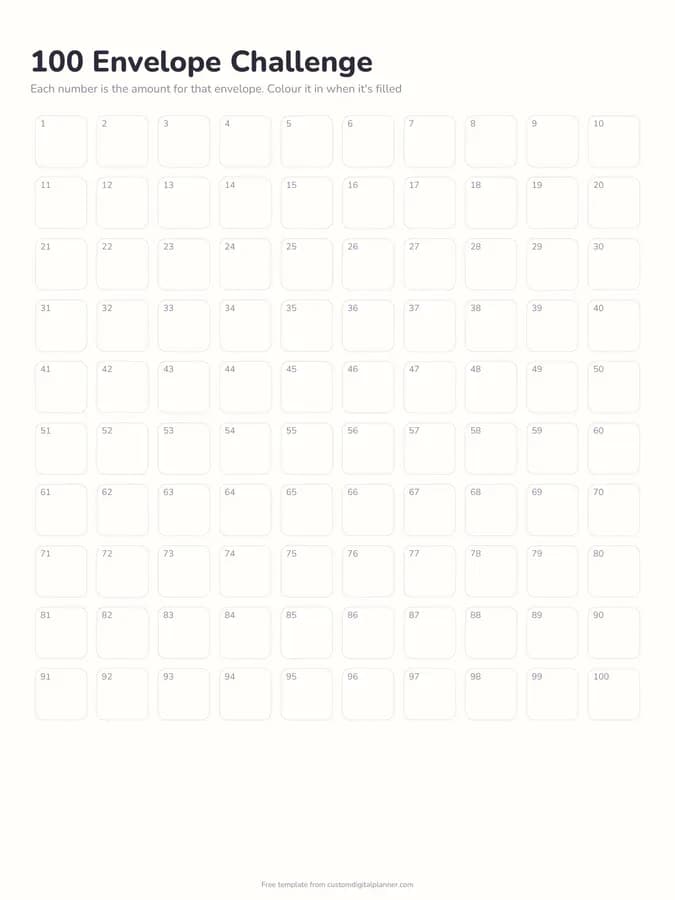
No. Here every square is worth the same. In the 100 envelope challenge, each envelope's number is its amount, so the total is much larger.
Which planners include it?
Planners with the Savings & Debt section, including the budget, debt payoff, savings challenge, cash stuffing and paycheck budget planners.