Sinking Funds Tracker Template (Printable PDF & GoodNotes)
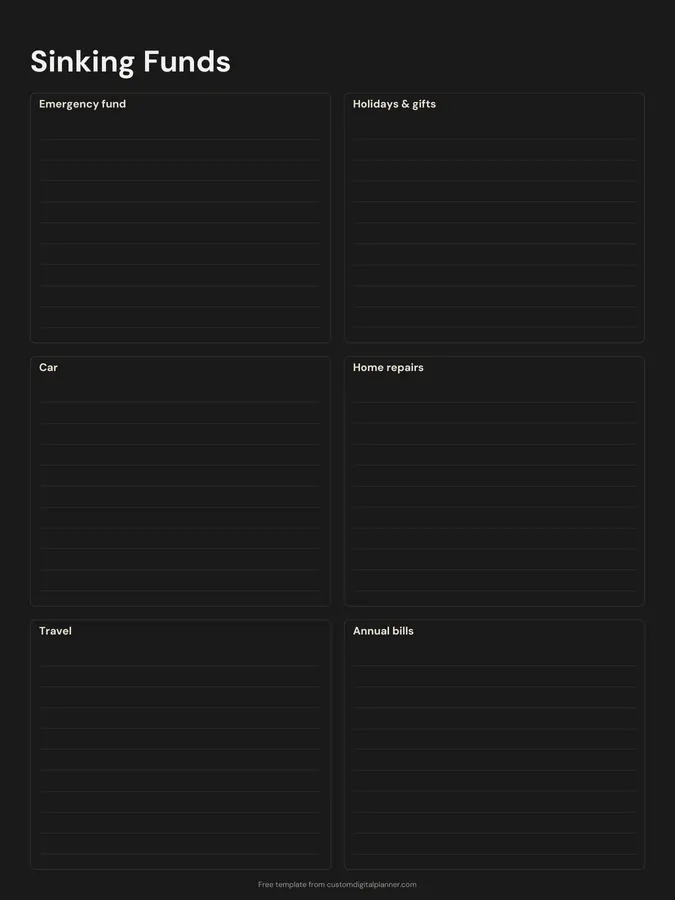
A sinking funds page with six lined boxes: emergency fund, holidays and gifts, car, home repairs, travel and annual bills. Use each box to set a target, a monthly amount and a running balance for money you're putting aside for expenses you know are coming.
- Printable US Letter8.5 × 11 in, white paper
- Printable A4210 × 297 mm, white paper
- iPad / GoodNotesAlso Notability and Noteshelf
- E-ink tabletreMarkable, Kindle Scribe, Boox
Free PDF, 1 page, undated. No sign-up needed.
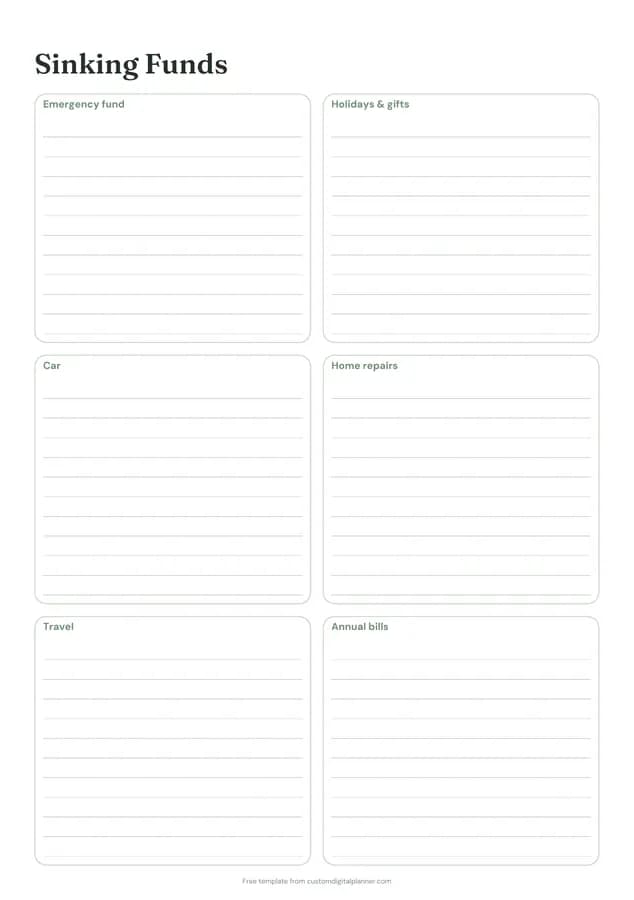
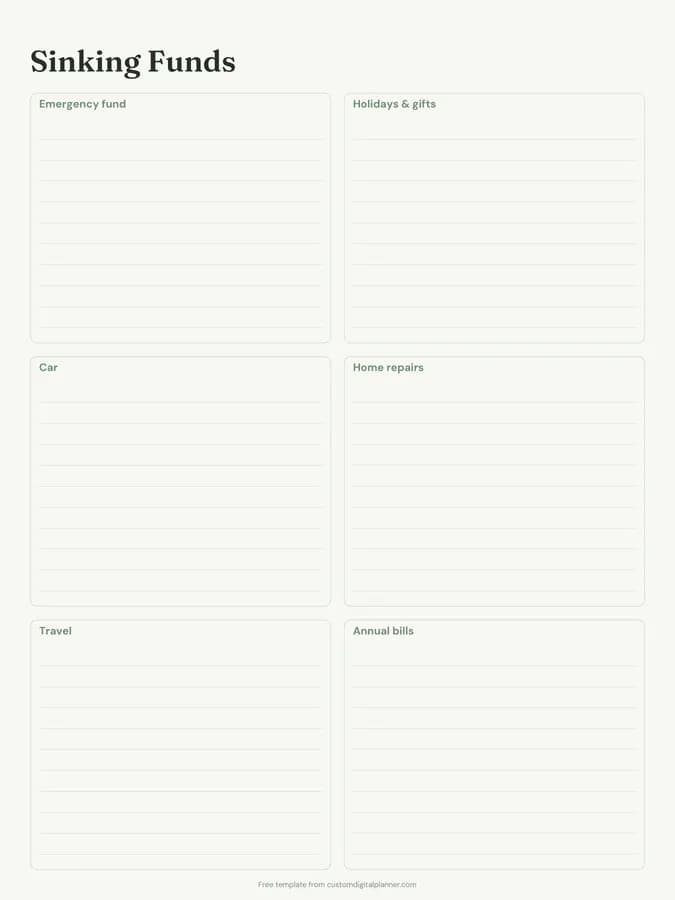
Shown for iPad in the Sage Botanical theme. Printable downloads use white paper (there's a dark mode preview below); the e-ink version is black and white.
One page, ready to fill in.
- Boxes for emergency fund, holidays & gifts, car, home repairs, travel and annual bills
- Undated, so you can print or duplicate it as often as you need
Who it's for
Budgeters who keep getting caught out by annual bills, Christmas or car repairs, cash stuffers, and anyone following a zero-based budget who wants to plan for irregular costs.
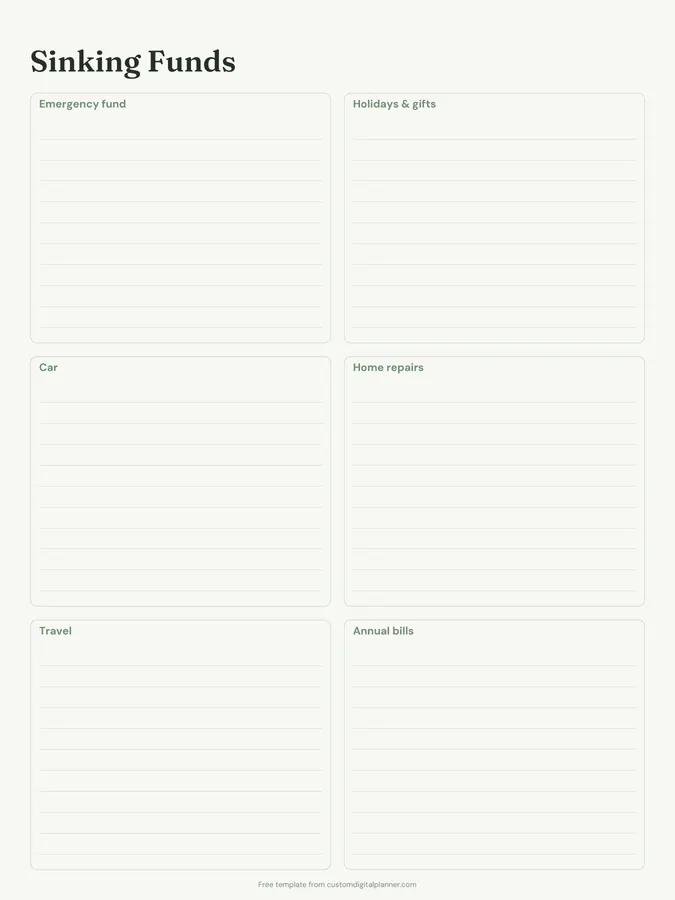
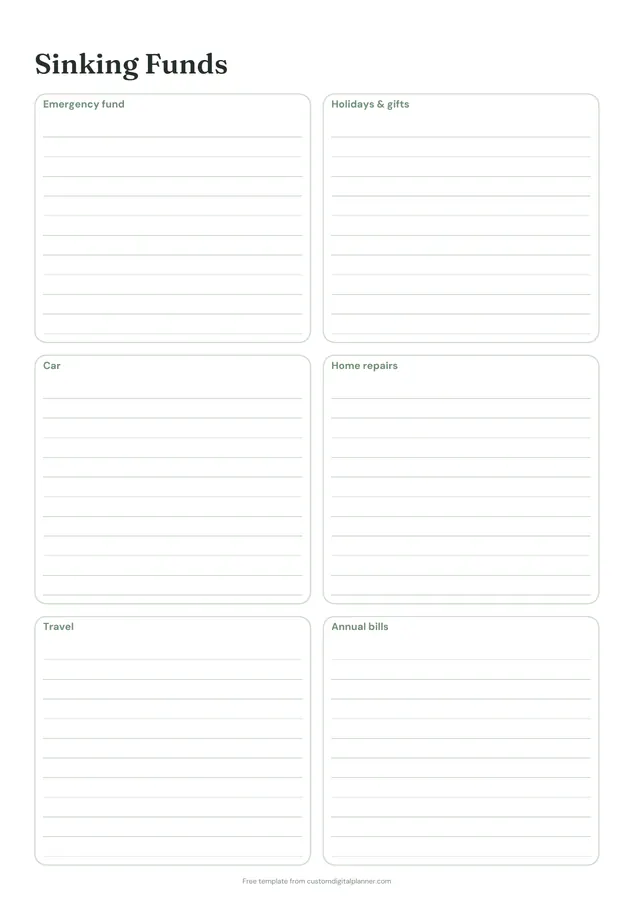
Getting the most from a sinking funds tracker.
Work out the monthly amount
Divide each target by the months until you need it. A $600 car service in 10 months is $60 a month. Write the target and the monthly amount at the top of the box.
Keep a running balance
Under the monthly amount, write the date and new balance each time you add money. A short list of balances is all a sinking fund needs.
Rename the boxes
Cross out a category you don't need and write your own: pets, school fees, Christmas, medical, a new phone.
Use one savings account with clear notes
Many people keep all sinking funds in one account. This page is what tells you how much of the balance belongs to each fund.
Spend from them without guilt
When the car needs tyres, the money is there for it. That's the whole point, and it keeps one bill from knocking the month's budget off.
Included in 5 planners
This template is a page in each of these planners. Open one to see everything else that comes with it.
Get it inside a full hyperlinked planner
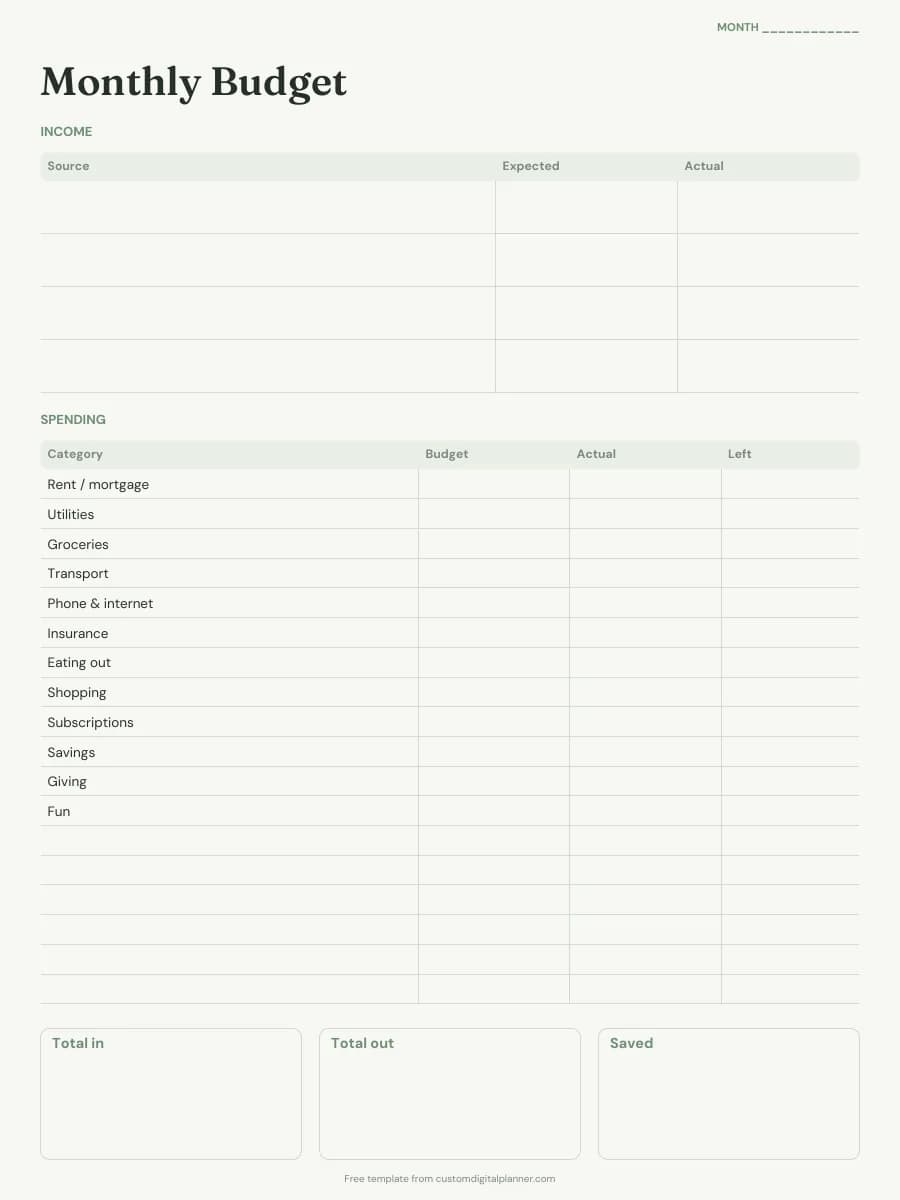
The budget planner includes this page alongside dated month and week pages for your year, with side tabs and links between every page. Pick your device and theme, preview it free, and pay only when it's right.
- Dated pages for the whole year
- Tap a tab or a date to jump there
- GoodNotes, Notability, Samsung Notes, e-ink and print sizes
Opens the budget planner with the Savings & Debt section switched on.
Or read about the budget planner first.
About this sinking funds tracker template
Need help importing it? See devices and apps or the FAQ.
What is a sinking fund?
Money you set aside a little at a time for a known future cost, like Christmas, car repairs or an annual insurance bill, so it doesn't come out of one month's budget.
How is it different from an emergency fund?
An emergency fund is for the unexpected. Sinking funds are for costs you can see coming. The page includes an emergency fund box because many people track both together.
How many funds can I track?
Six on the page, each with lined space for a target and balances. Print a second page if you have more.
Does it work with cash envelopes?
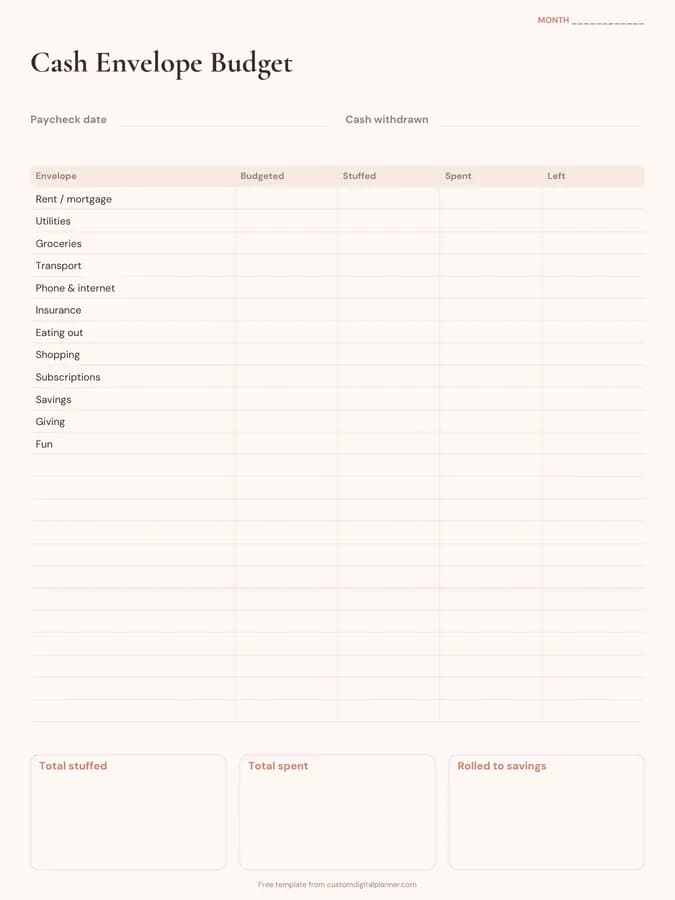
Yes. Sinking funds are popular with cash stuffing. The cash envelope budget template pairs well with it.