Bill Tracker Template (Printable PDF & GoodNotes)
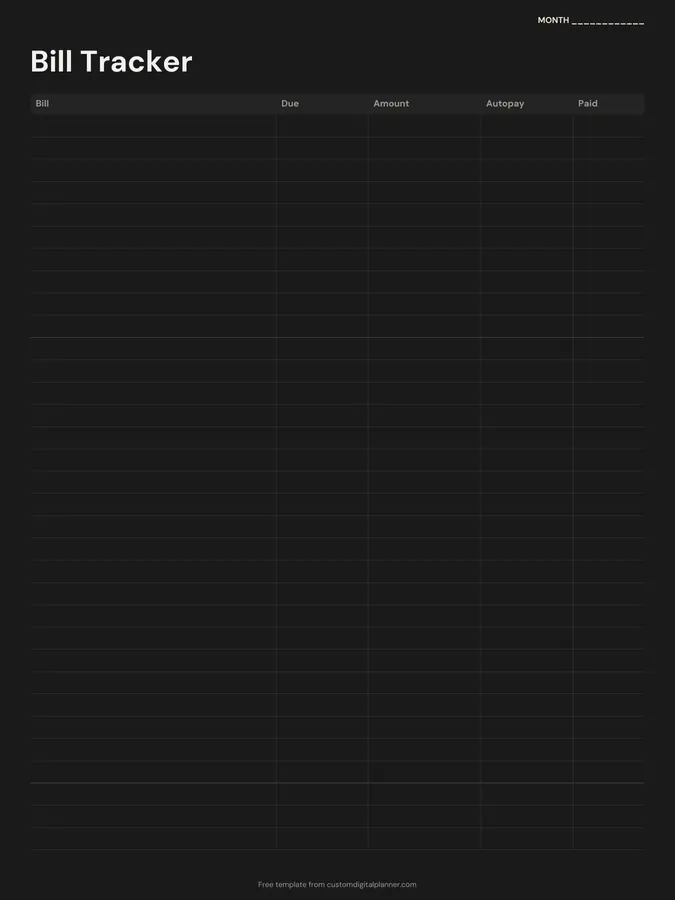
A monthly bill tracker with five columns: bill, due date, amount, autopay and paid. List every bill once at the start of the month, then tick each one off as it goes out, so nothing is late and nothing gets paid twice.
- Printable US Letter8.5 × 11 in, white paper
- Printable A4210 × 297 mm, white paper
- iPad / GoodNotesAlso Notability and Noteshelf
- E-ink tabletreMarkable, Kindle Scribe, Boox
Free PDF, 1 page, undated. No sign-up needed.
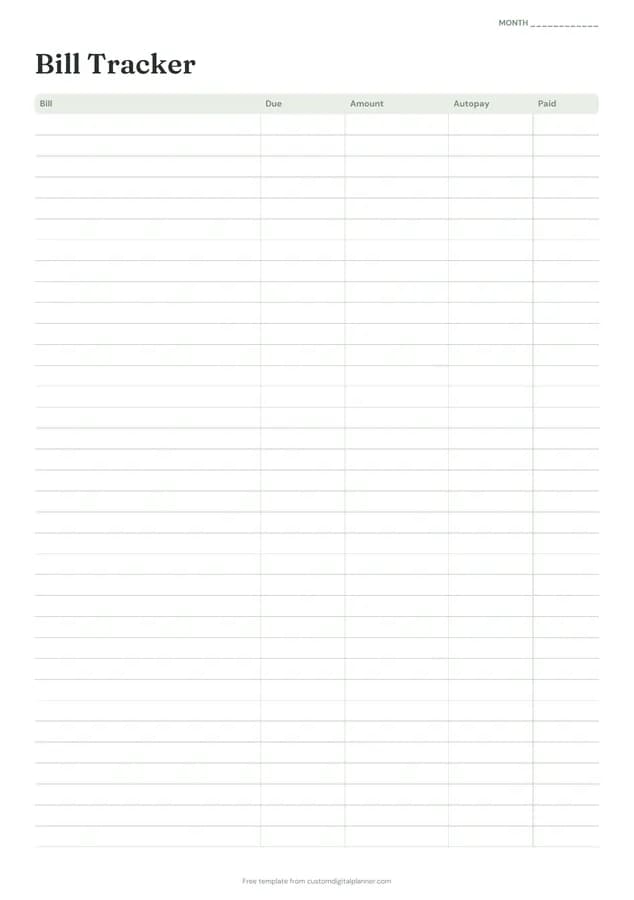
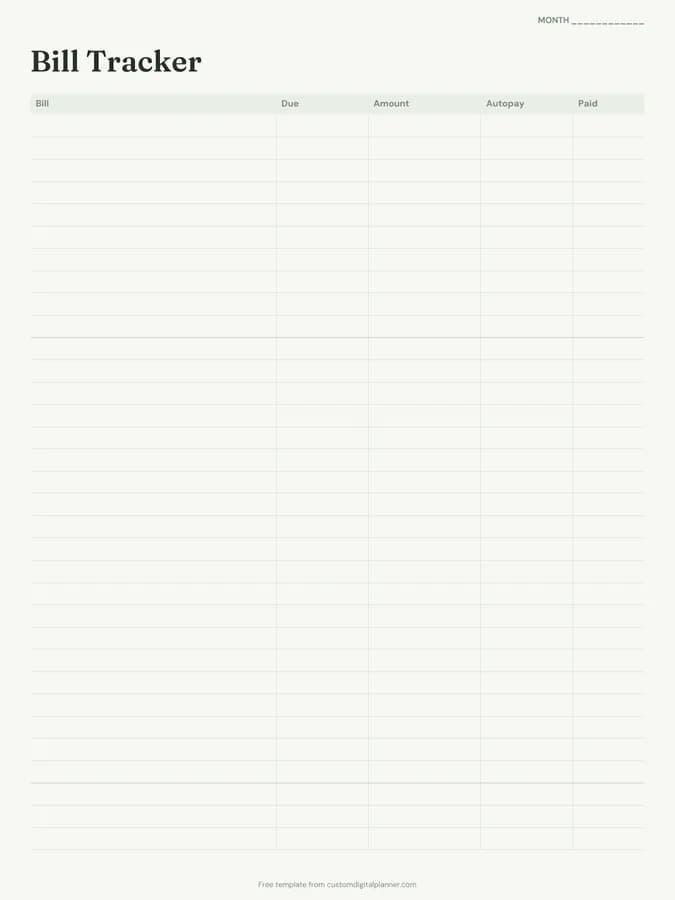
Shown for iPad in the Sage Botanical theme. Printable downloads use white paper (there's a dark mode preview below); the e-ink version is black and white.
One page, ready to fill in.
- A table with columns for bill, due, amount, autopay and paid
- A “Month” line at the top, so it works for any month and year
Who it's for
Households who've paid a bill late or twice, people with several direct debits across different accounts, couples splitting household bills, and anyone setting up their first home who wants to see what goes out each month.
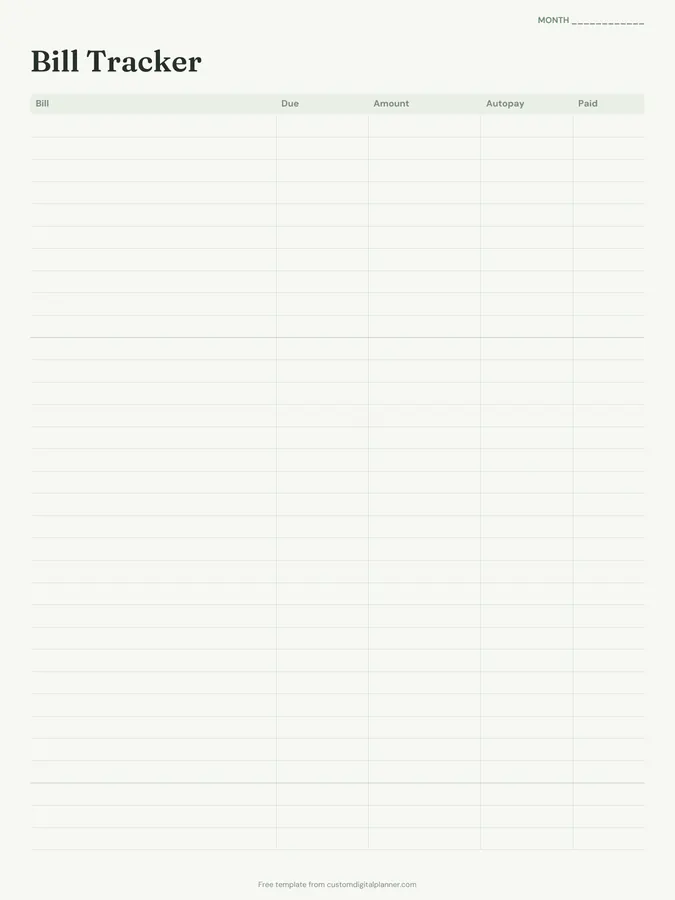
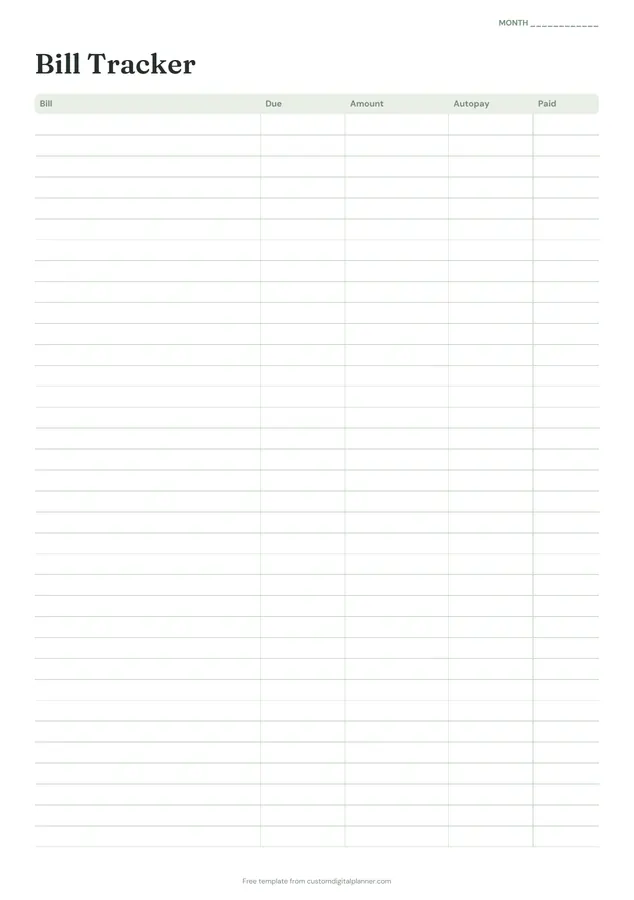
Getting the most from a bill tracker.
List bills in due-date order
Write bills in the order they're due through the month, not alphabetically. Reading down the page then tells you what's coming next.
Mark autopay bills too
Tick the autopay column for anything that pays itself. You still need to know it's coming, so there's enough in the account on the day.
Check the amount each month
Bills change: price rises, usage, end of a deal. Writing the actual amount every month catches increases you might otherwise miss.
Tick paid only when it's left your account
Scheduling a payment isn't the same as paying it. Tick paid once it shows on your statement, and you'll never wonder whether it went through.
Match bills to paydays
If you're paid more than once a month, draw a line under the bills due before each payday. It shows how much of each paycheque is already spoken for.
Included in 39 planners
This template is a page in each of these planners. Open one to see everything else that comes with it.
- All-in-One Life Planner
- Student Planner
- Budget Planner
- Meal Planner
- Christian Planner
- Wedding Planner
- Pregnancy & Baby Planner
- Party Planner
- Baby Shower Planner
- Bridal Shower Planner
- Graduation Party Planner
- Christmas Planner
- Family & Mom Planner
- Travel Planner
- Nurse & Shift Worker Planner
- Pet Care Planner
- Debt Payoff Planner
- Savings Challenge Planner
- Home Management Binder
- Caregiver Planner
- Moving Planner
- Couples Planner & Journal
- IVF & Fertility Journal
- College Planner
- Theme Park Trip Planner
- Home Renovation Planner
- Side Hustle Planner
- Trading Journal
- Paycheck Budget Planner
- Family Planner
- College Application Planner
- Hair Stylist Planner
- Homestead Planner
- Visa Application Planner
- Cruise Planner
- Tax Organizer
- Airbnb Host Planner
- Umrah & Hajj Planner
- National Parks Planner
Get it inside a full hyperlinked planner
The budget planner includes this page alongside dated month and week pages for your year, with side tabs and links between every page. Pick your device and theme, preview it free, and pay only when it's right.
- Dated pages for the whole year
- Tap a tab or a date to jump there
- GoodNotes, Notability, Samsung Notes, e-ink and print sizes
Opens the budget planner with the Budget section switched on.
Or read about the budget planner first.
What bills should I put on the tracker?
Everything that's due on a schedule: rent or mortgage, utilities, phone, internet, insurance, loans, credit cards, childcare, subscriptions and memberships.
How many bills fit on one page?
Around 20 on the printable versions, which covers most households. Use a second page for business bills or a second household.
Is it monthly or yearly?
Monthly. It's undated with a Month line at the top, so print one per month, or duplicate it in your note app.
Does it use dollars?
No currency is printed, so it works for dollars, pounds, naira, euros or any other currency.
Which planners include a bill tracker?
Any planner with the Budget section, from the budget planner to the life, student, wedding and home management planners. There it comes with a monthly budget and expense log for each month.