Subscription Tracker Template (Printable PDF & GoodNotes)
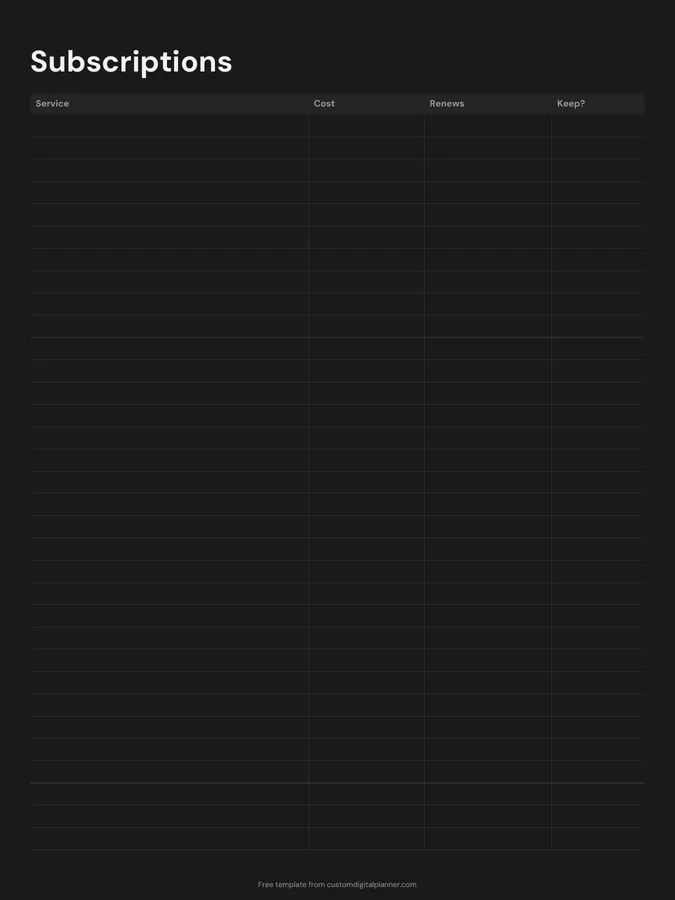
A subscription tracker with four columns: service, cost, renewal date and keep. List every subscription and membership in one place, then decide which ones are worth keeping before they renew.
- Printable US Letter8.5 × 11 in, white paper
- Printable A4210 × 297 mm, white paper
- iPad / GoodNotesAlso Notability and Noteshelf
- E-ink tabletreMarkable, Kindle Scribe, Boox
Free PDF, 1 page, undated. No sign-up needed.
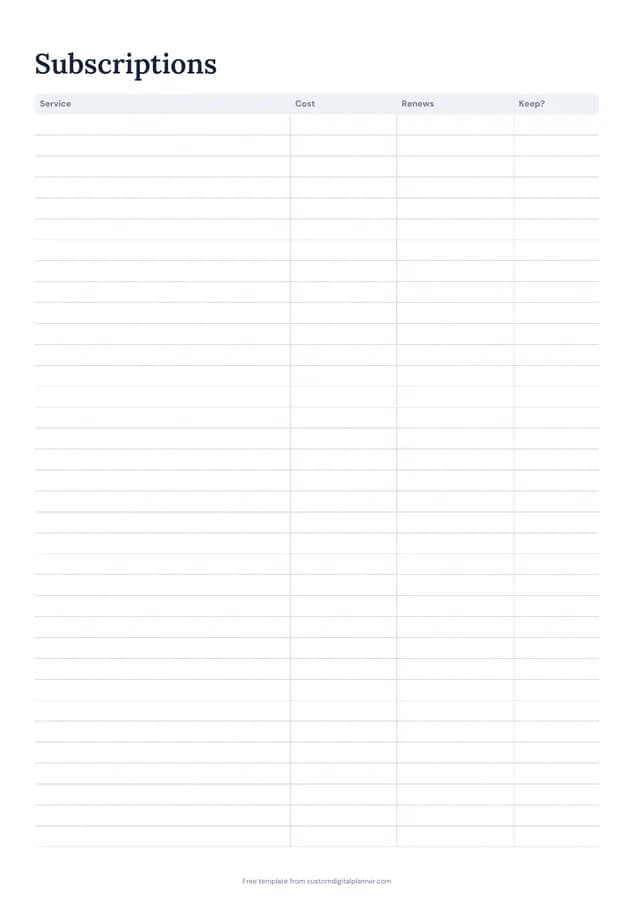
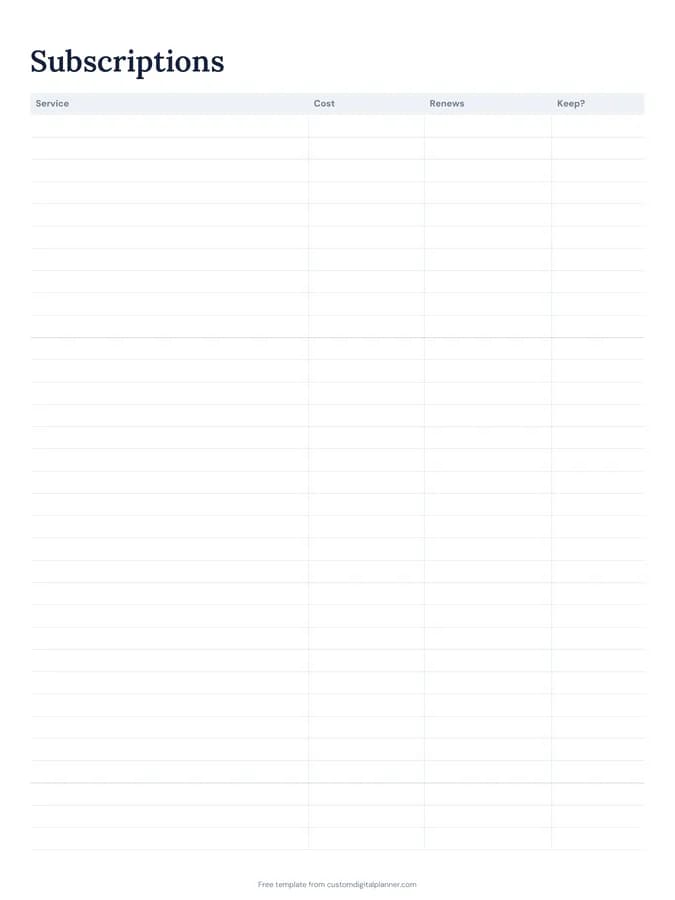
Shown for iPad in the Classic Navy theme. Printable downloads use white paper (there's a dark mode preview below); the e-ink version is black and white.
One page, ready to fill in.
- A table with columns for service, cost, renews and keep?
- Undated, so you can print or duplicate it as often as you need
Who it's for
Anyone whose bank statement has payments they don't recognise, families sharing streaming accounts, freelancers paying for several software tools, and people trying to cut monthly costs quickly.
Getting the most from a subscription tracker.
Search your statements
Go through the last three months of bank and card statements and list every recurring payment. Most people find at least one they'd forgotten.
Include yearly renewals
Annual subscriptions are the easiest to forget. Write the renewal date and add a reminder a week before on your calendar.
Convert to a monthly cost
Write yearly costs as both: "$120/yr ($10/mo)". It makes subscriptions comparable and shows their real monthly weight.
Be strict in the keep column
Ask whether you used it last month and would sign up again today. If not, cancel it, or pause it if you're unsure.
Check it twice a year
Prices rise and habits change. A quick review in January and July keeps the list honest.
Included in 5 planners
This template is a page in each of these planners. Open one to see everything else that comes with it.
Get it inside a full hyperlinked planner
The budget planner includes this page alongside dated month and week pages for your year, with side tabs and links between every page. Pick your device and theme, preview it free, and pay only when it's right.
- Dated pages for the whole year
- Tap a tab or a date to jump there
- GoodNotes, Notability, Samsung Notes, e-ink and print sizes
Opens the budget planner with the Savings & Debt section switched on.
Or read about the budget planner first.
About this subscription tracker template
Need help importing it? See devices and apps or the FAQ.
What counts as a subscription?
Anything that charges you on a schedule: streaming, music, apps, cloud storage, gym, software, boxes, memberships, news sites, and insurance add-ons.
How many subscriptions fit on a page?
Around 25 rows on the printable versions.
Does it work for business subscriptions?
Yes. Freelancers often keep one page for personal and one for business software, which also helps at tax time.
Which planners include it?
Planners with the Savings & Debt section, like the budget, debt payoff and paycheck budget planners.
How do I find all my subscriptions?
Check three months of bank and card statements, app store subscriptions on your phone and your email for receipts. Annual ones may only show up once a year.
Should I cancel or pause?
If you're unsure, pause or downgrade where you can and note it in the keep column. Cancel anything you haven't used in the last month.