Password Log Template (Printable PDF & GoodNotes)
A printable password log with three columns: account, username and hint. It's designed for hints rather than full passwords, so a lost page doesn't hand someone your logins, but you still have a record when you forget which email or username you used.
- Printable US Letter8.5 × 11 in, white paper
- Printable A4210 × 297 mm, white paper
- iPad / GoodNotesAlso Notability and Noteshelf
- E-ink tabletreMarkable, Kindle Scribe, Boox
Free PDF, 1 page, undated. No sign-up needed.
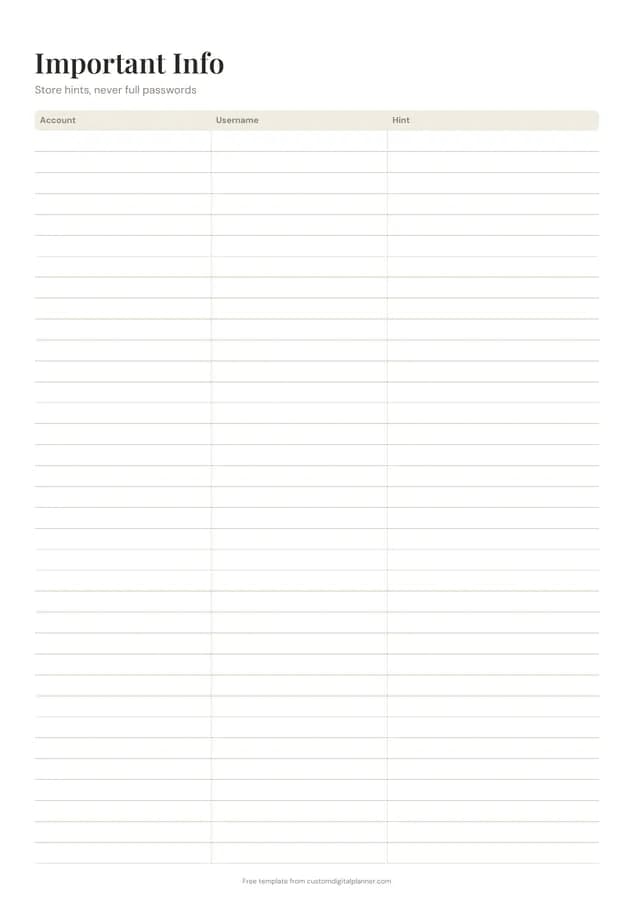
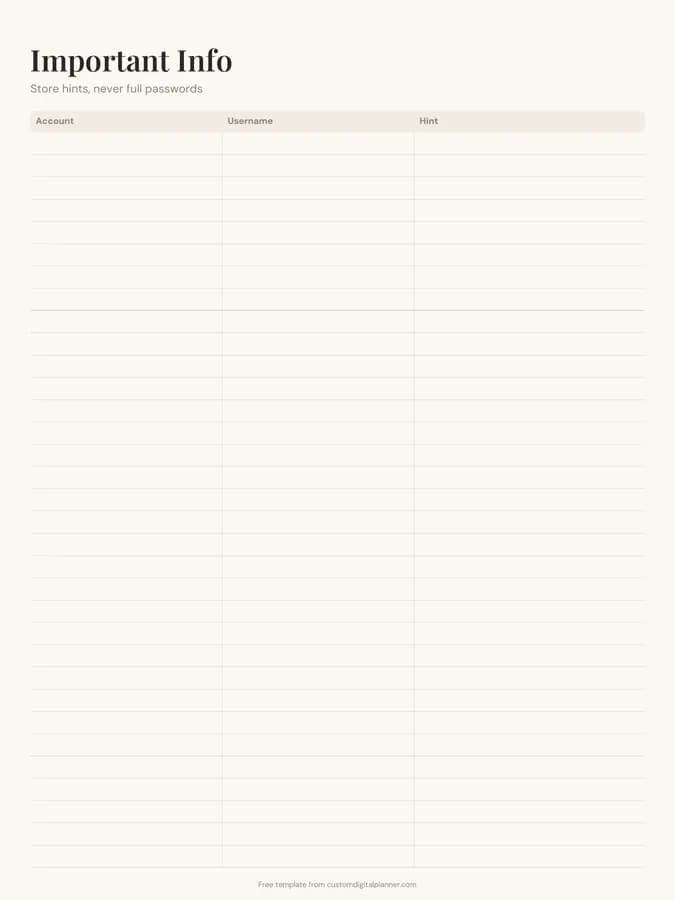
Shown for iPad in the Ivory Minimal theme. Printable downloads use white paper; the e-ink version is black and white.
One page, ready to fill in.
- A table with columns for account, username and hint
- Undated, so you can print or duplicate it as often as you need
Who it's for
Anyone who keeps getting locked out of accounts because they can't remember which email or username they used, and people organising their affairs for a partner or executor. It suits older relatives who prefer paper, as long as only hints go on it.
Getting the most from a password log.
Write hints only you would understand
"Dog's name + house number" is a hint; the actual password is not. Hints should jog your memory without giving the password to anyone who finds the page.
Record the username and email you signed up with
Most forgotten logins come down to which email address or username you used. That column alone saves a lot of password resets.
Keep the page somewhere private
Store it in a home binder in a drawer, not on the fridge. If you use the digital version, keep it in a password-protected notebook.
Use a separate line for security questions
If a site uses security questions, add a line with the account name and "Q:" for which questions you chose, again with hints rather than answers.
Tell someone where it is
For estate and emergency planning, let a trusted person know where the binder is. The final wishes template has a box for digital accounts too.
Included in 17 planners
This template is a page in each of these planners. Open one to see everything else that comes with it.
- All-in-One Life Planner
- End of Life Planner
- Home Management Binder
- Therapist Planner
- Caregiver Planner
- Special Education Teacher Planner
- Moving Planner
- IEP Binder for Parents
- Pastor Planner
- Job Search Planner
- Family Planner
- Hair Stylist Planner
- Visa Application Planner
- Social Worker Planner
- Appointment Book
- Two-Page-Per-Day Planner
- Homework Planner
Get it inside a full hyperlinked planner
The home management binder includes this page alongside dated month and week pages for your year, with side tabs and links between every page. Pick your device and theme, preview it free, and pay only when it's right.
- Dated pages for the whole year
- Tap a tab or a date to jump there
- GoodNotes, Notability, Samsung Notes, e-ink and print sizes
Opens the home management binder with the Contacts & Dates section switched on.
Or read about the home management binder first.
Is it safe to write down passwords?
Writing full passwords on paper is risky if the page is lost or seen. This log is built for hints and usernames instead, which keeps the useful part without the risk. A password manager is still the safest place for the passwords themselves.
What columns does the password log have?
Account, username and hint. The hint column is the widest so there's room for prompts like which variation of a phrase you used.
How many accounts fit on a page?
Around 20 on the printable versions. Print several pages and group them: banking, email, shopping, utilities, streaming and work.
Can I keep it in GoodNotes?
Yes, but put it in a notebook protected by a passcode or Face ID if your app supports it, and avoid syncing it to shared devices.