Skip to content
Custom Digital Planner
Life events

End of Life Planner to keep your wishes and details in one place

A final wishes planner and emergency binder: funeral wishes, where your accounts and documents are kept, key people, a medical profile, an emergency plan and letters to loved ones.

An end of life planner and emergency binder with pages for funeral or memorial wishes, where to find accounts, policies and documents (without account numbers or passwords), key people such as your executor, a medical profile, an emergency plan, contacts and birthdays, and letters to loved ones. It's a planning aid, not a will or legal document.

  • 46 linked pages in the sample
  • Free preview before you pay
  • $12 once, or unlimited on Pro
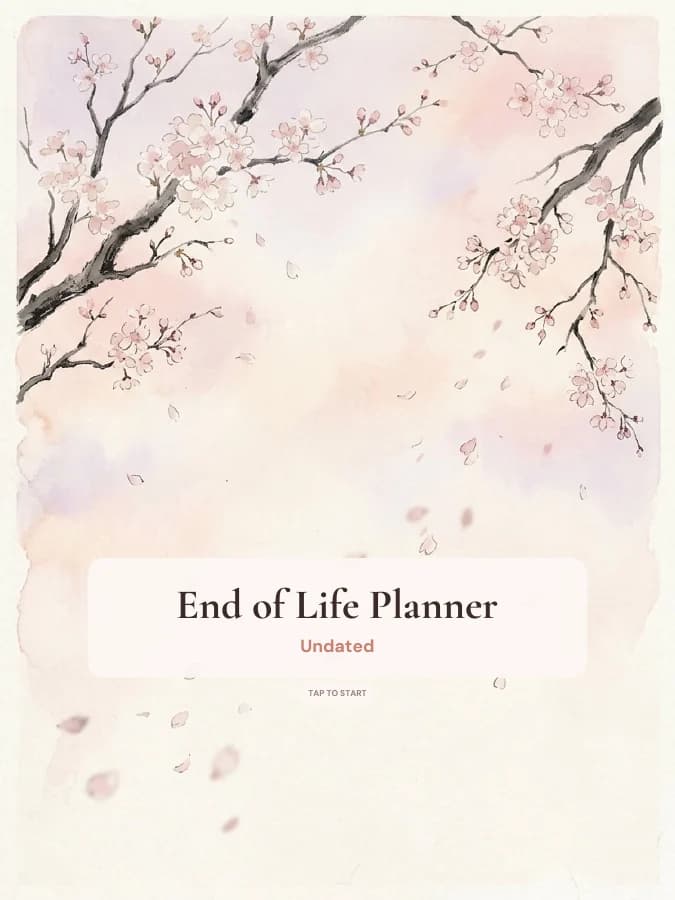
End of Life Planner cover

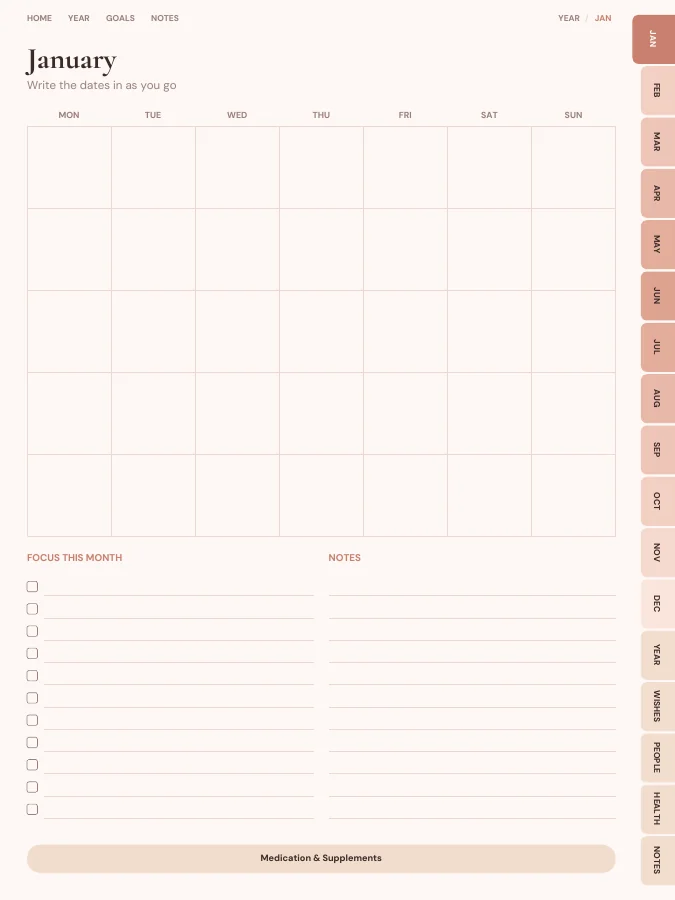
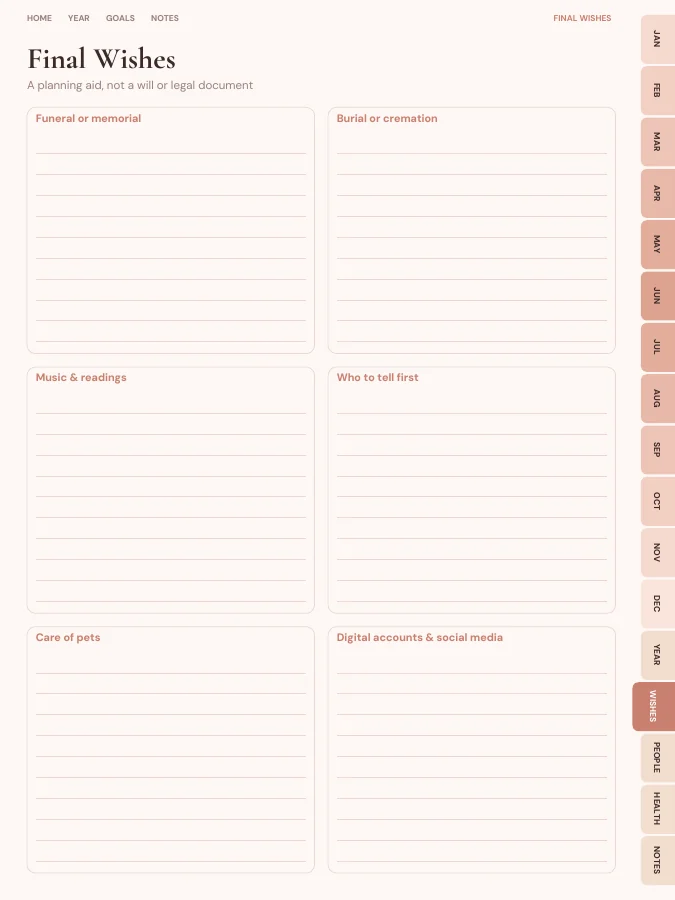
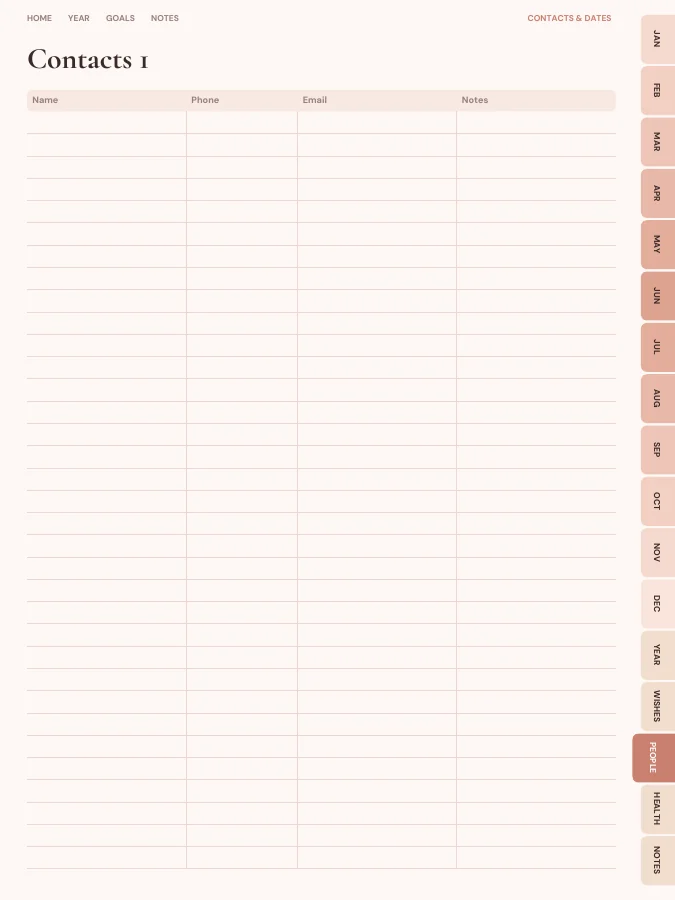
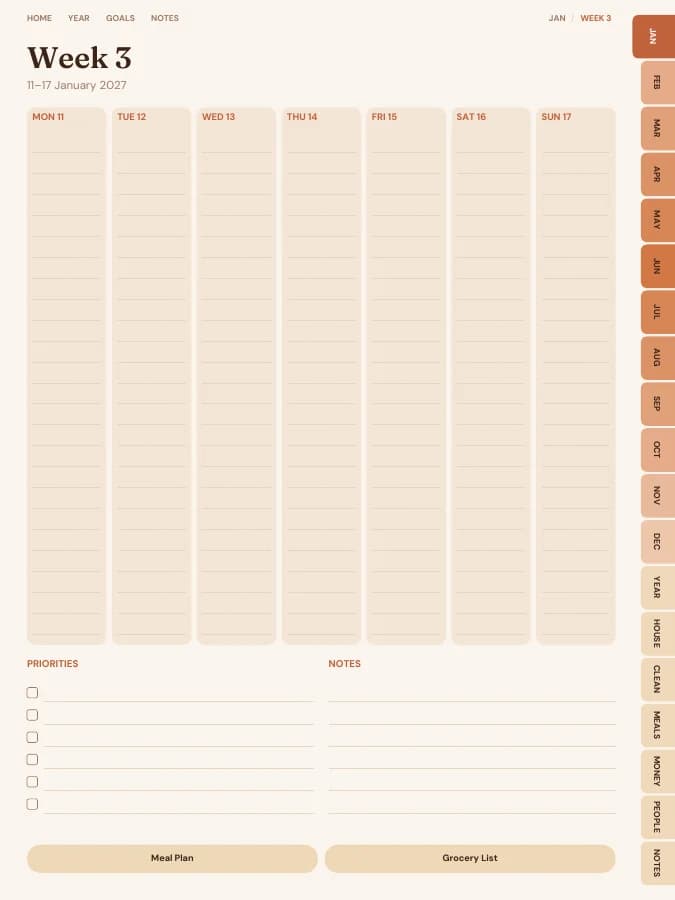
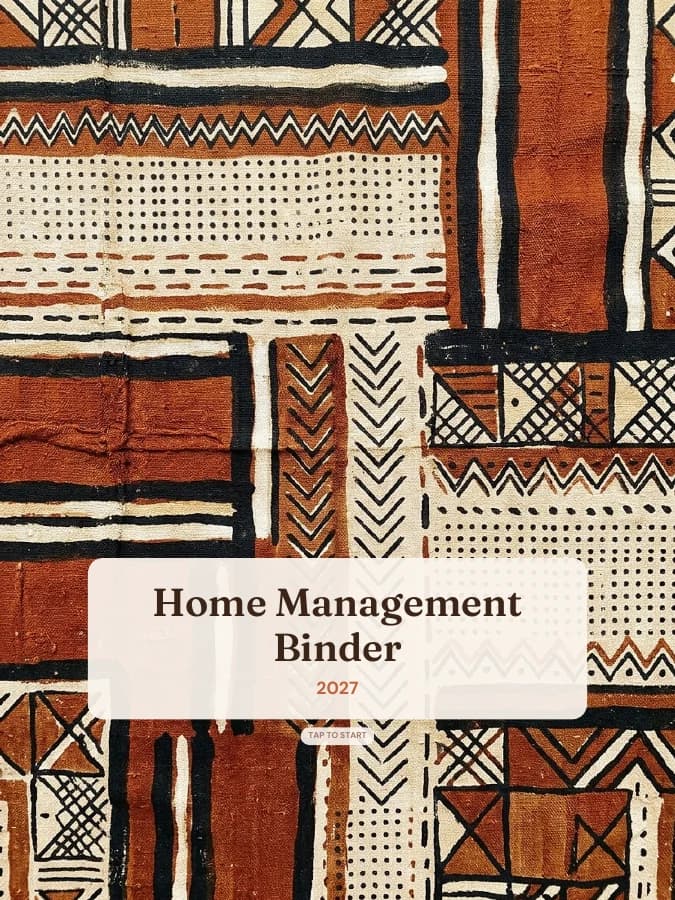
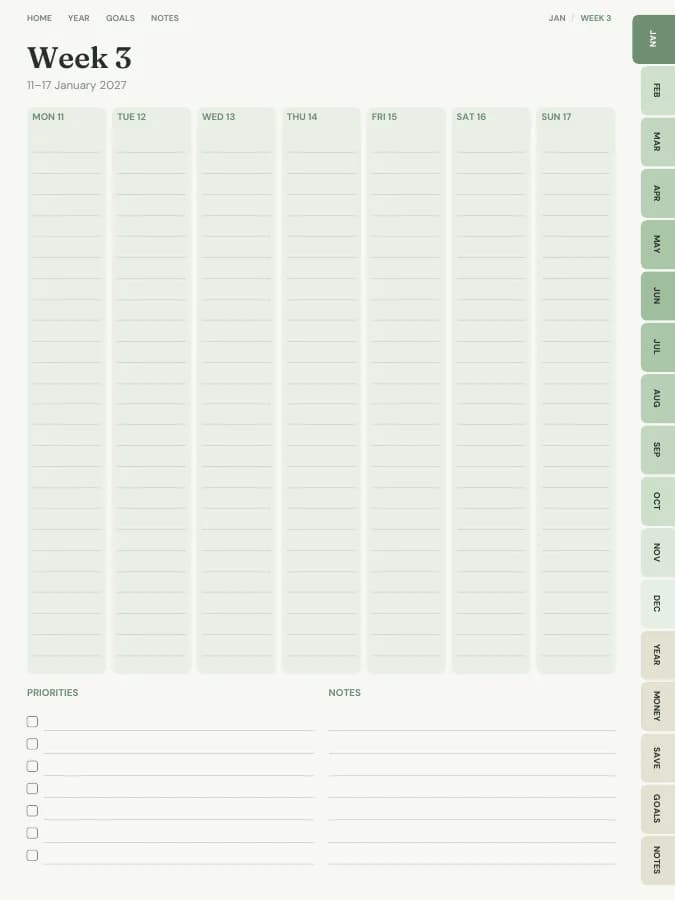
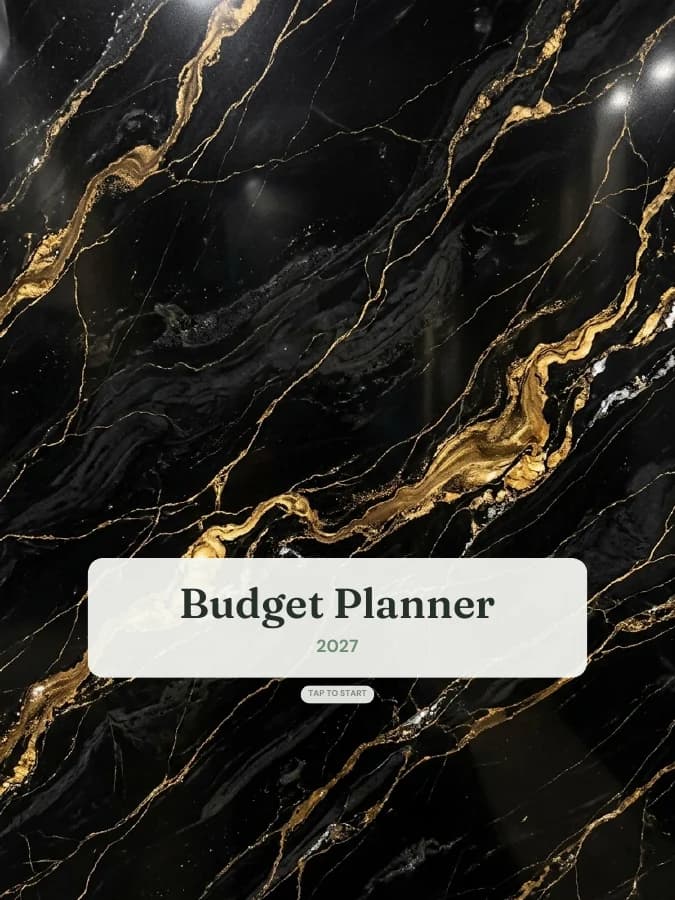
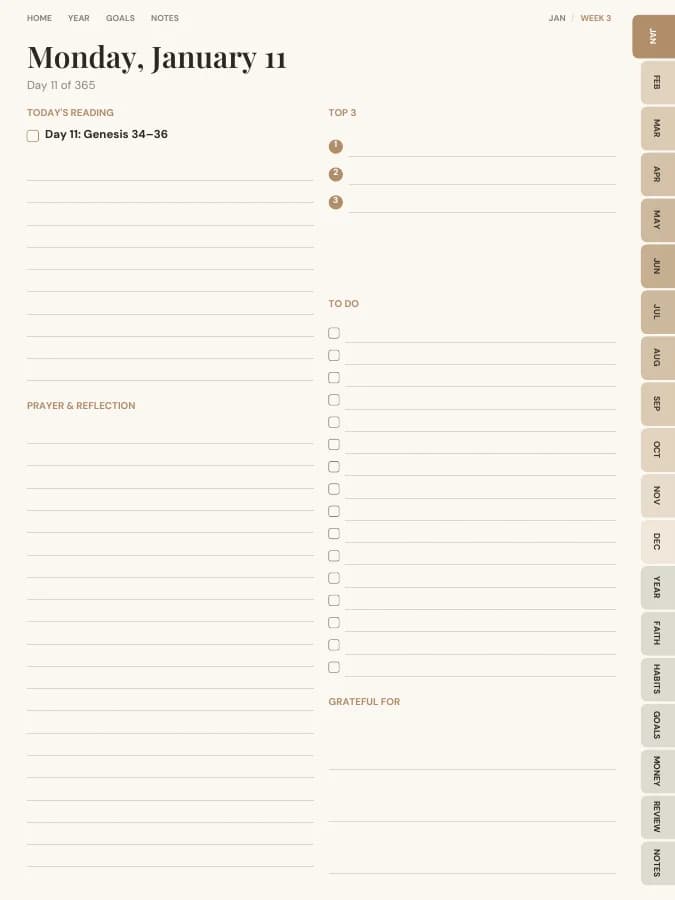
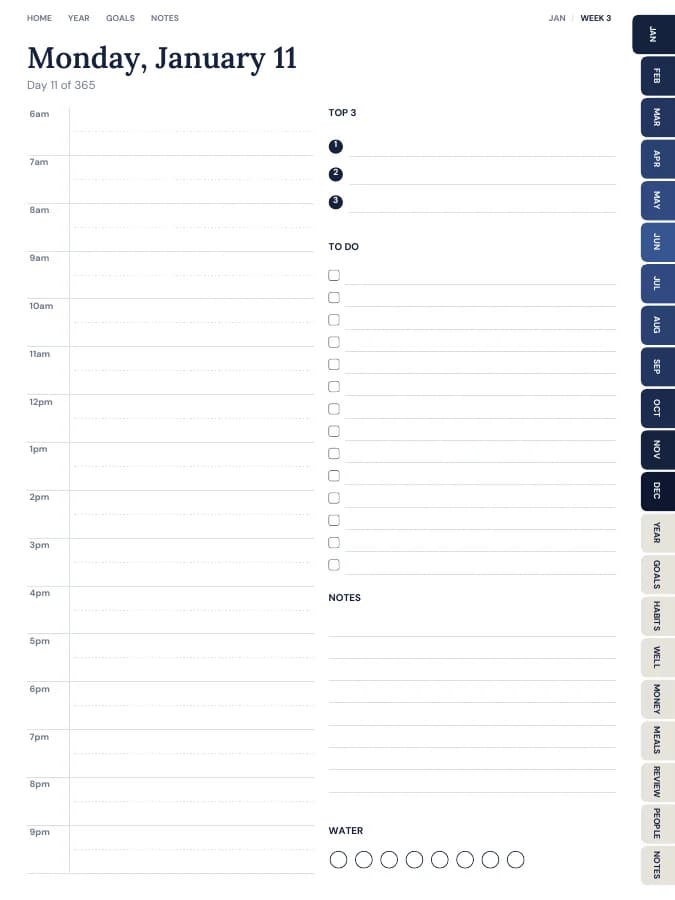
Real pages from this end of life planner

Rendered by the same engine that builds yours, in the Blush Boho theme for iPad portrait.

What's inside

The pages, section by section.

Each section gets its own side tab. You can switch any of them off, or add sections from other planners, in the builder.
Wishes

Final Wishes

Final wishes, where accounts and documents are, key people, medical profile, emergency plan and letters.

  • Final Wishes1 page
  • Accounts & Assets2 pages
  • Key People1 page
  • Medical Profile1 page
  • Emergency Plan1 page
  • Letter to a Loved One4 pages
People

Contacts & Dates

Contacts, birthdays and key info.

  • Contacts2 pages
  • Birthdays & Anniversaries1 page
  • Important Info1 page
Health

Health Admin

Medication tracker and appointments.

  • Appointments2 pages
  • Medication & Supplementsevery month

Plus the linked calendar every planner has

  • Cover and contents · 2 pages

    A cover with your name and a linked contents page that every tab returns to.

  • Year overview · 1 page

    Twelve blank month grids to date yourself.

  • Year goals · 1 page

    Your goals and their milestones in one place, filled in by the AI if you use it.

  • Monthly calendars · every month

    A month grid with a focus list and notes. Every date links to its day or week.

  • Notes · 20 pages

    Lined, dotted, grid or blank pages. You choose how many, up to 100.

The sample above comes to 46 pages over 12 months. Yours changes with the months, sections and notes pages you choose.

Who it's for

Who reaches for this one

  • Anyone who wants their family to have less to work out
  • Couples organising their affairs together
  • Adult children helping a parent get organised
AI goal planning

Goals people plan with it

Type a goal like one of these and the AI breaks it into a milestone for each month and a small action for each week, then prints them on your month and week pages. You read and edit every line before you download.

  • Your goal

    Finish my final wishes pages by spring

    12 monthly milestonesWeekly actionsA motto each month
  • Your goal

    Tell my executor where the binder is kept

    12 monthly milestonesWeekly actionsA motto each month
  • Your goal

    Review the binder every January

    12 monthly milestonesWeekly actionsA motto each month
Plan my goals
Guide

How to use an end of life planner

An end of life planner is a gift to the people who'd have to sort things out without you. It doesn't need to be finished in one sitting. Most people fill it in over a few weeks, a section at a time, and then review it once a year.
  1. Start with the easy pages

    Contacts, birthdays and the medical profile are mostly facts you already know. Filling them in first builds momentum for the harder pages.

  2. Record where things are, not the details

    On the accounts and assets pages, write the institution, the type of account and where the paperwork is kept. Never write account numbers, PINs or passwords.

  3. Name your key people

    Write who your executor, lawyer, financial adviser and other key contacts are, with phone numbers. Tell them the binder exists.

  4. Write your wishes in your own words

    The final wishes page has space for funeral or memorial preferences, burial or cremation, music and readings, who to tell first, care of pets and what should happen to digital accounts.

  5. Add the emergency plan

    A meeting point, an out-of-area contact, a go-bag checklist and where important documents are kept. It's useful long before it's needed for anything else.

  6. Write a letter or two

    There are four letter pages. Some people write one to each child; others write one letter for everyone. There's no right way.

What to include in an end of life planner

An end of life planner should cover your wishes, your people and where to find things. This one includes:

Calendar

Weekly and monthly pages

Twelve undated month pages for appointments and reminders, such as an annual review date. There are no weekly or daily pages, because this is a binder you keep for years, not a diary.

Wishes

Final Wishes

Final wishes, two accounts and assets pages (where to find them, no numbers), key people, a medical profile, an emergency plan and four letters to loved ones.

  • Final Wishes · 1 page
  • Accounts & Assets · 2 pages
  • Key People · 1 page
  • Medical Profile · 1 page
  • Emergency Plan · 1 page
  • Letter to a Loved One · 4 pages
People

Contacts & Dates

Contact pages, birthdays and anniversaries, and an important-info page for hints only, never full passwords.

  • Contacts · 2 pages
  • Birthdays & Anniversaries · 1 page
  • Important Info · 1 page
Health

Health Admin

Appointments pages and a monthly medication tracker, so your current care is easy to hand over.

  • Appointments · 2 pages
  • Medication & Supplements · every month

Every section can be switched off in the builder, and sections from other planners can be added.

Digital vs printable end of life planner

A printed end of life planner is often the most practical choice, because family members can find a binder on a shelf. Print it on US Letter or A4, keep it somewhere safe, and tell one or two trusted people where it is.

A digital version is easier to update. If you keep it digitally, store the PDF somewhere secure and make sure someone you trust can get to it. Many people keep both: digital for editing, a printed copy for the shelf.

Digital sizes
iPad portrait, iPad landscape, Android portrait, Android landscape, E-ink
Printable sizes
A5 print, A4 print, Letter print, Half letter

An example week in an end of life planner

One goal, followed through a single week. The milestone and weekly actions are the kind of lines the AI goal step writes onto your month and week pages; the daily notes are what you add by hand.
Goal

Finish my final wishes pages by spring

Milestone for February

Accounts, key people and medical profile complete

This week's actions

  • List every bank, pension and insurer, without numbers
  • Ask my sister to be the contact for the binder
  • Fill in the medical profile
  • MondayAccounts and assets: listed two banks, a pension and life insurance, with where each paper file is kept.
  • WednesdayMedical profile done: allergies, conditions, GP and pharmacy.
  • ThursdayCalled my sister. She agreed to be the person who knows where the binder is.
  • SaturdayKey people page: executor, solicitor and financial adviser with phone numbers.
  • SundayStarted the final wishes page: music and readings. Left burial or cremation for next week.
Plan your own goals
Formats

Download it for your device.

Every format is included in the price. Switch between them and download again whenever you like.
  • iPad — Portrait

    GoodNotes, Notability, Noteshelf, Xodo, Collanote, ZoomNotes

  • iPad — Landscape

    GoodNotes, Notability, Noteshelf, Xodo

  • Android tablet — Portrait

    Samsung Notes, Penly, Flexcil, Xodo, Noteshelf

  • Android tablet — Landscape

    Samsung Notes, Penly, Flexcil, Xodo

  • E-ink tablet

    reMarkable, Kindle Scribe, Boox, Supernote

  • Printable — A5

    Print at home or at a print shop, fits A5 binders

  • Printable — A4

    Print at home on standard A4 paper

  • Printable — US Letter

    Print at home on US Letter paper

  • Printable — Half Letter

    Fits Happy Planner classic and half-letter discs

Theme

Starts in this look.

Blush Boho

Terracotta, blush and sun-washed arches.

Prefer something else? Pick from 13 themes, including dark mode and an e-ink theme, and change the accent colour.

See all themes
Questions

End of life planner questions

Is it a will or a legal document?

No. It's a planning aid that records your wishes and where things are, so the people you trust can find them. A will, power of attorney or advance directive needs to be made properly under the law where you live, usually with a lawyer or an official form. The planner can note where those documents are kept.

Should I write account numbers or passwords in it?

No. The pages ask where documents are kept and who to contact, not for account numbers, PINs or passwords. If you keep a PDF of the planner, store it somewhere secure and tell one trusted person where it is.

Is it dated?

No. The month pages are undated, so the binder doesn't go out of date. Write a review date on one of them and look through the pages once a year, or after a big change like a move or a new account.

Is there a free end of life planner?

You can build this end of life planner and flip through every page in your browser for free, with a watermark. The tabs and links work in the preview, so you can check the layout before you pay. The clean PDF is $12 once, or included in Pro at $49 a year for unlimited planners. There is no free download of the full planner.

Does it work with GoodNotes, Notability, Samsung Notes and e-ink tablets?

Yes. Download the iPad size for GoodNotes, Notability, Noteshelf, Xodo, Collanote or ZoomNotes; the Android size for Samsung Notes, Penly, Flexcil or Xodo; or the E-ink size for reMarkable, Kindle Scribe, Boox and Supernote. The links work in any app that follows PDF links, usually in read mode rather than pen mode. Every size is included in the price.

Can I print the end of life planner?

Yes. Choose A5, A4, US Letter or Half Letter in the builder for a printable PDF with a wider inner margin for hole punching. Printable and digital sizes come with the same purchase, so you can use the end of life planner on a tablet and print the pages you want on paper.

Does the AI fill in the end of life planner for me?

Only the goal parts, and only if you want it to. Type up to six goals and the AI writes a milestone for each month and a short action for each week onto your month and week pages, plus a motto for each month. You can edit every line before you download. Everything else, from the calendar pages to the trackers, is yours to fill in by hand. You can try it 3 times a day without an account.

How many pages is the end of life planner?

With the default settings it comes to about 65 pages. That includes 12 month pages, 0 weekly pages, the Final Wishes, Contacts & Dates and Health Admin pages and 20 notes pages. Switching off daily pages or sections makes it shorter, and the builder shows the total as you change things.

Make it yours in about a minute.

Set your dates, device and goals, flip through the preview free, and pay only when it's right.

Build this planner
All 54 planner templates