Paycheck Budget Template (Printable PDF & GoodNotes)
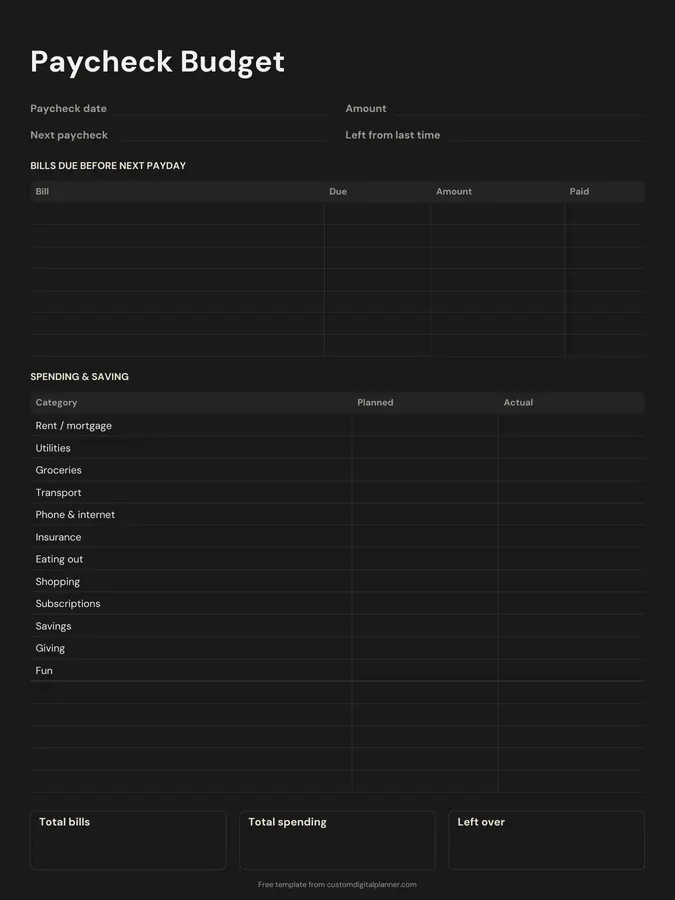
A budget for one paycheck at a time. Write the paycheck date and amount, when the next one comes and what was left from last time. Then list the bills due before next payday, plan your spending and saving by category, and total bills, spending and what's left over.
- Printable US Letter8.5 × 11 in, white paper
- Printable A4210 × 297 mm, white paper
- iPad / GoodNotesAlso Notability and Noteshelf
- E-ink tabletreMarkable, Kindle Scribe, Boox
Free PDF, 1 page, undated. No sign-up needed.
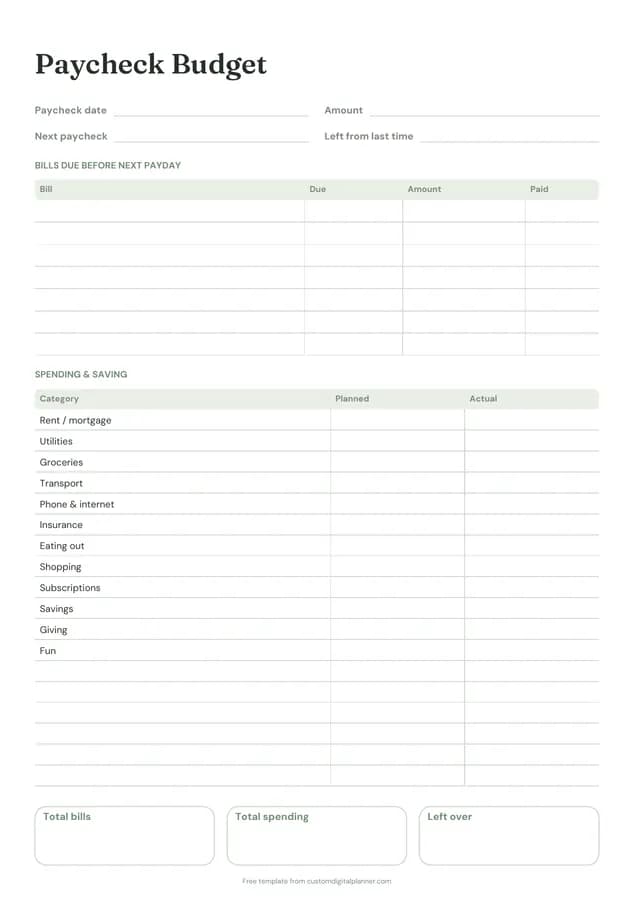
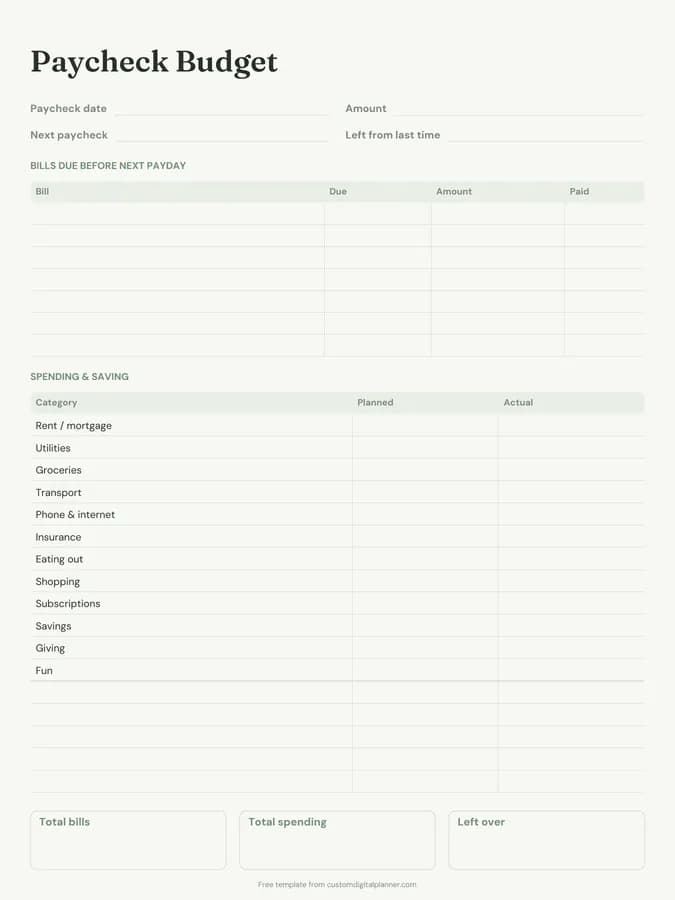
Shown for iPad in the Sage Botanical theme. Printable downloads use white paper (there's a dark mode preview below); the e-ink version is black and white.
One page, ready to fill in.
- Write-in lines for paycheck date, amount, next paycheck and left from last time
- A bills due before next payday table with columns for bill, due, amount and paid
- A spending & saving table with columns for category, planned and actual (your spending categories)
- Boxes for total bills, total spending and left over
- Undated, so you can print or duplicate it as often as you need
Who it's for
People paid weekly or fortnightly, those living paycheck to paycheck who need each payday to cover specific bills, gig workers and shift workers with varying pay, and anyone who finds monthly budgets don't match how money arrives.
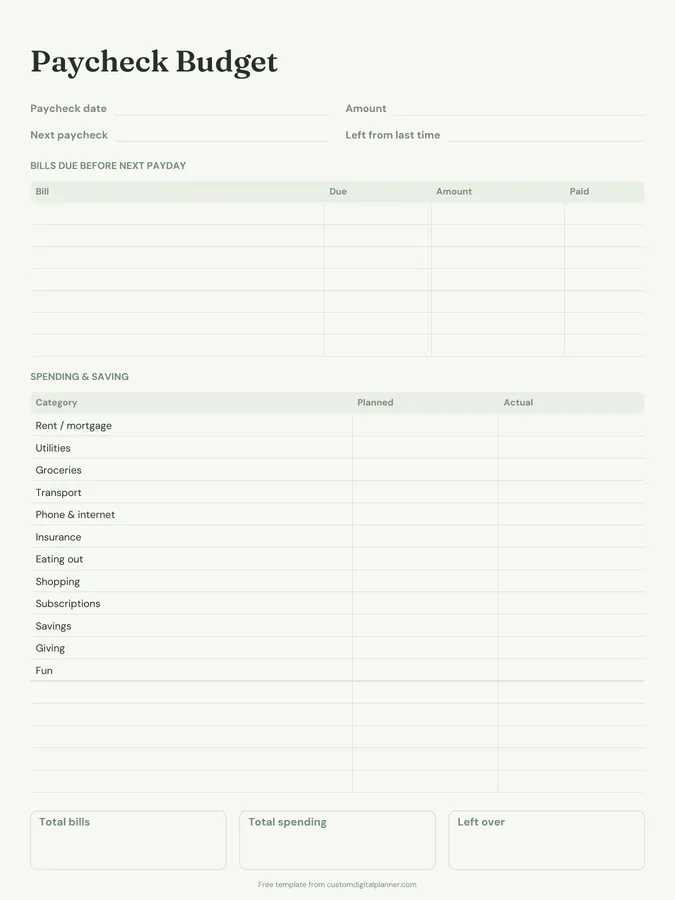
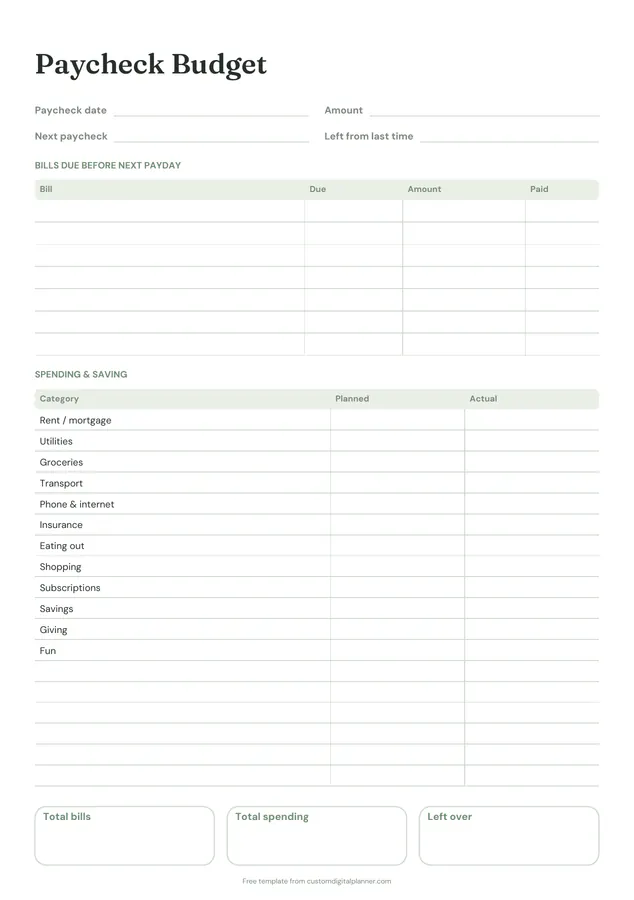
Getting the most from a paycheck budget.
Only list bills due before the next payday
That's what makes a paycheck budget different from a monthly one. Each paycheck covers the bills that land before the next one arrives.
Start with what's left from last time
Carry over any leftover money in the top box. It shows whether you're building a buffer or slowly running down.
Plan spending after bills
Once bills are covered, give the rest a job: groceries, transport, savings, fun. Write planned amounts before you spend, and actuals as you go.
Use one page per paycheck
Paid weekly, fortnightly or twice a month? Print a page for each paycheck. Twenty-six pages covers a year of fortnightly pay.
Aim for a left-over amount
Even a small planned left-over, kept in the account, slowly builds a one-paycheck buffer, and that makes everything easier.
Included in 1 planner
This template is a page in this planner. Open it to see everything else that comes with it.
Get it inside a full hyperlinked planner
The paycheck budget planner includes this page alongside dated month and week pages for your year, with side tabs and links between every page. Pick your device and theme, preview it free, and pay only when it's right.
- Dated pages for the whole year
- Tap a tab or a date to jump there
- GoodNotes, Notability, Samsung Notes, e-ink and print sizes
Opens the paycheck budget planner with the Paycheck Budget section switched on.
Or read about the paycheck budget planner first.
About this paycheck budget template
Need help importing it? See devices and apps or the FAQ.
What is a paycheck budget?
A budget for each paycheck instead of each month. You plan the bills and spending that the paycheck has to cover until the next one. It suits people paid weekly or fortnightly, or living paycheck to paycheck.
How is it different from a monthly budget?
A monthly budget pools all income for the month. A paycheck budget matches each bill to the paycheck that pays it, which avoids running short before payday.
Can I change the spending categories?
Yes. The spending table starts with common categories and has blank rows for your own.
Is there a full paycheck budget planner?
Yes, with 26 paycheck budget pages, savings and debt pages and dated calendar pages, all linked.