Debt Snowball Worksheet Template (Printable PDF & GoodNotes)
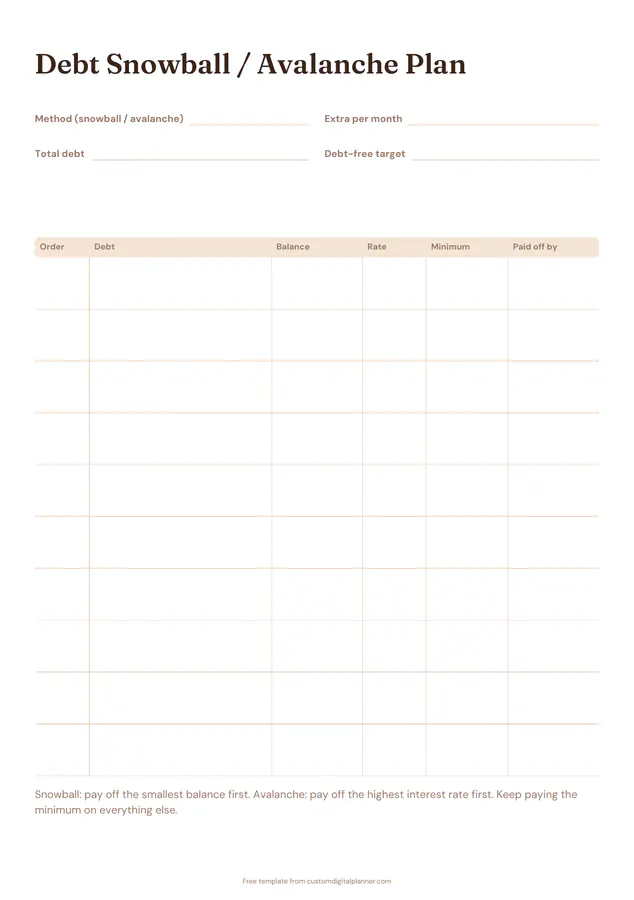
Two pages. The plan page asks for your method (snowball or avalanche), extra payment per month, total debt and debt-free target date, then lists up to ten debts in payoff order with balance, rate, minimum and paid-off-by date. The payments page logs what you paid, interest, extra and the new balance each month.
- Printable US Letter8.5 × 11 in, white paper
- Printable A4210 × 297 mm, white paper
- iPad / GoodNotesAlso Notability and Noteshelf
- E-ink tabletreMarkable, Kindle Scribe, Boox
Free PDF, 2 pages, undated. No sign-up needed.
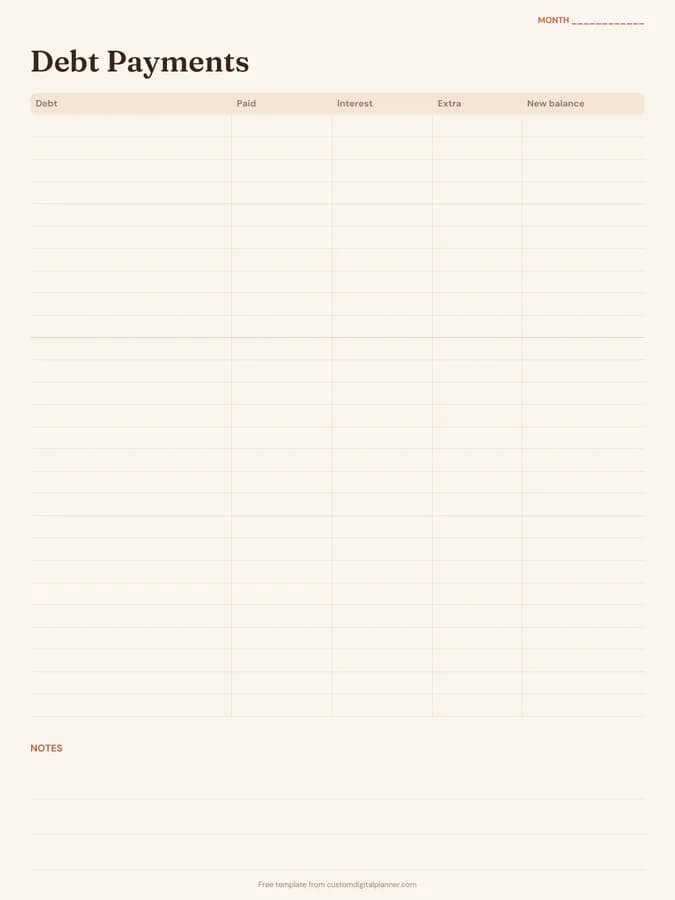
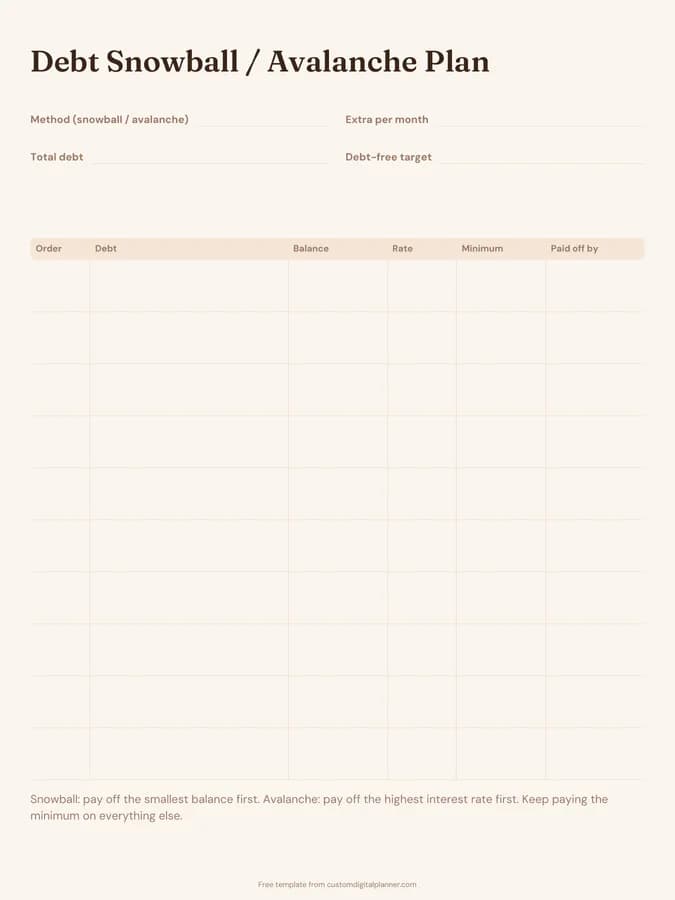
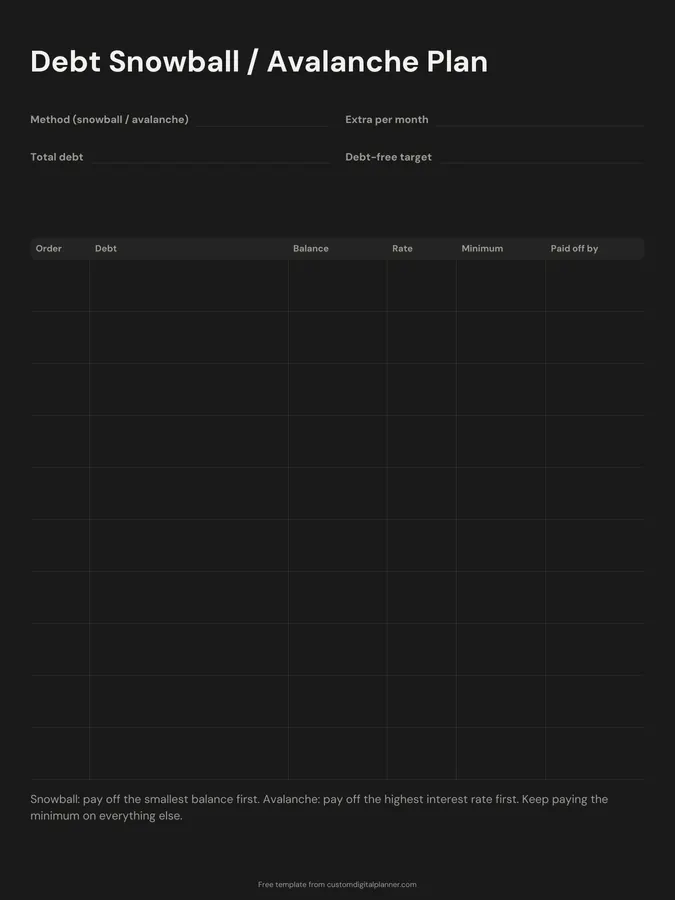
Shown for iPad in the Terracotta Sun theme. Printable downloads use white paper (there's a dark mode preview below); the e-ink version is black and white.
2 pages, ready to fill in.
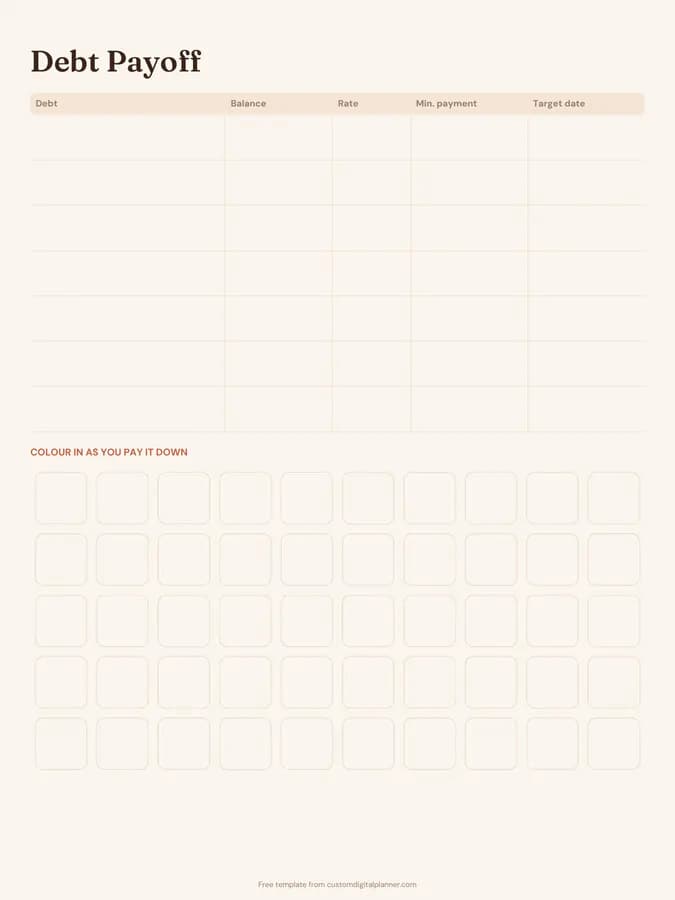
- Page 1, Debt Snowball / Avalanche Plan: Write-in lines for method (snowball / avalanche), extra per month, total debt and debt-free target; a table with columns for order, debt, balance, rate, minimum and paid off by
- A printed note: “Snowball: pay off the smallest balance first. Avalanche: pay off the highest interest rate first. Keep paying the minimum on everything else.”
- Page 2, Debt Payments: A table with columns for debt, paid, interest, extra and new balance; lined space for notes
- Undated, so you can print or duplicate it as often as you need
Who it's for
People ready to get serious about clearing debt, those following a snowball or avalanche plan from a book or podcast, and couples who want an agreed payoff order written down.
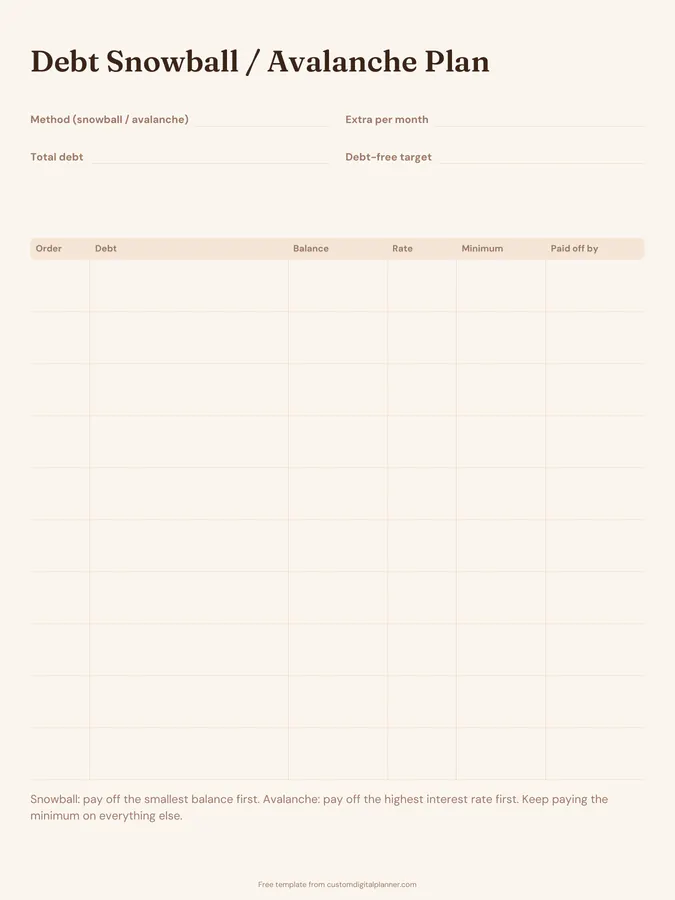
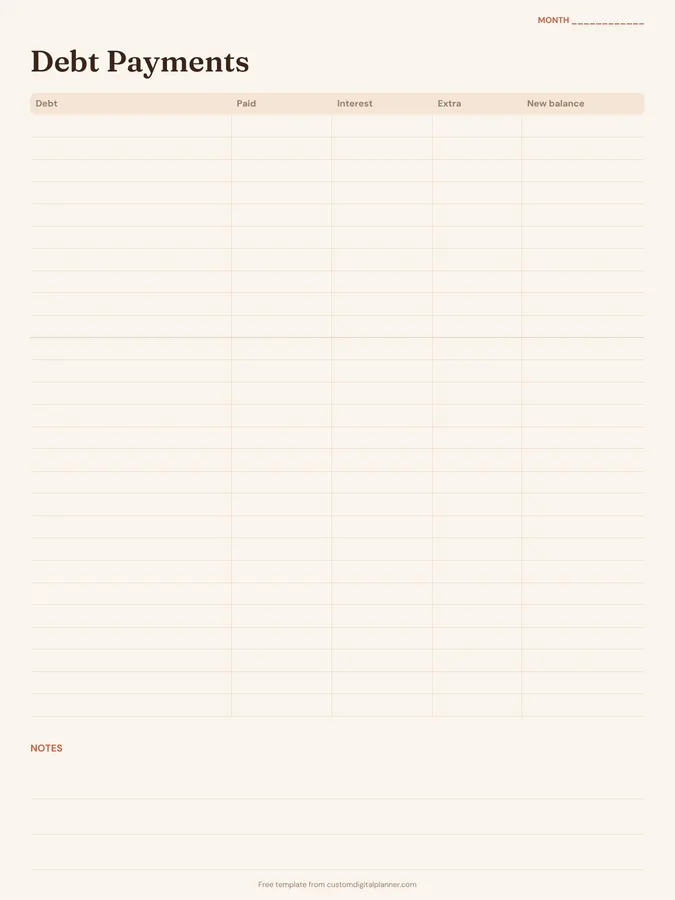
Getting the most from a debt snowball worksheet.
Order debts by your method
Snowball: smallest balance first. Avalanche: highest interest rate first. Write the order in the first column; it's the most important decision on the page.
Find your extra amount
The extra per month is what goes on top of the minimums. Even a small amount speeds things up, and it grows as each debt is cleared.
Roll payments forward
When a debt is paid off, add its minimum payment to the extra and put the lot towards the next debt. That rolling payment is the snowball.
Log every payment
On the payments page, write what you paid, how much was interest and any extra. Watching interest shrink month by month is motivating.
Don't add new debt
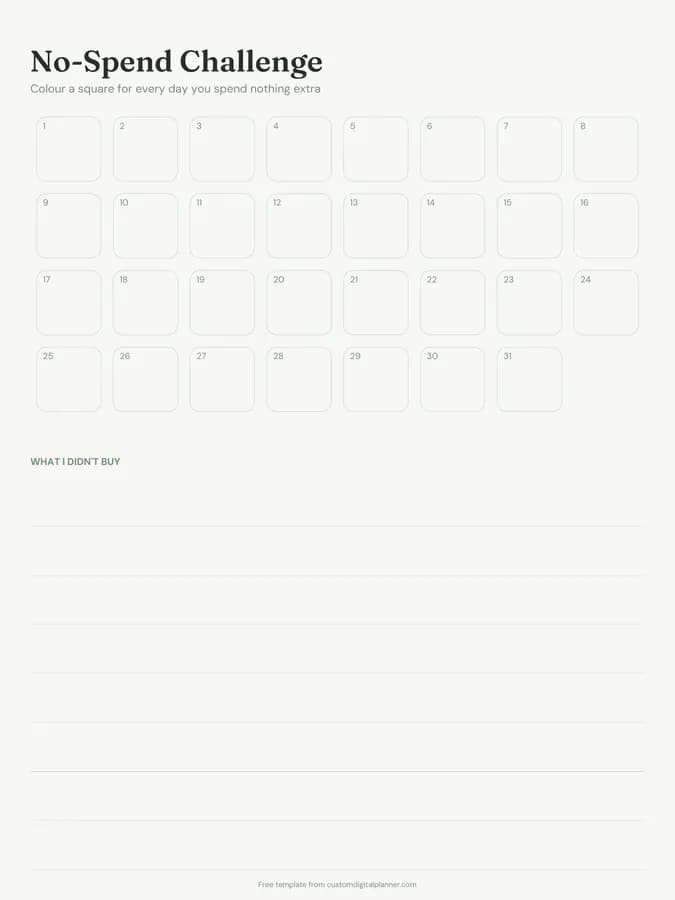
Put cards away while you work the plan. The no-spend challenge and a monthly budget help stop new balances creeping in.
Included in 1 planner
This template is a page in this planner. Open it to see everything else that comes with it.
Get it inside a full hyperlinked planner
The debt payoff planner includes this page alongside dated month and week pages for your year, with side tabs and links between every page. Pick your device and theme, preview it free, and pay only when it's right.
- Dated pages for the whole year
- Tap a tab or a date to jump there
- GoodNotes, Notability, Samsung Notes, e-ink and print sizes
Opens the debt payoff planner with the Debt Payoff section switched on.
Or read about the debt payoff planner first.
About this debt snowball worksheet template
Need help importing it? See devices and apps or the FAQ.
What is the debt snowball method?
Paying minimums on all debts and putting every extra penny towards the smallest balance. When it's gone, its payment rolls onto the next smallest. The quick wins keep you motivated.
Snowball or avalanche: which is better?
Avalanche (highest rate first) saves the most interest. Snowball (smallest balance first) gives faster wins, which helps many people stick with it. The worksheet works for either; the page prints a short reminder of both.
How many debts does it hold?
Ten on the plan page. The payments page has room for a month of payments across all of them.
Is this financial advice?
No. It's a planning worksheet. If you're struggling with debt, free debt advice services can help you look at all your options.