National Parks Planner 2027 for trips, hikes and memories
A national parks journal with a parks bucket list, 12 park trip planners, 30 daily hike logs, a trail log, wildlife spotted, 30 photo and memory pages, packing lists and a budget.
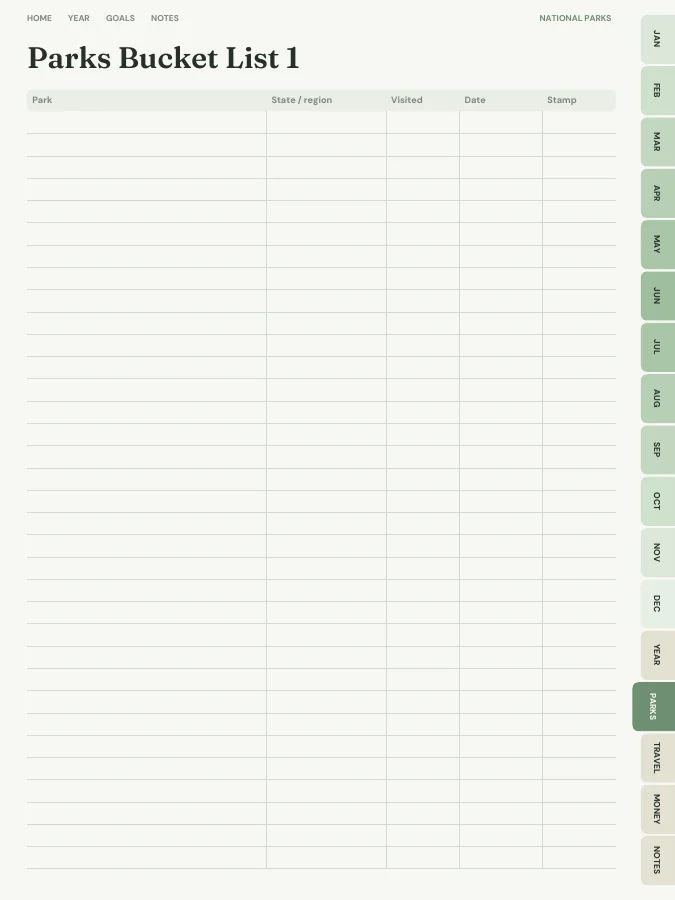
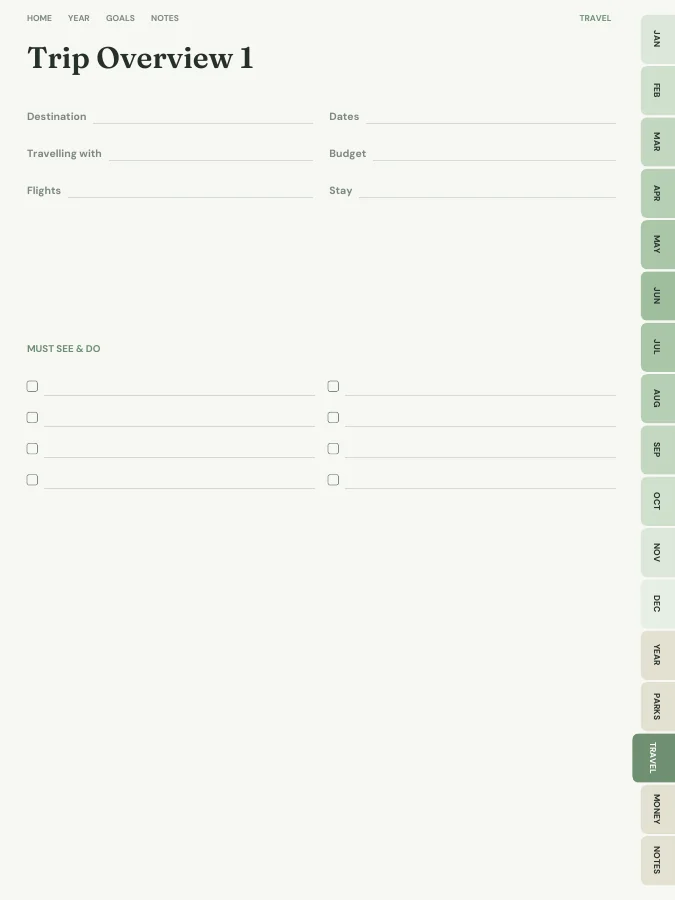
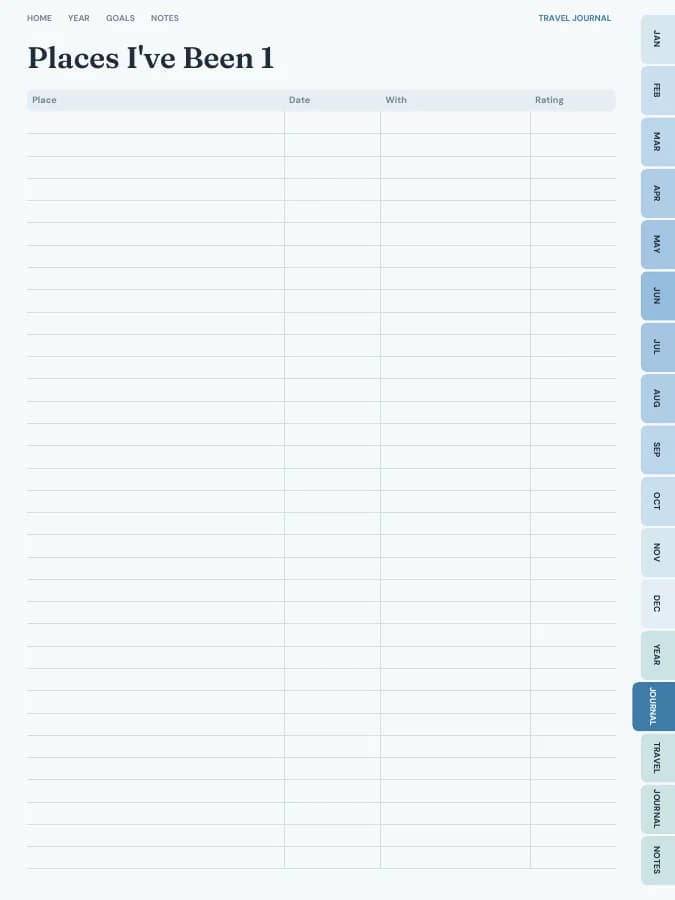
A national parks planner with a parks bucket list (park, state or region, visited, date and stamp), 12 park trip planners (dates, lodging, reservations and permits, must-sees, hikes, supplies, safety and costs), 30 daily hike logs with ratings and a photo frame, a trails table, a wildlife spotted log, 30 park visit memory pages with two photo frames and a space for a stamp or sticker, trip overviews, itineraries, packing lists, travel budgets and a monthly budget.
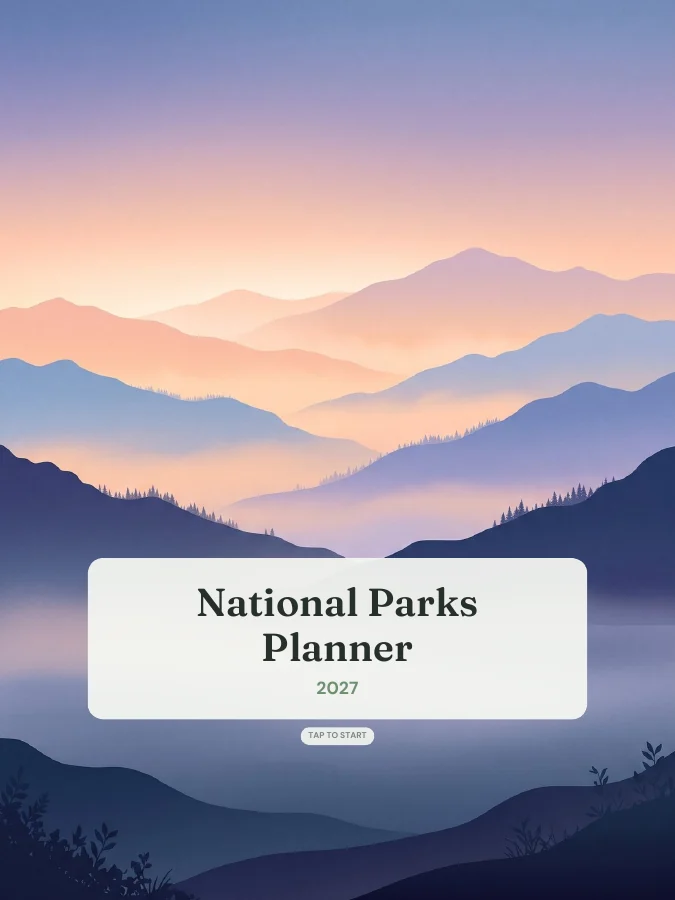
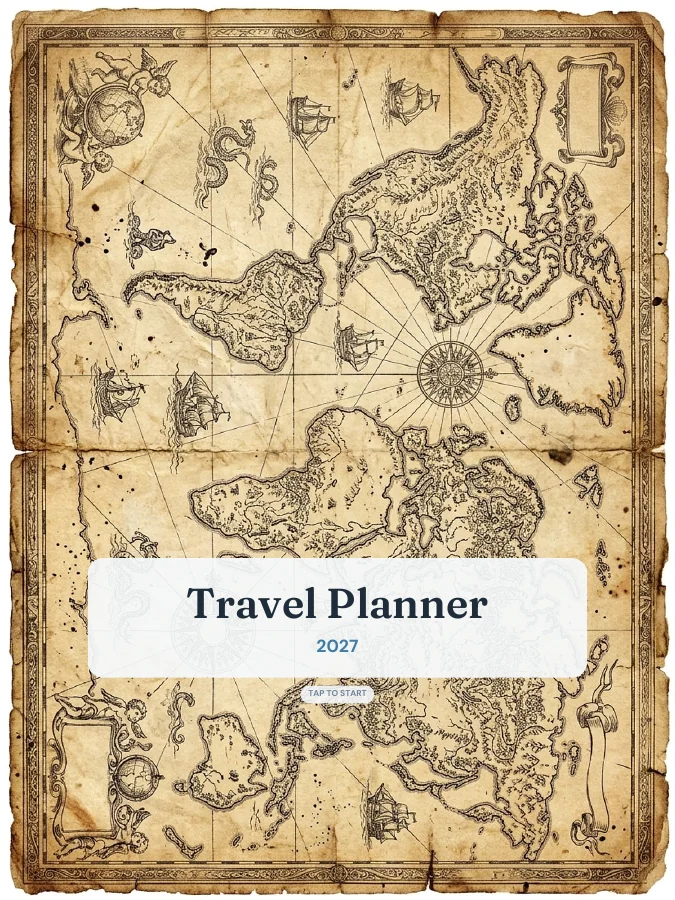
A cover with your name and a linked contents page that every tab returns to.
Year overview · 1 page
The whole year on one page. Tap any date to open it.
Year goals · 1 page
Your goals and their milestones in one place, filled in by the AI if you use it.
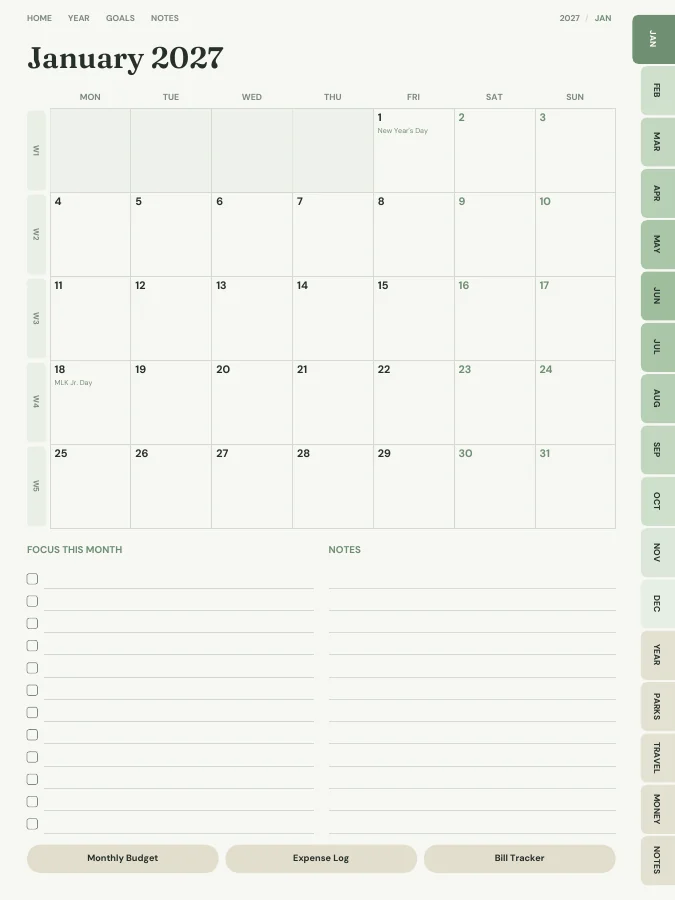
Monthly calendars · every month
A month grid with a focus list and notes. Every date links to its day or week.
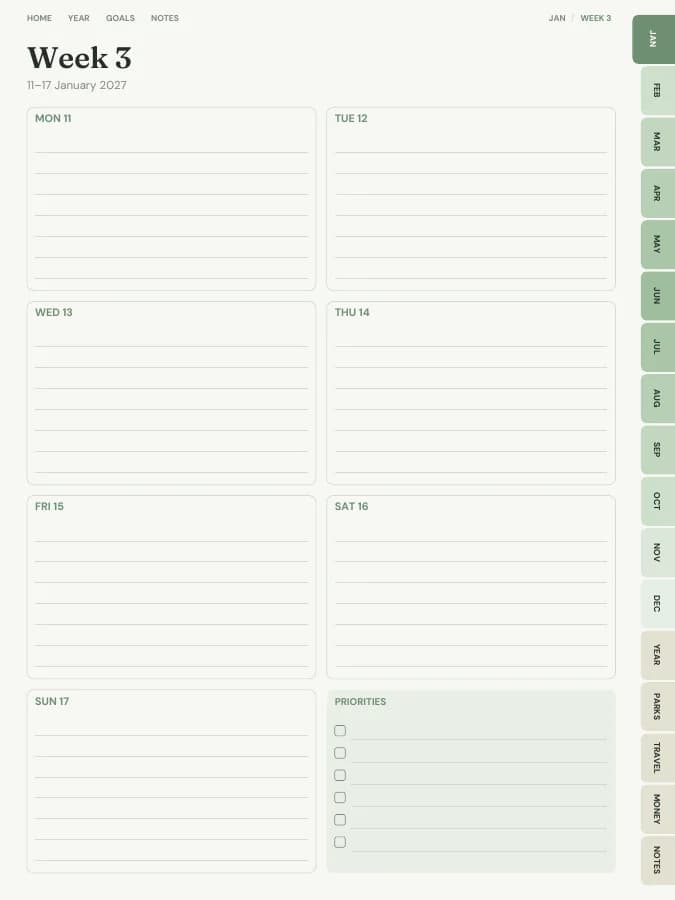
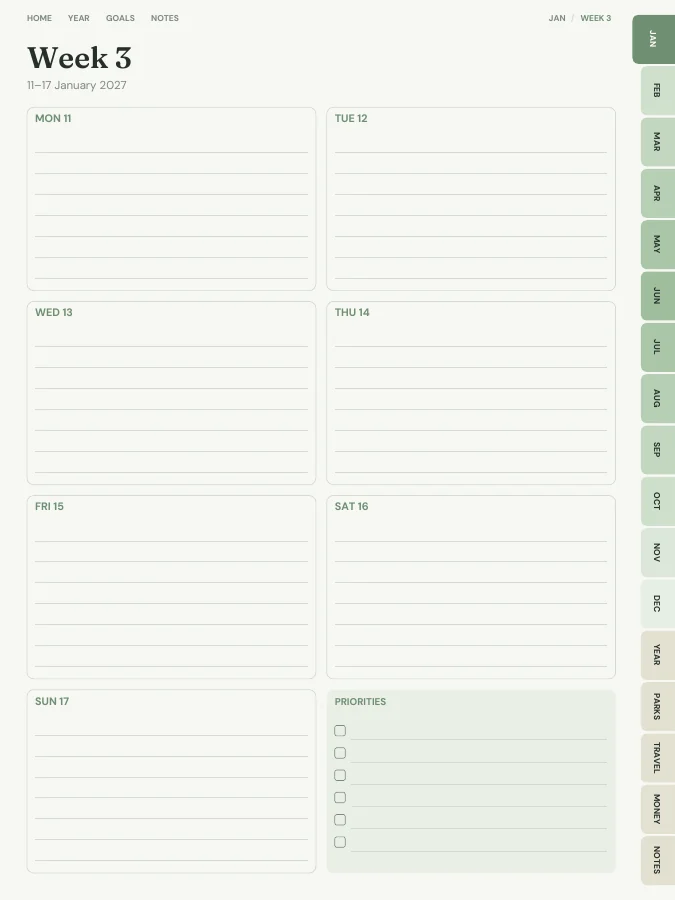
Weekly pages · every week
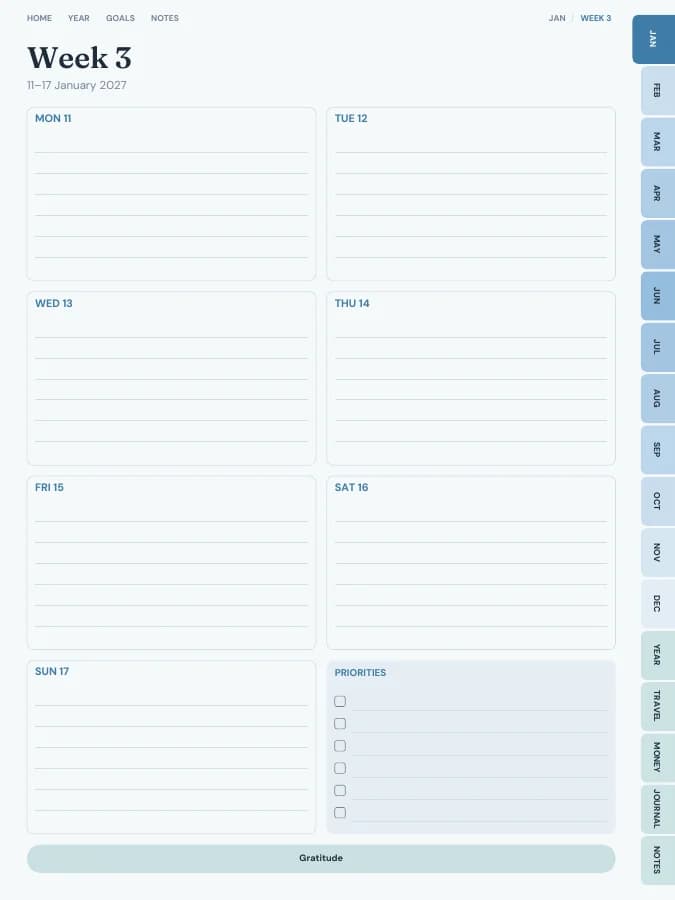
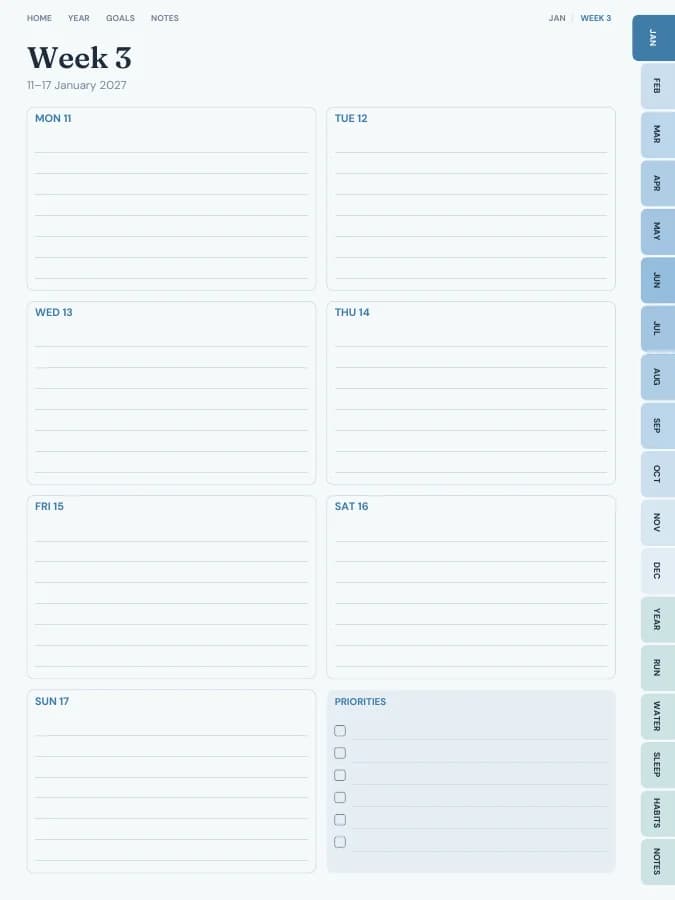
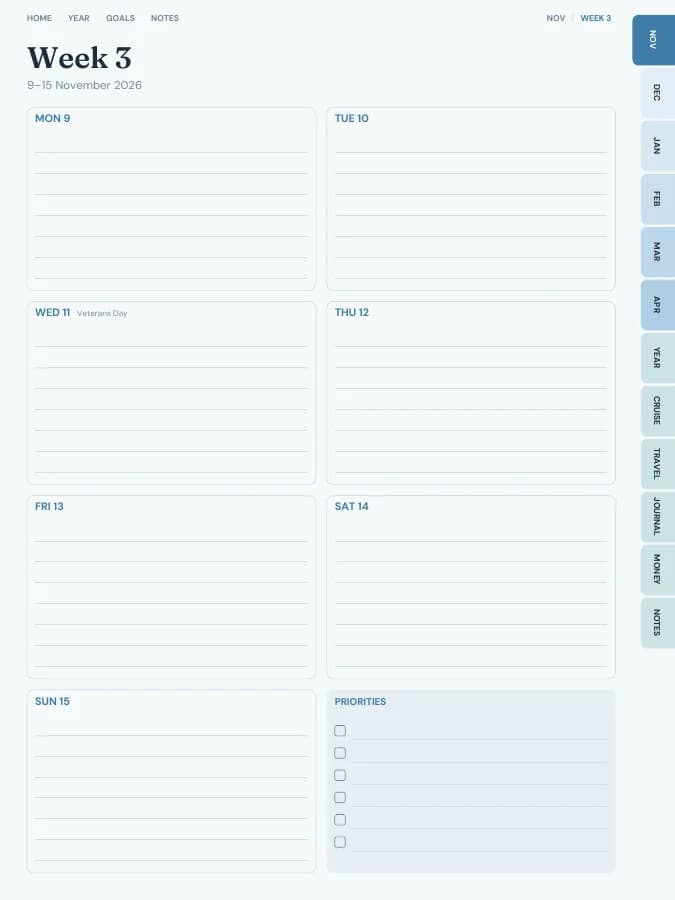
One page per week with your weekly goal actions and priorities.
Notes · 20 pages
Lined, dotted, grid or blank pages. You choose how many, up to 100.
The sample above comes to 209 pages over 12 months. Yours changes with the months, sections and notes pages you choose.
Who it's for
Who reaches for this one
Families working through a parks bucket list
Hikers who want a trail log
Road-trippers collecting park stamps
AI goal planning
Goals people plan with it
Type a goal like one of these and the AI breaks it into a milestone for each month and a small action for each week, then prints them on your month and week pages. You read and edit every line before you download.
Your goal
Visit five national parks this year
12 monthly milestonesWeekly actionsA motto each month
Your goal
Hike 100 trail miles this year
12 monthly milestonesWeekly actionsA motto each month
Your goal
Fill a page for every park we visit
12 monthly milestonesWeekly actionsA motto each month
Park trips take planning: permits, campsites and timed entries often book up months ahead. A national parks planner keeps each trip's plan, every hike and the memories from each park together.
1
Build your bucket list
List the parks you want to visit, with the state or region, and tick them off with the date and a stamp.
2
Plan each trip
A trip planner per park covers dates, lodging, reservations and permits, must-sees, hikes, supplies, safety and costs.
3
Log every hike
Each daily hike log has the trail, distance, elevation gain, times, weather, ratings, conditions, highlights and a photo.
4
Note the wildlife
Record what you saw, where and when on the wildlife log.
5
Keep the memories
Park visit pages have two photo frames and a space for a park stamp or sticker.
What to include in a national parks planner
A national parks journal should help before, during and after each trip. This one includes:
Calendar
Weekly and monthly pages
Dated month calendars and a weekly page for each week, for booking windows, trip dates and training hikes. No daily pages; the hike logs do that job.
Parks
National Parks
Three bucket list pages, 12 park trip planners, 30 daily hike logs, four trails tables, three wildlife logs and 30 park visit memory pages with photo frames.
A5 print, A4 print, Letter print, Half letter, Pocket print
An example week in a national parks planner
One goal, followed through a single week. The milestone and weekly actions are the kind of lines the AI goal step writes onto your month and week pages; the daily notes are what you add by hand.
Goal
Visit five national parks this year
Milestone for May
First park trip planned and booked
This week's actions
Check reservation windows
Book the campsite
Plan three hikes
MondayBucket list: eight parks. Picked the first for June.
TuesdayTrip planner: timed entry and campsite reservation windows noted.
WednesdayBooked the campsite the morning it opened.
FridayPlanned three hikes with distance and elevation.
SaturdayTraining hike: 6 miles. Logged it on a hike log page.
No. The bucket list is blank, so you can add whichever parks you want, national, state or local, anywhere in the world.
Can I add photos?+
Yes. Each park visit page has two photo frames to paste pictures into in GoodNotes or other note apps. Printed, there's room to glue in prints or a park stamp.
Is there a free national parks planner?+
You can build this national parks planner and flip through every page in your browser for free, with a watermark. The tabs and links work in the preview, so you can check the layout before you pay. The clean PDF is $12 once, or included in Pro at $49 a year for unlimited planners. There is no free download of the full planner.
Does it work with GoodNotes, Notability, Samsung Notes and e-ink tablets?+
Yes. Download the iPad size for GoodNotes, Notability, Noteshelf, Xodo, Collanote or ZoomNotes; the Android size for Samsung Notes, Penly, Flexcil or Xodo; or the E-ink size for reMarkable, Kindle Scribe, Boox and Supernote. The links work in any app that follows PDF links, usually in read mode rather than pen mode. Every size is included in the price.
Can I print the national parks planner?+
Yes. Choose A5, A4, US Letter, Half Letter or Pocket in the builder for a printable PDF with a wider inner margin for hole punching. Printable and digital sizes come with the same purchase, so you can use the national parks planner on a tablet and print the pages you want on paper.
Is the national parks planner dated or undated?+
Dated by default, starting in January 2027. You can pick any start month and year (including this month), a length from 3 months to 5 years, and Monday or Sunday weeks. Or switch to undated and write the dates in yourself, so a skipped week isn't wasted.
Does the AI fill in the national parks planner for me?+
Only the goal parts, and only if you want it to. Type up to six goals and the AI writes a milestone for each month and a short action for each week onto your month and week pages, plus a motto for each month. You can edit every line before you download. Everything else, from the calendar pages to the trackers, is yours to fill in by hand. You can try it 3 times a day without an account.
How many pages is the national parks planner?+
With the default settings it comes to about 228 pages. That includes 12 month pages, 53 weekly pages, the National Parks, Travel and Budget pages and 20 notes pages. Switching off sections makes it shorter, and the builder shows the total as you change things.
Make it yours in about a minute.
Set your dates, device and goals, flip through the preview free, and pay only when it's right.