Grocery List Template (Printable PDF & GoodNotes)
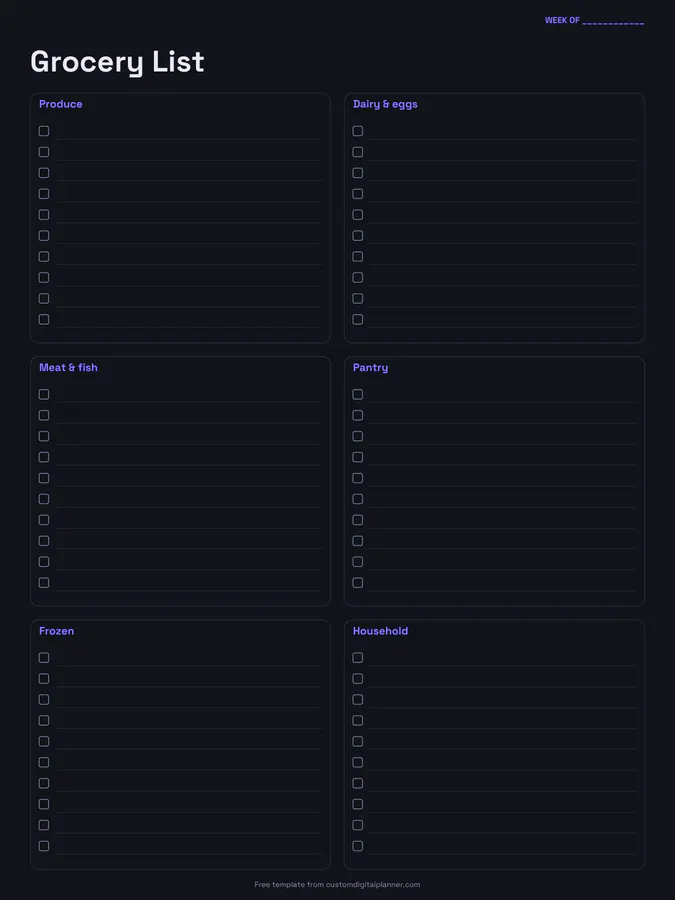
A grocery shopping list split into six store sections: produce, dairy and eggs, meat and fish, pantry, frozen, and household. Every line has a checkbox, so you can tick items off as they go in the trolley.
- Printable US Letter8.5 × 11 in, white paper
- Printable A4210 × 297 mm, white paper
- iPad / GoodNotesAlso Notability and Noteshelf
- E-ink tabletreMarkable, Kindle Scribe, Boox
Free PDF, 1 page, undated. No sign-up needed.
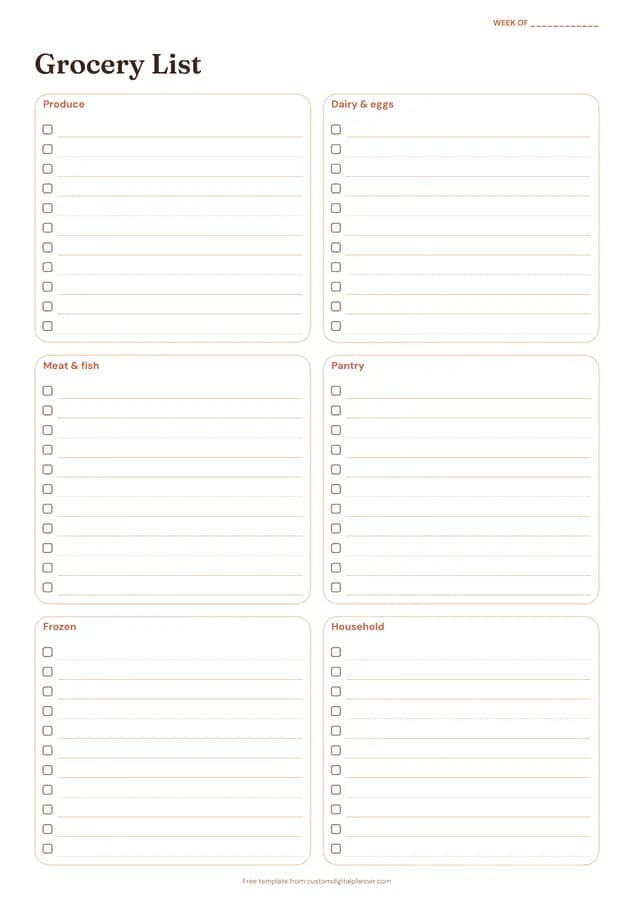
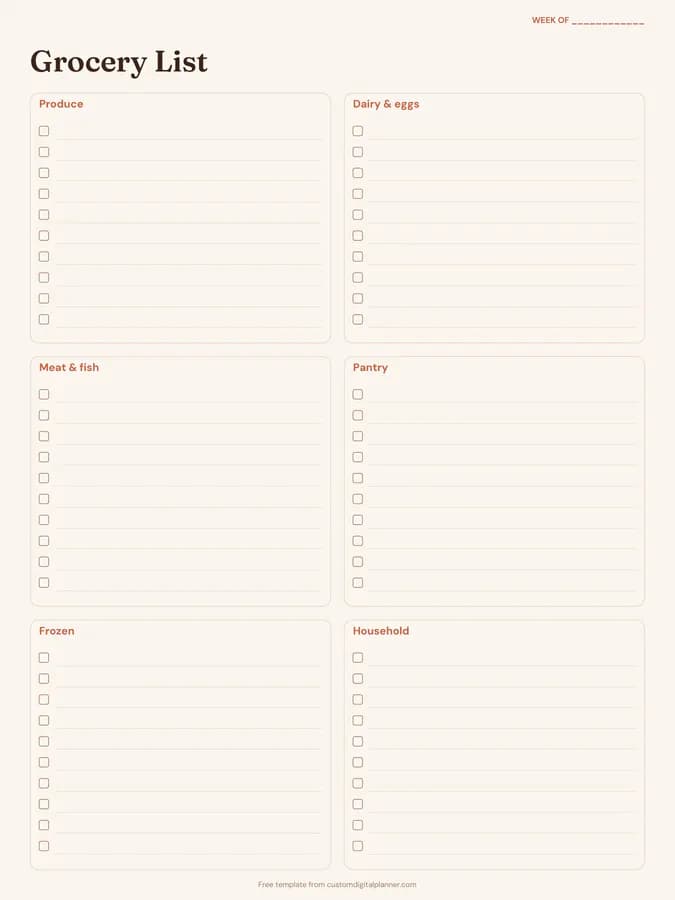
Shown for iPad in the Terracotta Sun theme. Printable downloads use white paper (there's a dark mode preview below); the e-ink version is black and white.
One page, ready to fill in.
- Boxes for produce, dairy & eggs, meat & fish, pantry, frozen and household
- A “Week of” line at the top, so you can reuse it every week
Who it's for
Families doing a weekly shop, people meal planning on a budget, anyone who forgets items and has to go back, and carers shopping for someone else.
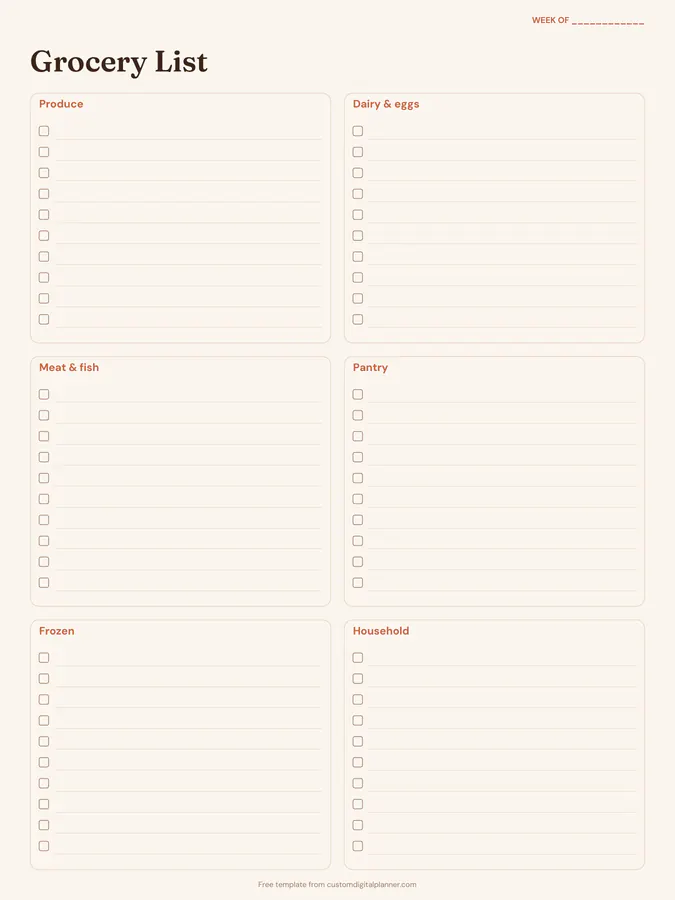
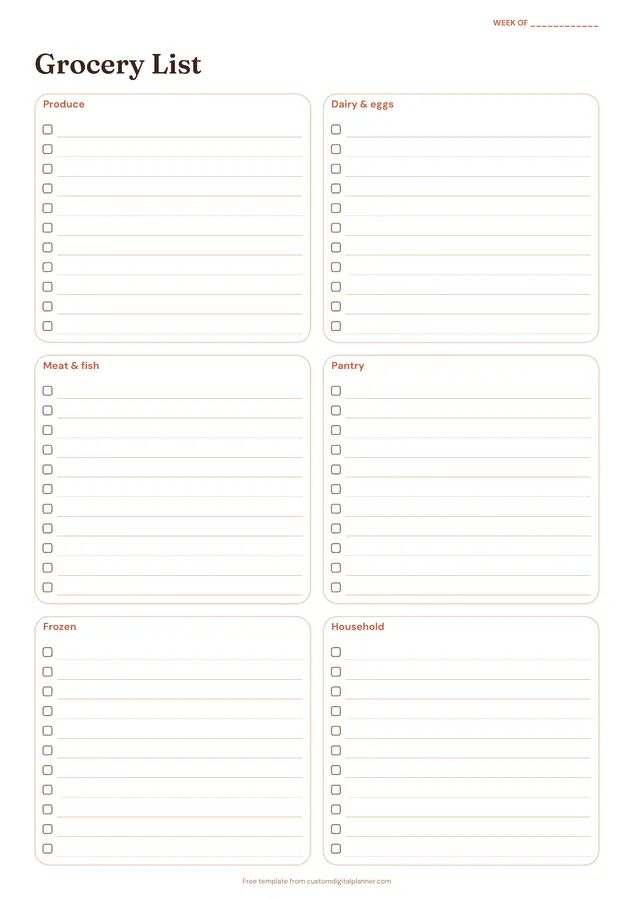
Getting the most from a grocery list.
Keep it on the fridge all week
Add things as they run out, not on the way to the shop. A list that fills itself during the week is the easiest list to write.
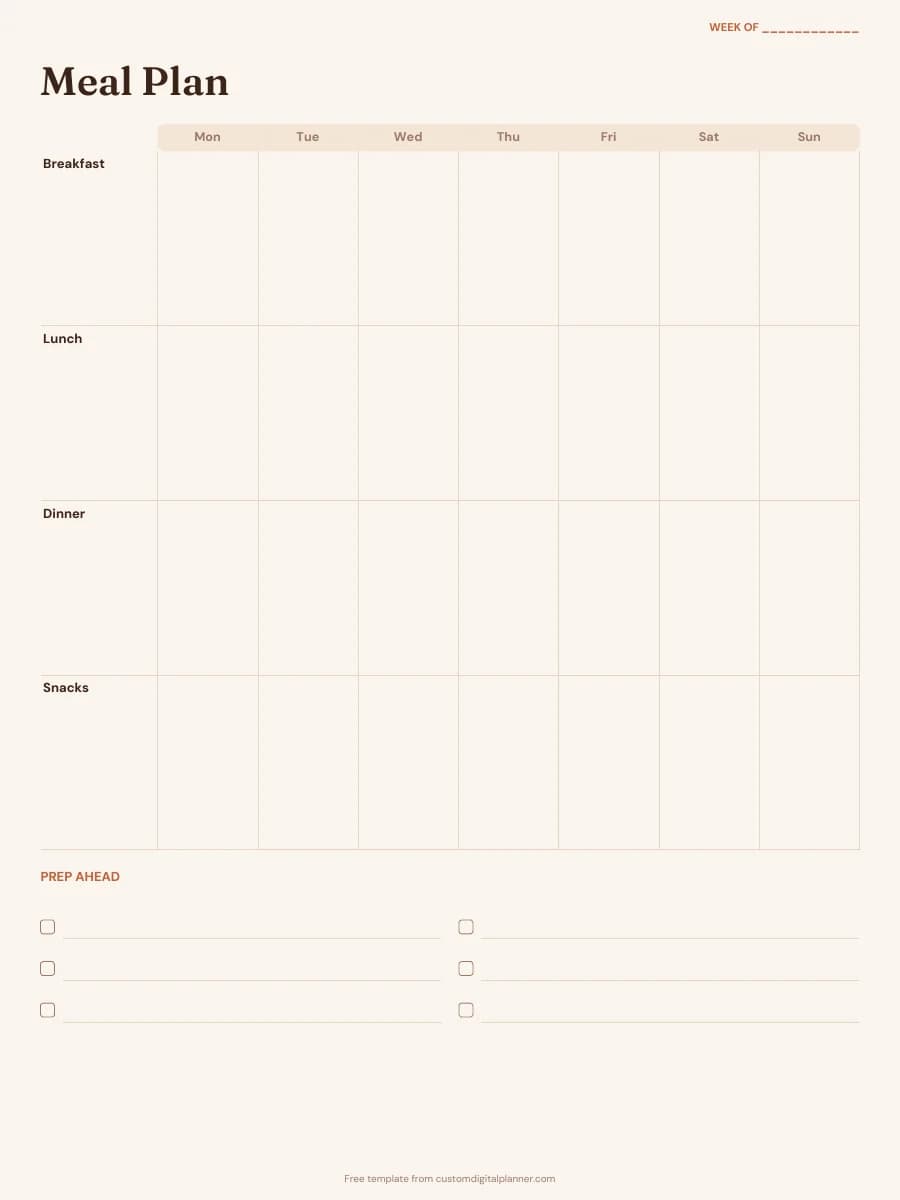
Write it from your meal plan
Go through each planned meal and add its ingredients to the right section. It's the fastest way to avoid forgotten items.
Shop the sections in order
The sections roughly follow most supermarket layouts. Walk the shop once from produce to frozen without doubling back.
Add quantities
"Onions × 3" or "milk 2L" stops you overbuying or coming home short.
Use household for non-food
Cleaning products, toiletries and paper goods go in the household box, so they don't get lost between groceries.
Check unit prices
Write the price next to items you buy often. Over a few weeks you'll learn which shop is cheapest for your staples.
Included in 24 planners
This template is a page in each of these planners. Open one to see everything else that comes with it.
- All-in-One Life Planner
- Fitness Planner
- Meal Planner
- Christmas Planner
- Family & Mom Planner
- Cleaning Planner
- Weight Loss Planner
- Home Management Binder
- Ramadan Planner
- Food Journal
- GLP-1 Weight Loss Journal
- Moving Planner
- Thanksgiving Planner
- Digital Recipe Book
- Family Planner
- Postpartum Planner
- Diabetes Log Book
- Homestead Planner
- Kitchen Inventory Planner
- Airbnb Host Planner
- Macro Tracker
- Keto Planner
- Intermittent Fasting Tracker
- Family Chore Chart
Get it inside a full hyperlinked planner
The meal planner includes this page alongside dated month and week pages for your year, with side tabs and links between every page. Pick your device and theme, preview it free, and pay only when it's right.
- Dated pages for the whole year
- Tap a tab or a date to jump there
- GoodNotes, Notability, Samsung Notes, e-ink and print sizes
Opens the meal planner with the Meals section switched on.
Or read about the meal planner first.
What sections does the grocery list have?
Produce, dairy and eggs, meat and fish, pantry, frozen, and household, each with checkbox lines.
Can I use it on my phone or tablet?
Yes. Download the iPad version for GoodNotes or Notability, tick items with your stylus and clear the page each week.
Is it the same as the meal planner's grocery list?
Yes. It's the second page of the free meal planner download, offered here on its own if you just want the shopping list.
Can I change the sections?
Write over a heading or use blank lines for sections like bakery, baby or pet.
Can I keep a master list?
Yes. Fill in the items you buy every week, keep that copy and photocopy or duplicate it, then add extras each week.