Recipe Card Template (Printable PDF & GoodNotes)
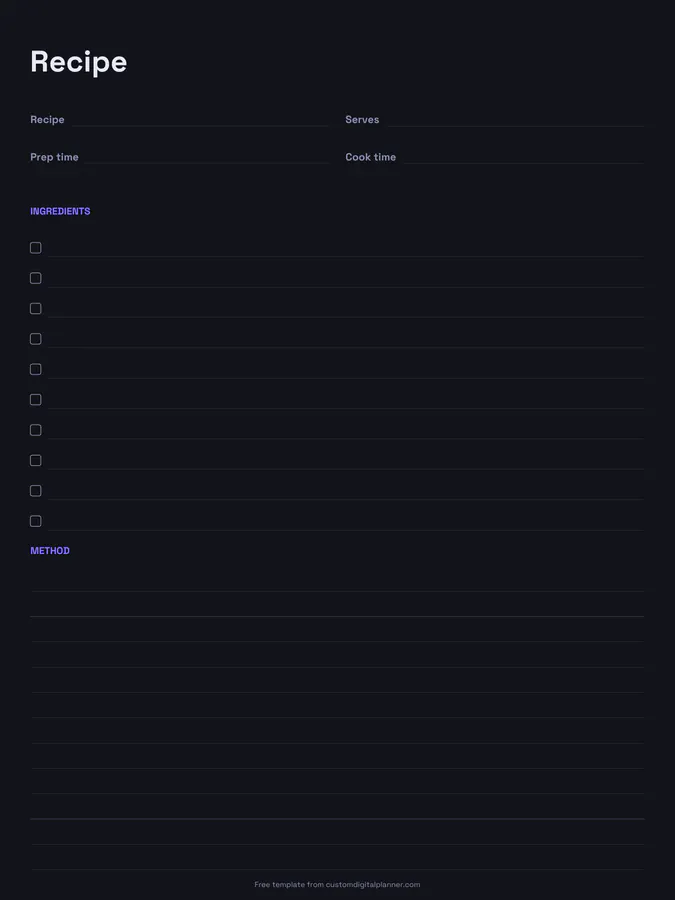
A full-page recipe template with lines for the recipe name, servings, prep time and cook time, a ten-line ingredients checklist and twelve lines for the method. Use it to build a family recipe book or to save recipes you've tweaked.
- Printable US Letter8.5 × 11 in, white paper
- Printable A4210 × 297 mm, white paper
- iPad / GoodNotesAlso Notability and Noteshelf
- E-ink tabletreMarkable, Kindle Scribe, Boox
Free PDF, 1 page, undated. No sign-up needed.
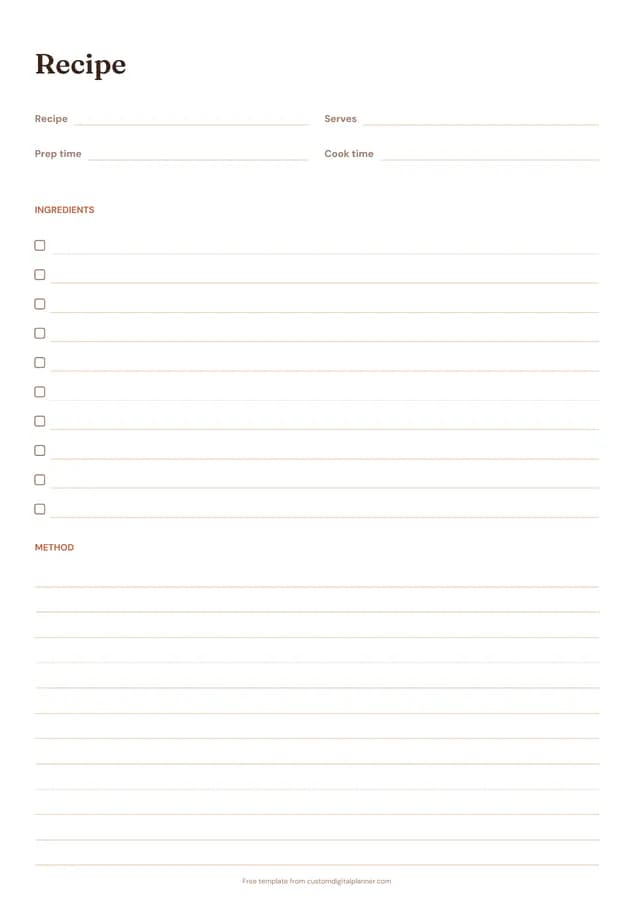
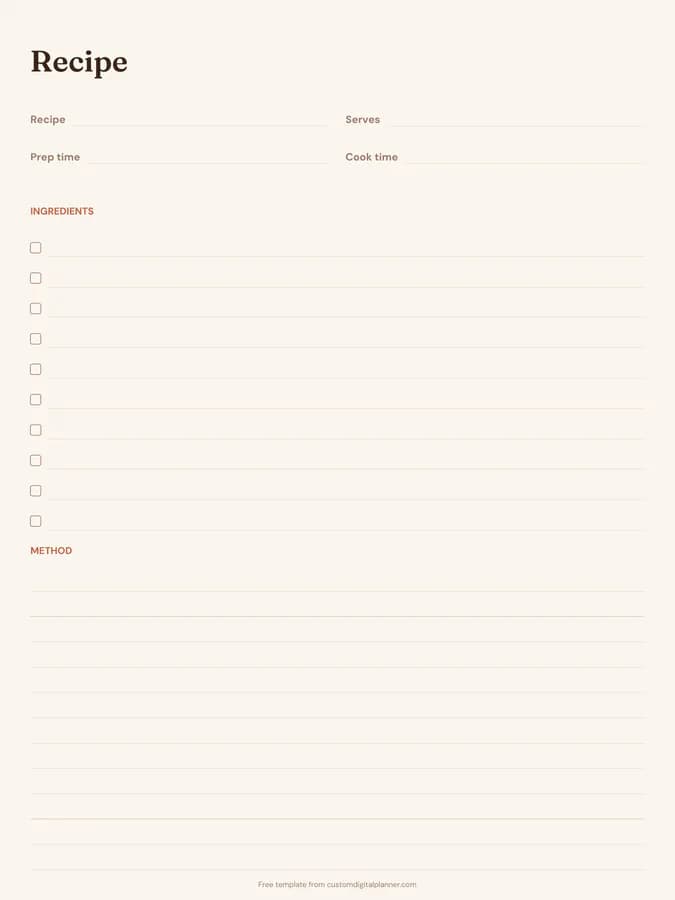
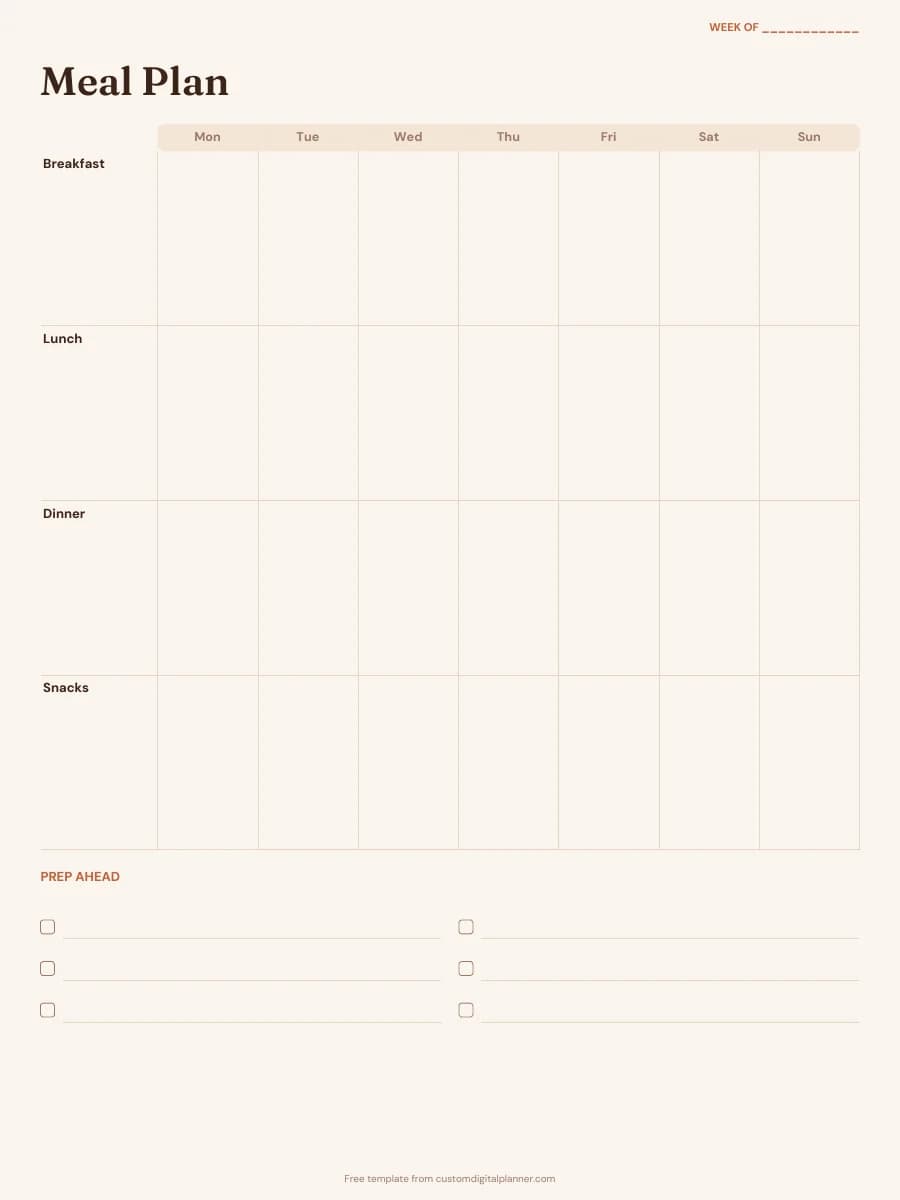
Shown for iPad in the Terracotta Sun theme. Printable downloads use white paper (there's a dark mode preview below); the e-ink version is black and white.
One page, ready to fill in.
- Write-in lines for recipe, serves, prep time and cook time
- An ingredients checklist
- Lined space for method
- Undated, so you can print or duplicate it as often as you need
Who it's for
Home cooks saving family recipes, people making a digital recipe book in GoodNotes, families creating a recipe book as a gift, and anyone who tweaks recipes and wants to remember the changes. Cooking clubs and school food classes use it too, since every recipe ends up in the same tidy format and can be collected into a class recipe book.
Getting the most from a recipe card.
List ingredients in the order you use them
It makes the method easier to follow and you'll notice if something's missing.
Number the method steps
Short numbered steps are easier to follow with messy hands than paragraphs.
Write your own changes
Less sugar, an extra clove of garlic, ten more minutes in the oven. A recipe card is the place for the version you actually make.
Note where it came from
A book and page, a website, or Grandma. Write it at the top or the bottom of the method.
Use the checklist while you shop and cook
Tick ingredients as you buy them or as you add them to the bowl.
Included in 20 planners
This template is a page in each of these planners. Open one to see everything else that comes with it.
- All-in-One Life Planner
- Fitness Planner
- Meal Planner
- Christmas Planner
- Family & Mom Planner
- Weight Loss Planner
- Home Management Binder
- Ramadan Planner
- Food Journal
- GLP-1 Weight Loss Journal
- Thanksgiving Planner
- Digital Recipe Book
- Family Planner
- Postpartum Planner
- Diabetes Log Book
- Homestead Planner
- Kitchen Inventory Planner
- Macro Tracker
- Keto Planner
- Intermittent Fasting Tracker
Get it inside a full hyperlinked planner
The digital recipe book includes this page alongside dated month and week pages for your year, with side tabs and links between every page. Pick your device and theme, preview it free, and pay only when it's right.
- Dated pages for the whole year
- Tap a tab or a date to jump there
- GoodNotes, Notability, Samsung Notes, e-ink and print sizes
Opens the digital recipe book with the Meals section switched on.
Or read about the digital recipe book first.
Is it a full page or a small card?
A full page, so there's room for real recipes. Print on A5 or half letter if you prefer a smaller recipe binder.
How do I make a digital recipe book?
Download the iPad version, import it into GoodNotes and duplicate a page for each recipe. Add photos of the finished dish on top.
What's in the recipe book planner?
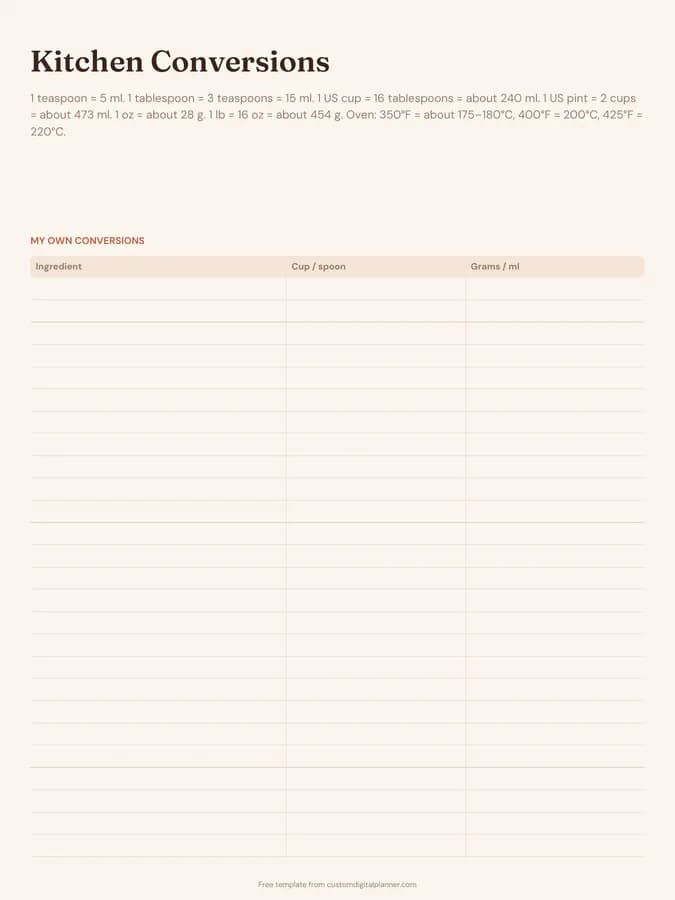
A recipe index, 60 recipe pages with a story-behind-it section, recipes to try and a kitchen conversions page, plus meal planning pages.
Can I add a photo?
On the digital version, yes, drop an image anywhere on the page. On paper, glue a photo in the margin.
Can I make a recipe book as a gift?
Yes. Collect recipes from family members on these pages, print them and bind them, or share the PDF.