Client Tracker Template (Printable PDF & GoodNotes)
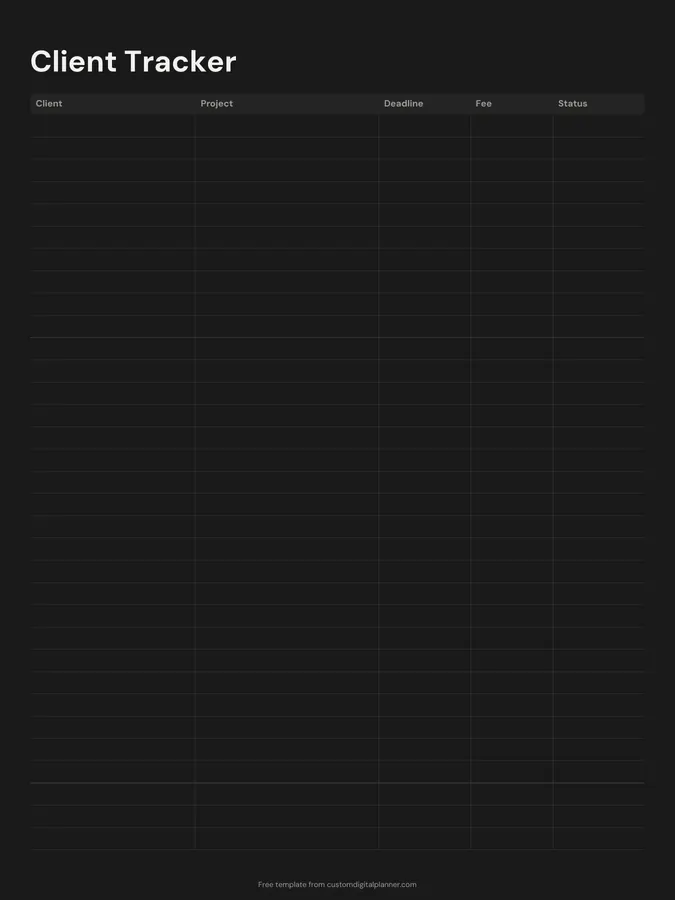
A client tracker with five columns: client, project, deadline, fee and status. Freelancers and small businesses can see every active job on one page, with what's due when and what it's worth.
- Printable US Letter8.5 × 11 in, white paper
- Printable A4210 × 297 mm, white paper
- iPad / GoodNotesAlso Notability and Noteshelf
- E-ink tabletreMarkable, Kindle Scribe, Boox
Free PDF, 1 page, undated. No sign-up needed.
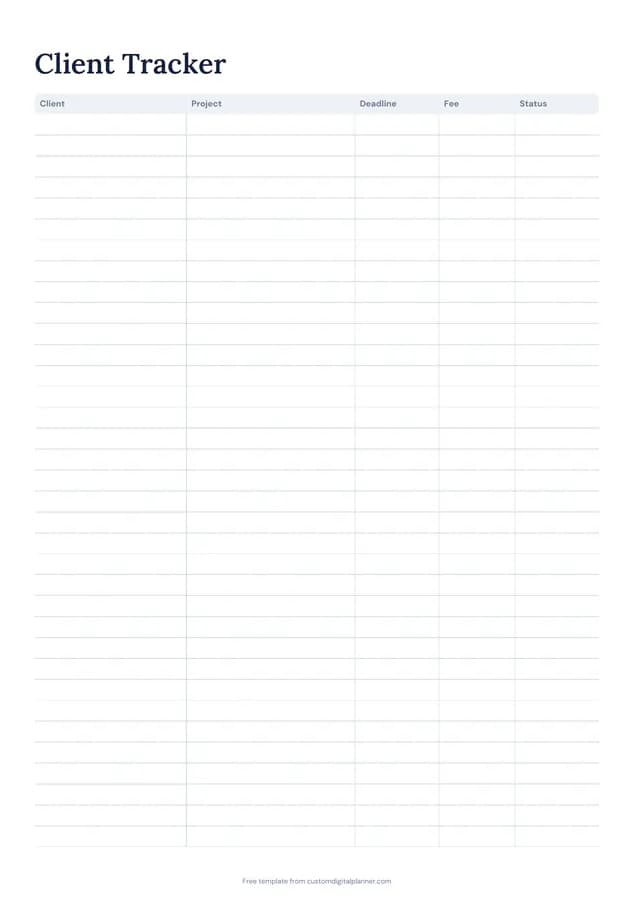
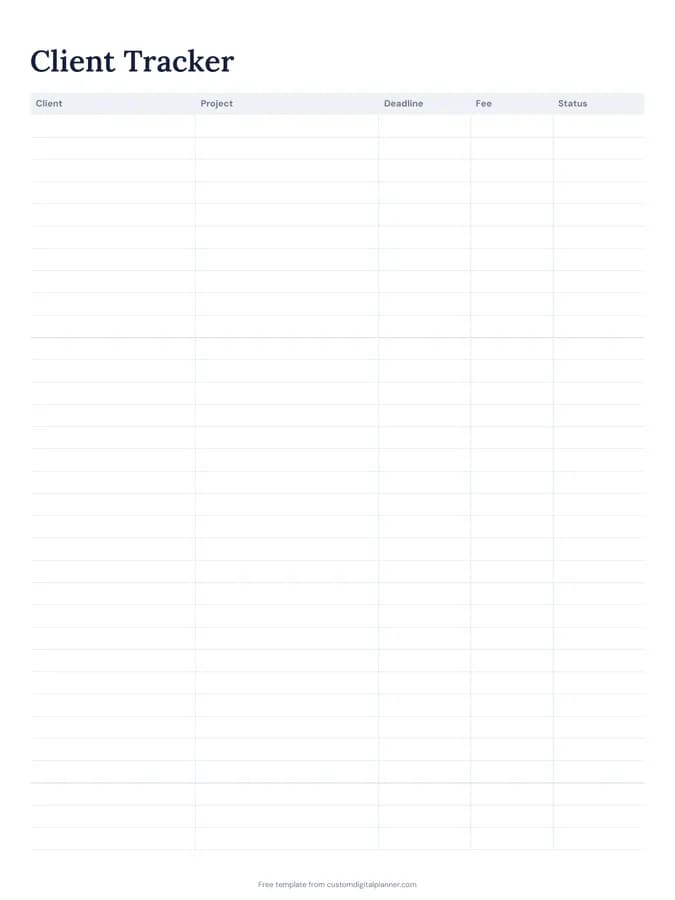
Shown for iPad in the Classic Navy theme. Printable downloads use white paper (there's a dark mode preview below); the e-ink version is black and white.
One page, ready to fill in.
- A table with columns for client, project, deadline, fee and status
- Undated, so you can print or duplicate it as often as you need
Who it's for
Freelance designers, writers, photographers, virtual assistants and consultants, small agencies, and anyone with several clients and deadlines at once. It also suits people with a side business, like cake makers, tutors or dog walkers, who want to see their bookings and income without setting up software.
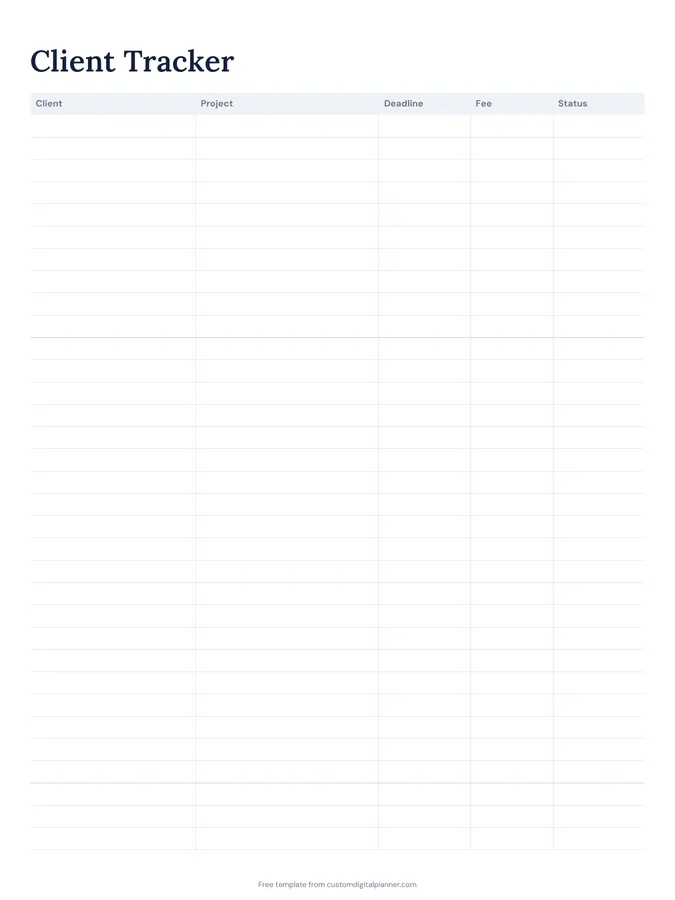
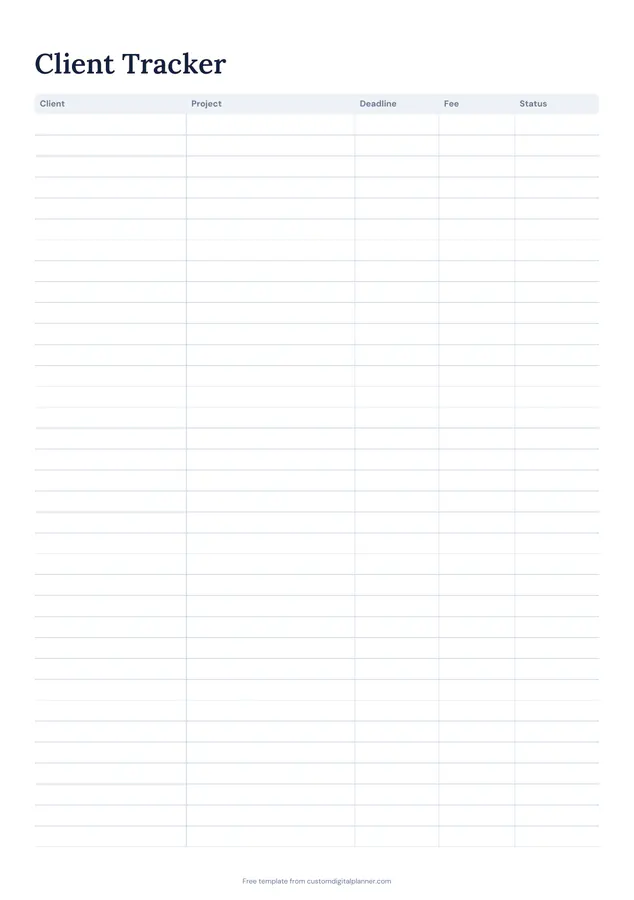
Getting the most from a client tracker.
One row per project
If a client has several projects, give each its own row. Deadlines and fees stay clear.
Use a short status list
Quote sent, booked, in progress, delivered, invoiced, paid. The status column tells you what to do next with each client.
Sort by deadline weekly
Each Monday, number the rows by deadline. It's a two-minute way to plan the week's work.
Track when you get paid
Delivered isn't paid. Keep a row until the money arrives, then tick it and copy the fee into your income and expense tracker.
Look back each quarter
Which clients paid most, on time, with repeat work? The tracker answers that at a glance.
Note how each client found you
Add the source in brackets after the client name: referral, website, social, repeat. After a year you'll know where your best clients come from.
Included in 15 planners
This template is a page in each of these planners. Open one to see everything else that comes with it.
- Small Business Planner
- Etsy & Online Shop Planner
- Content Creator Planner
- Real Estate Agent Planner
- Therapist Planner
- Tutor Planner
- Side Hustle Planner
- Hair Stylist Planner
- Podcast Planner
- Tax Organizer
- Airbnb Host Planner
- Wedding Planner Business Planner
- Event Planner Binder
- Appointment Book
- Yoga Teacher Planner
Get it inside a full hyperlinked planner
The small business planner includes this page alongside dated month and week pages for your year, with side tabs and links between every page. Pick your device and theme, preview it free, and pay only when it's right.
- Dated pages for the whole year
- Tap a tab or a date to jump there
- GoodNotes, Notability, Samsung Notes, e-ink and print sizes
Opens the small business planner with the Business section switched on.
Or read about the small business planner first.
What does the client tracker record?
Client, project, deadline, fee and status.
How many clients fit?
Around 20 rows on the printable versions. Use a page per month or quarter.
Is it a CRM?
It's a simple paper version of one: enough to see every live job, its deadline and its value. The real estate planner adds a leads and pipeline page with source, stage and next step columns.
Which planners include it?
Planners with the Business section, such as the business, Etsy seller, content creator, real estate, therapist and tutor planners.
Should I track quotes that weren't accepted?
Yes, with a status of "declined". Over time it shows which kinds of work you win and what fees clients accept.