Timesheet Template (Printable PDF & GoodNotes)
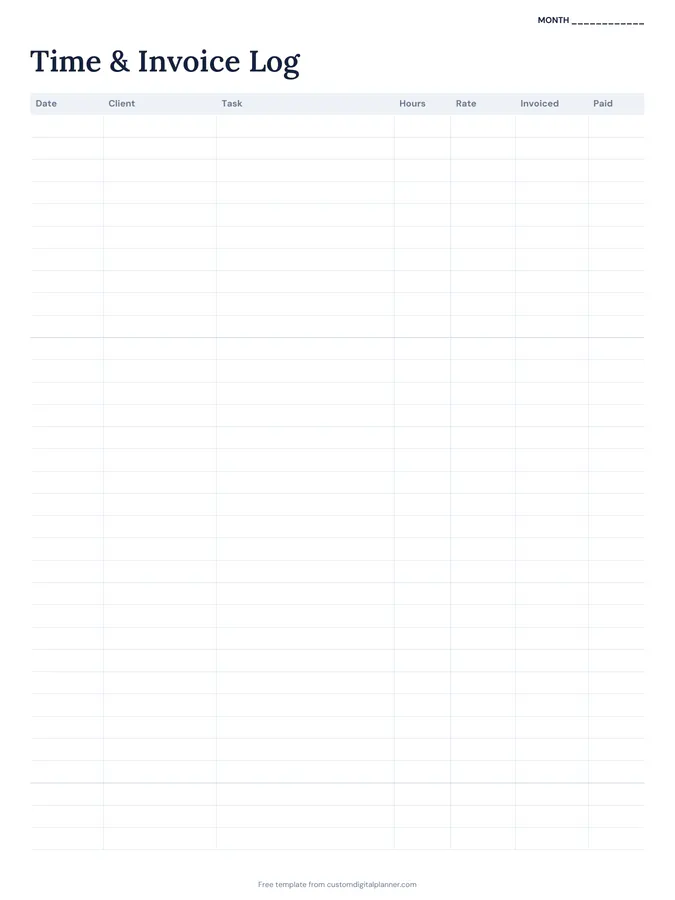
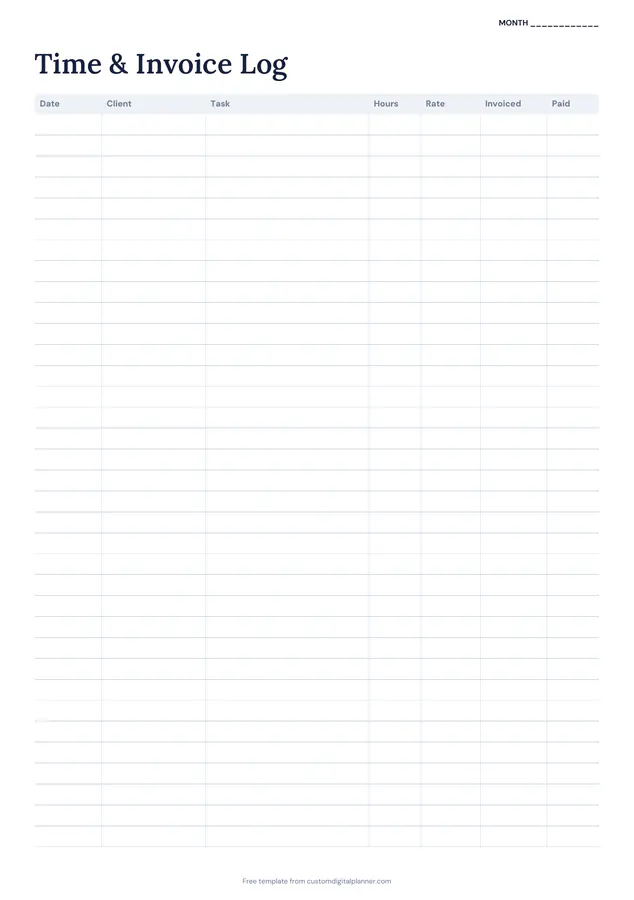
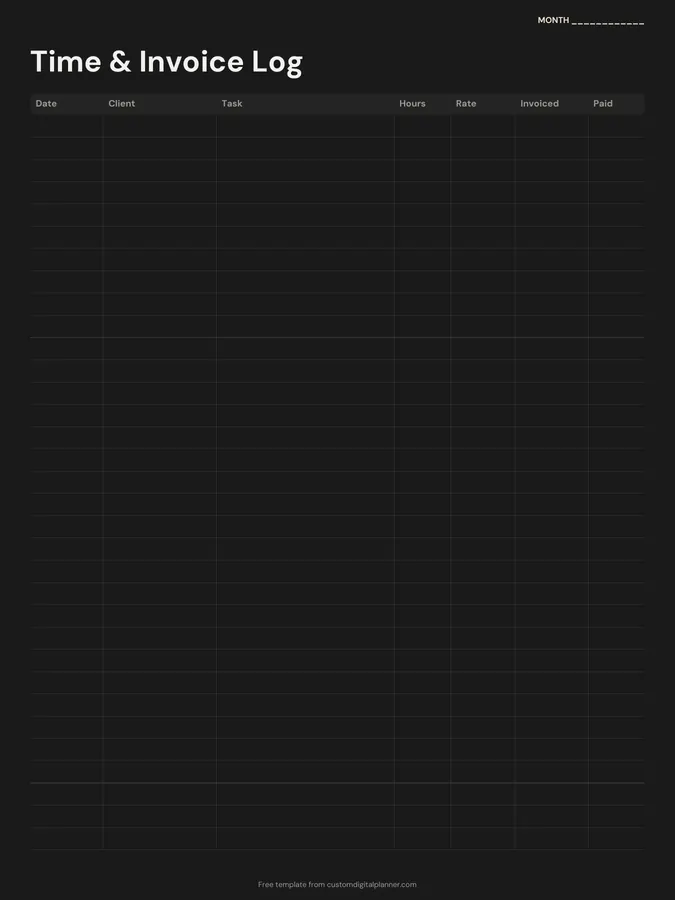
A time and invoice log with seven columns: date, client, task, hours, rate, invoiced and paid. Freelancers, tutors and contractors can record billable time and see what's been invoiced and paid, all on one page.
- Printable US Letter8.5 × 11 in, white paper
- Printable A4210 × 297 mm, white paper
- iPad / GoodNotesAlso Notability and Noteshelf
- E-ink tabletreMarkable, Kindle Scribe, Boox
Free PDF, 1 page, undated. No sign-up needed.
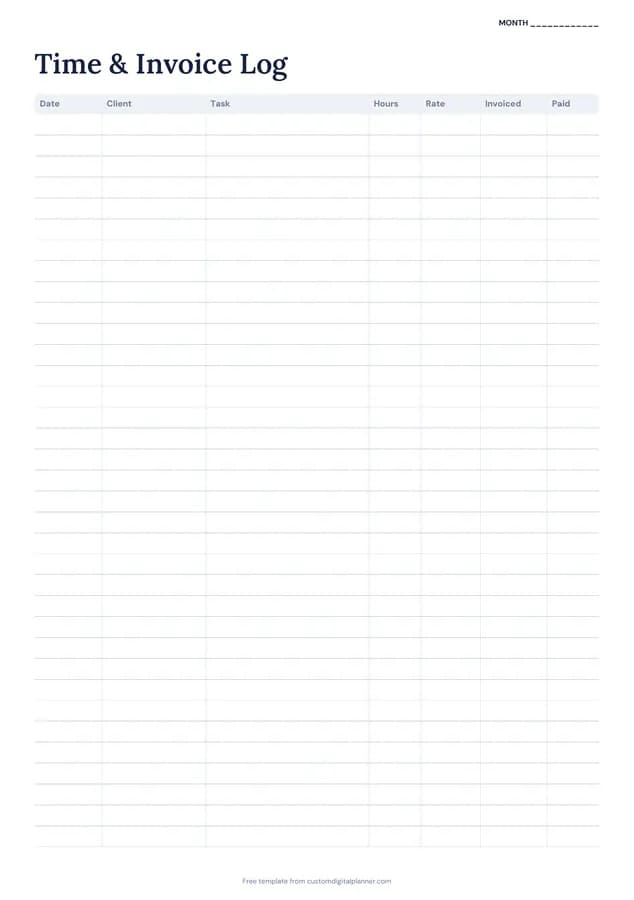
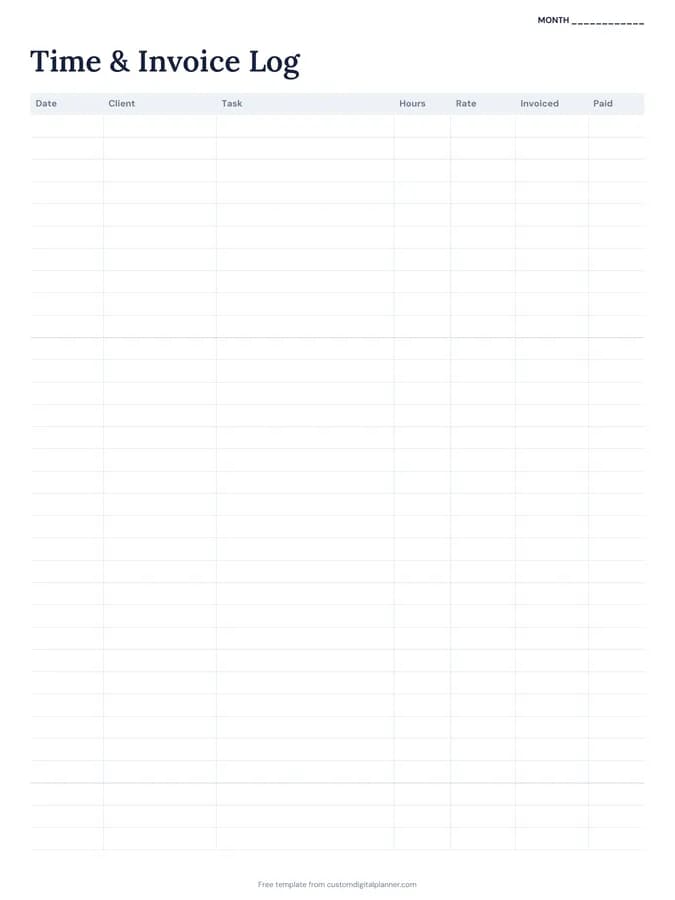
Shown for iPad in the Classic Navy theme. Printable downloads use white paper (there's a dark mode preview below); the e-ink version is black and white.
One page, ready to fill in.
- A table with columns for date, client, task, hours, rate, invoiced and paid
- A “Month” line at the top, so it works for any month and year
Who it's for
Freelancers billing by the hour, tutors, cleaners, nannies, consultants, contractors and part-time workers who need to record hours for an employer or for their own invoices.
Getting the most from a timesheet.
Log time daily
Write your hours at the end of each day. Reconstructing a week of work on Friday always undercounts.
Round consistently
Pick a unit, like 15 minutes or a tenth of an hour, and round every entry the same way.
Describe the task clearly
"Homepage design revisions" helps when a client questions an invoice. Vague entries invite disputes.
Tick invoiced, then paid
Two columns make the gap visible: work done but not billed, and billed but not paid. Chase both.
Total by client each month
Adding up hours by client shows who your best clients really are, and whether your rate needs to go up.
Review your effective rate
Once a month, divide what you were paid by all hours worked, including admin. If the number is lower than you expected, it's time to raise rates or cut unpaid tasks.
Included in 2 planners
This template is a page in each of these planners. Open one to see everything else that comes with it.
Get it inside a full hyperlinked planner
The side hustle planner includes this page alongside dated month and week pages for your year, with side tabs and links between every page. Pick your device and theme, preview it free, and pay only when it's right.
- Dated pages for the whole year
- Tap a tab or a date to jump there
- GoodNotes, Notability, Samsung Notes, e-ink and print sizes
Opens the side hustle planner with the Time & Invoices section switched on.
Or read about the side hustle planner first.
What does the timesheet record?
Date, client, task, hours, rate, whether it's been invoiced and whether it's been paid.
Is it a weekly or monthly timesheet?
It's a running log with a Month line, so most people use a page per month. Busy months may need two.
Can employees use it?
Yes. Leave rate, invoiced and paid blank, or use them for overtime and approval.
Which planners include it?
The side hustle planner and the tutor planner, alongside business and budget pages.
Can I use it to create invoices?
Yes. Total hours by client at the end of the month, multiply by your rate and copy the totals onto your invoice, then tick invoiced.
Does it work for multiple rates?
Yes. Write the rate on each row, so different tasks or clients can have different rates.