Project Planner Template (Printable PDF & GoodNotes)
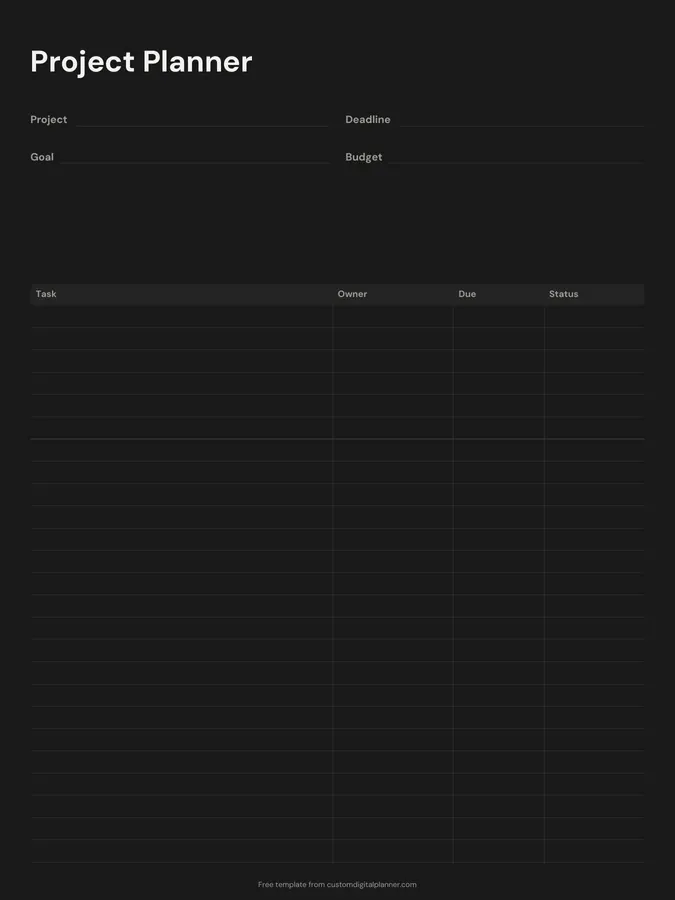
A one-page project planner. Write the project, its deadline, goal and budget at the top, then list every task with an owner, a due date and a status. It's enough structure for a work project, a home renovation or a school assignment without needing project software.
- Printable US Letter8.5 × 11 in, white paper
- Printable A4210 × 297 mm, white paper
- iPad / GoodNotesAlso Notability and Noteshelf
- E-ink tabletreMarkable, Kindle Scribe, Boox
Free PDF, 1 page, undated. No sign-up needed.
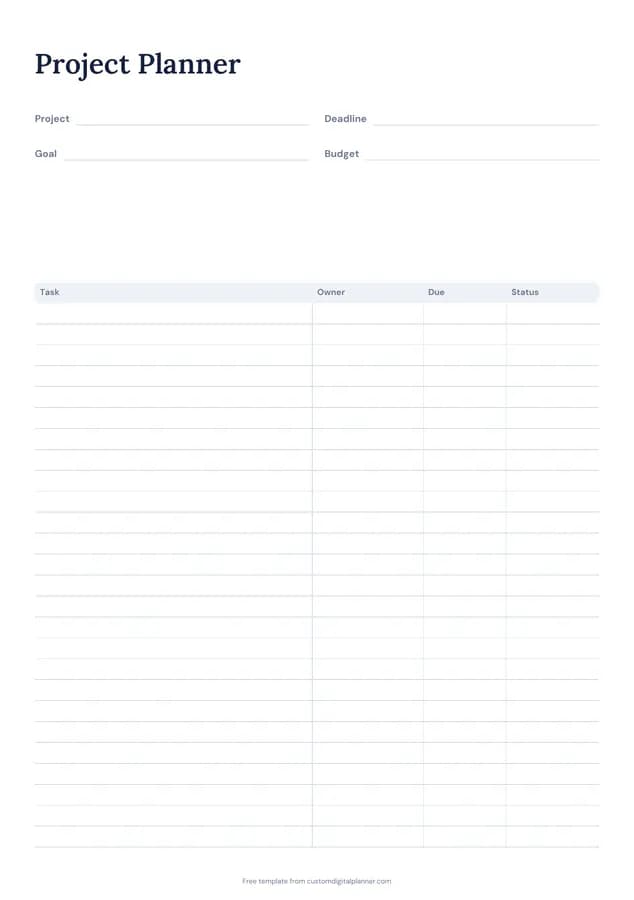
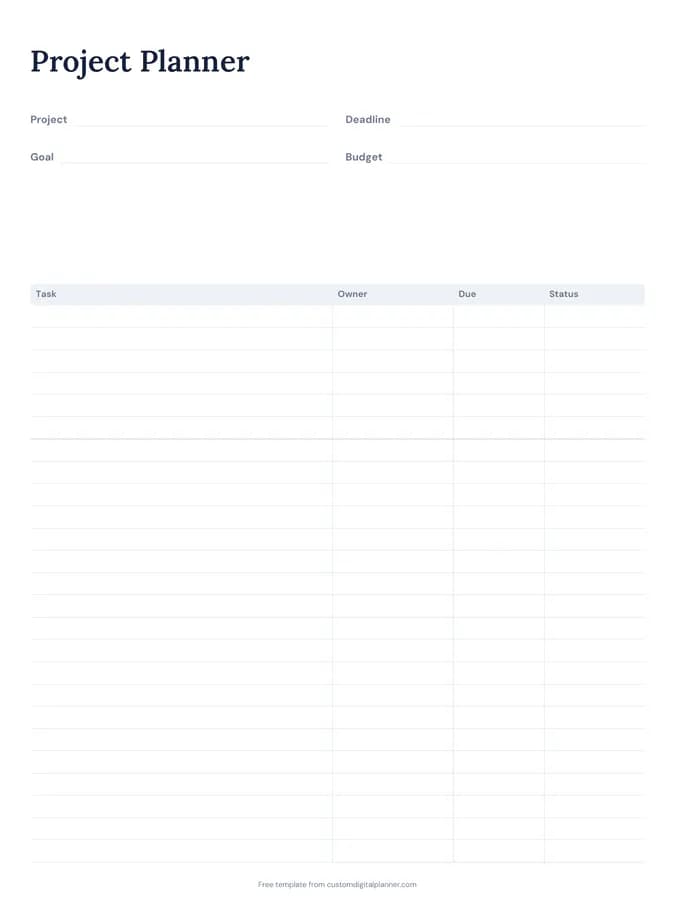
Shown for iPad in the Classic Navy theme. Printable downloads use white paper (there's a dark mode preview below); the e-ink version is black and white.
One page, ready to fill in.
- Write-in lines for project, deadline, goal and budget
- A table with columns for task, owner, due and status
- Undated, so you can print or duplicate it as often as you need
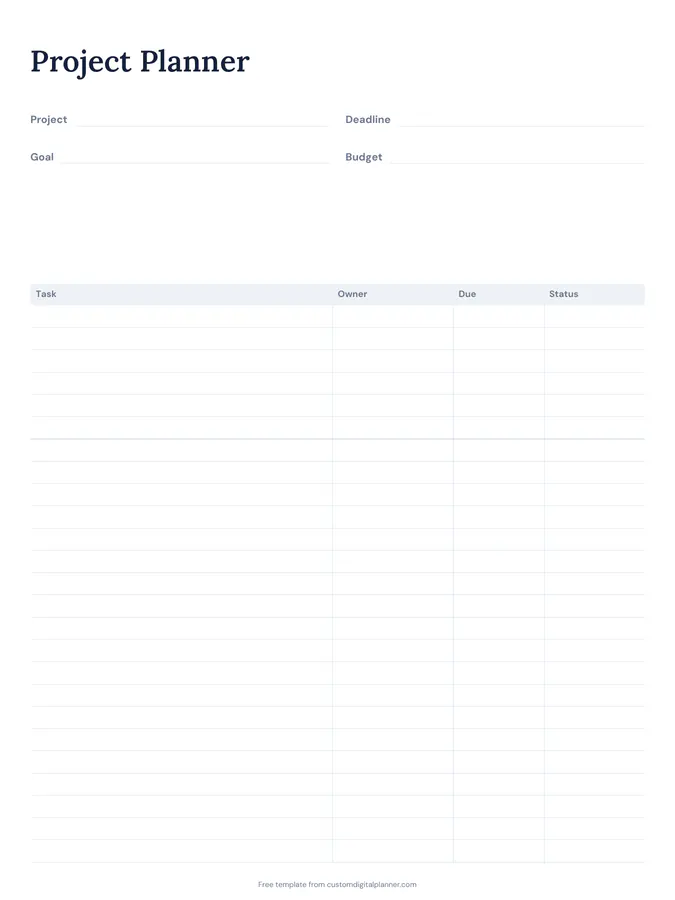
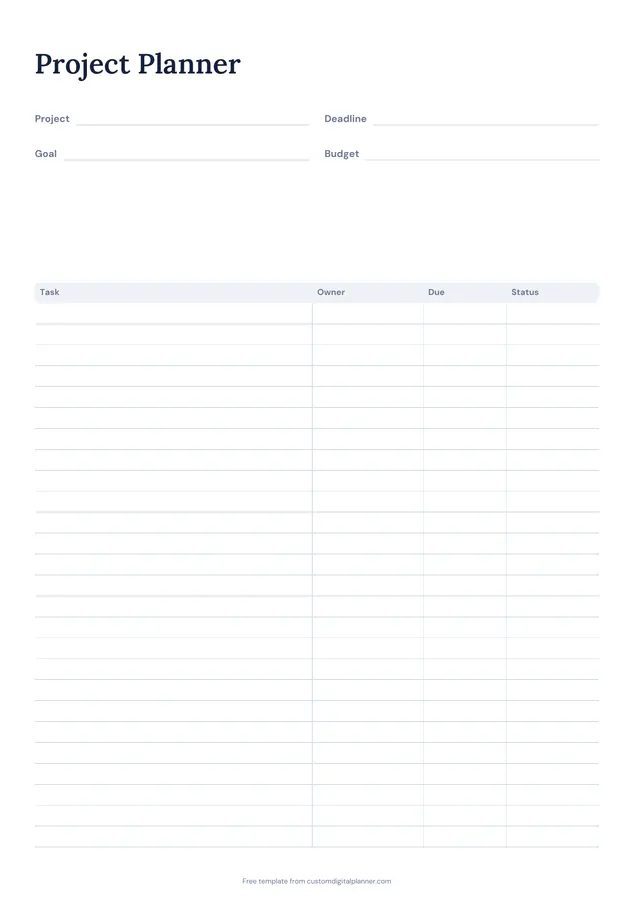
Getting the most from a project planner.
Write the goal as a finished result
"New website live with five pages" is a goal; "work on website" isn't. A clear finish line tells you which tasks belong on the page and when you're done.
Break tasks down to a day or less
If a task would take more than a day, split it. Smaller tasks are easier to assign, easier to date and much easier to start.
Give every task one owner
Even on a solo project, the owner column is useful for tasks that depend on someone else, like a client's feedback or a supplier's quote.
Use short status words
Pick three or four and stick to them: to do, doing, waiting, done. "Waiting" is the important one; it shows what's blocked and who to chase.
Date backwards from the deadline
Put the deadline at the top, then give the last task a due date a few days before it, and work backwards. Gaps and clashes show up straight away.
Included in 11 planners
This template is a page in each of these planners. Open one to see everything else that comes with it.
Get it inside a full hyperlinked planner
The work & project planner includes this page alongside dated month and week pages for your year, with side tabs and links between every page. Pick your device and theme, preview it free, and pay only when it's right.
- Dated pages for the whole year
- Tap a tab or a date to jump there
- GoodNotes, Notability, Samsung Notes, e-ink and print sizes
Opens the work & project planner with the Projects & Meetings section switched on.
Or read about the work & project planner first.
About this project planner template
Need help importing it? See devices and apps or the FAQ.
What should a project planner include?
The project name, the goal, a deadline, a budget if there is one, and a list of tasks with who's doing each and when it's due. This template has all of those on one page.
How many tasks fit on the page?
Around 20 rows on the printable versions. For bigger projects, use one page per phase or print a second page for the task list.
Can I use it for a team?
Yes. Print it for a meeting, or share the PDF and have each person keep their own copy. The owner and status columns make it easy to run a quick check-in.
Is there a Gantt chart?
Not on this page. It's a task list with due dates, which is enough for most small projects. The ideal week and weekly planner templates help schedule the work itself.