Eisenhower Matrix Template (Printable PDF & GoodNotes)
A priority matrix with four checklist boxes: urgent and important (do), important but not urgent (plan), urgent but not important (delegate), and neither (drop). Write each task into one box and you can see at a glance what deserves your time today.
- Printable US Letter8.5 × 11 in, white paper
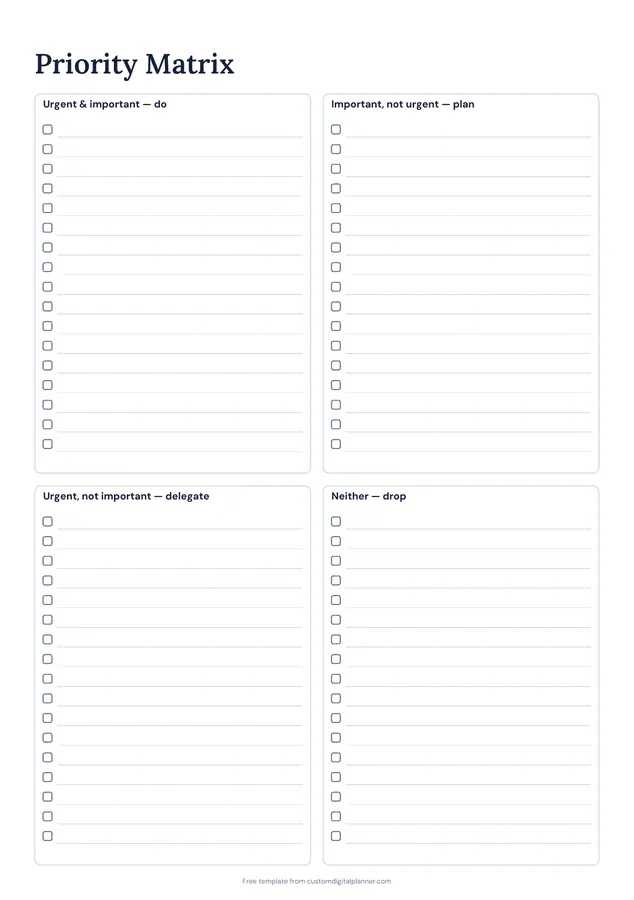
- Printable A4210 × 297 mm, white paper
- iPad / GoodNotesAlso Notability and Noteshelf
- E-ink tabletreMarkable, Kindle Scribe, Boox
Free PDF, 1 page, undated. No sign-up needed.
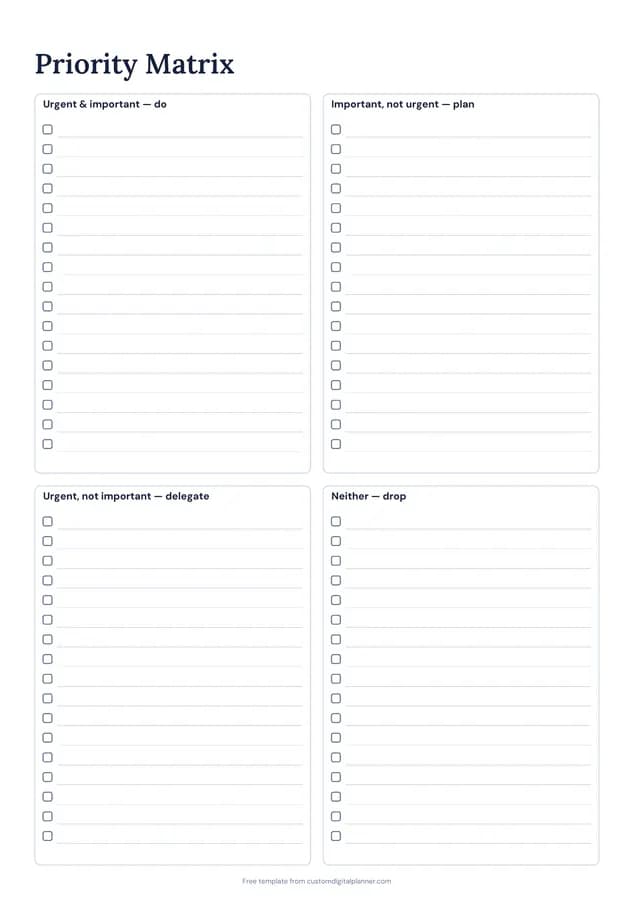
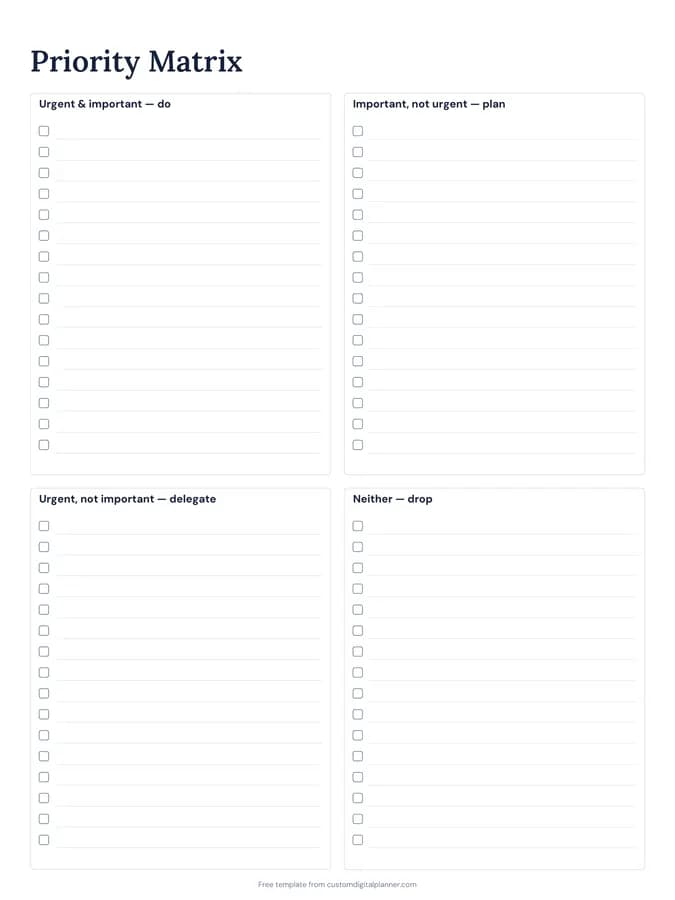
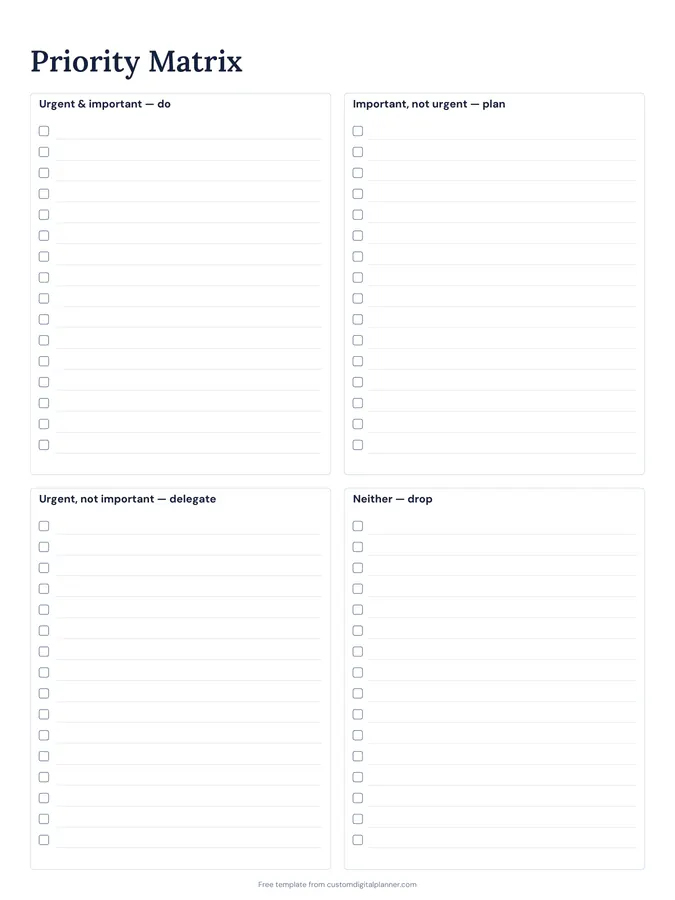
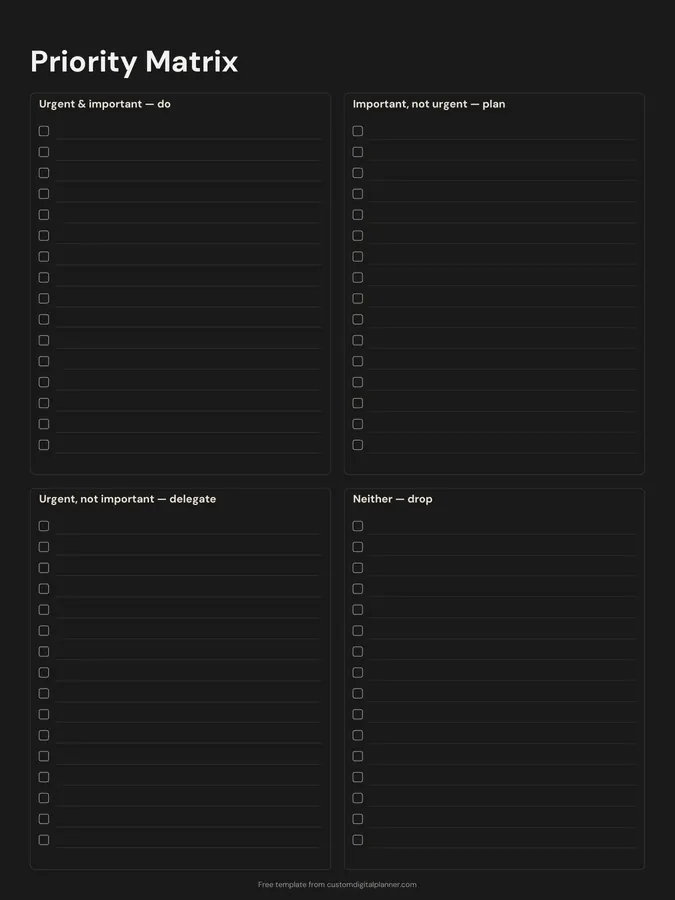
Shown for iPad in the Classic Navy theme. Printable downloads use white paper (there's a dark mode preview below); the e-ink version is black and white.
One page, ready to fill in.
- Boxes for urgent & important — do, important, not urgent — plan, urgent, not important — delegate and neither — drop
- Undated, so you can print or duplicate it as often as you need
Getting the most from a eisenhower matrix.
Ask "important to whom?"
Important means it moves your own goals or responsibilities forward. Urgent just means someone wants it now. A colleague's request can be urgent without being important to you, which puts it in the delegate box.
Protect the "plan" box
Important but not urgent is where exercise, learning, long projects and relationships live. These never shout for attention, so give each one a time slot on your weekly page as soon as you write it here.
Keep the "do" box short
If more than five or six things are urgent and important, some of them aren't, or you're overcommitted. Push back on one deadline before you start, rather than trying to do everything at once.
Actually drop the last box
Things in "neither" are tasks you feel you should do but that change nothing if you don't. Cross them off for good. That's the point of writing them down.
Redo it each week
Tasks move between boxes as deadlines approach. Duplicate the page in your note app, or print a fresh one, at the start of each week rather than reusing an old matrix.
Included in 5 planners
This template is a page in each of these planners. Open one to see everything else that comes with it.
Get it inside a full hyperlinked planner
The work & project planner includes this page alongside dated month and week pages for your year, with side tabs and links between every page. Pick your device and theme, preview it free, and pay only when it's right.
- Dated pages for the whole year
- Tap a tab or a date to jump there
- GoodNotes, Notability, Samsung Notes, e-ink and print sizes
Opens the work & project planner with the Productivity section switched on.
Or read about the work & project planner first.
About this eisenhower matrix template
Need help importing it? See devices and apps or the FAQ.
What is the Eisenhower matrix?
A way to sort tasks by two questions: is it urgent, and is it important? The answers put each task in one of four boxes: do it now, schedule it, delegate it or drop it. It's named after a quote attributed to US president Dwight Eisenhower.
What goes in each quadrant?
Do: deadlines and crises that matter. Plan: important work with no deadline yet, like health, learning or big projects. Delegate: interruptions and requests someone else could handle. Drop: busywork and time-wasters.
What if I can't delegate anything?
Use that box for tasks you can batch, shorten or do to a lower standard instead: answer all the emails at once, or send a quick reply rather than a long one. The aim is to spend less of your best time on them.
Is this the same as the priority matrix in the planners?
Yes. It's the Priority Matrix page from the productivity section of our planners, drawn by the same engine. In a full planner you get several copies linked from the side tabs.