Ideal Week Template (Printable PDF & GoodNotes)
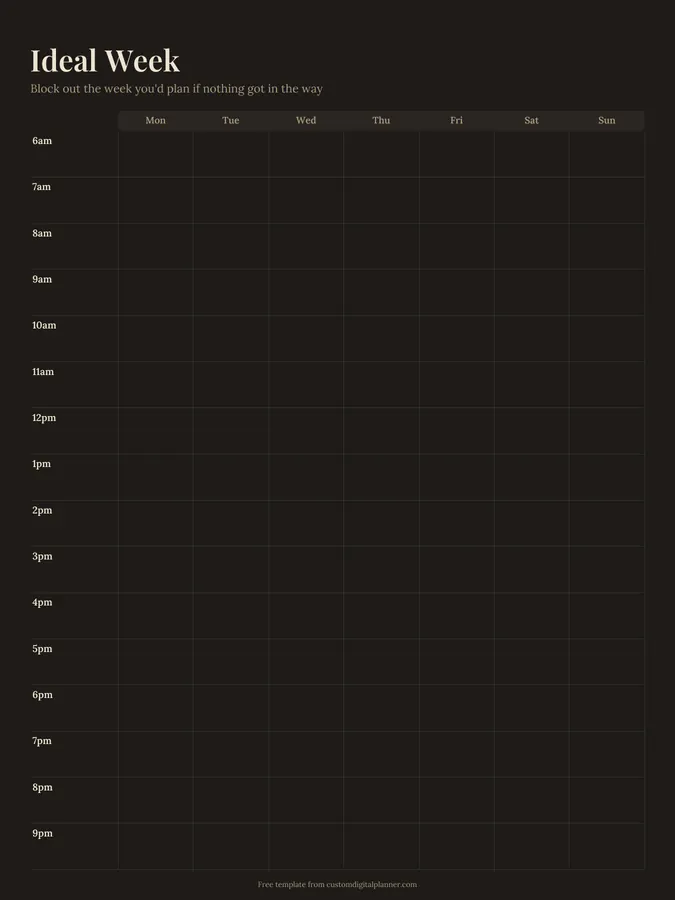
An hourly time-blocking grid from 6am to 9pm for every day of the week. Use it to design your ideal week: the shape your days would take if nothing got in the way. Then use it as the template you plan each real week from.
- Printable US Letter8.5 × 11 in, white paper
- Printable A4210 × 297 mm, white paper
- iPad / GoodNotesAlso Notability and Noteshelf
- E-ink tabletreMarkable, Kindle Scribe, Boox
Free PDF, 1 page, undated. No sign-up needed.
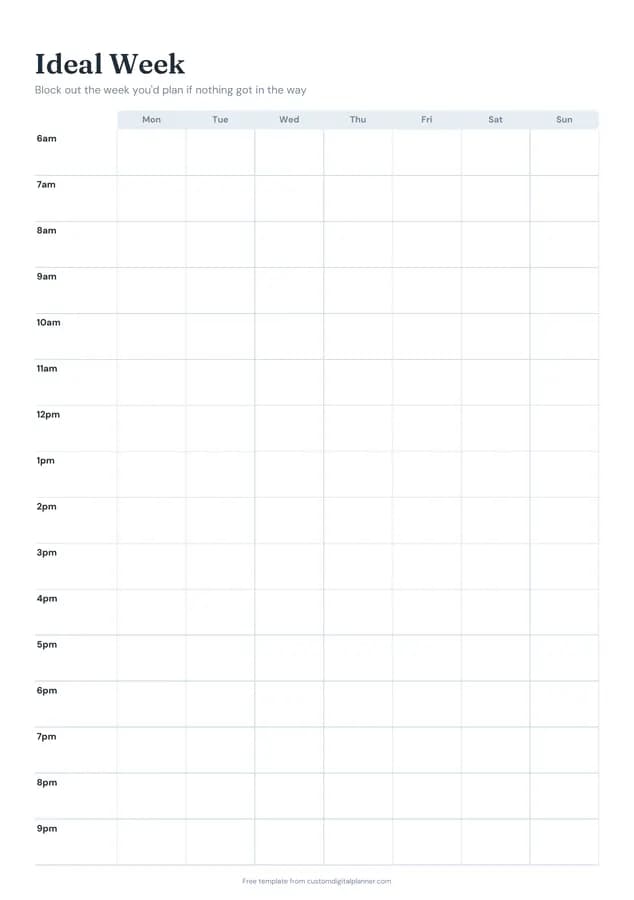
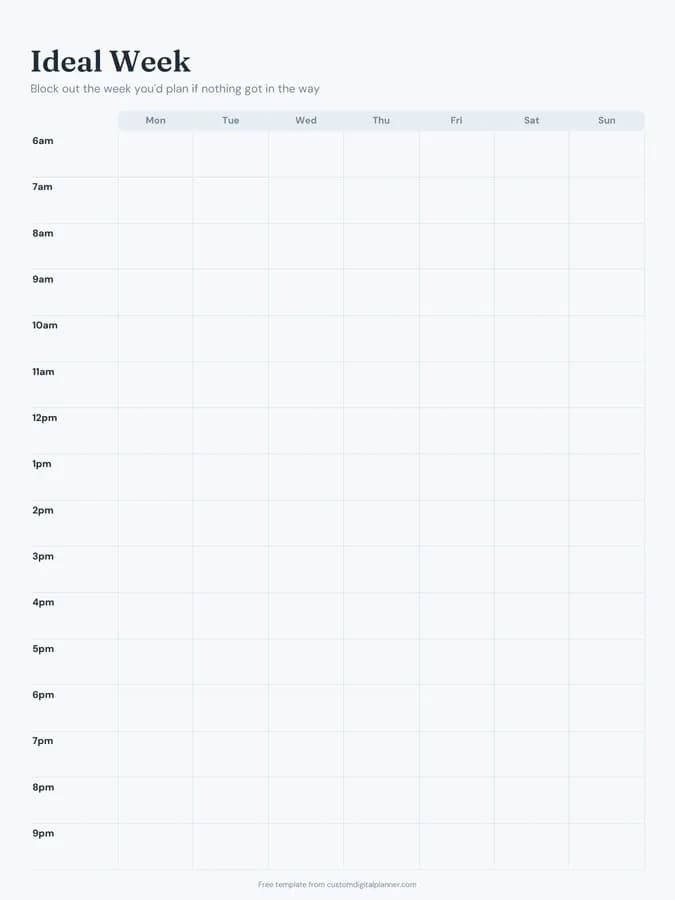
Shown for iPad in the Ocean Calm theme. Printable downloads use white paper (there's a dark mode preview below); the e-ink version is black and white.
One page, ready to fill in.
- A Monday-to-Sunday grid with rows for 6am, 7am, 8am, 9am, 10am, 11am, 12pm, 1pm, 2pm, 3pm, 4pm, 5pm and more
- Undated, so you can print or duplicate it as often as you need
Getting the most from a ideal week.
Block fixed commitments first
Start with what doesn't move: work hours, school runs, classes, religious services and sleep. Shade them in. What's left is the time you actually get to design.
Give your priorities a home
Pick the two or three things that matter most, like deep work, exercise or family dinner, and give each one a regular slot. Something that has a time every week happens far more often than something you'll "fit in".
Use colours for types of time
One colour for work, one for health, one for family, one for rest. A glance at the colours shows whether the week is balanced or whether one area is squeezing out the rest.
Leave buffer blocks
Real weeks run over. Leave an empty hour in the afternoon and a free evening so that when something slips, there's somewhere for it to go.
Compare it with a real week
After a week, look at what actually happened next to your ideal. The gaps show which blocks need protecting, moving or letting go.
Included in 1 planner
This template is a page in this planner. Open it to see everything else that comes with it.
Get it inside a full hyperlinked planner
The hourly planner includes this page alongside dated month and week pages for your year, with side tabs and links between every page. Pick your device and theme, preview it free, and pay only when it's right.
- Dated pages for the whole year
- Tap a tab or a date to jump there
- GoodNotes, Notability, Samsung Notes, e-ink and print sizes
Opens the hourly planner with the Time Blocking section switched on.
Or read about the hourly planner first.
What is an ideal week?
A template of how you'd like a typical week to look, with time blocked out for work, rest, health and the things you care about. It isn't a schedule you follow to the minute; it's a default you plan each real week against.
What hours does the grid cover?
6am to 9pm in hourly rows, Monday to Sunday in columns. Early birds and night owls can relabel the rows; the grid itself is the same.
Is this the same as time blocking?
It's time blocking applied to a model week. Once you have an ideal week, you time-block real weeks faster because the shape is already decided.
Can I use it to plan a work or study timetable?
Yes. Students use it as a study timetable and shift workers use it to plan around rotating shifts. Print a fresh copy whenever your schedule changes.