Revision Timetable Template (Printable PDF & GoodNotes)
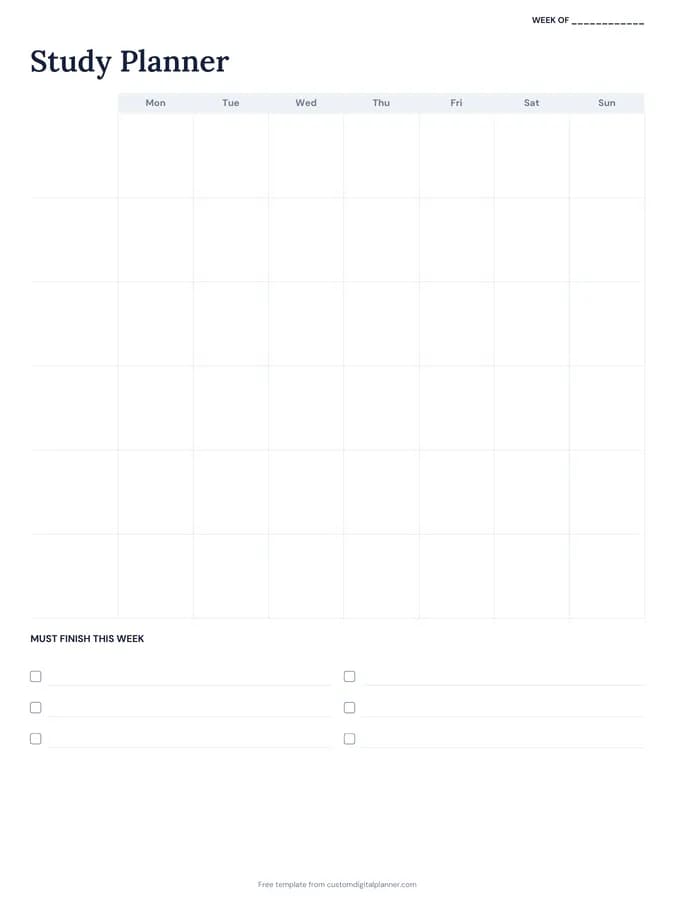
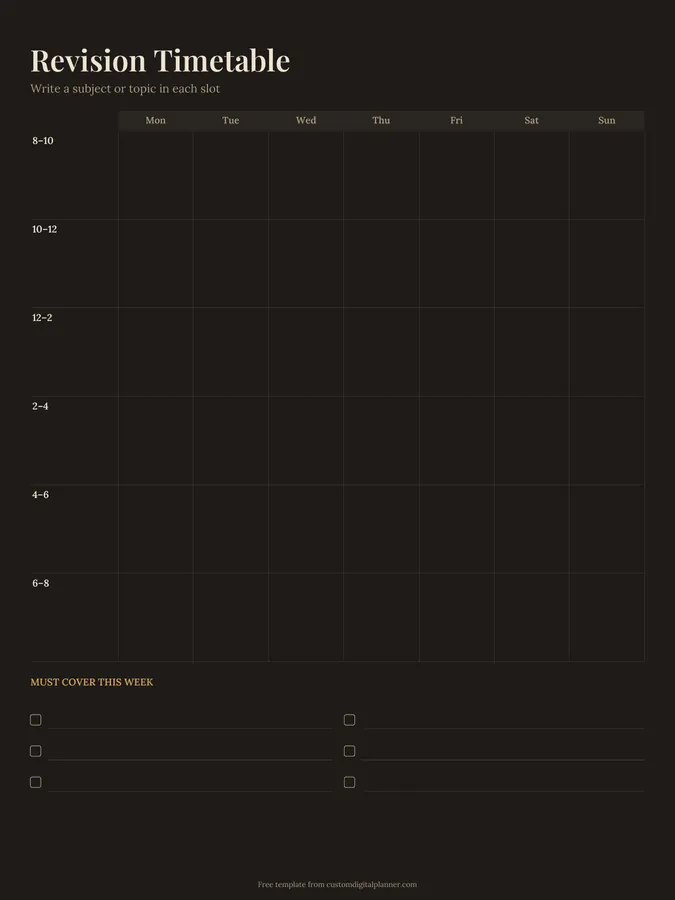
A weekly revision timetable with two-hour slots from 8–10am to 6–8pm down the side and Monday to Sunday across the top. Write a subject or topic in each slot, and list what you must cover this week in the checklist below.
- Printable US Letter8.5 × 11 in, white paper
- Printable A4210 × 297 mm, white paper
- iPad / GoodNotesAlso Notability and Noteshelf
- E-ink tabletreMarkable, Kindle Scribe, Boox
Free PDF, 1 page, undated. No sign-up needed.
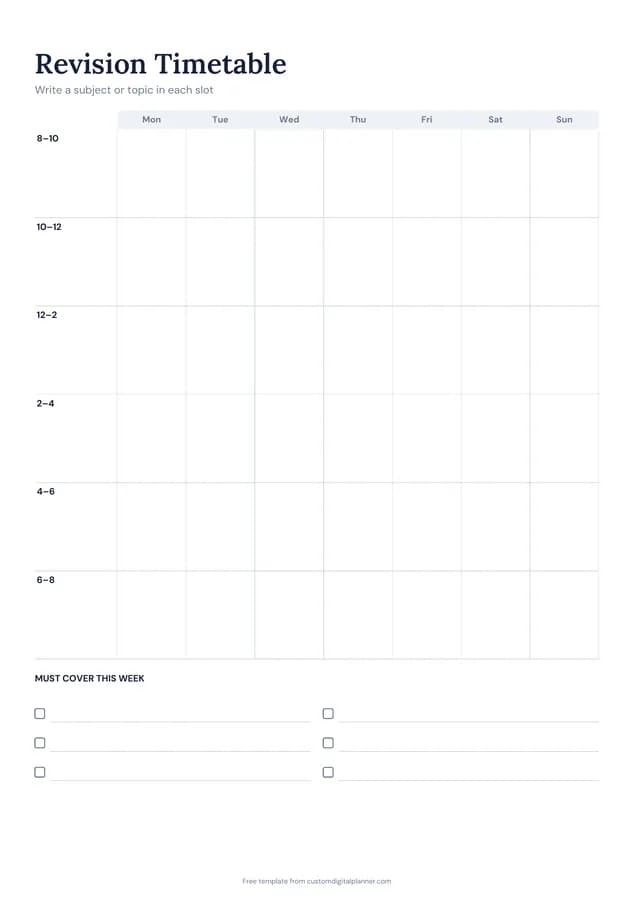
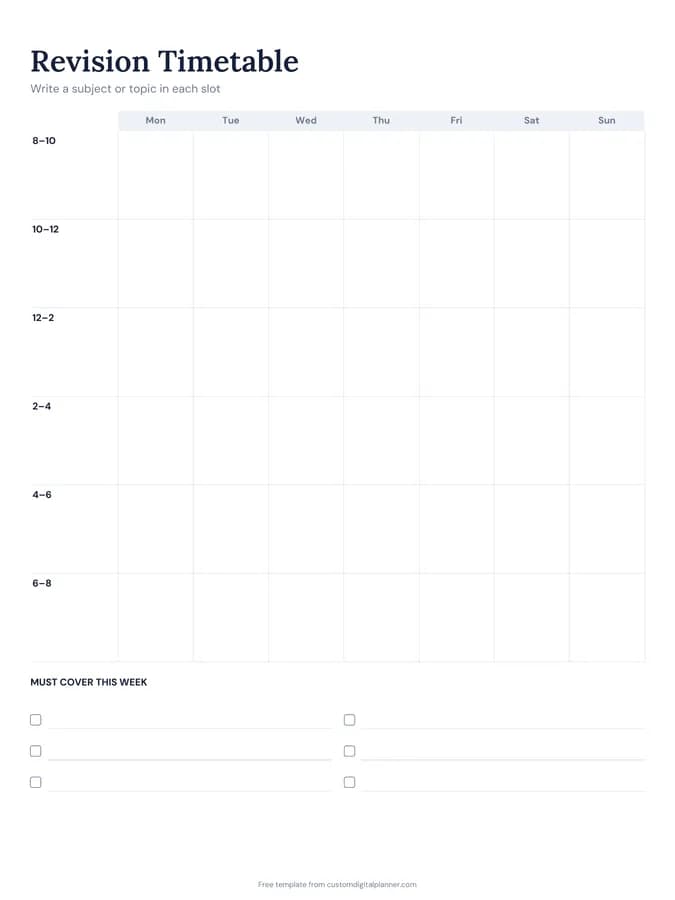
Shown for iPad in the Classic Navy theme. Printable downloads use white paper (there's a dark mode preview below); the e-ink version is black and white.
One page, ready to fill in.
- A Monday-to-Sunday grid with rows for 8–10, 10–12, 12–2, 2–4, 4–6 and 6–8
- A must cover this week checklist
- Undated, so you can print or duplicate it as often as you need
Who it's for
GCSE, A level and university students in exam season, adults sitting professional exams, and parents helping a teenager plan their revision.
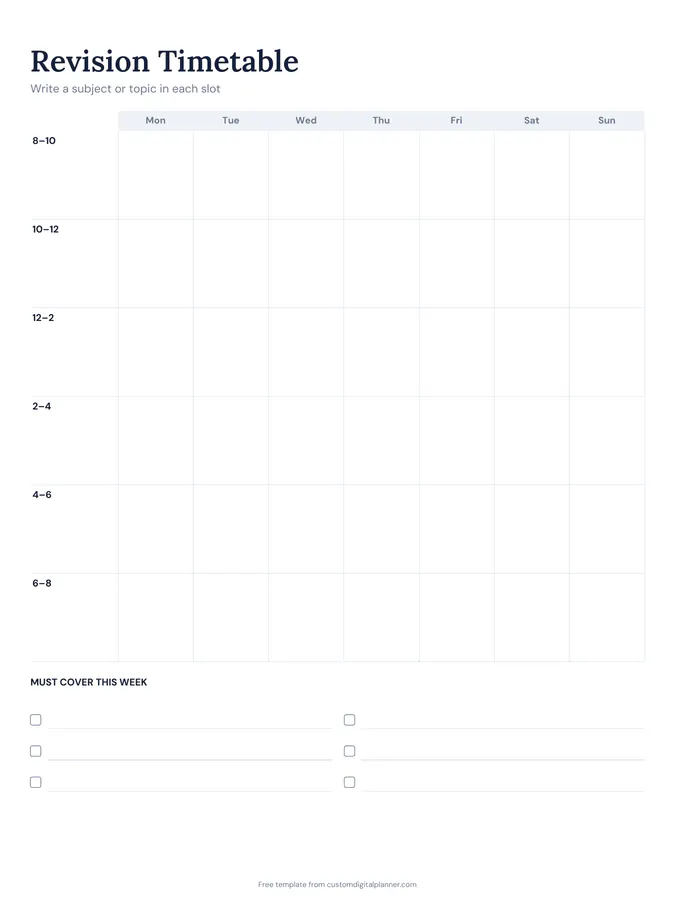
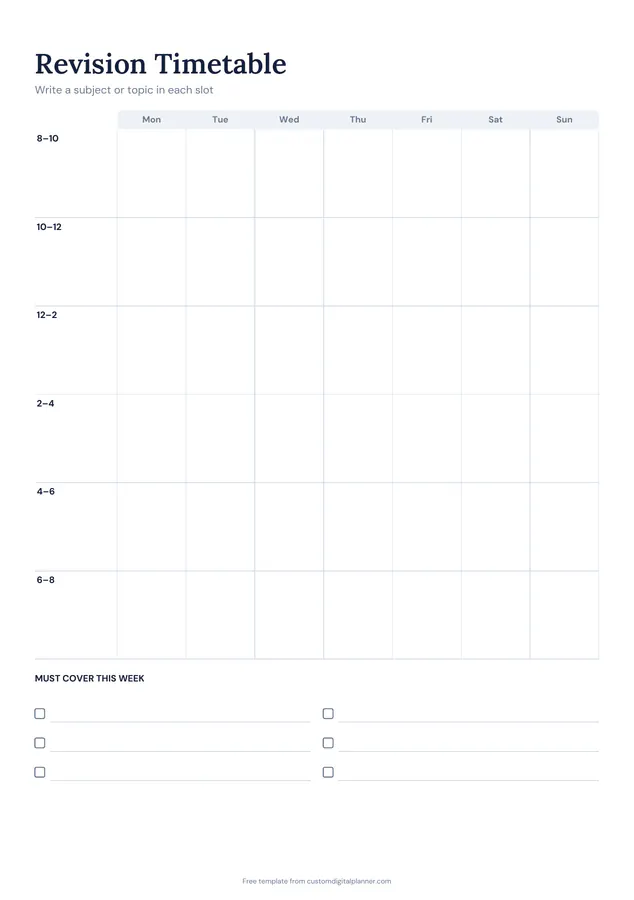
Getting the most from a revision timetable.
Count back from your exams
Write each exam date somewhere visible and count the weeks left. Give the earliest and hardest exams the most slots first.
Write topics, not just subjects
"Maths: quadratics" or "English: Macbeth Act 3" makes each slot a clear task. Use your topic list or specification to fill them.
Mix subjects through the day
Switching subjects between slots keeps you fresher and helps memory. Avoid three slots of the same subject in a row.
Block out breaks and life
Shade meals, exercise, work shifts and rest before adding revision. A timetable with no breaks won't survive the week.
Use past papers late in the week
Plan a timed past paper or practice questions at the end of each week to test what you revised.
Included in 2 planners
This template is a page in each of these planners. Open one to see everything else that comes with it.
Get it inside a full hyperlinked planner
The study & revision planner includes this page alongside dated month and week pages for your year, with side tabs and links between every page. Pick your device and theme, preview it free, and pay only when it's right.
- Dated pages for the whole year
- Tap a tab or a date to jump there
- GoodNotes, Notability, Samsung Notes, e-ink and print sizes
Opens the study & revision planner with the Revision & Exams section switched on.
Or read about the study & revision planner first.
About this revision timetable template
Need help importing it? See devices and apps or the FAQ.
How do I make a revision timetable?
List your exams and topics, block out fixed commitments and breaks, then fill the remaining slots with specific topics, spreading each subject across the week. Review it every Sunday.
What times does it cover?
Six two-hour slots from 8am to 8pm, every day of the week. Use part of a slot if you prefer shorter sessions.
Is it for GCSE, A level or university?
Any of them. It's a blank weekly timetable that works for school exams, university finals and professional exams.
Can I use it with the Cornell notes template?
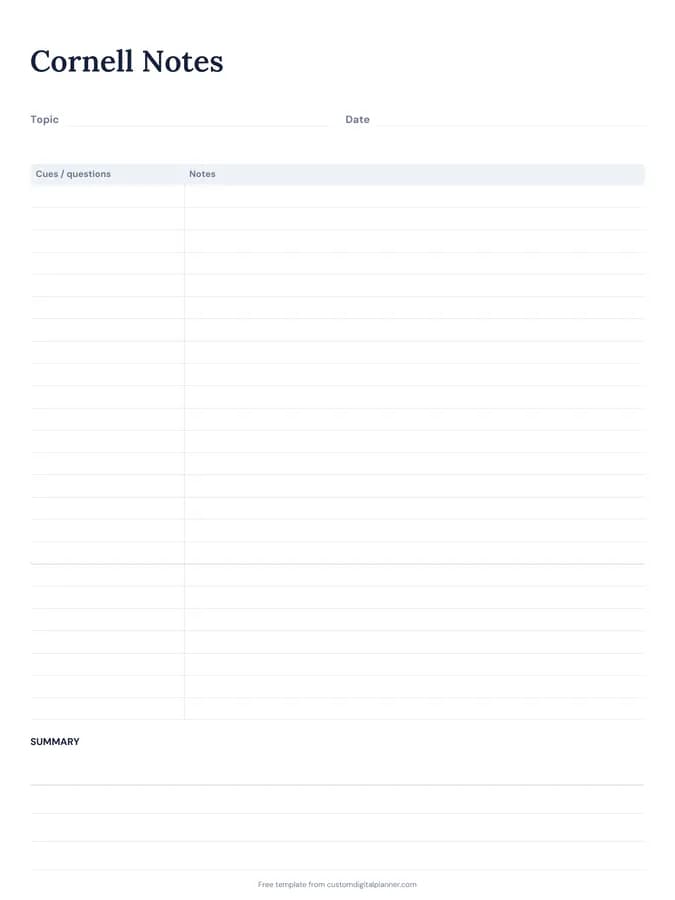
Yes. Many students make Cornell notes during a revision slot and use the cue column to test themselves later.
How many hours a day should I revise?
It varies by person and exam. Many students manage three to five focused hours a day with breaks. A realistic plan you follow beats a perfect one you abandon.