Cornell Notes Template (Printable PDF & GoodNotes)
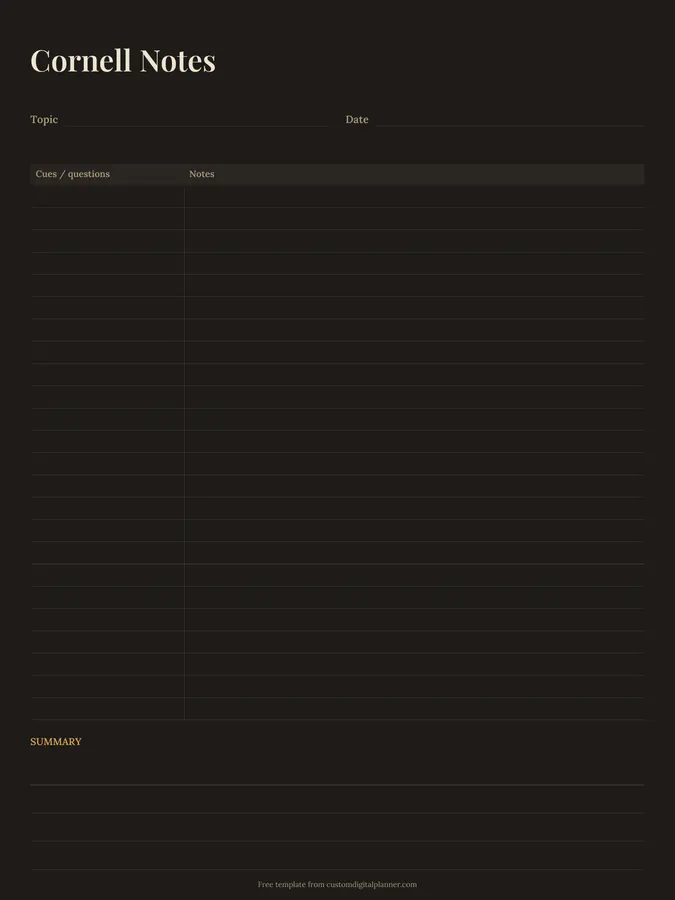
A Cornell notes page with lines for the topic and date, a narrow cues and questions column on the left, a wide notes column on the right, and a summary box at the bottom. It's one of the most widely taught note-taking methods for lectures, reading and revision.
- Printable US Letter8.5 × 11 in, white paper
- Printable A4210 × 297 mm, white paper
- iPad / GoodNotesAlso Notability and Noteshelf
- E-ink tabletreMarkable, Kindle Scribe, Boox
Free PDF, 1 page, undated. No sign-up needed.
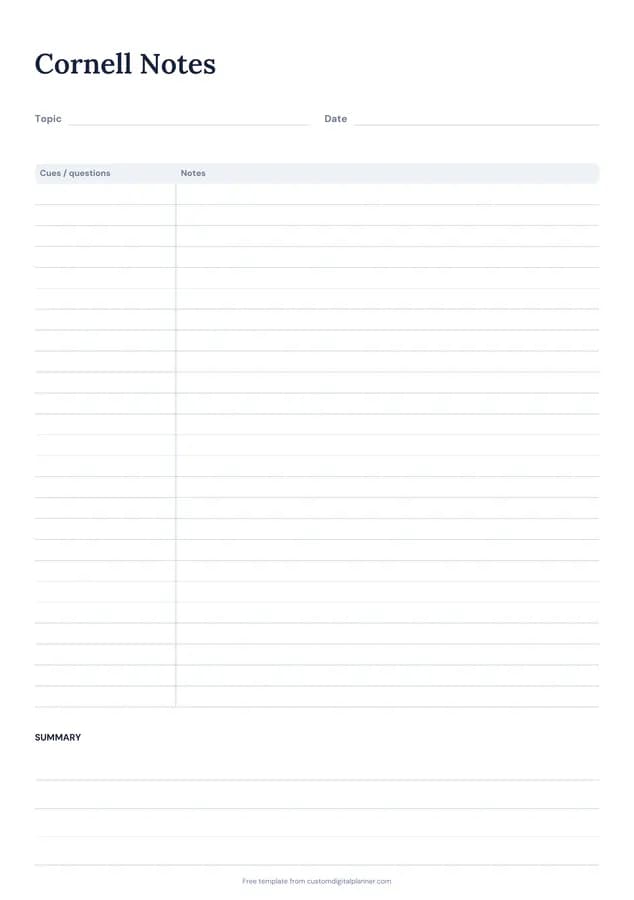
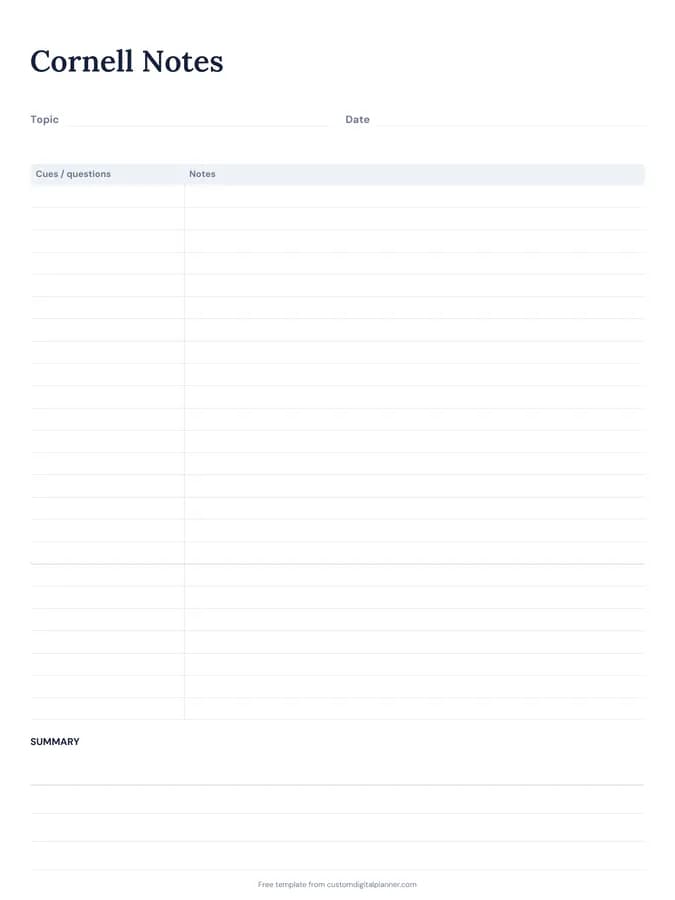
Shown for iPad in the Classic Navy theme. Printable downloads use white paper (there's a dark mode preview below); the e-ink version is black and white.
One page, ready to fill in.
- Write-in lines for topic and date
- A table with columns for cues / questions and notes
- Lined space for summary
- Undated, so you can print or duplicate it as often as you need
Who it's for
High school and college students, nursing, law and medical students with heavy reading, and adult learners on courses who want notes they can revise from.
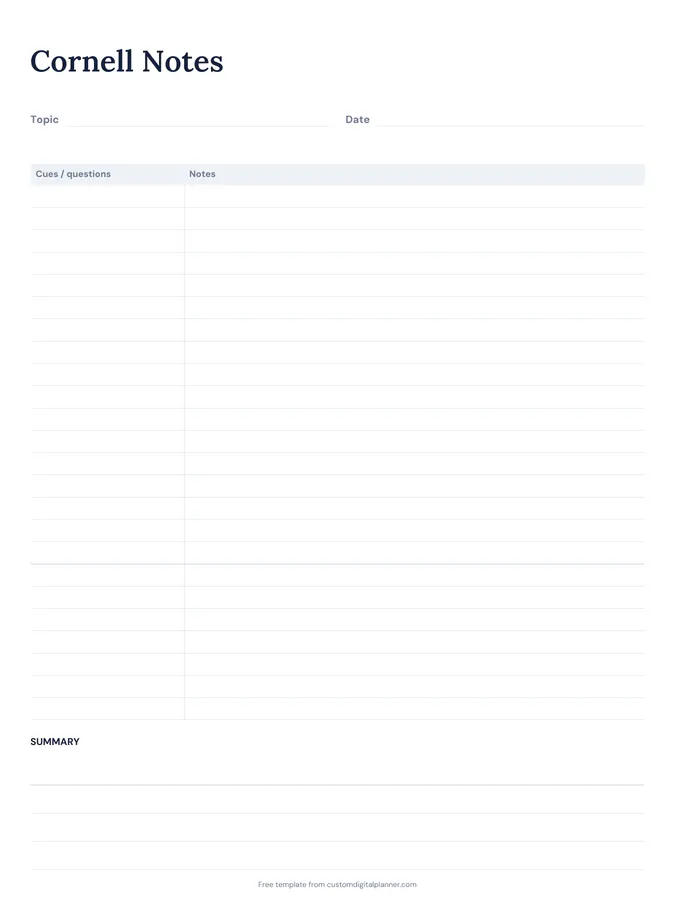
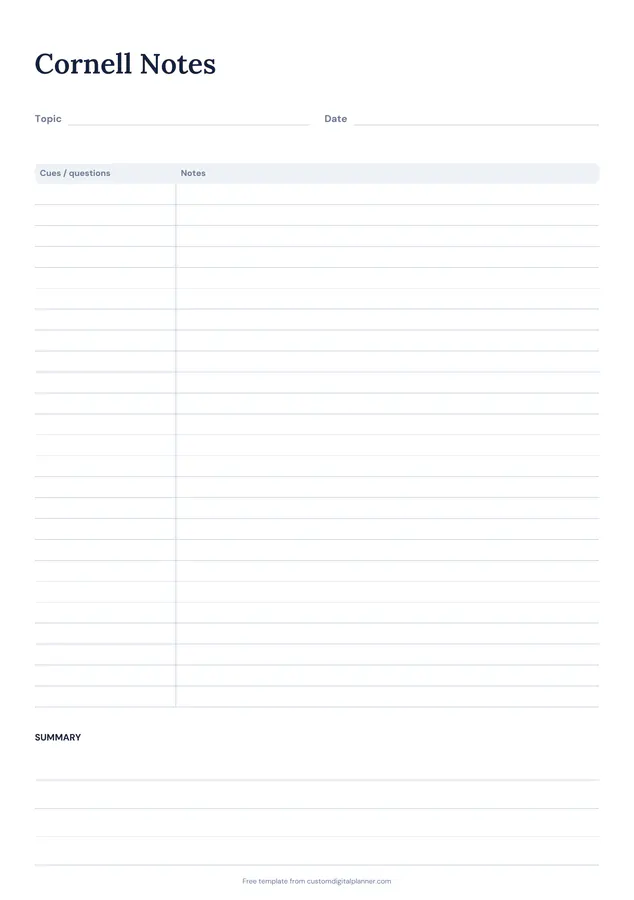
Getting the most from a cornell notes.
Take notes in the right-hand column
During the lecture or while reading, write main points, examples and diagrams in the wide notes column. Short phrases, not full sentences.
Add cues afterwards
Within a day, read your notes and write questions or keywords in the cue column that the notes answer. That's what turns notes into revision material.
Write the summary in your own words
In two to four sentences, sum up the page as if explaining it to a friend. If you can't, you've found what to review.
Test yourself with the cues
Cover the notes column, read each cue and try to answer it aloud. Check, and mark the ones you missed.
One topic per page
Start a fresh page for each lecture or topic. It keeps summaries meaningful and makes notes easier to find later.
Included in 5 planners
This template is a page in each of these planners. Open one to see everything else that comes with it.
Get it inside a full hyperlinked planner
The study & revision planner includes this page alongside dated month and week pages for your year, with side tabs and links between every page. Pick your device and theme, preview it free, and pay only when it's right.
- Dated pages for the whole year
- Tap a tab or a date to jump there
- GoodNotes, Notability, Samsung Notes, e-ink and print sizes
Opens the study & revision planner with the Revision & Exams section switched on.
Or read about the study & revision planner first.
What is the Cornell note-taking method?
A way of laying out notes in three parts: notes on the right, cues and questions on the left, and a summary at the bottom. Writing cues and a summary after class makes you review the material, which helps you remember it.
Can I use it in GoodNotes or Notability?
Yes. Download the iPad version and set it as a page template, or duplicate it for each lecture.
Is it good for nursing, law or medical school?
Yes. It's included in our nursing school, law school, medical school and college planners, where students use it for lectures and reading.
Does it work on reMarkable?
Yes. The e-ink version is black and white and sized for reMarkable, Kindle Scribe and Boox.