Study Planner Template (Printable PDF & GoodNotes)
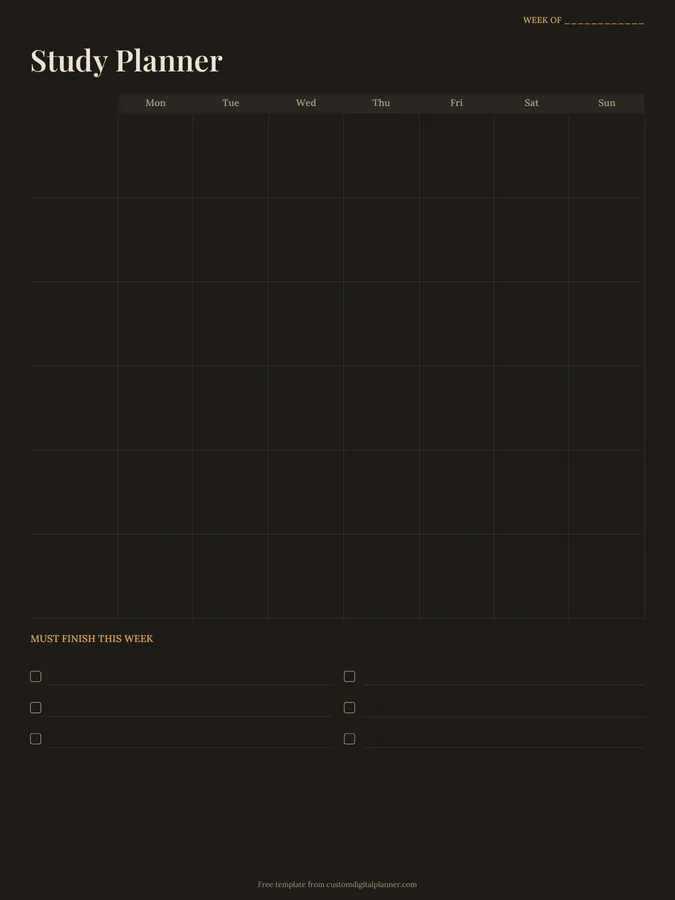
A weekly study planner with a row for each subject and a column for each day, Monday to Sunday, plus a two-column "must finish this week" checklist. Write a topic or task in each box, and plan a balanced week of study at a glance.
- Printable US Letter8.5 × 11 in, white paper
- Printable A4210 × 297 mm, white paper
- iPad / GoodNotesAlso Notability and Noteshelf
- E-ink tabletreMarkable, Kindle Scribe, Boox
Free PDF, 1 page, undated. No sign-up needed.
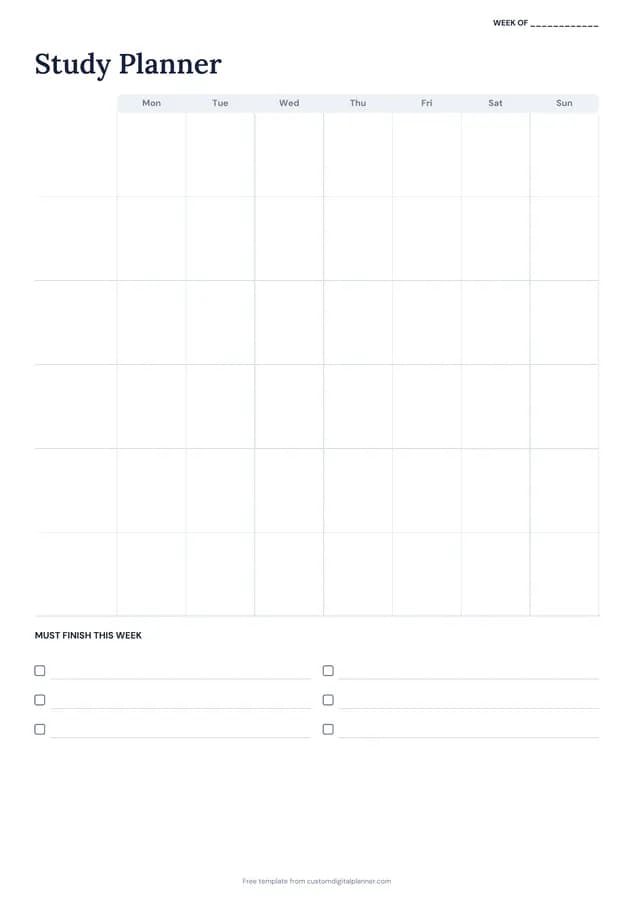
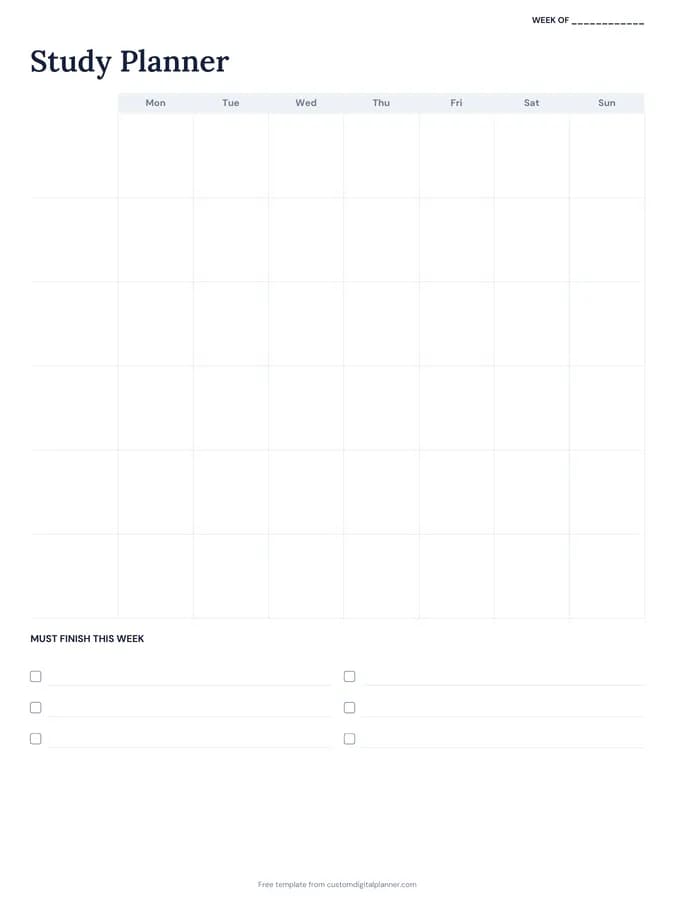
Shown for iPad in the Classic Navy theme. Printable downloads use white paper (there's a dark mode preview below); the e-ink version is black and white.
One page, ready to fill in.
- A Monday-to-Sunday grid with a row per subject
- A must finish this week checklist
- A “Week of” line at the top, so you can reuse it every week
Who it's for
High school and college students, adults studying for a qualification alongside work, and homeschoolers who want a weekly plan by subject.
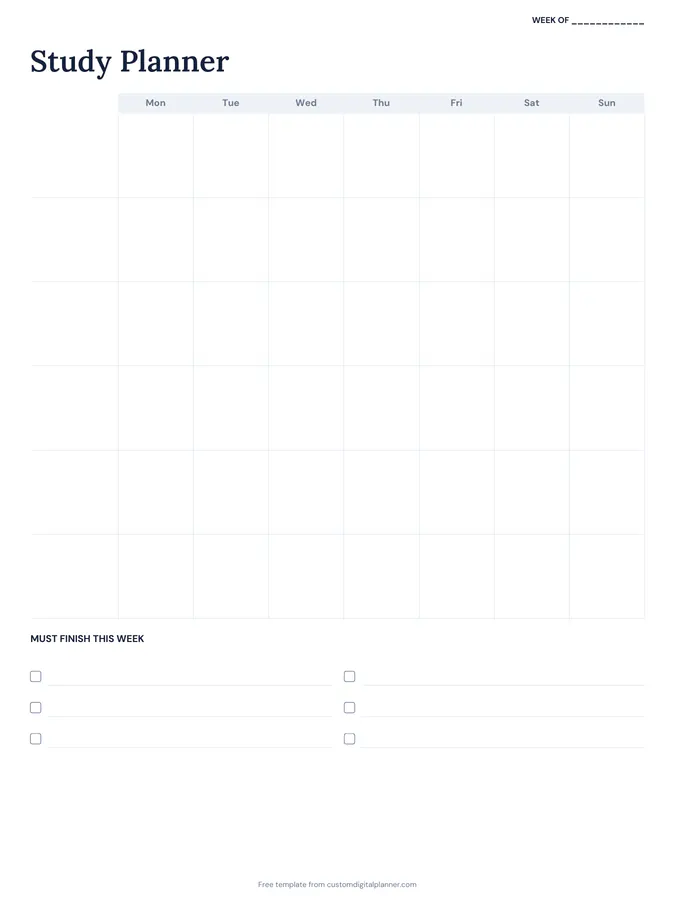
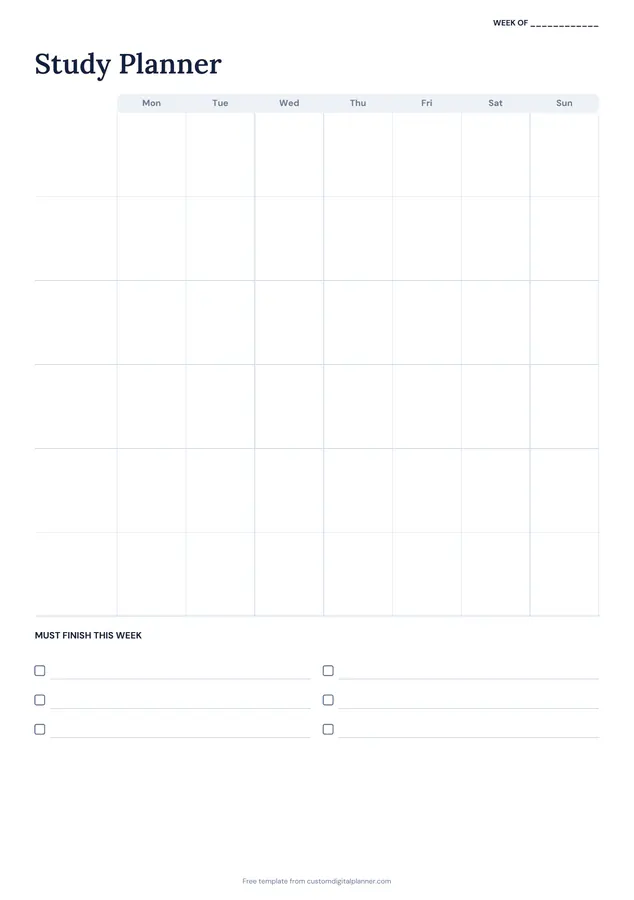
Getting the most from a study planner.
Write subjects down the side first
Fill in your subjects in the row labels. Six subjects fit; if you have more, combine smaller ones or use two pages.
Plan tasks, not hours
"Chemistry: past paper Q1–5" is easier to start than "chemistry, 1 hour". Specific tasks also tell you when you're done.
Spread each subject across the week
Short sessions on several days beat one long session. Spacing study out is one of the most reliable ways to remember more.
Use the checklist for deadlines
The must-finish list is for this week's non-negotiables: assignments due, a test on Friday, reading for a seminar. Do those first.
Leave a gap for catch-up
Keep one evening or a weekend block empty. Something always overruns, and a planned catch-up slot stops the week falling apart.
Included in 7 planners
This template is a page in each of these planners. Open one to see everything else that comes with it.
Get it inside a full hyperlinked planner
The study & revision planner includes this page alongside dated month and week pages for your year, with side tabs and links between every page. Pick your device and theme, preview it free, and pay only when it's right.
- Dated pages for the whole year
- Tap a tab or a date to jump there
- GoodNotes, Notability, Samsung Notes, e-ink and print sizes
Opens the study & revision planner with the Study section switched on.
Or read about the study & revision planner first.
How do I make a study plan?
List your subjects, note deadlines and tests, then give each subject short sessions across the week with a specific task for each. The template's grid is laid out for exactly that.
How many subjects fit?
Six rows on the grid. Combine related subjects or print a second page if you have more.
Is it different from a revision timetable?
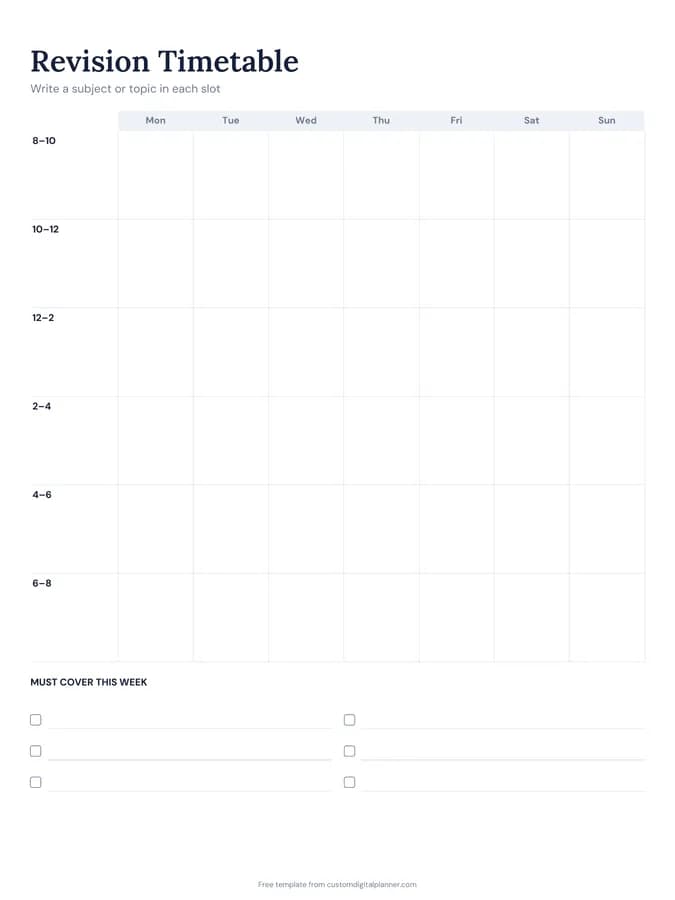
A study planner organises a normal week by subject. The revision timetable uses time slots across the day and suits exam season.
What's in the study and revision planner?
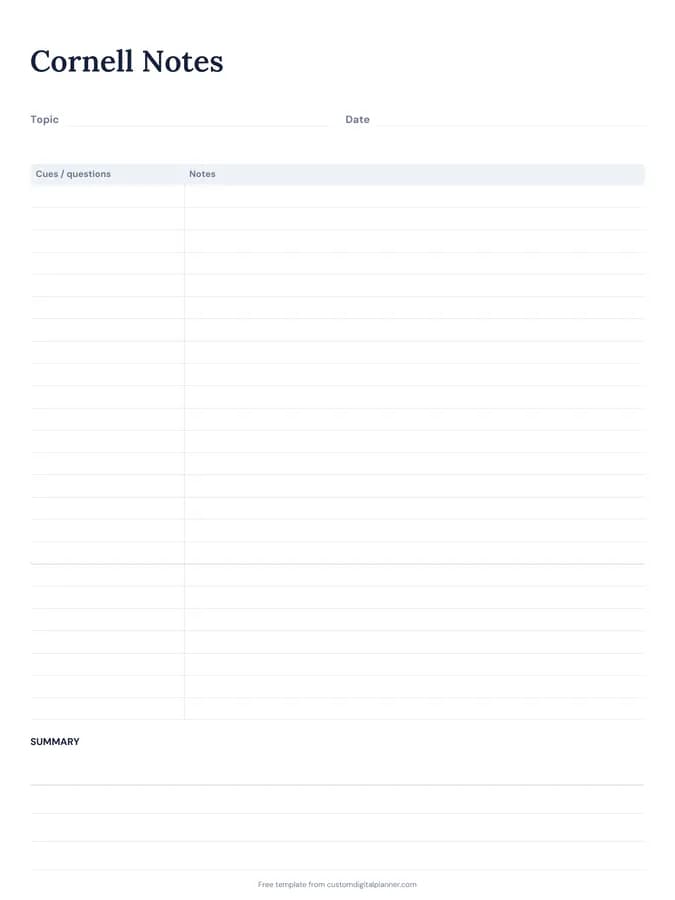
Revision timetables, topic checklists, past paper trackers and Cornell notes, plus weekly study planners, focus sessions and a habit tracker.
How long should each study session be?
Many students work well in 25 to 50 minute blocks with short breaks. Write the task, not the time, and stop when it's done.