Class Schedule Template (Printable PDF & GoodNotes)
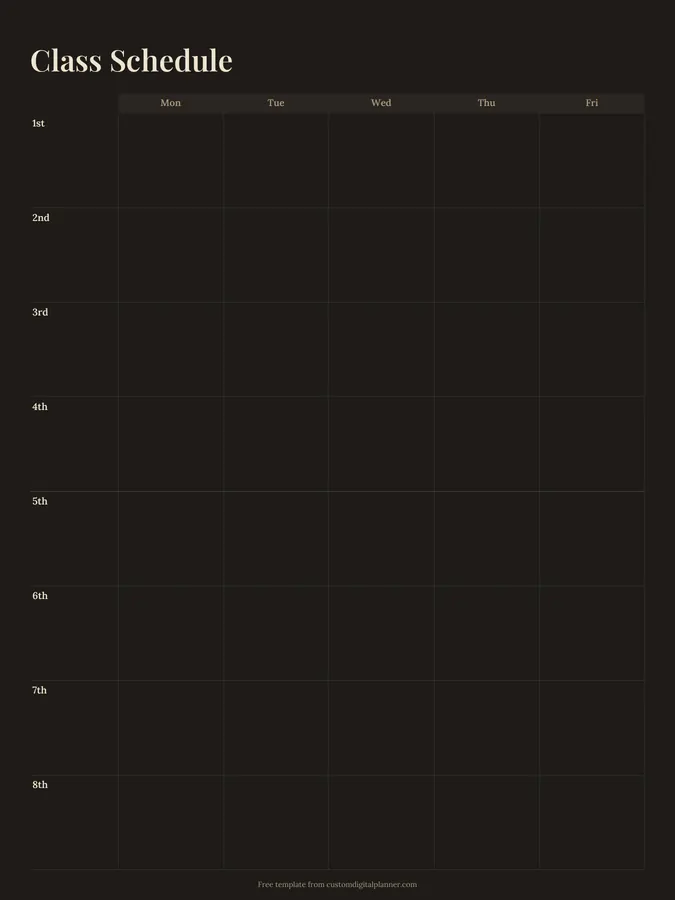
A weekly class schedule with rows for eight periods (1st to 8th) and columns for Monday to Friday. Write the subject, room and teacher in each box and you have a school timetable that fits in a binder, a locker or a planner.
- Printable US Letter8.5 × 11 in, white paper
- Printable A4210 × 297 mm, white paper
- iPad / GoodNotesAlso Notability and Noteshelf
- E-ink tabletreMarkable, Kindle Scribe, Boox
Free PDF, 1 page, undated. No sign-up needed.
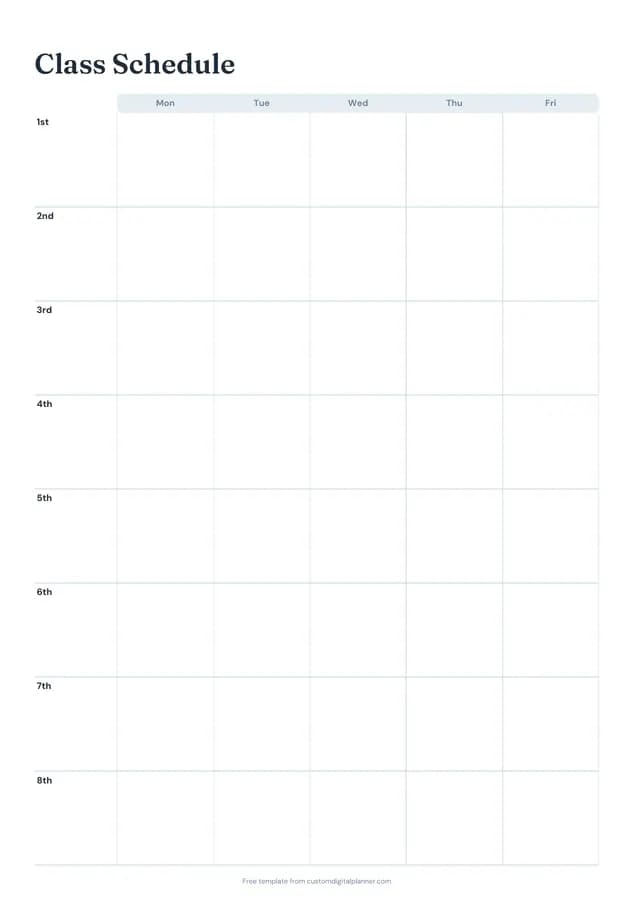
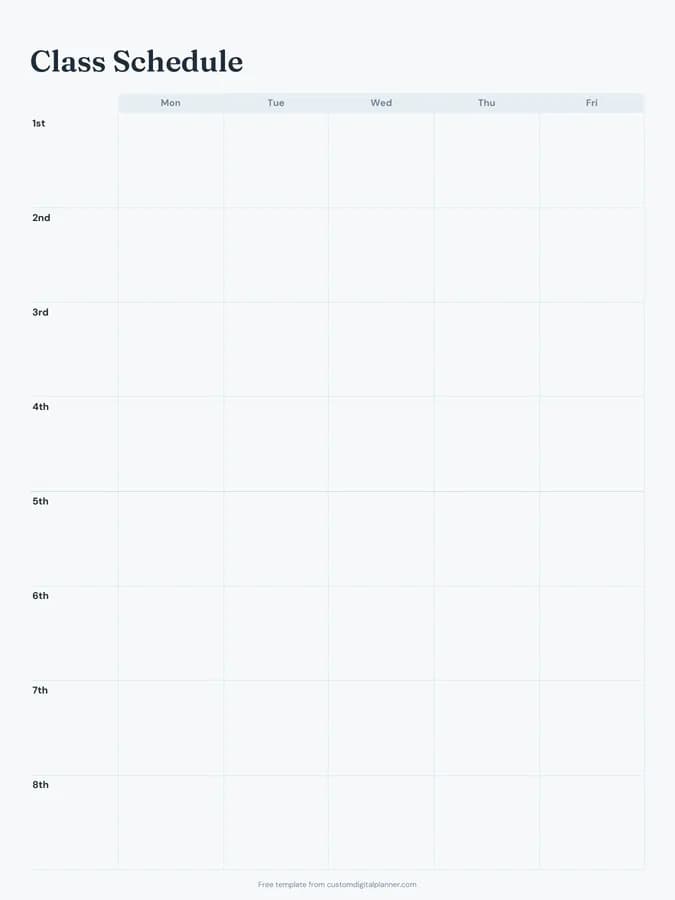
Shown for iPad in the Ocean Calm theme. Printable downloads use white paper (there's a dark mode preview below); the e-ink version is black and white.
One page, ready to fill in.
- A Monday-to-Friday grid with rows for 1st, 2nd, 3rd, 4th, 5th, 6th, 7th and 8th
- Undated, so you can print or duplicate it as often as you need
Who it's for
Middle and high school students with a rotating timetable, college students with lectures in different buildings, parents keeping track of their children's day, and teachers posting their own schedule. Parents of younger children often keep a copy on the fridge so they know which days need PE kit, instruments or library books.
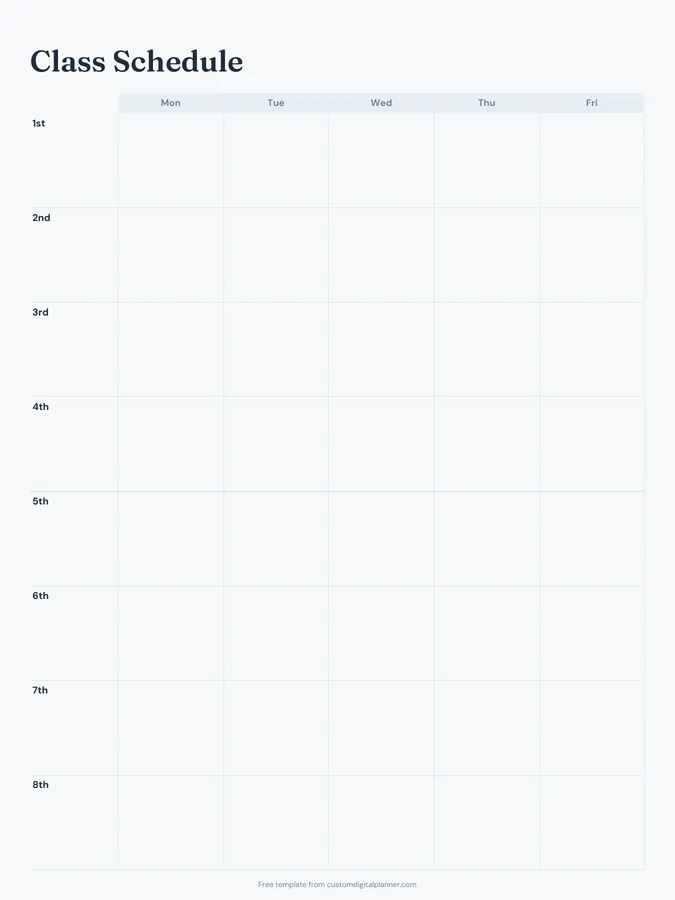
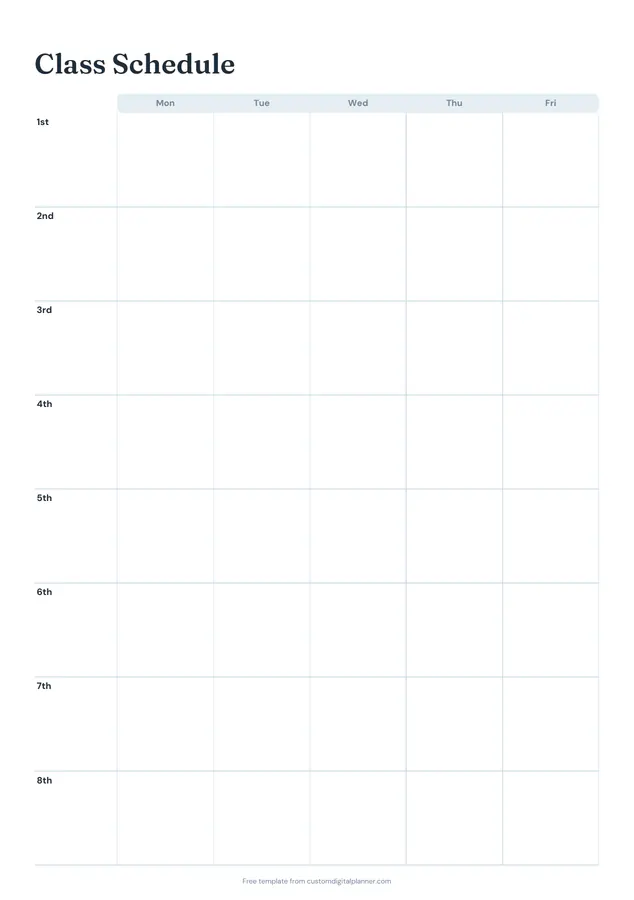
Getting the most from a class schedule.
Write subject, room and teacher
Three short lines per box: "Biology / Rm 14 / Mr Okafor". In the first weeks of term, the room is the line you'll need most.
Colour-code subjects
Give each subject a colour and shade its boxes. You can see the shape of your week at a glance, and which days are heavy.
Add period times down the side
If your school runs to set times, write them next to each period number. It helps on days with assemblies or late starts.
Use it for college classes too
For lectures, seminars and labs, use the periods as time slots and write the building and room. Leave free periods blank or mark them as study time.
Make copies for different weeks
If your school runs a two-week timetable, print two copies and label them Week A and Week B.
Included in 9 planners
This template is a page in each of these planners. Open one to see everything else that comes with it.
Get it inside a full hyperlinked planner
The student planner includes this page alongside dated month and week pages for your year, with side tabs and links between every page. Pick your device and theme, preview it free, and pay only when it's right.
- Dated pages for the whole year
- Tap a tab or a date to jump there
- GoodNotes, Notability, Samsung Notes, e-ink and print sizes
Opens the student planner with the School section switched on.
Or read about the student planner first.
How many periods does the class schedule have?
Eight rows, 1st to 8th, which covers most school days. Leave the extra rows blank if your school has fewer periods.
Does it include weekends?
No, it's Monday to Friday. For weekend classes or a full week, the ideal week template has seven days in hourly rows.
Can teachers use it?
Yes. Write the class or group instead of the subject. Teachers often print one for the planner and one for the classroom door.
What else is in the student planner?
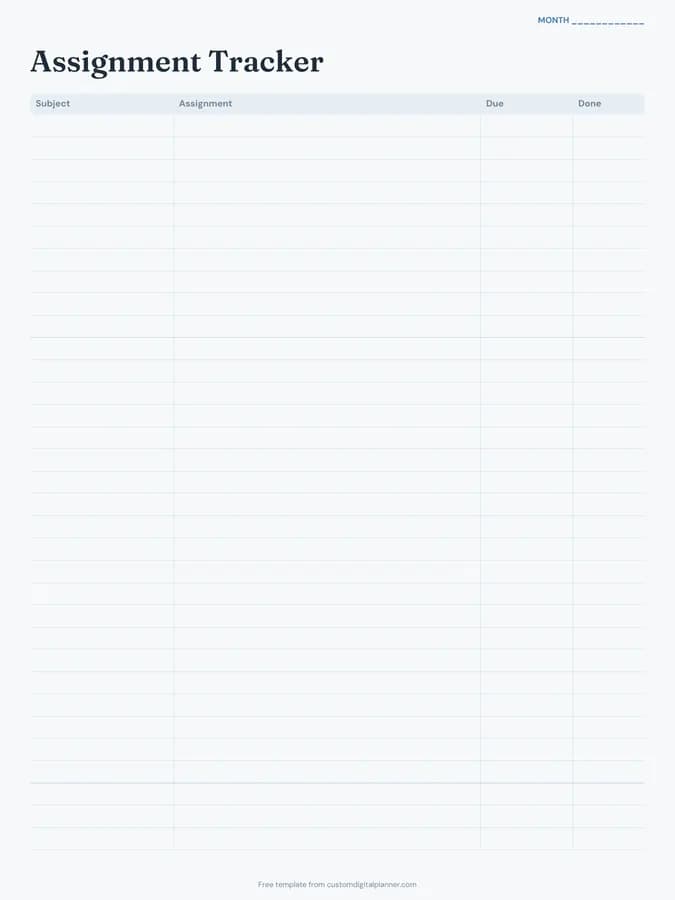
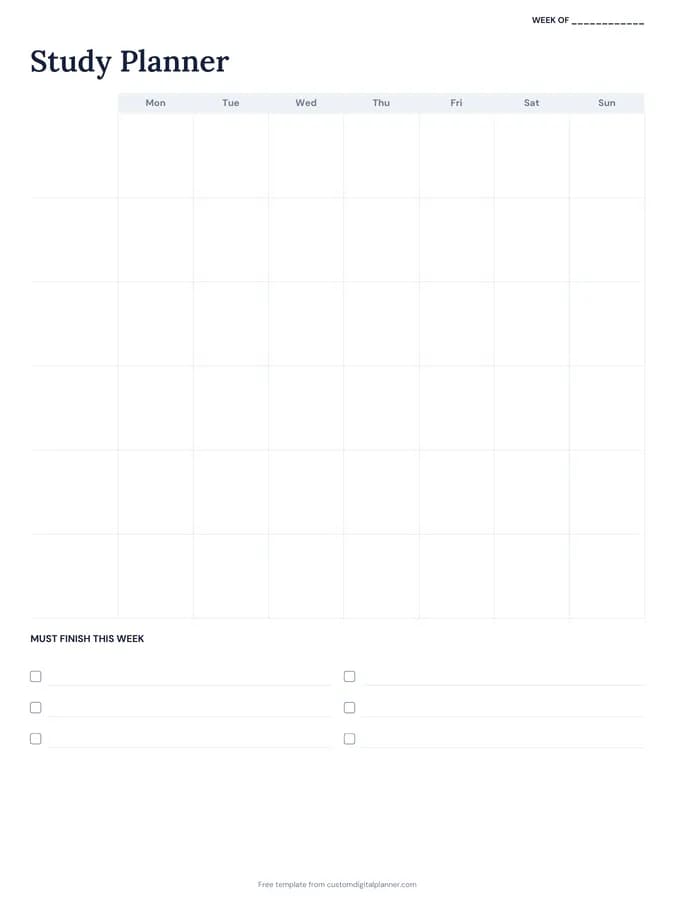
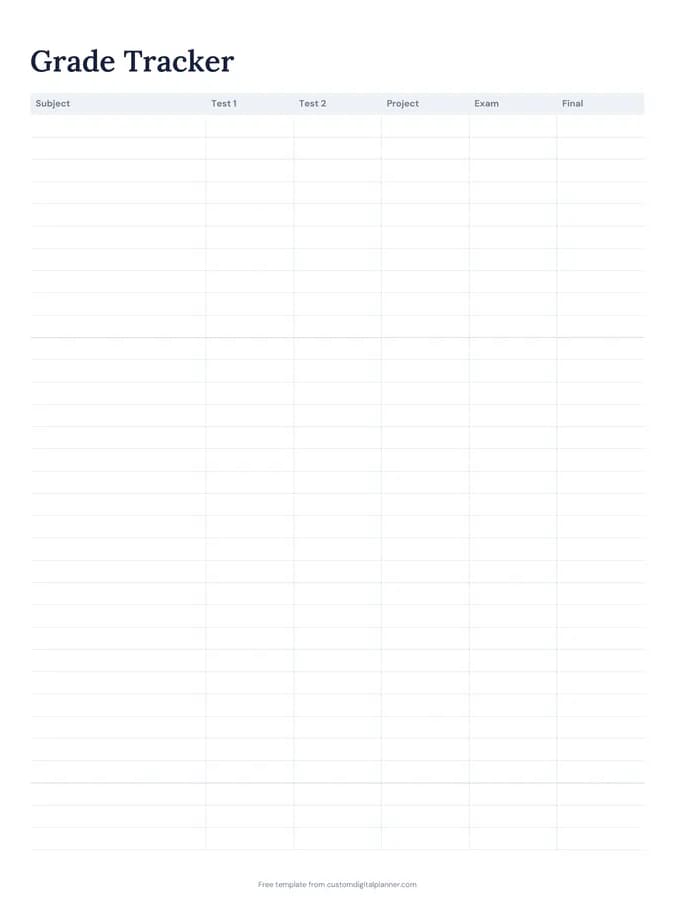
A class schedule, semester overview, assignment tracker, exam planner and grade tracker, plus study planner pages, a habit tracker and a budget.