Assignment Tracker Template (Printable PDF & GoodNotes)
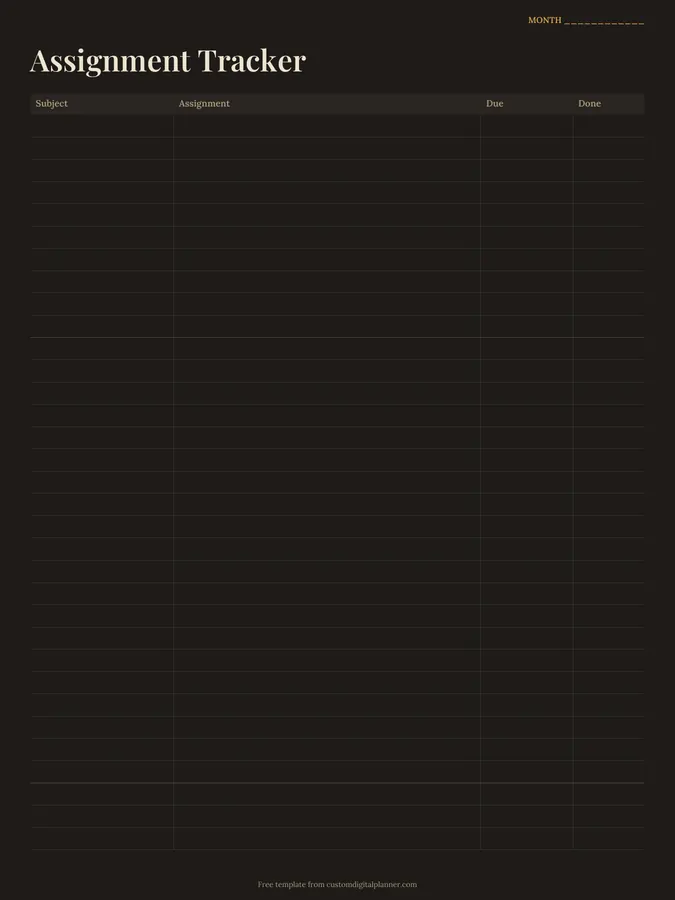
A monthly assignment tracker with four columns: subject, assignment, due date and done. Write every piece of homework, coursework and project as soon as it's set, then tick it off when it's handed in.
- Printable US Letter8.5 × 11 in, white paper
- Printable A4210 × 297 mm, white paper
- iPad / GoodNotesAlso Notability and Noteshelf
- E-ink tabletreMarkable, Kindle Scribe, Boox
Free PDF, 1 page, undated. No sign-up needed.
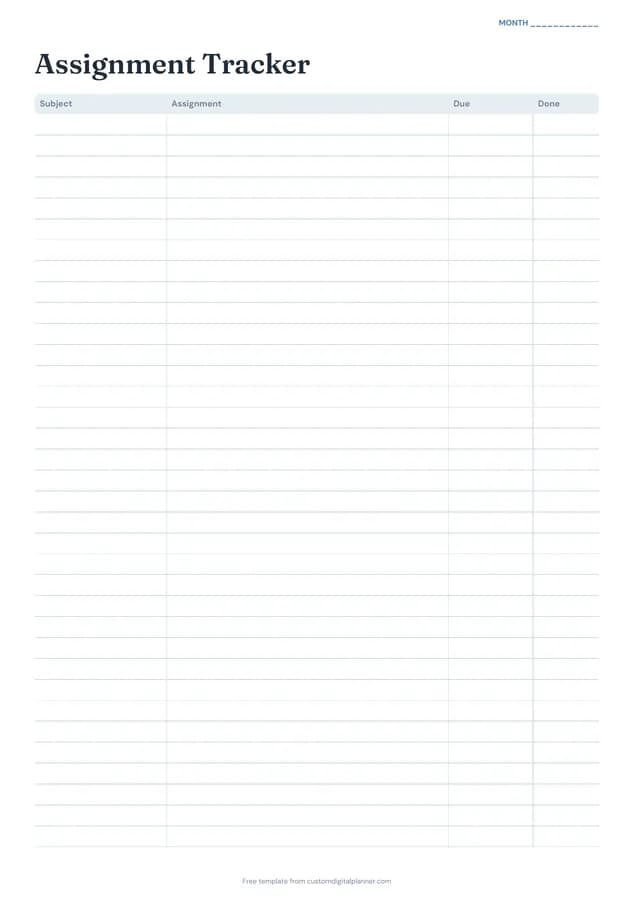
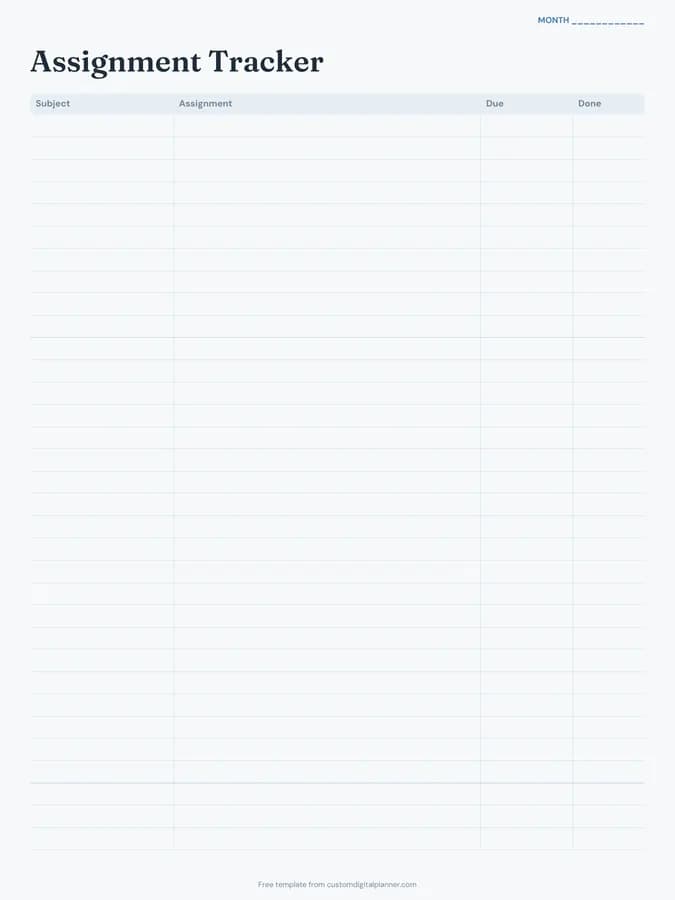
Shown for iPad in the Ocean Calm theme. Printable downloads use white paper (there's a dark mode preview below); the e-ink version is black and white.
One page, ready to fill in.
- A table with columns for subject, assignment, due and done
- A “Month” line at the top, so it works for any month and year
Who it's for
High school and college students with several classes, online learners juggling courses, parents of teens who need a visible list of deadlines, and students with ADHD who need everything written in one place.
Getting the most from a assignment tracker.
Write it down when it's set
Add the assignment in class, before you leave the room. Most missed deadlines are assignments that never got written down.
Be specific
"History essay" isn't enough. "History essay: causes of WW1, 1,000 words, typed" means you won't need to ask a friend what it was.
Sort by due date each week
On Sunday, read down the due column and number the next five things in order. Do them in that order, not by favourite subject.
Plan backwards for big projects
For a project due in three weeks, add two or three earlier rows for stages: research by the 5th, draft by the 12th, final by the 19th.
Tick it only when submitted
Done means handed in or uploaded, not "nearly finished". A clean list of ticks is satisfying, and honest.
Included in 9 planners
This template is a page in each of these planners. Open one to see everything else that comes with it.
Get it inside a full hyperlinked planner
The student planner includes this page alongside dated month and week pages for your year, with side tabs and links between every page. Pick your device and theme, preview it free, and pay only when it's right.
- Dated pages for the whole year
- Tap a tab or a date to jump there
- GoodNotes, Notability, Samsung Notes, e-ink and print sizes
Opens the student planner with the School section switched on.
Or read about the student planner first.
About this assignment tracker template
Need help importing it? See devices and apps or the FAQ.
How many assignments fit on a page?
Around 25 rows on the printable versions, about a month for most students. Print a new page each month.
Is it for high school or college?
Both. It's a simple four-column tracker that works for school homework, college assignments and online courses.
Can I use it in GoodNotes?
Yes. Download the iPad version and type or handwrite each assignment. Duplicate the page each month.
How is it different from the homework planner?
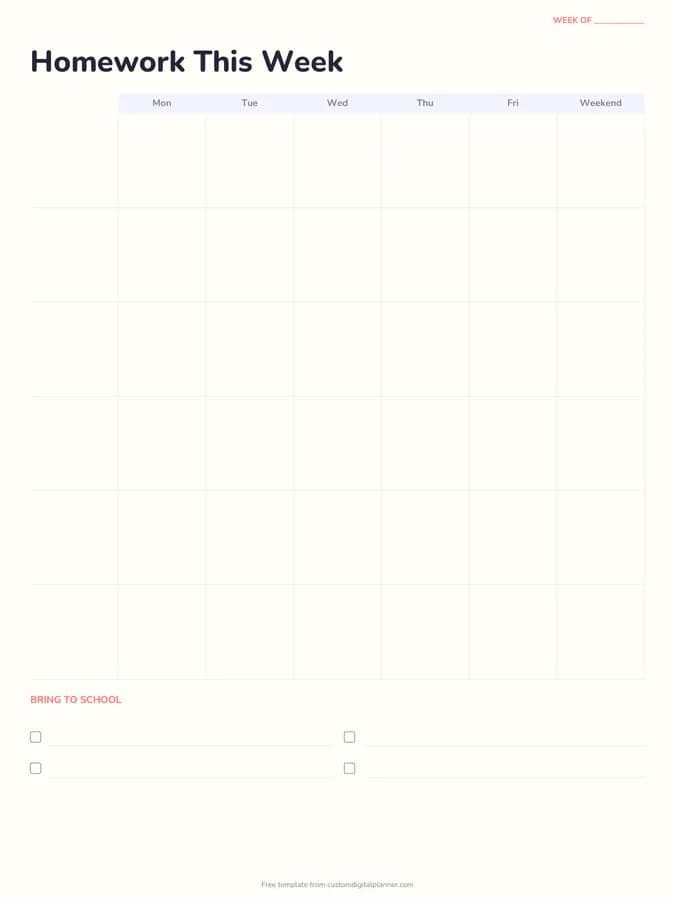
The homework planner is a weekly grid by subject and day. The assignment tracker is a running list with due dates, better for longer pieces of work.
Should I write tests here too?
Yes, with a T in front. Seeing tests and assignments together in date order shows busy weeks before they arrive.