Grade Tracker Template (Printable PDF & GoodNotes)
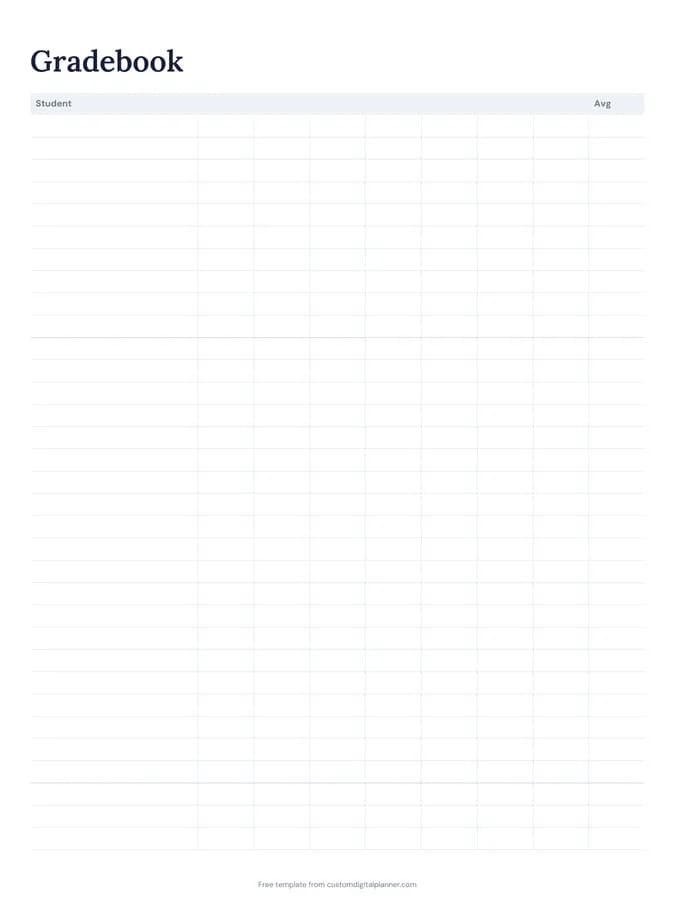
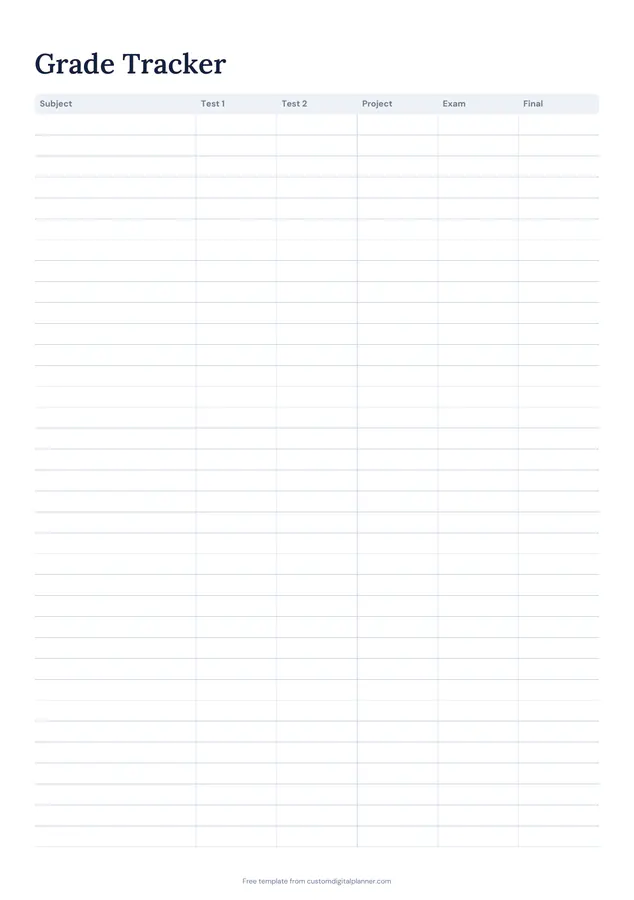
Two pages for keeping an eye on your grades. The grade tracker has a row per subject with columns for test 1, test 2, project, exam and final. The GPA page lists each course with credits, grade, points and term, and has lines for term GPA and cumulative GPA.
- Printable US Letter8.5 × 11 in, white paper
- Printable A4210 × 297 mm, white paper
- iPad / GoodNotesAlso Notability and Noteshelf
- E-ink tabletreMarkable, Kindle Scribe, Boox
Free PDF, 2 pages, undated. No sign-up needed.
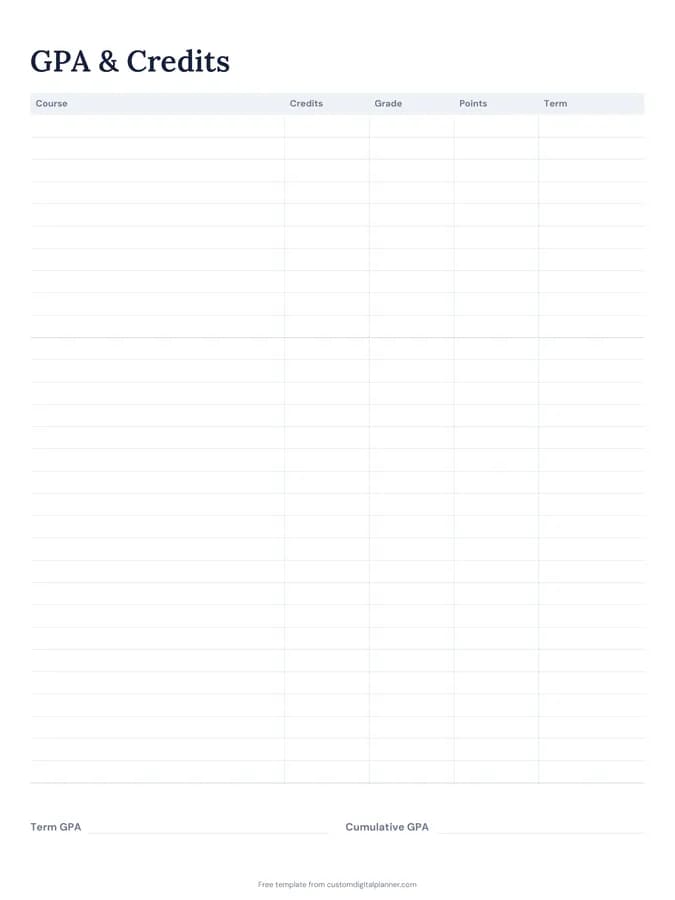
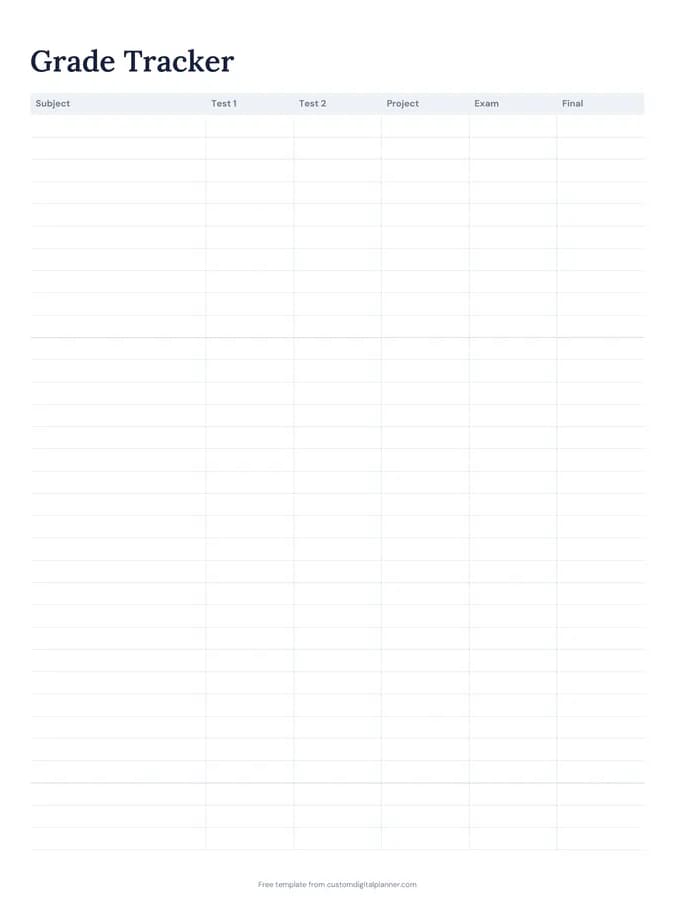
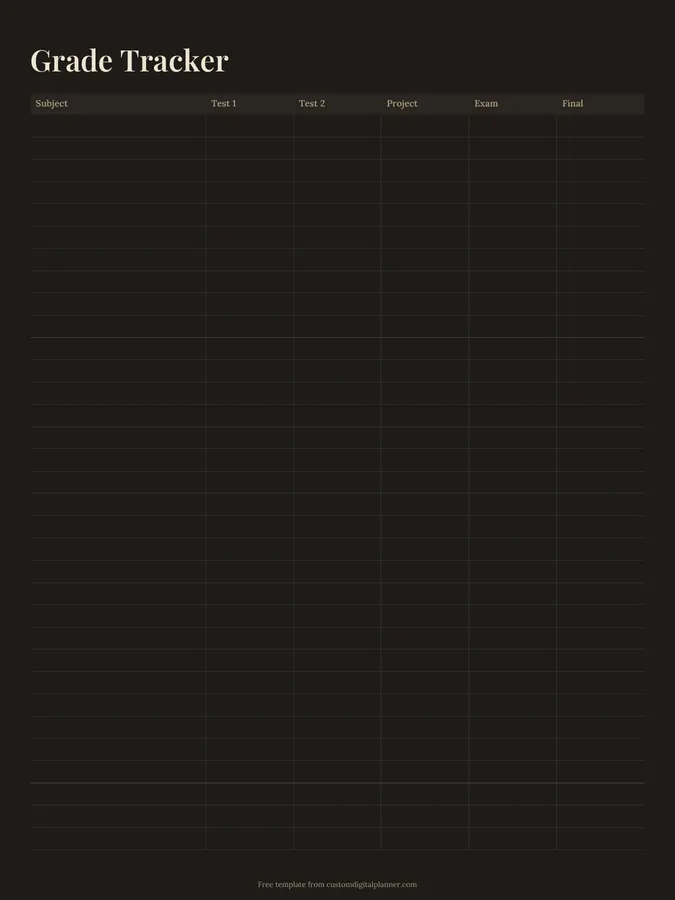
Shown for iPad in the Classic Navy theme. Printable downloads use white paper (there's a dark mode preview below); the e-ink version is black and white.
2 pages, ready to fill in.
- Page 1, Grade Tracker: A table with columns for subject, test 1, test 2, project, exam and final (a row per subject)
- Page 2, GPA & Credits: A table with columns for course, credits, grade, points and term; write-in lines for term GPA and cumulative GPA
- Undated, so you can print or duplicate it as often as you need
Who it's for
High school students tracking grades for college applications, college students watching their GPA for scholarships, and parents who want to see progress through the year.
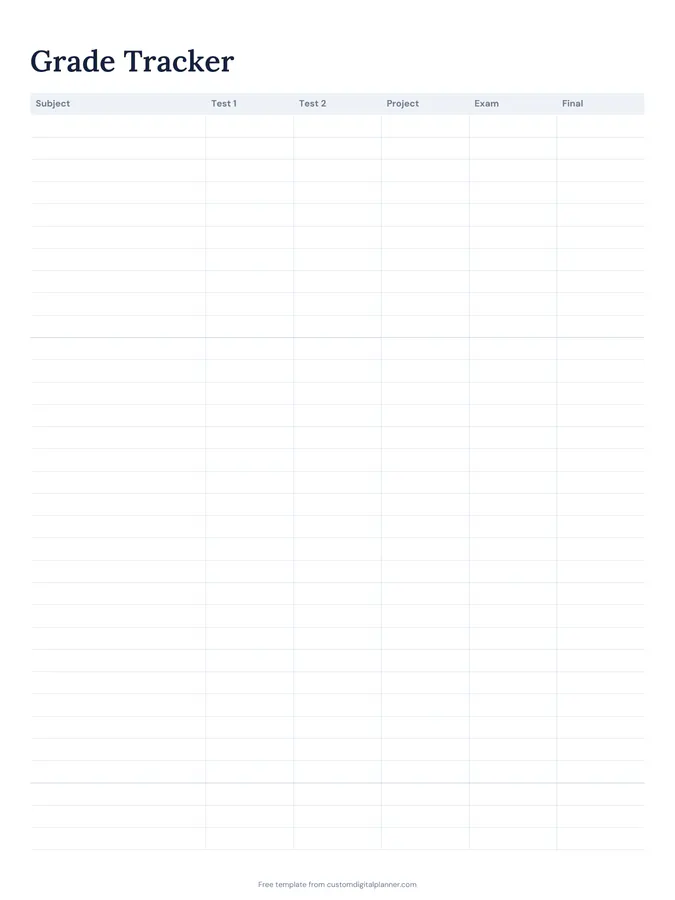
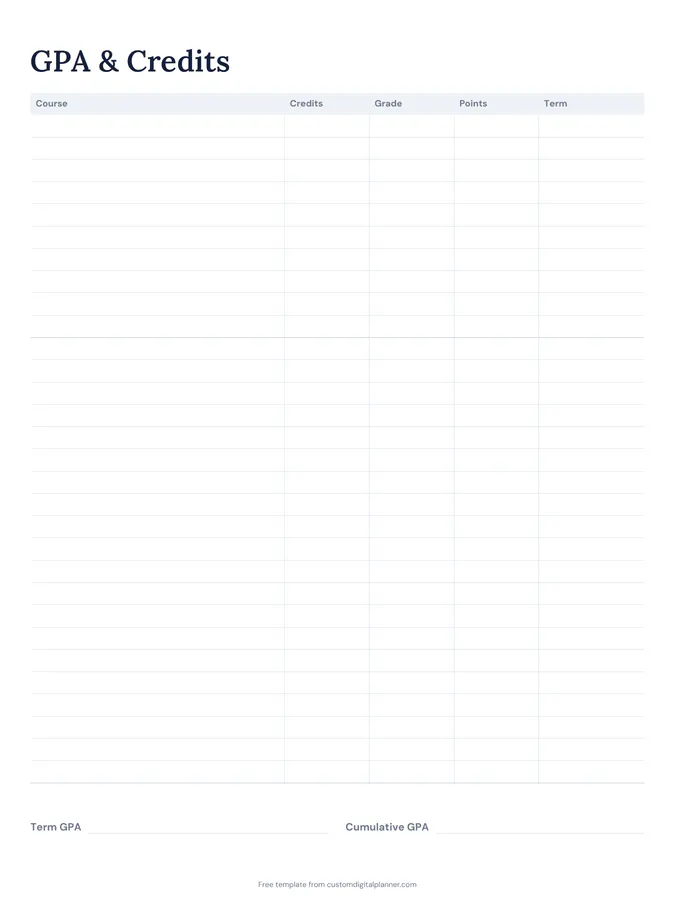
Getting the most from a grade tracker.
Write every grade as soon as you get it
Grades come back at random times. Writing them in straight away saves digging through emails and portals at the end of term.
Note the weighting
If the exam is worth 50 percent and each test 10 percent, write the weights under the column headings. It shows where effort pays off most.
Work out what you need
Before the final exam, use your current grades to work out the score you need for your target. It turns a vague worry into a number.
Calculate GPA each term
On the GPA page, multiply each course's grade points by its credits, add them up and divide by total credits. Keep cumulative GPA updated as you go.
Talk to a teacher early
If a subject is slipping after the first test, ask for help then. The tracker makes it obvious before it's too late.
Included in 9 planners
This template is a page in each of these planners. Open one to see everything else that comes with it.
Get it inside a full hyperlinked planner
The student planner includes this page alongside dated month and week pages for your year, with side tabs and links between every page. Pick your device and theme, preview it free, and pay only when it's right.
- Dated pages for the whole year
- Tap a tab or a date to jump there
- GoodNotes, Notability, Samsung Notes, e-ink and print sizes
Opens the student planner with the School section switched on.
Or read about the student planner first.
What's on the grade tracker?
Page one: a row for each subject with test 1, test 2, project, exam and final columns. Page two: a GPA and credits table with course, credits, grade, points and term, plus term and cumulative GPA.
Does it calculate GPA for me?
No, it's a printable page. Write the points for each grade on your school's scale, multiply by credits and divide by total credits.
Can I rename the columns?
Yes. Cross out a heading and write your own, such as quiz, lab or coursework.
Can parents use it?
Yes. Parents often keep a copy per child to track progress through the year.