Gradebook Template (Printable PDF & GoodNotes)
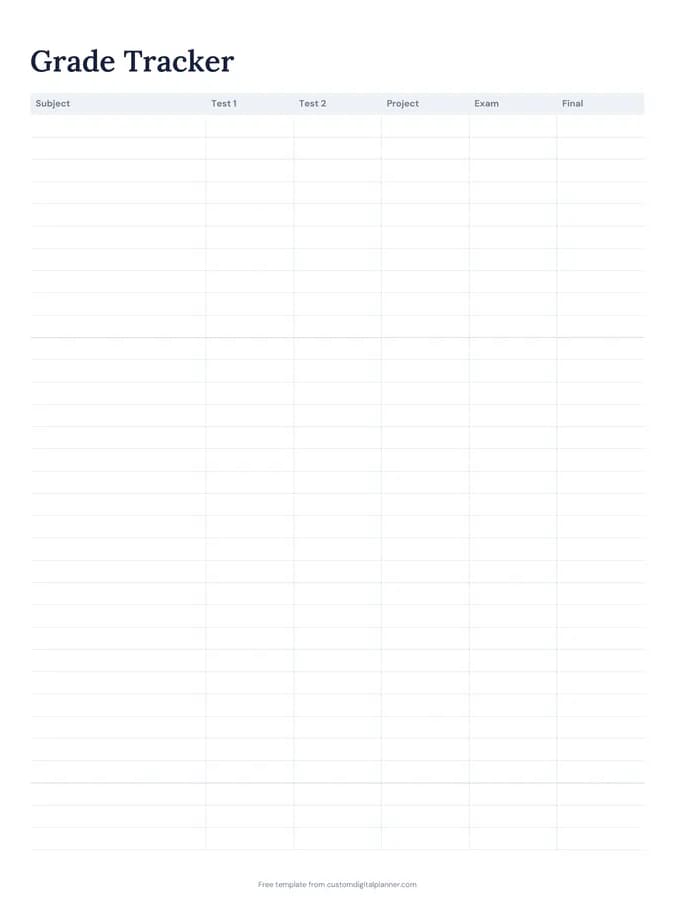
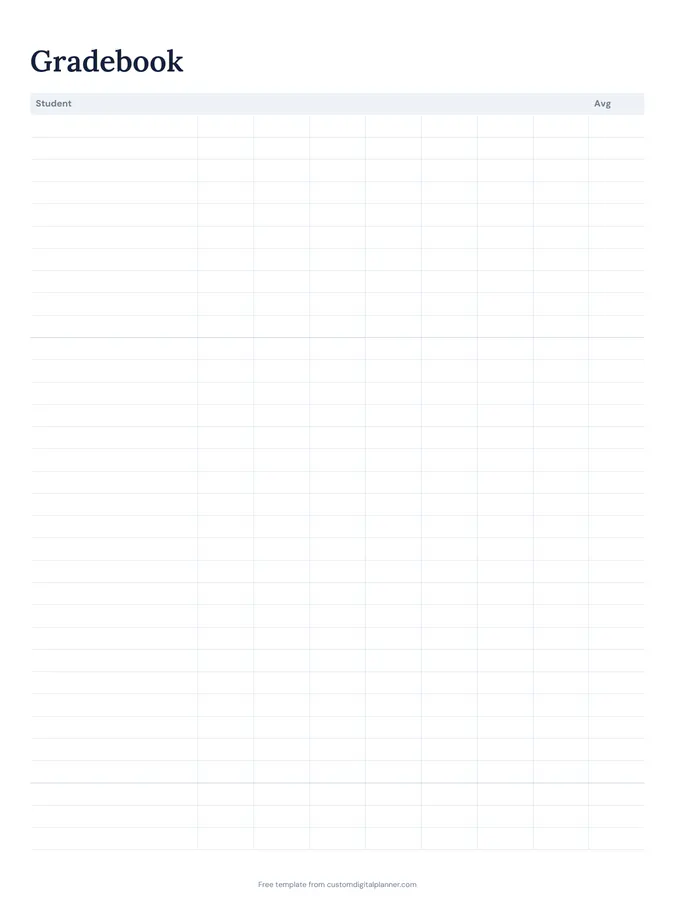
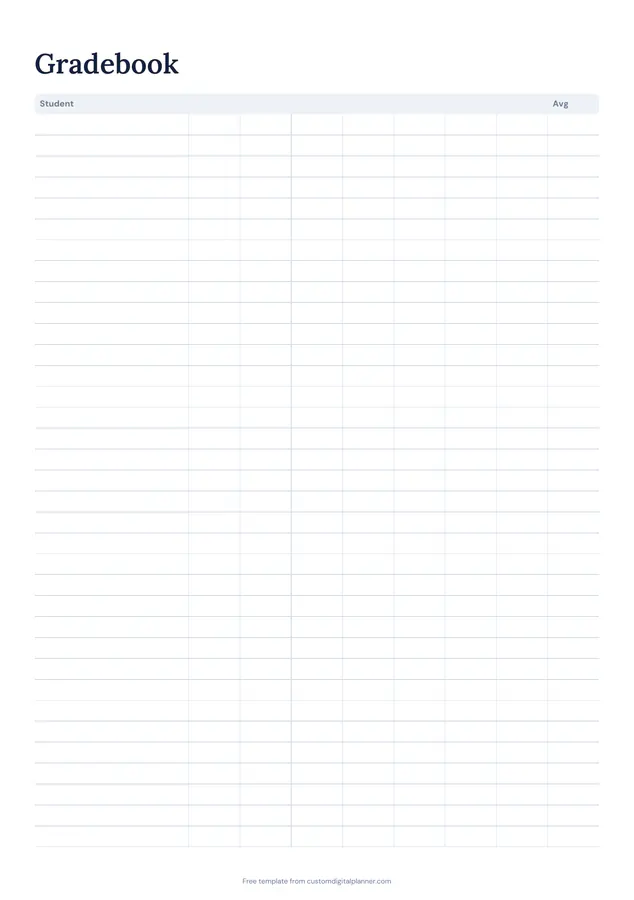
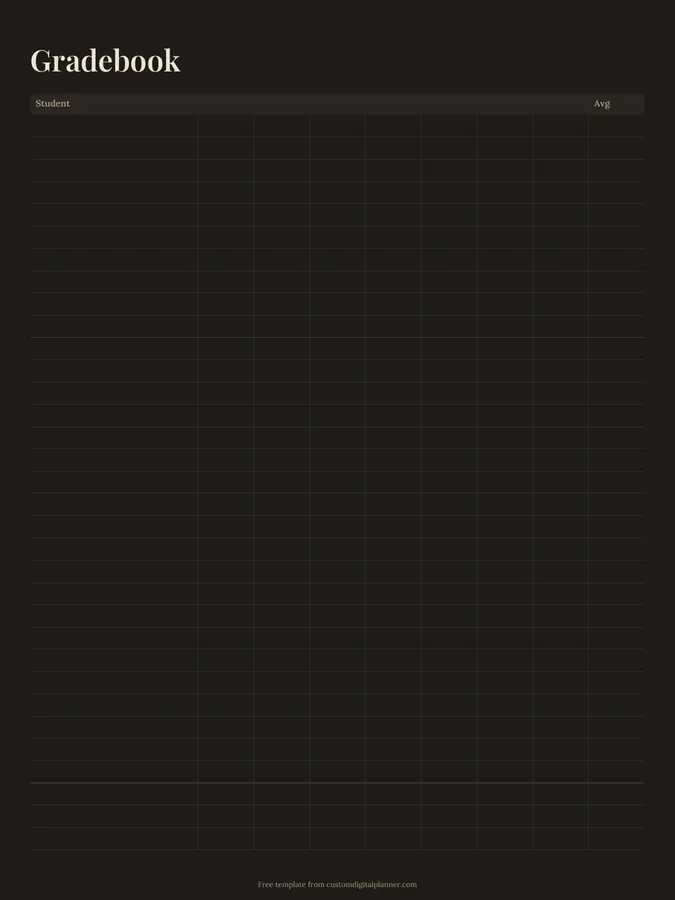
A teacher gradebook page with a student name column, seven blank score columns and an average column. Write the assignment name at the top of each column and record scores for the whole class on one page.
- Printable US Letter8.5 × 11 in, white paper
- Printable A4210 × 297 mm, white paper
- iPad / GoodNotesAlso Notability and Noteshelf
- E-ink tabletreMarkable, Kindle Scribe, Boox
Free PDF, 1 page, undated. No sign-up needed.
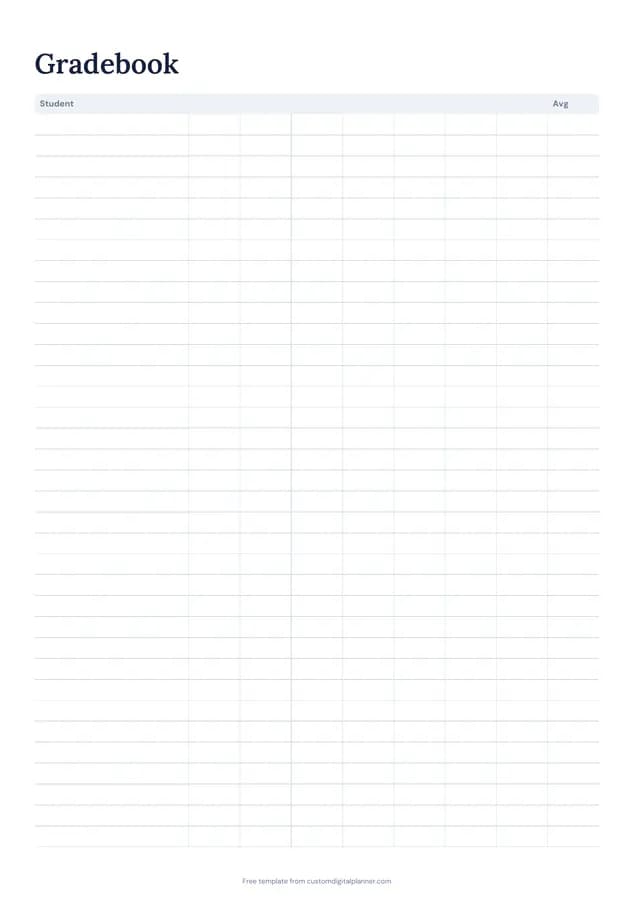
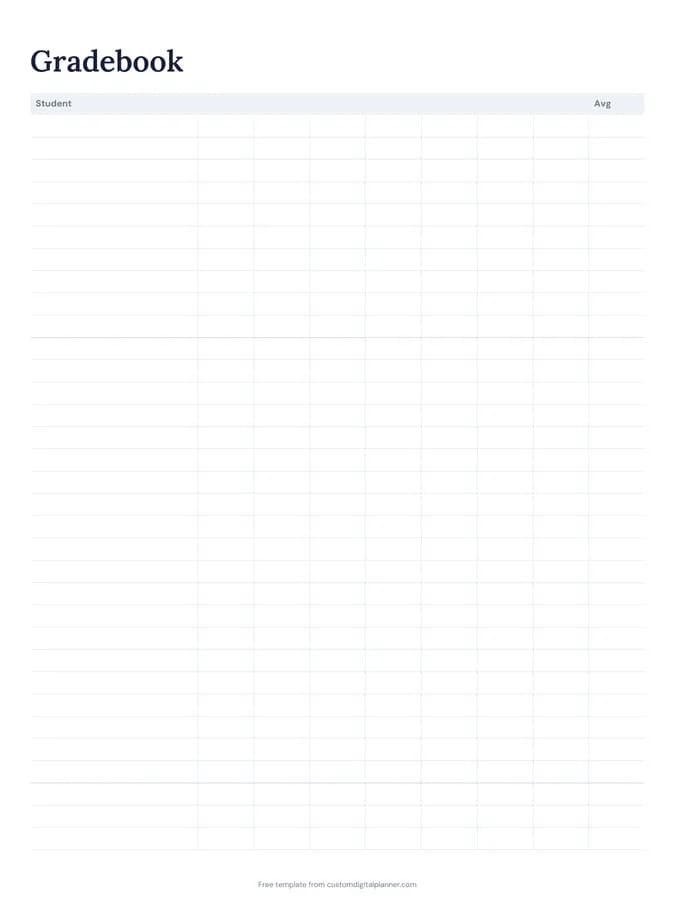
Shown for iPad in the Classic Navy theme. Printable downloads use white paper (there's a dark mode preview below); the e-ink version is black and white.
One page, ready to fill in.
- A table with columns for student, 7 score columns and avg
- Undated, so you can print or duplicate it as often as you need
Who it's for
Teachers who want a paper gradebook alongside the school system, tutors tracking several students, homeschool parents keeping records, and coaches recording test results.
Getting the most from a gradebook.
Write the assignment and date above each column
Short headings like "Quiz 3 – 12/10" make it easy to see what each score was for when report time comes.
Note the total possible score
Write "/20" or "/100" under each heading. Averages only make sense when you know what each score was out of.
Keep the same student order everywhere
Use the same order as your roster and attendance sheet so you can move between them quickly.
Use a symbol for missing work
M for missing, Ex for excused. Leaving a box blank can mean either, and you'll forget which by the end of term.
Use a new page each unit or term
Seven columns covers a unit or a short term. Starting a new page keeps it readable.
Look for gaps, not just averages
Scan down each column after marking. If most of the class struggled with one assignment, the lesson may need reteaching. If one student's scores dropped suddenly, it's worth a quiet conversation.
Included in 6 planners
This template is a page in each of these planners. Open one to see everything else that comes with it.
Get it inside a full hyperlinked planner
The teacher planner includes this page alongside dated month and week pages for your year, with side tabs and links between every page. Pick your device and theme, preview it free, and pay only when it's right.
- Dated pages for the whole year
- Tap a tab or a date to jump there
- GoodNotes, Notability, Samsung Notes, e-ink and print sizes
Opens the teacher planner with the Teaching section switched on.
Or read about the teacher planner first.
How many students and assignments fit?
About 25 student rows and seven score columns, plus an average. Use another page for the next set of assignments.
Does it calculate averages?
No, it's a printable page. Work out the average and write it in the last column.
Is it suitable as an official gradebook?
Many schools use an online system. Teachers often keep this page as a quick working copy or backup.
Can tutors and coaches use it?
Yes. It works for any group where you track scores over several sessions.
Can I use it for standards-based grading?
Yes. Write a standard above each column and use your 1–4 scale instead of percentages.