Class Roster Template (Printable PDF & GoodNotes)
A class roster with five columns: number, student, parent or guardian, contact and notes. It's the one page with every student and their family contact, for teachers, coaches, tutors and group leaders.
- Printable US Letter8.5 × 11 in, white paper
- Printable A4210 × 297 mm, white paper
- iPad / GoodNotesAlso Notability and Noteshelf
- E-ink tabletreMarkable, Kindle Scribe, Boox
Free PDF, 1 page, undated. No sign-up needed.
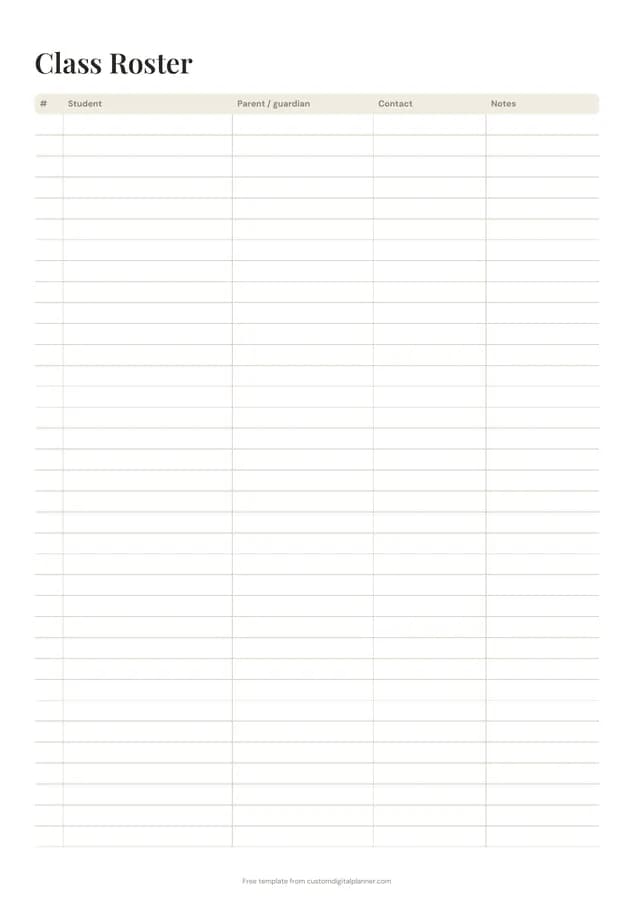
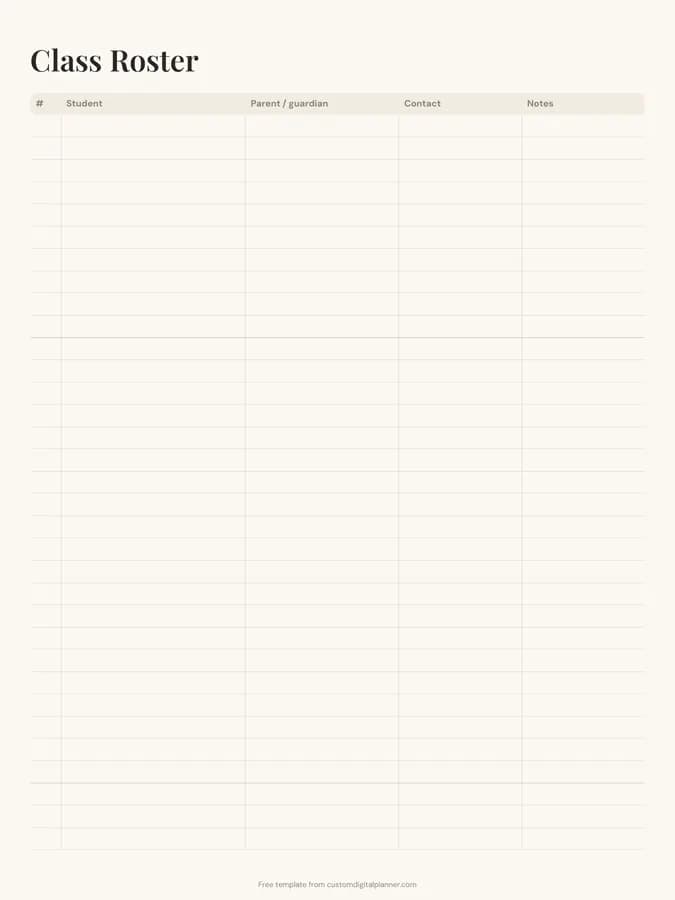
Shown for iPad in the Ivory Minimal theme. Printable downloads use white paper; the e-ink version is black and white.
One page, ready to fill in.
- A table with columns for #, student, parent / guardian, contact and notes
- Undated, so you can print or duplicate it as often as you need
Who it's for
Teachers at the start of a school year, coaches building a team list, Sunday school and youth leaders, tutors with several students, and scout and club volunteers.
Getting the most from a class roster.
Number students alphabetically
Give each student a number and use it on attendance sheets, gradebooks and handed-in work. It's faster than names and keeps everything in the same order.
Note the best contact
Write which parent or guardian to contact first, and whether they prefer a call, text or email.
Use notes for key information
Allergies, pick-up arrangements, learning support and medical needs. Keep it short and follow your school's privacy rules.
Keep it private
Store the roster in your planner or a secure folder, not on a wall. It holds personal contact details.
Update after every change
New students, address changes and new contacts: update the roster the same day so your other sheets stay in sync.
Use it on the first day
Fill in names before the first lesson and add parent details as forms come back. Having the roster ready makes the first week calmer, especially for registration and seating.
Included in 6 planners
This template is a page in each of these planners. Open one to see everything else that comes with it.
Get it inside a full hyperlinked planner
The teacher planner includes this page alongside dated month and week pages for your year, with side tabs and links between every page. Pick your device and theme, preview it free, and pay only when it's right.
- Dated pages for the whole year
- Tap a tab or a date to jump there
- GoodNotes, Notability, Samsung Notes, e-ink and print sizes
Opens the teacher planner with the Teaching section switched on.
Or read about the teacher planner first.
What columns does the class roster have?
Number, student, parent or guardian, contact and notes.
How many students fit?
About 25 rows on the printable versions. Use a second page for larger classes.
Can coaches and club leaders use it?
Yes. It works for sports teams, scout groups, Sunday school and any group where you need a contact list for families.
Is it secure to store contact details?
Keep printouts somewhere private and follow your school's or organisation's data rules. The digital version can live in a passcode-protected notebook.
Can I add allergies and medical notes?
Yes, briefly, in the notes column. Follow your school's rules about where medical information is kept.
Should I number students?
Numbering alphabetically helps; you can use the same numbers on attendance and grade sheets so every list lines up.