Seating Chart Template (Printable PDF & GoodNotes)
A classroom seating chart with 30 blank desk boxes in six columns, a line for the class name, and a reminder that the front of the room is at the bottom. Write a student's name in each box to plan where everyone sits.
- Printable US Letter8.5 × 11 in, white paper
- Printable A4210 × 297 mm, white paper
- iPad / GoodNotesAlso Notability and Noteshelf
- E-ink tabletreMarkable, Kindle Scribe, Boox
Free PDF, 1 page, undated. No sign-up needed.
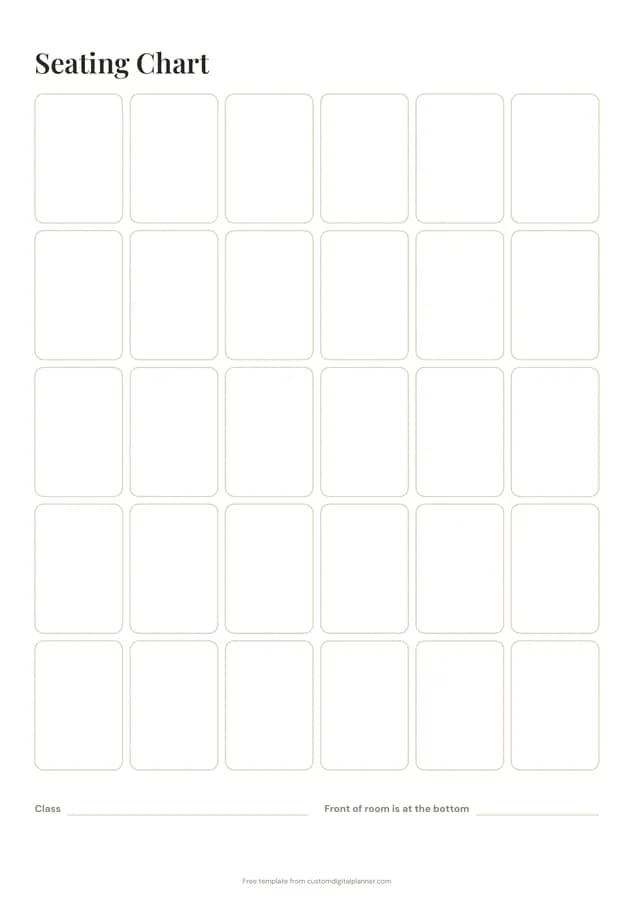
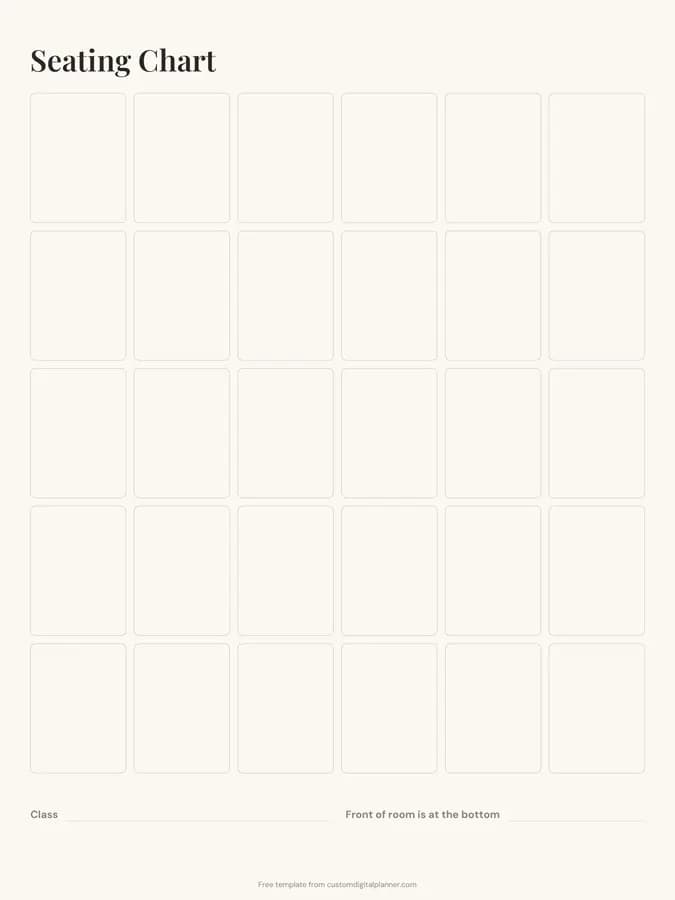
Shown for iPad in the Ivory Minimal theme. Printable downloads use white paper; the e-ink version is black and white.
One page, ready to fill in.
- 30 blank boxes
- Write-in lines for class and front of room is at the bottom
- Undated, so you can print or duplicate it as often as you need
Who it's for
Classroom teachers at the start of term, substitutes who need to learn names fast, teaching assistants, and tutors running small group sessions.
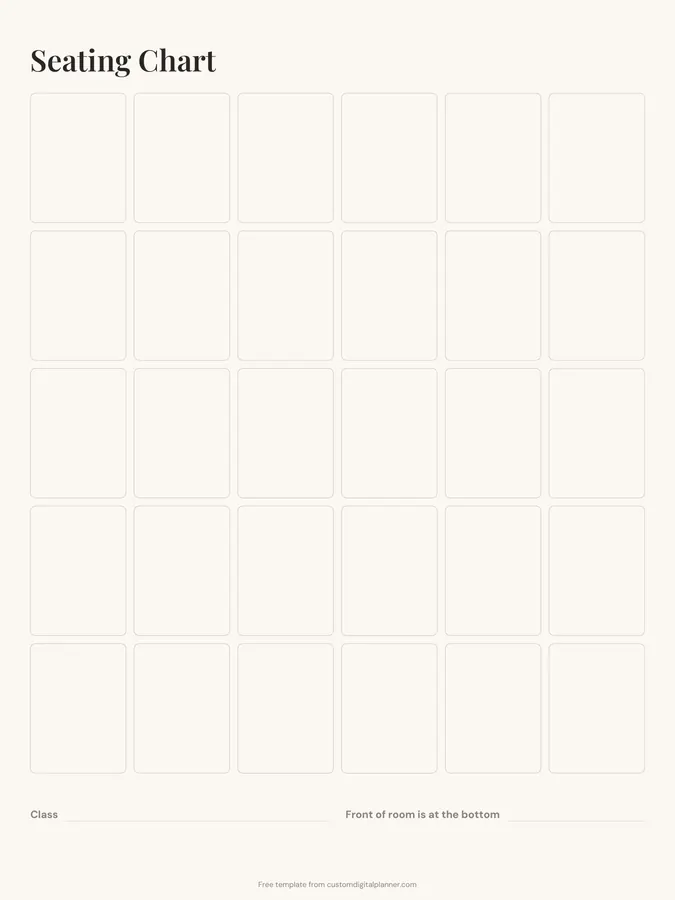
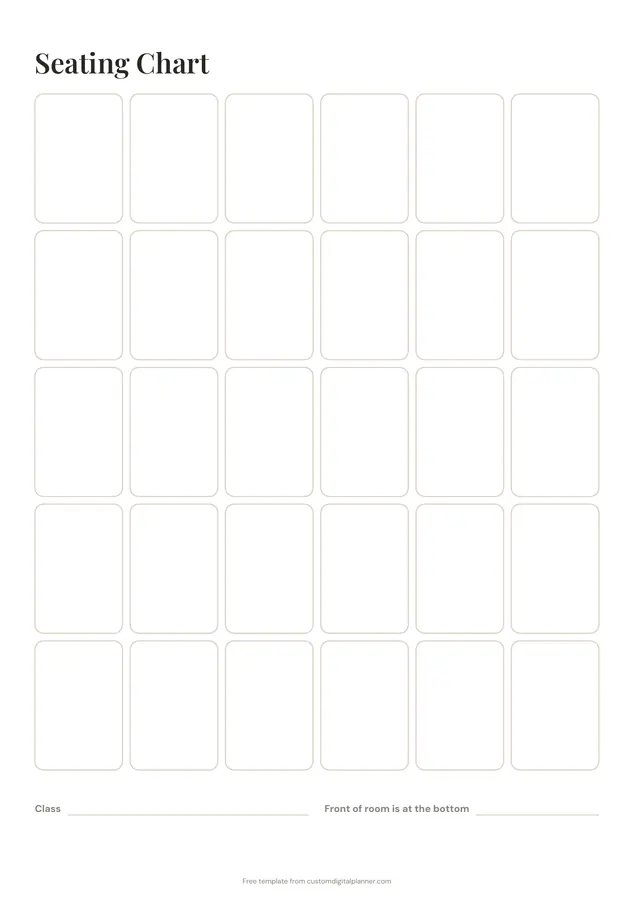
Getting the most from a seating chart.
Draw it from the teacher's view
The front of the room is at the bottom of the page, so the chart matches what you see from your desk. Substitutes find it much easier to read.
Use pencil or sticky notes
Seating changes. Pencil, or small sticky notes with names on paper copies, lets you move students without redrawing.
Cross out boxes you don't use
If your room has fewer desks or a different layout, cross out the extra boxes so the chart matches the room.
Plan with purpose
Seat students who need support near you, separate pairs who distract each other and mix strengths in group tables.
Leave a copy in the sub folder
A current seating chart is the most useful thing in a substitute folder. Print one for each class.
Add photos for substitutes
On the digital version, drop a small photo of each student into their box, if your school allows it. Substitutes and new staff learn names far faster with faces.
Included in 6 planners
This template is a page in each of these planners. Open one to see everything else that comes with it.
Get it inside a full hyperlinked planner
The teacher planner includes this page alongside dated month and week pages for your year, with side tabs and links between every page. Pick your device and theme, preview it free, and pay only when it's right.
- Dated pages for the whole year
- Tap a tab or a date to jump there
- GoodNotes, Notability, Samsung Notes, e-ink and print sizes
Opens the teacher planner with the Teaching section switched on.
Or read about the teacher planner first.
How many desks does the seating chart have?
30 boxes in six columns of five. Cross out any you don't need.
Can I use it for tables or groups?
Yes. Draw a line around groups of boxes to show tables, or write two names per box for paired desks.
Can I use it for events?
It's designed for classrooms, but it also works for small meetings and workshops.
Which planners include it?
The teacher, lesson, special education, preschool, tutor and Sunday school planners, in their Teaching section.
How often should I change the seating plan?
Many teachers change it every few weeks or each unit. Keep old charts so you remember which arrangements worked.