Substitute Plan Template (Printable PDF & GoodNotes)
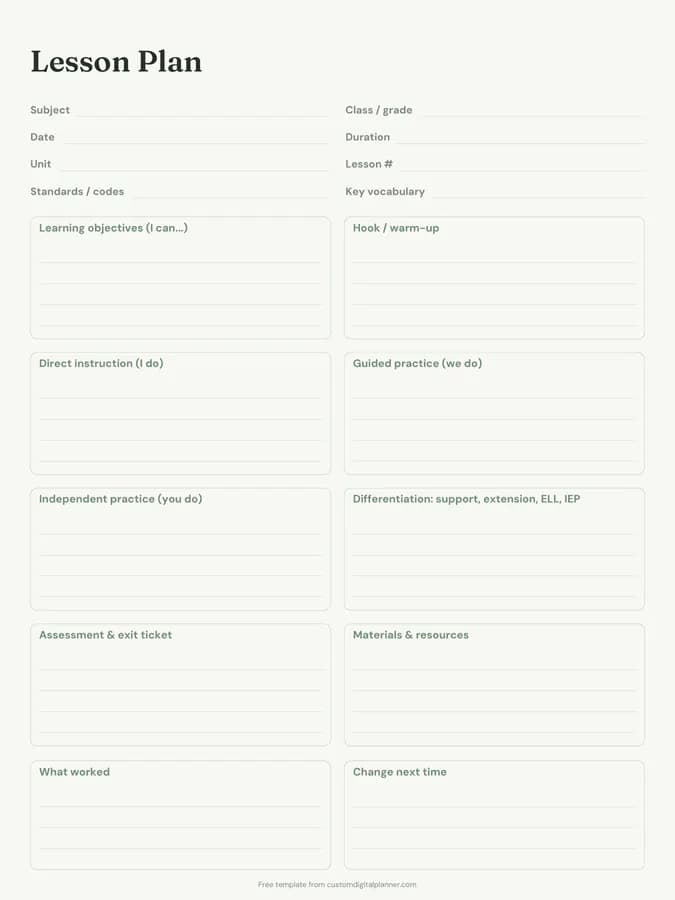
A sub plan page with lines for the date, class, where to find materials, helpful students and emergency procedures, then a large lined area for lesson instructions. Fill one in for each class and leave it on your desk or in the sub folder.
- Printable US Letter8.5 × 11 in, white paper
- Printable A4210 × 297 mm, white paper
- iPad / GoodNotesAlso Notability and Noteshelf
- E-ink tabletreMarkable, Kindle Scribe, Boox
Free PDF, 1 page, undated. No sign-up needed.
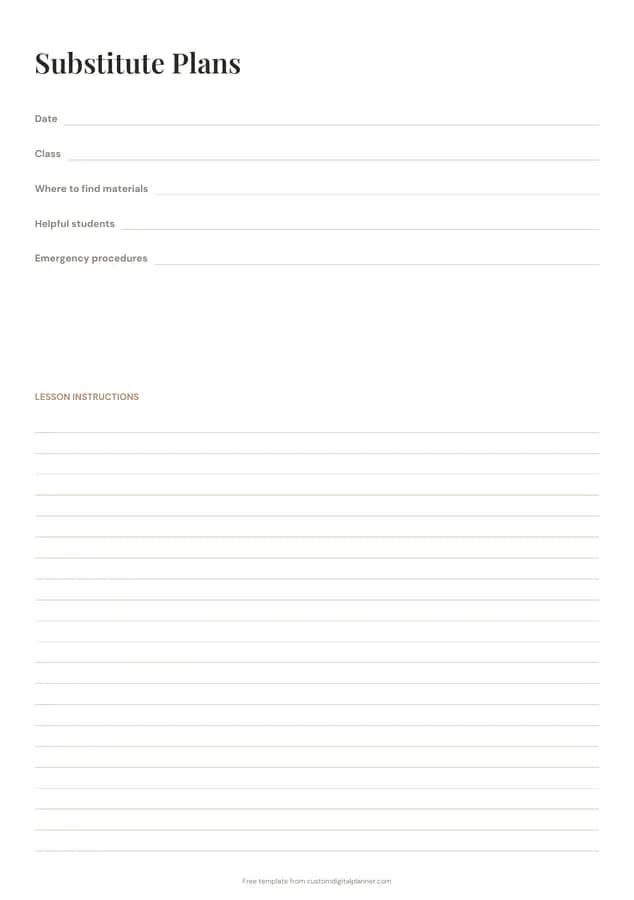
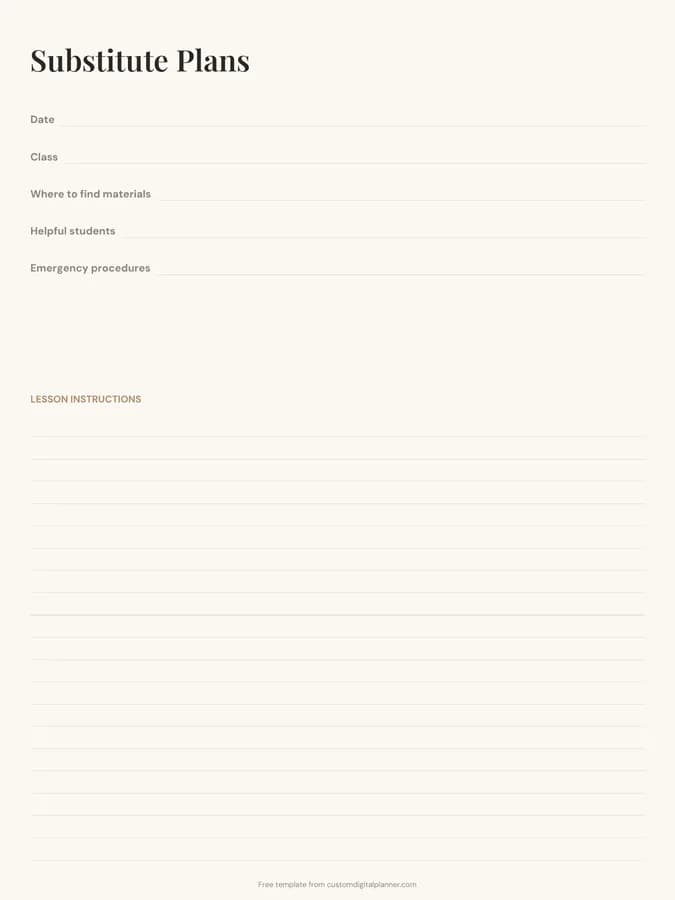
Shown for iPad in the Ivory Minimal theme. Printable downloads use white paper; the e-ink version is black and white.
One page, ready to fill in.
- Write-in lines for date, class, where to find materials, helpful students and emergency procedures
- Lined space for lesson instructions
- Undated, so you can print or duplicate it as often as you need
Who it's for
Classroom teachers preparing for planned or unexpected absences, teachers new to a school, and department heads building an emergency sub folder. Teaching assistants and cover supervisors find completed sub plans just as useful, because they explain routines that aren't written down anywhere else.
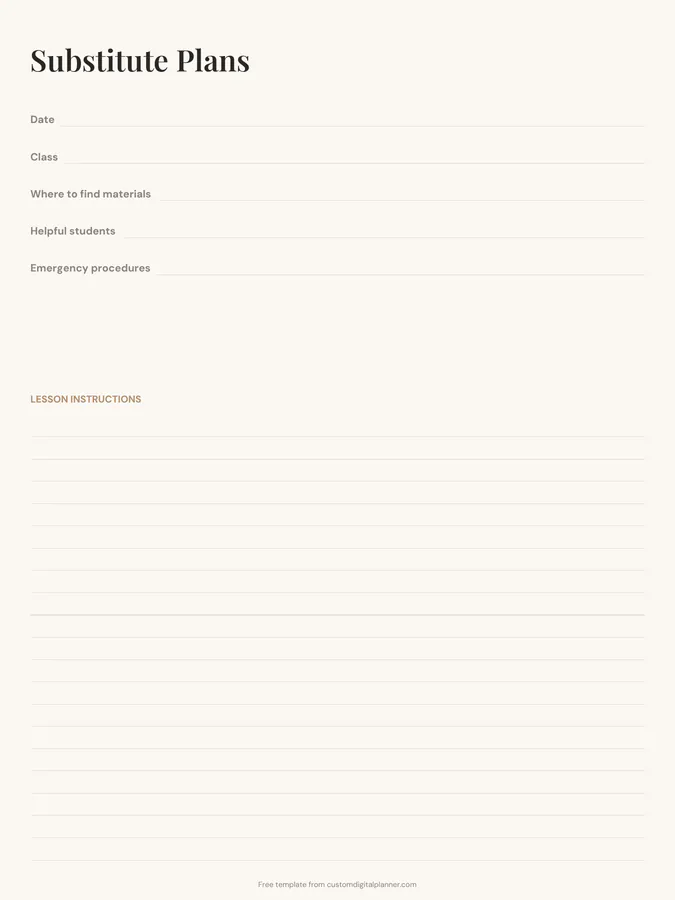
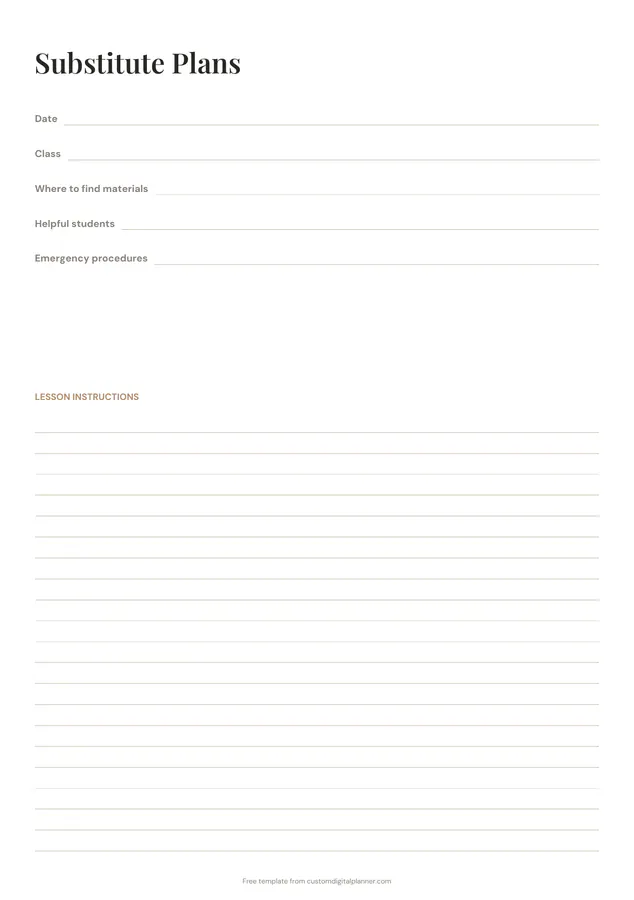
Getting the most from a substitute plan.
Keep an emergency set ready
Fill in two or three general sub plans at the start of the year for days you're off unexpectedly. Put them in a clearly labelled folder.
Be exact about materials
"Worksheets in the blue tray on the left of my desk" is better than "worksheets on desk". The sub doesn't know your room.
Name two helpful students
Students who know the routines can help with attendance, materials and the timetable. Two names cover an absence.
Write emergency procedures plainly
Fire exit route, lockdown procedure, the nearest staff member and the office extension. Keep it short and specific.
Write instructions in time order
Use the lesson instructions area as a timeline: what to do first, how long each part takes and what to do if there's time left over.
Included in 6 planners
This template is a page in each of these planners. Open one to see everything else that comes with it.
Get it inside a full hyperlinked planner
The teacher planner includes this page alongside dated month and week pages for your year, with side tabs and links between every page. Pick your device and theme, preview it free, and pay only when it's right.
- Dated pages for the whole year
- Tap a tab or a date to jump there
- GoodNotes, Notability, Samsung Notes, e-ink and print sizes
Opens the teacher planner with the Teaching section switched on.
Or read about the teacher planner first.
About this substitute plan template
Need help importing it? See devices and apps or the FAQ.
What should sub plans include?
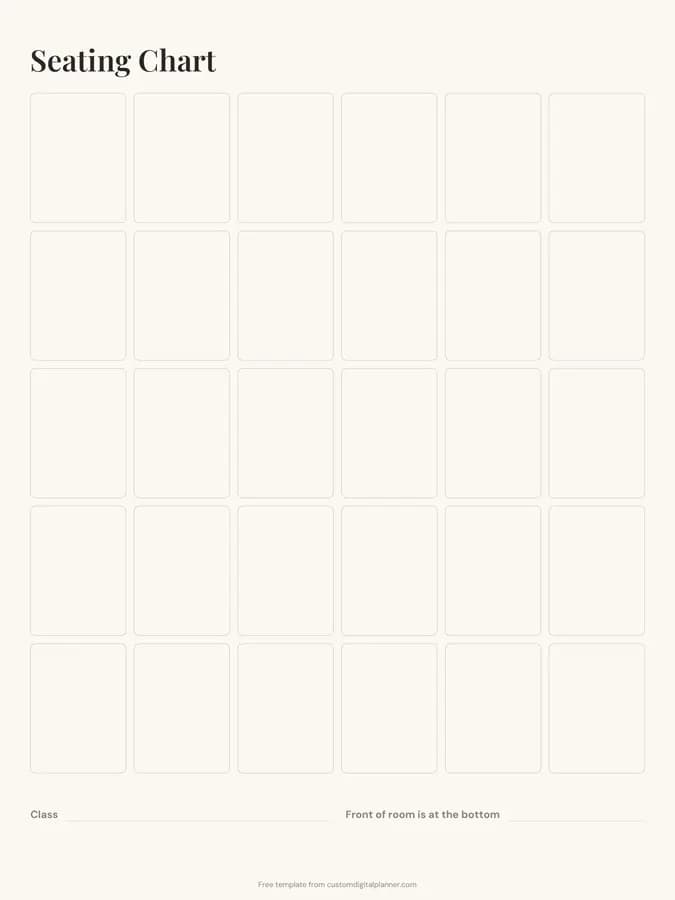
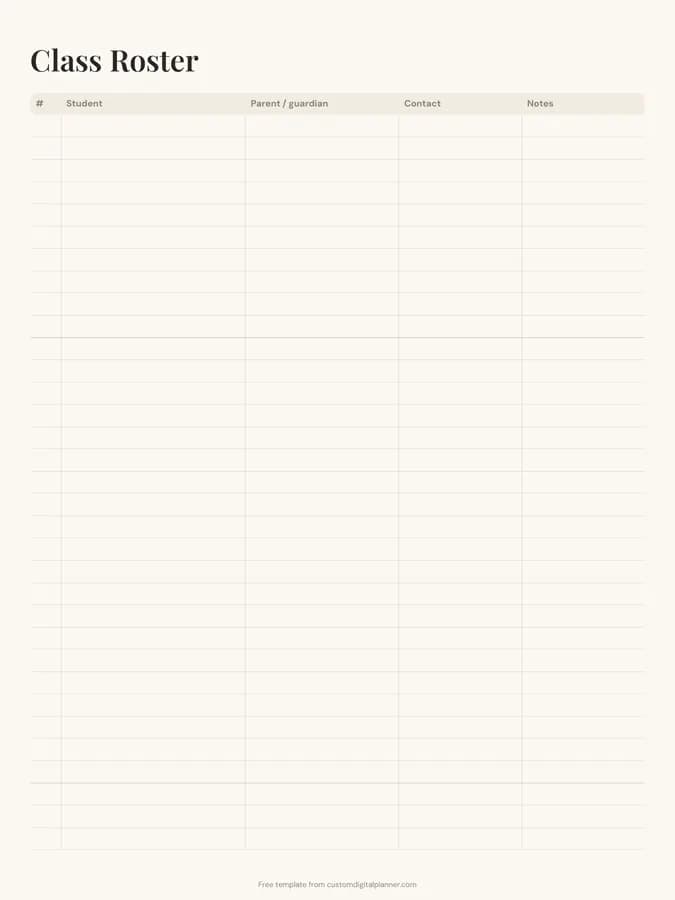
The class and date, where materials are, helpful students, emergency procedures and clear lesson instructions in order. A seating chart and roster help too.
How many classes does one page cover?
One class or period per page. Print one for each class you teach.
Should I attach a seating chart?
Yes. A current seating chart is one of the most useful things to leave. The free seating chart template pairs with this page.
Can I fill it in digitally?
Yes. Type it in GoodNotes or Notability and print it, or email the PDF to the office.
What should be in an emergency sub folder?
Two or three ready sub plans, seating charts, class rosters, the bell schedule, emergency procedures and a few spare activities.