UPSC
UPSC Prep
Phase plan, syllabus tracker and answer writing log.
- Phase Plan1 page
- Syllabus Tracker8 pages
- Answer Writing Log6 pages
- Past Papers3 pages
A UPSC study planner with a phase plan, syllabus tracker with two revision rounds, an answer writing log, mock test tracking, weekly study planners and a habit tracker.
A UPSC planner with a phase plan for prelims, mains, optional subject, current affairs, mock tests and revision, a syllabus tracker with sources and two revision rounds, an answer writing log, past paper and mock test tracking, weekly study planners by subject, focus sessions and a habit tracker.

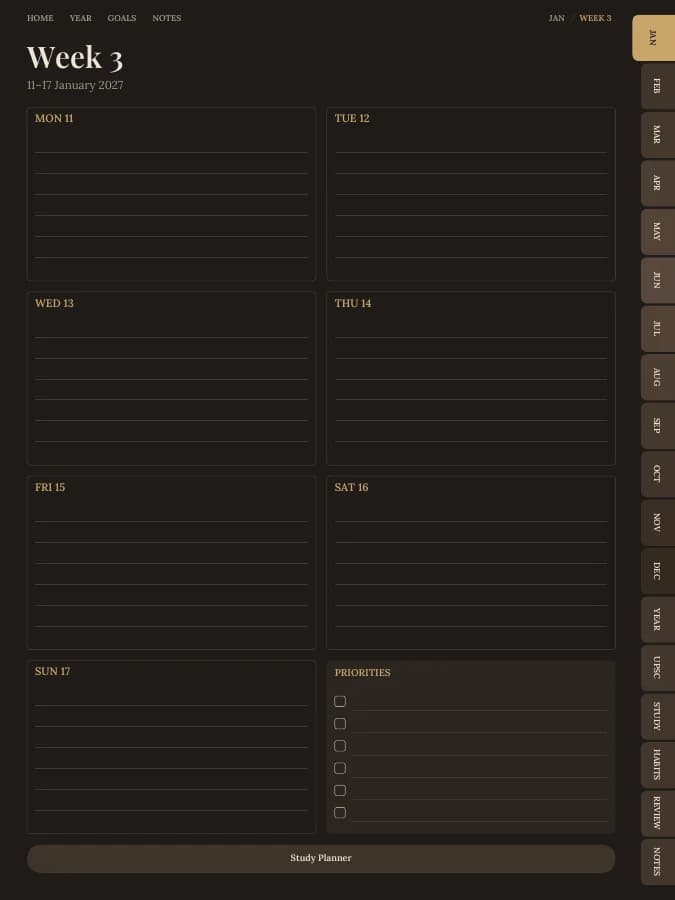
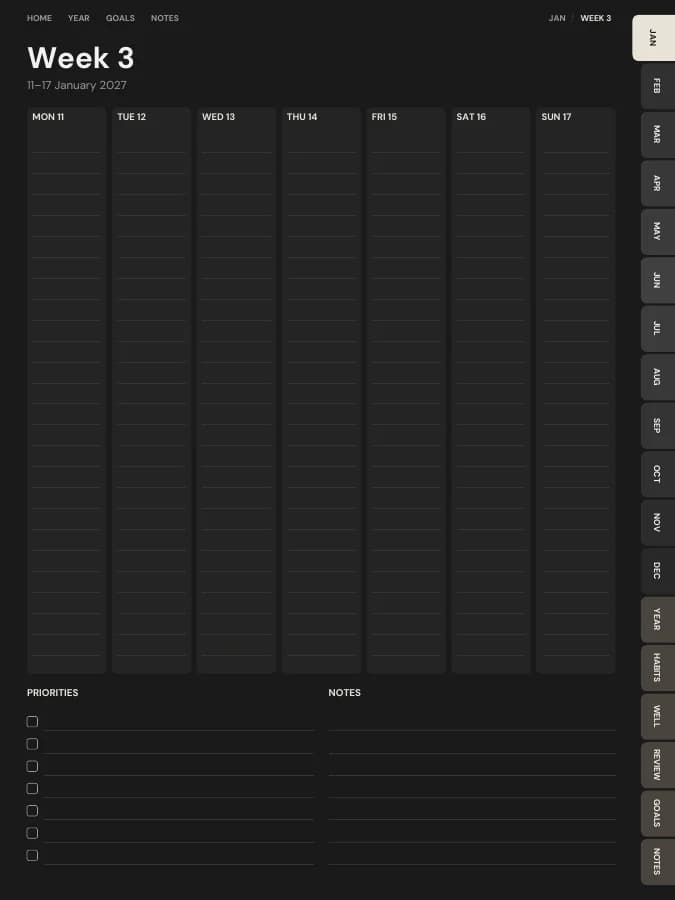
Rendered by the same engine that builds yours, in the Dark Academia theme for iPad portrait.
Phase plan, syllabus tracker and answer writing log.
Weekly study planners, focus sessions and notes.
A habit tracker for every month.
A reflection page at the end of each month.
Cover and contents · 2 pages
A cover with your name and a linked contents page that every tab returns to.
Year overview · 1 page
The whole year on one page. Tap any date to open it.
Year goals · 1 page
Your goals and their milestones in one place, filled in by the AI if you use it.
Monthly calendars · every month
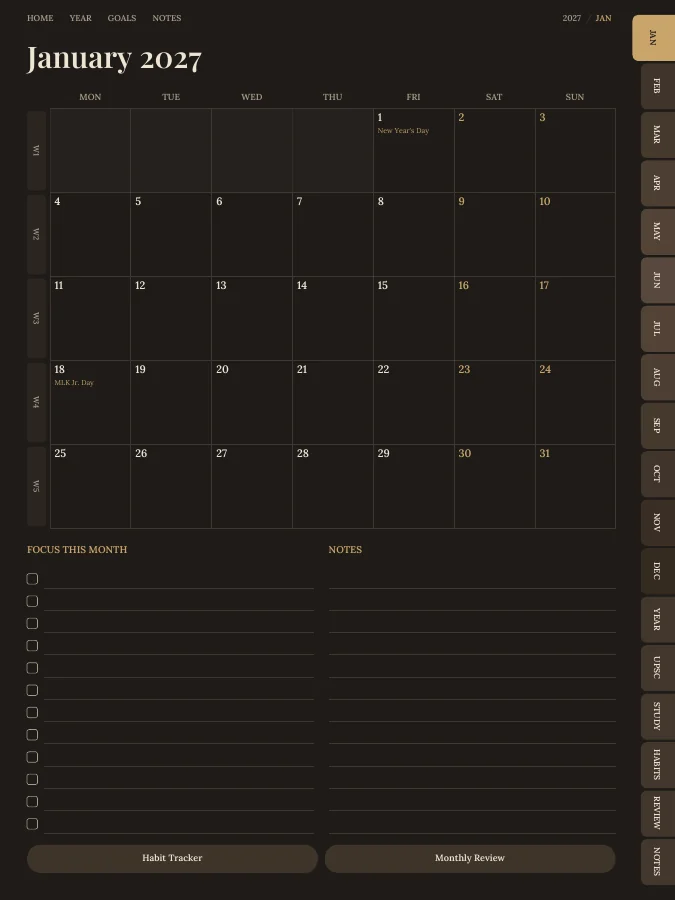
A month grid with a focus list and notes. Every date links to its day or week.
Weekly pages · every week
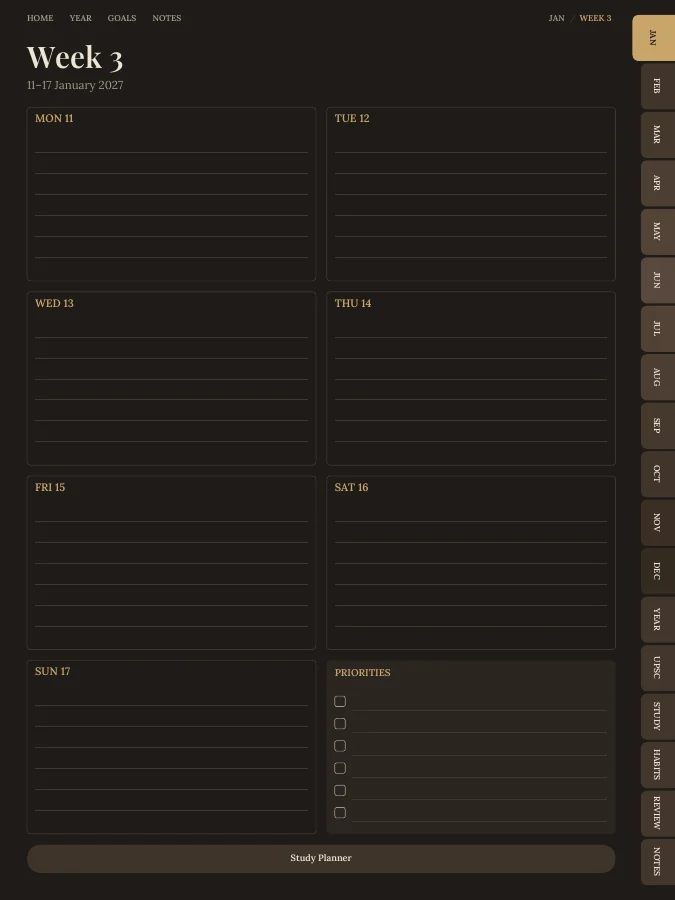
One page per week with your weekly goal actions and priorities.
Notes · 20 pages
Lined, dotted, grid or blank pages. You choose how many, up to 100.
The sample above comes to 208 pages over 12 months. Yours changes with the months, sections and notes pages you choose.
Type a goal like one of these and the AI breaks it into a milestone for each month and a small action for each week, then prints them on your month and week pages. You read and edit every line before you download.
Your goal
Finish the first revision of the syllabus by March
Your goal
Write two answers every day
Your goal
Read the newspaper daily
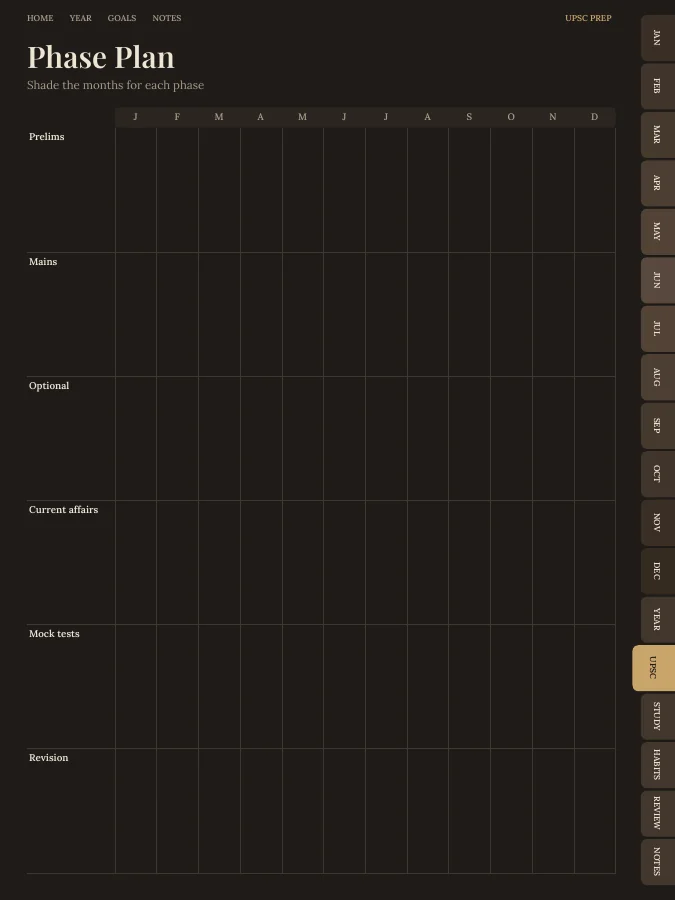
Mark which months go to prelims, mains, your optional, current affairs, mock tests and revision.
List each paper and topic with your sources, then tick off coverage and two revision rounds.
The answer writing log has date, question, paper, time taken, word count and feedback.
Log past papers and mock tests with scores and weak areas to revisit.
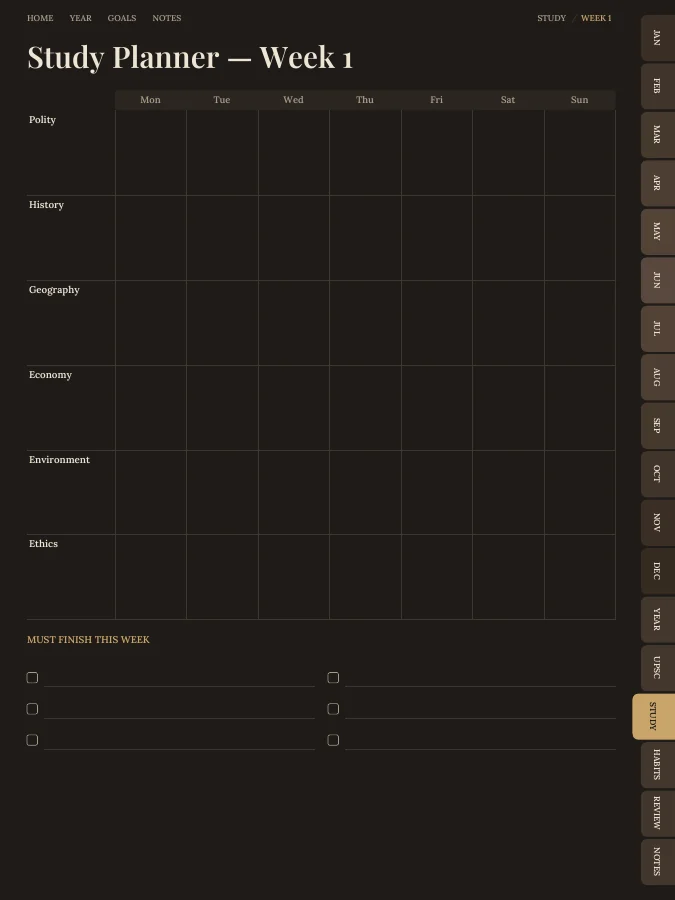
The weekly study planner and habit tracker keep newspaper reading, revision and answer writing on track.
A UPSC study planner should show coverage and revision at a glance. This one includes:
Dated month calendars and a weekly page for each week. No daily pages; weekly study planners do the detailed planning.
A phase plan, eight syllabus tracker pages with sources and two revision rounds, six answer writing log pages and three past paper pages.
A weekly study planner by subject, 12 focus session pages and 30 notes pages.
A monthly habit tracker for the newspaper, answer writing, revision, mock tests and sleep.
A monthly review page to check progress against the phase plan.
Every section can be switched off in the builder, and sections from other planners can be added.
A digital UPSC planner on a tablet sits alongside your PDFs and notes, and the tabs jump to the syllabus tracker in one tap.
Printed, the phase plan and syllabus tracker make good wall charts above the desk.
One goal, followed through a single week. The milestone and weekly actions are the kind of lines the AI goal step writes onto your month and week pages; the daily notes are what you add by hand.
Goal
Write two answers every day
Milestone for July
14 answers written this week
This week's actions
iPad — Portrait
GoodNotes, Notability, Noteshelf, Xodo, Collanote, ZoomNotes
iPad — Landscape
GoodNotes, Notability, Noteshelf, Xodo
Android tablet — Portrait
Samsung Notes, Penly, Flexcil, Xodo, Noteshelf
Android tablet — Landscape
Samsung Notes, Penly, Flexcil, Xodo
E-ink tablet
reMarkable, Kindle Scribe, Boox, Supernote
Printable — A5
Print at home or at a print shop, fits A5 binders
Printable — A4
Print at home on standard A4 paper
Printable — US Letter
Print at home on US Letter paper
Printable — Half Letter
Fits Happy Planner classic and half-letter discs
Dark Academia
Dark mode with warm brown leather and old-library gold.
Prefer something else? Pick from 13 themes, including dark mode and an e-ink theme, and change the accent colour.
See all themesNo. Write the dates from the official UPSC calendar onto the month pages when it's published, as they can change from year to year.
Yes. The defaults are common GS areas; type your own subjects, including your optional, in the builder.
You can build this UPSC planner and flip through every page in your browser for free, with a watermark. The tabs and links work in the preview, so you can check the layout before you pay. The clean PDF is $12 once, or included in Pro at $49 a year for unlimited planners. There is no free download of the full planner.
Yes. Download the iPad size for GoodNotes, Notability, Noteshelf, Xodo, Collanote or ZoomNotes; the Android size for Samsung Notes, Penly, Flexcil or Xodo; or the E-ink size for reMarkable, Kindle Scribe, Boox and Supernote. The links work in any app that follows PDF links, usually in read mode rather than pen mode. Every size is included in the price.
Yes. Choose A5, A4, US Letter or Half Letter in the builder for a printable PDF with a wider inner margin for hole punching. Printable and digital sizes come with the same purchase, so you can use the UPSC planner on a tablet and print the pages you want on paper.
Dated by default, starting in January 2027. You can pick any start month and year (including this month), a length from 3 months to 5 years, and Monday or Sunday weeks. Or switch to undated and write the dates in yourself, so a skipped week isn't wasted.
Only the goal parts, and only if you want it to. Type up to six goals and the AI writes a milestone for each month and a short action for each week onto your month and week pages, plus a motto for each month. You can edit every line before you download. Everything else, from the calendar pages to the trackers, is yours to fill in by hand. You can try it 3 times a day without an account.
With the default settings it comes to about 227 pages. That includes 12 month pages, 53 weekly pages, the UPSC Prep, Study, Habits and Monthly Reviews pages and 20 notes pages. Switching off sections makes it shorter, and the builder shows the total as you change things.
Set your dates, device and goals, flip through the preview free, and pay only when it's right.
Build this planner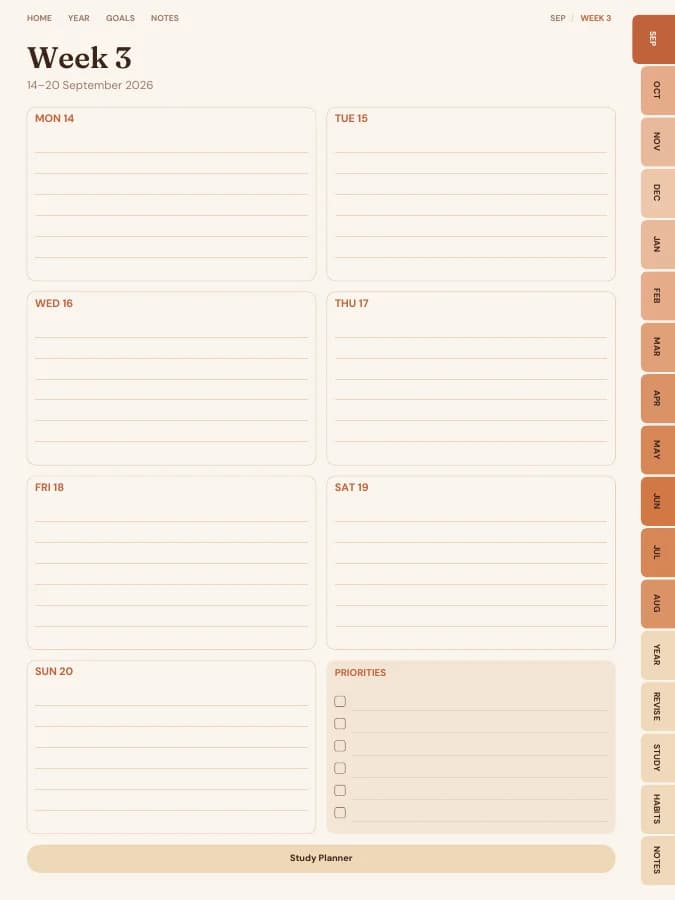

Revision timetables, topic checklists and past papers, so exam season has a plan.
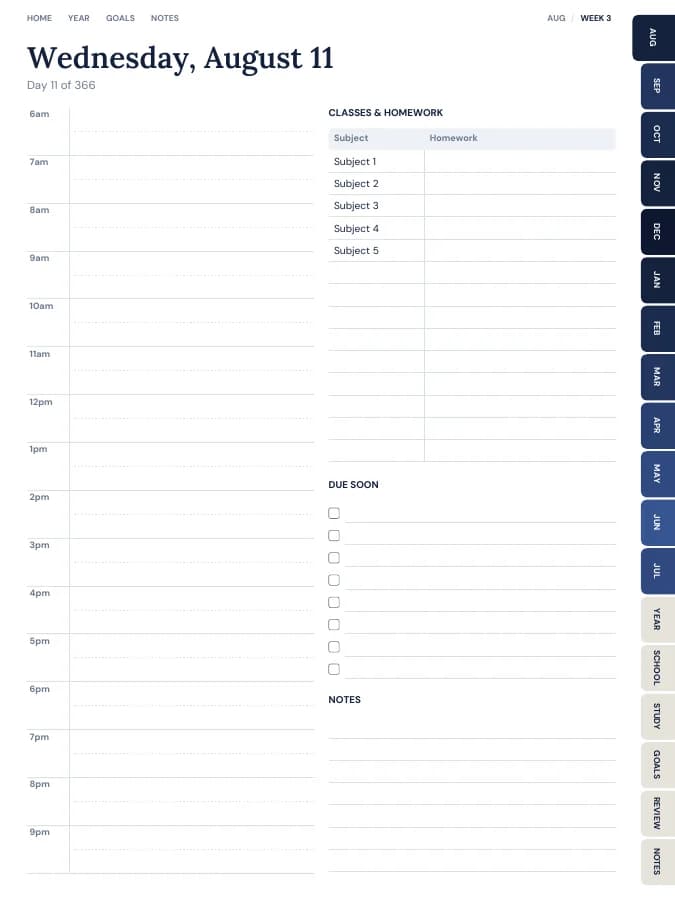
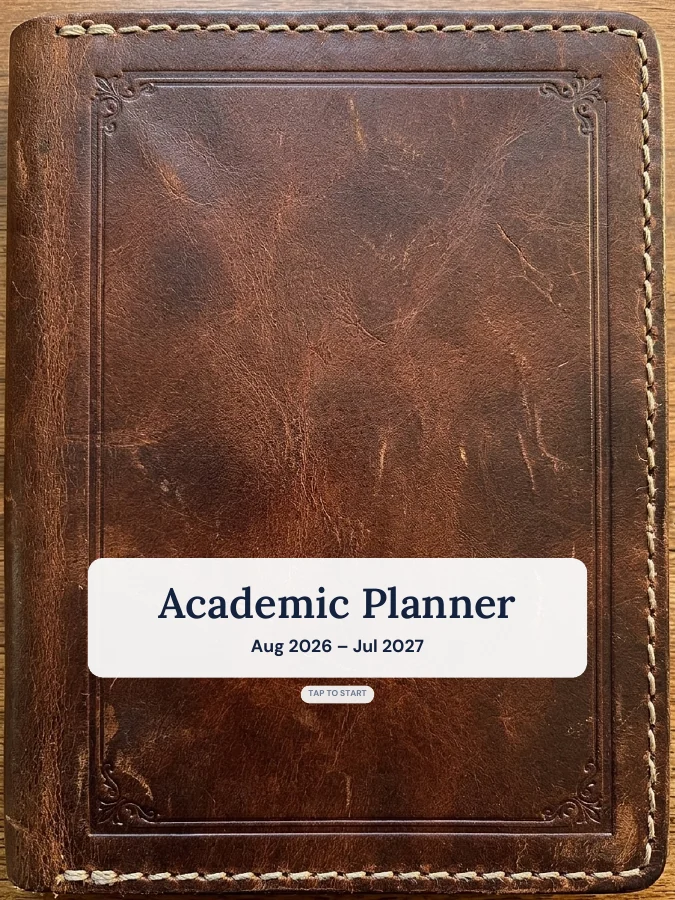
A school-year planner that starts in August and runs to July.
Your habits printed on every month, with reviews to keep you honest.
Type your goals. Get a planner with every milestone already on the right page.