Content Calendar Template (Printable PDF & GoodNotes)
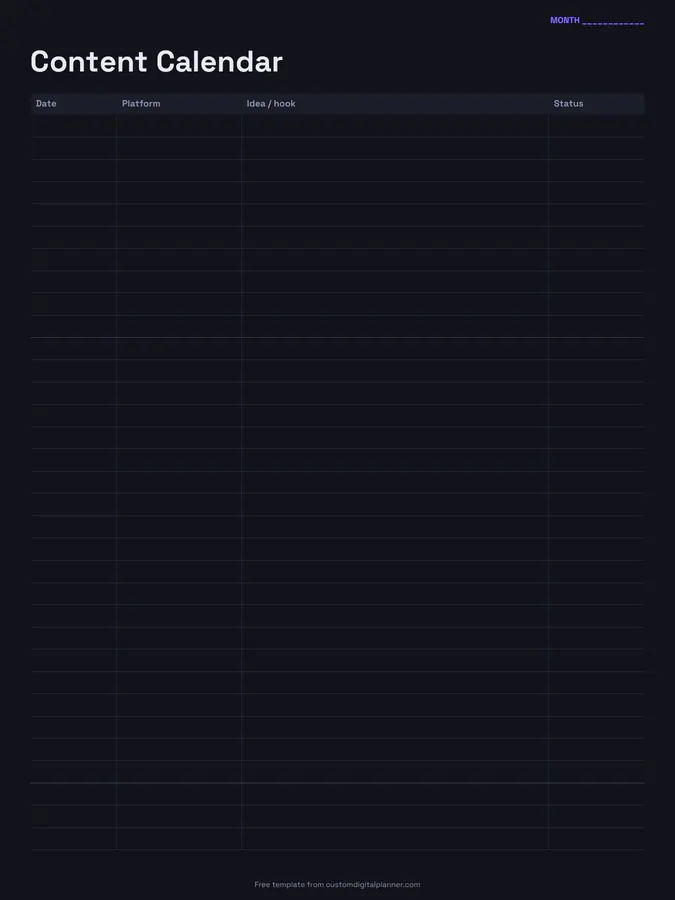
A monthly content calendar with four columns: date, platform, idea or hook, and status. Plan a month of posts, videos, emails or blog articles on one page and see at a glance what's drafted, scheduled and live.
- Printable US Letter8.5 × 11 in, white paper
- Printable A4210 × 297 mm, white paper
- iPad / GoodNotesAlso Notability and Noteshelf
- E-ink tabletreMarkable, Kindle Scribe, Boox
Free PDF, 1 page, undated. No sign-up needed.
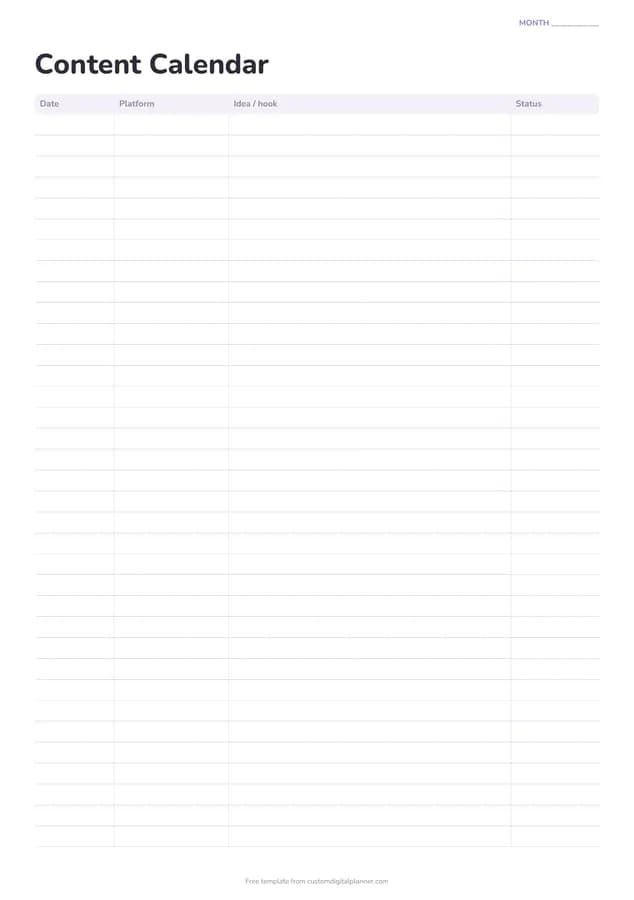
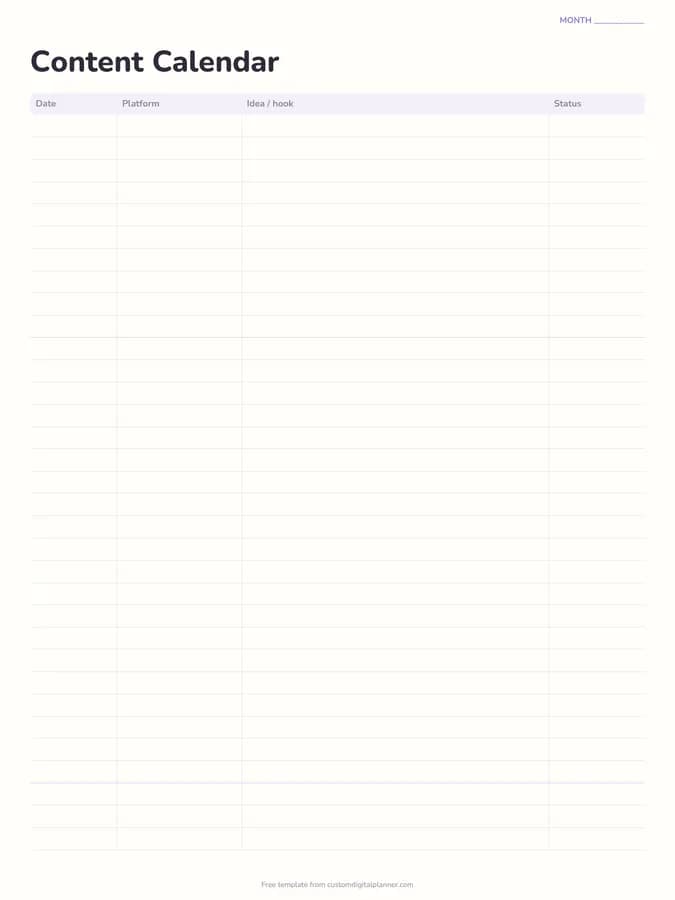
Shown for iPad in the Pastel Rainbow theme. Printable downloads use white paper (there's a dark mode preview below); the e-ink version is black and white.
One page, ready to fill in.
- A table with columns for date, platform, idea / hook and status
- A “Month” line at the top, so it works for any month and year
Who it's for
Creators posting on several platforms, small business owners doing their own marketing, social media managers with a few clients, and bloggers or newsletter writers who want a monthly plan. Churches, charities and school clubs that run social accounts with volunteers also find it useful, because everyone can see what's planned and who's posting it.
Getting the most from a content calendar.
Plan the month in one sitting
Batch-planning a month of ideas in an hour is far easier than deciding what to post every morning. Fill in dates and ideas first; details come later.
Write the hook, not just the topic
"5 mistakes I made in my first year" is ready to make; "business tips" isn't. The idea or hook column is the widest for that reason.
Repurpose across platforms
One idea can become a video, a carousel, a newsletter and a short clip. Use several rows with the same idea and different platforms.
Use four status words
Idea, drafted, scheduled, posted. Updating status daily shows what's stuck and keeps you ahead of the calendar.
Mix content types
Balance teaching, behind-the-scenes, personal and promotional posts across the month. Reading down the page shows if one type is taking over.
Included in 4 planners
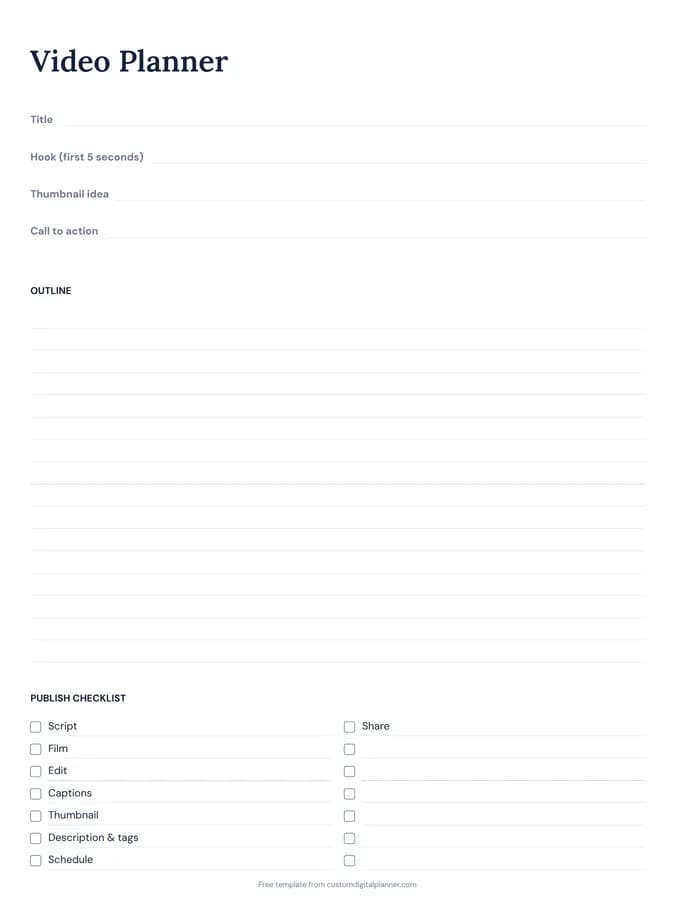
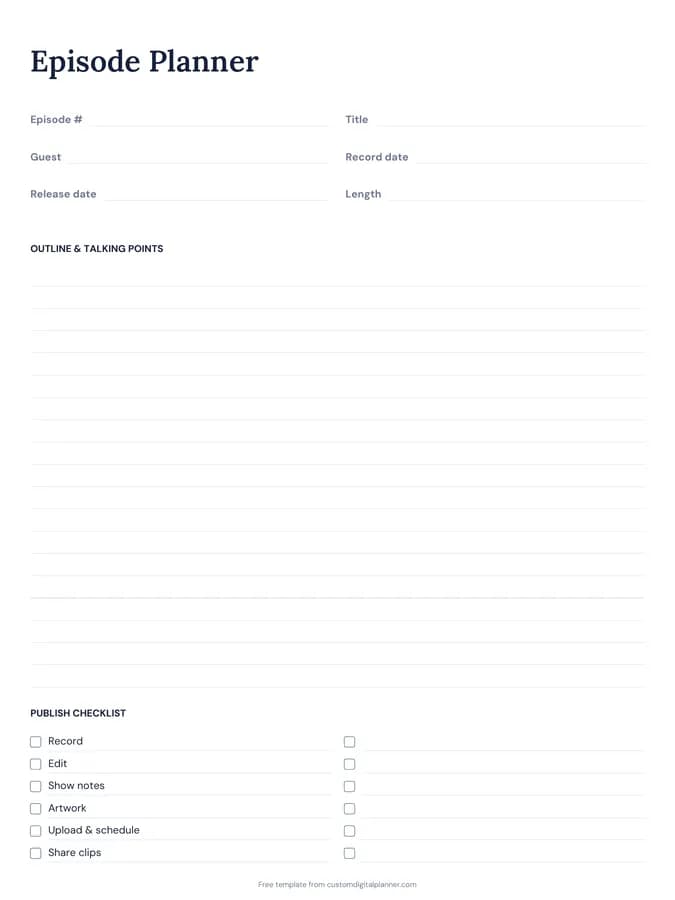
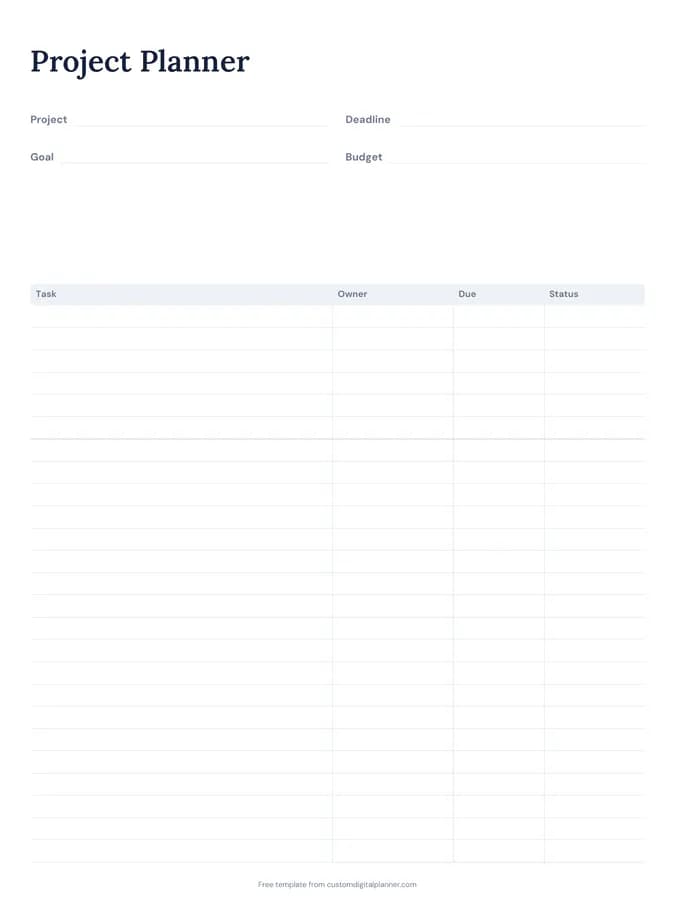
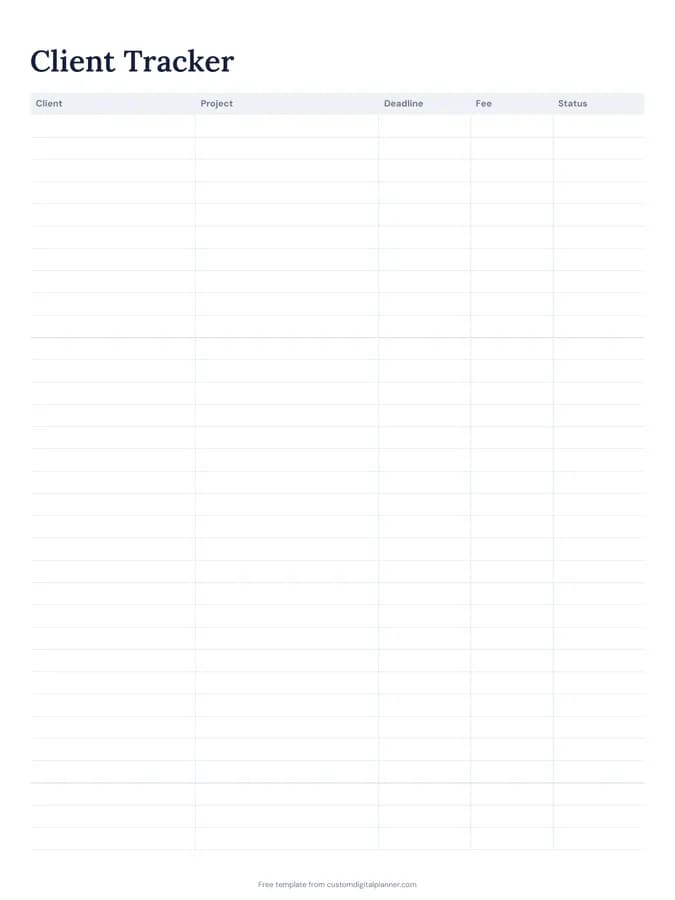
This template is a page in each of these planners. Open one to see everything else that comes with it.
Get it inside a full hyperlinked planner
The content creator planner includes this page alongside dated month and week pages for your year, with side tabs and links between every page. Pick your device and theme, preview it free, and pay only when it's right.
- Dated pages for the whole year
- Tap a tab or a date to jump there
- GoodNotes, Notability, Samsung Notes, e-ink and print sizes
Opens the content creator planner with the Content Creator section switched on.
Or read about the content creator planner first.
About this content calendar template
Need help importing it? See devices and apps or the FAQ.
What is a content calendar?
A schedule of what you'll publish, when and where. It keeps posting consistent and stops the daily scramble for ideas.
How many posts fit on a page?
Around 25 rows on the printable versions, enough for most monthly plans. Busy accounts use a page per platform.
Does it work for blogs and newsletters?
Yes. Write blog, newsletter, podcast or any platform in the platform column.
What's in the content creator planner?
A content calendar, content ideas, video planner, brand deals tracker and growth tracker, plus business pages, goals and a habit tracker.
How far ahead should I plan?
A month ahead suits most creators, with a rough idea of the next month. Leave a few slots open for timely posts.