Podcast Episode Planner Template (Printable PDF & GoodNotes)
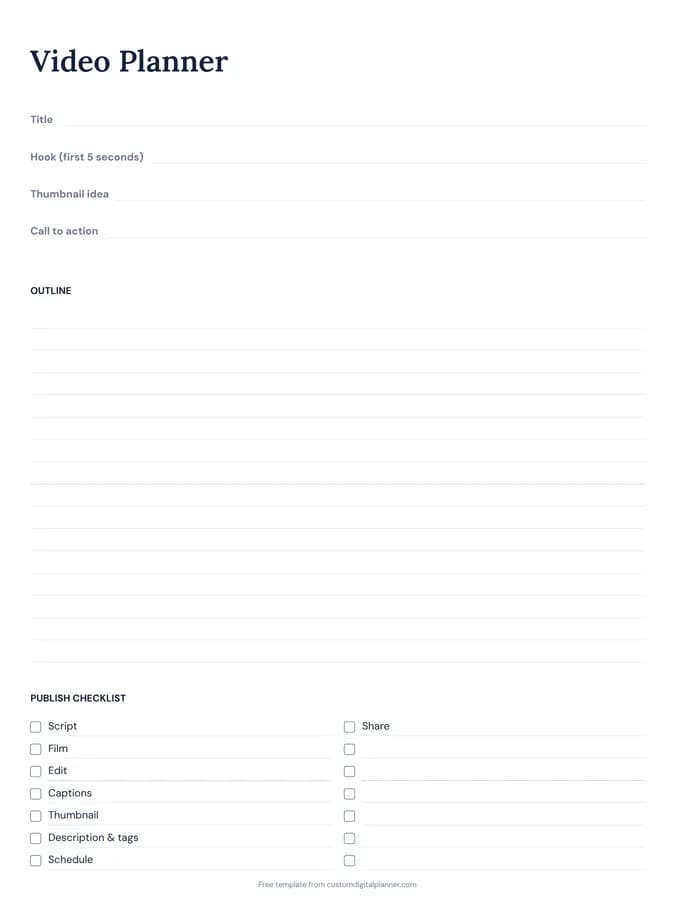
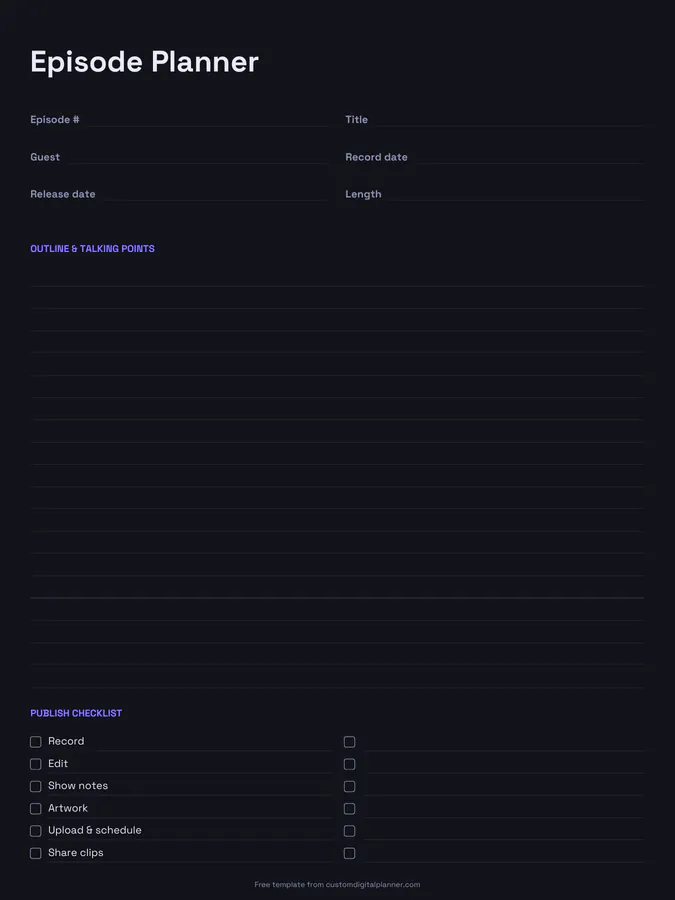
A podcast episode planner with lines for the episode number, title, guest, record date, release date and length, a lined area for the outline and talking points, and a publish checklist: record, edit, show notes, artwork, upload and schedule, and share clips.
- Printable US Letter8.5 × 11 in, white paper
- Printable A4210 × 297 mm, white paper
- iPad / GoodNotesAlso Notability and Noteshelf
- E-ink tabletreMarkable, Kindle Scribe, Boox
Free PDF, 1 page, undated. No sign-up needed.
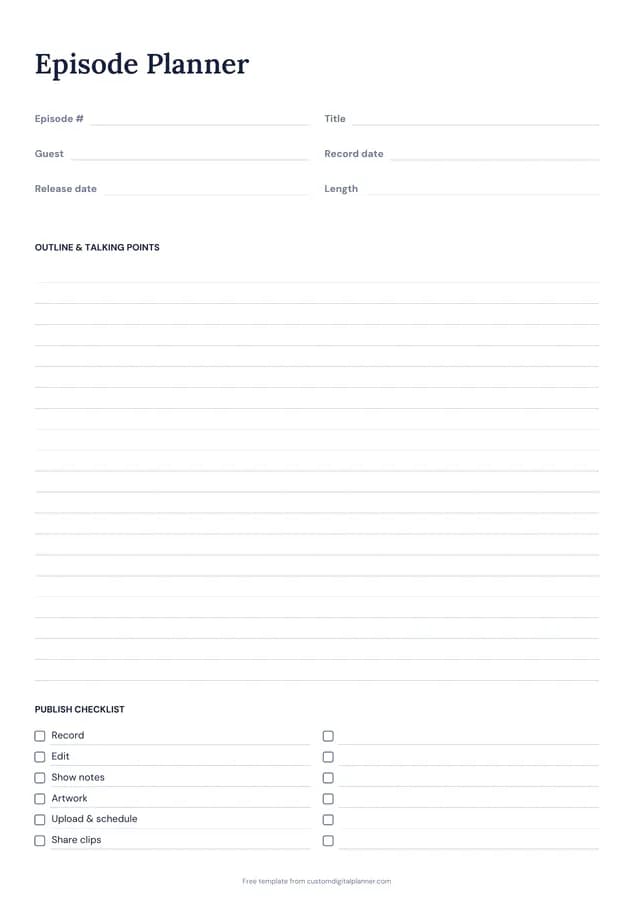
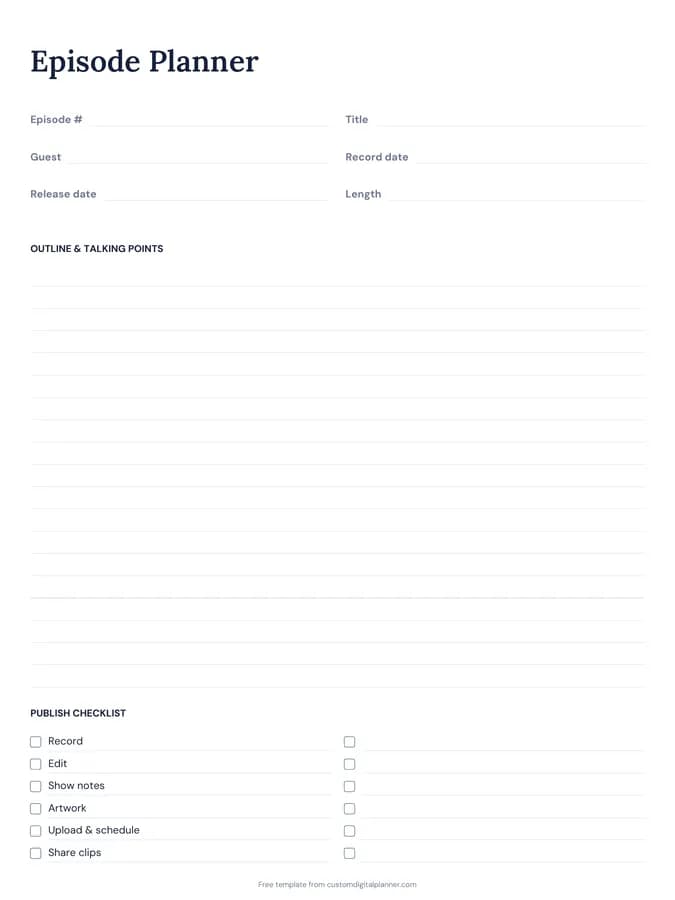
Shown for iPad in the Classic Navy theme. Printable downloads use white paper (there's a dark mode preview below); the e-ink version is black and white.
One page, ready to fill in.
- Write-in lines for episode #, title, guest, record date, release date and length
- Lined space for outline & talking points
- A checklist: record, edit, show notes, artwork, upload & schedule and share clips
- Undated, so you can print or duplicate it as often as you need
Who it's for
New and established podcasters, interview hosts managing guests, church and business podcasts, and producers who plan episodes for clients.
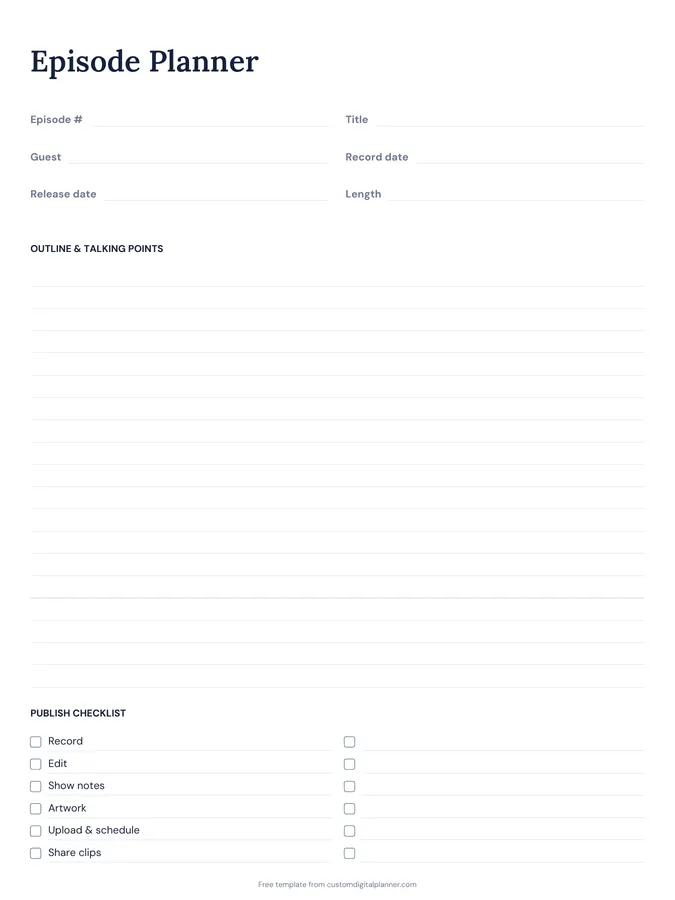
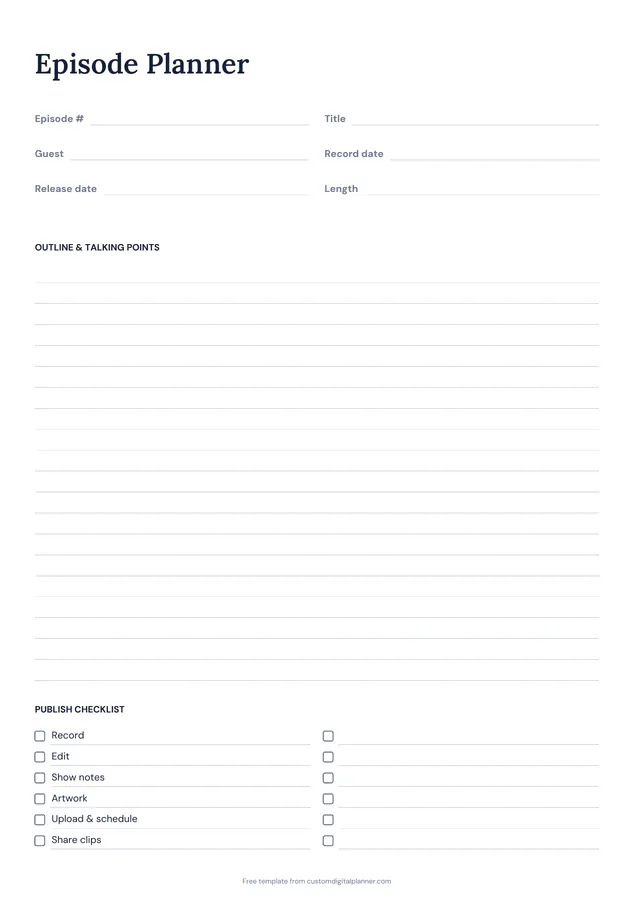
Getting the most from a podcast episode planner.
Plan two release dates ahead
Fill in record and release dates with a buffer of at least a week or two. Editing always takes longer than you expect.
Write talking points as questions
For interviews, list five to eight questions in order, with a follow-up under each. For solo episodes, write your key points and an example for each.
Note timestamps while recording
Jot rough times next to great moments in the outline. They become show notes and clip ideas.
Use the checklist every time
Show notes, artwork and sharing clips are the steps that get skipped. The checklist keeps every episode consistent.
Keep guest details on the page
Write the guest's name, links and how to pronounce their name at the top. It saves searching on recording day.
Reuse your best structure
When an episode works well, note its structure in the outline area. Using the same opening, segments and closing each time makes episodes faster to plan and easier for listeners.
Included in 1 planner
This template is a page in this planner. Open it to see everything else that comes with it.
Get it inside a full hyperlinked planner
The podcast planner includes this page alongside dated month and week pages for your year, with side tabs and links between every page. Pick your device and theme, preview it free, and pay only when it's right.
- Dated pages for the whole year
- Tap a tab or a date to jump there
- GoodNotes, Notability, Samsung Notes, e-ink and print sizes
Opens the podcast planner with the Podcast section switched on.
Or read about the podcast planner first.
About this podcast episode planner template
Need help importing it? See devices and apps or the FAQ.
What's on the podcast episode planner?
Episode number, title, guest, record date, release date and length; an outline and talking points; and a six-step publish checklist.
Does it work for solo shows?
Yes. Leave the guest line blank or use it for a co-host.
How do I plan a season?
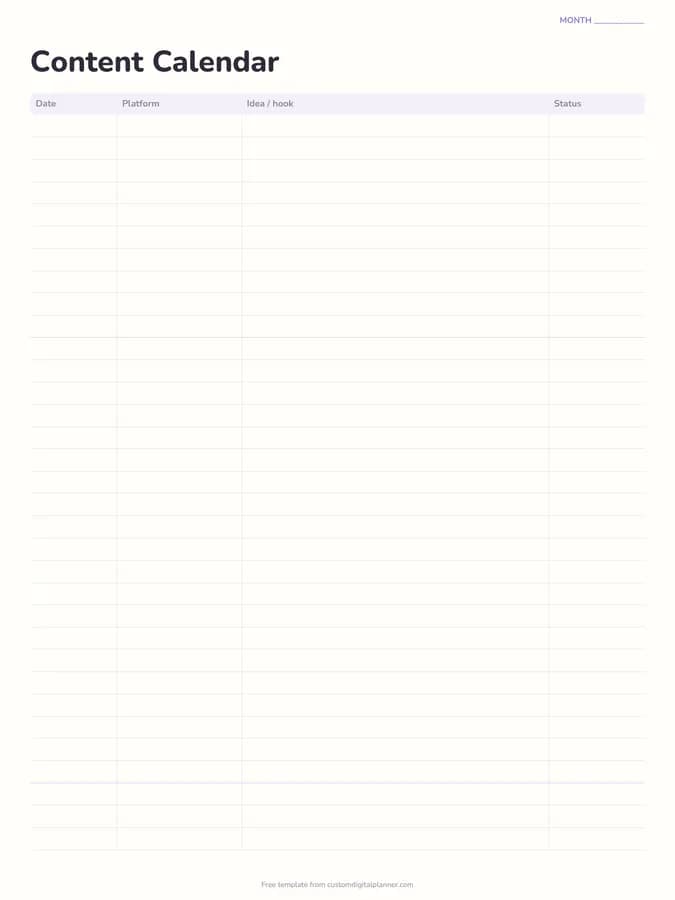
Use one page per episode and list the season's topics on the content calendar template. The podcast planner includes 52 episode pages.
What's in the podcast planner?
A guest tracker and 52 episode planners, plus content calendar, business pages and goals.
How do I plan an interview episode?
Research the guest, write five to eight questions with follow-ups, plan your intro and outro, and send the guest the recording details in advance.