Video Planner Template (Printable PDF & GoodNotes)
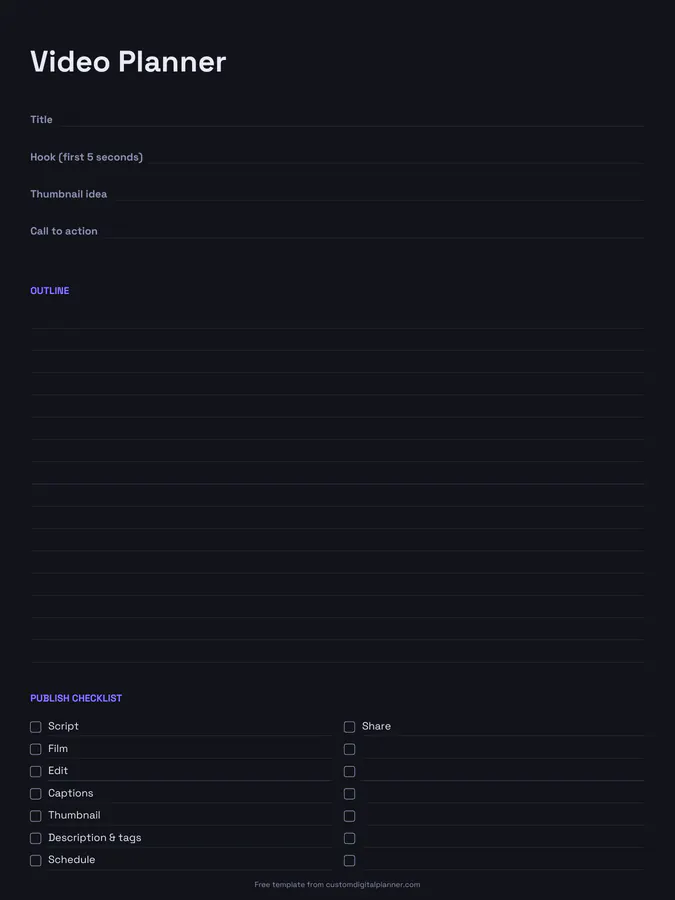
A one-video planning page with lines for the title, hook (first five seconds), thumbnail idea and call to action, a lined outline, and a publish checklist: script, film, edit, captions, thumbnail, description and tags, schedule and share.
- Printable US Letter8.5 × 11 in, white paper
- Printable A4210 × 297 mm, white paper
- iPad / GoodNotesAlso Notability and Noteshelf
- E-ink tabletreMarkable, Kindle Scribe, Boox
Free PDF, 1 page, undated. No sign-up needed.
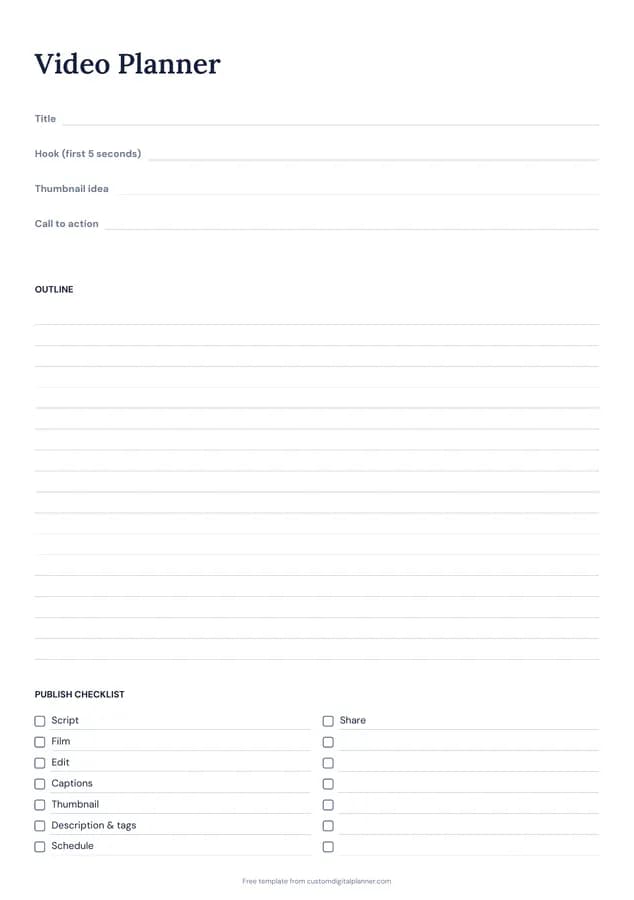
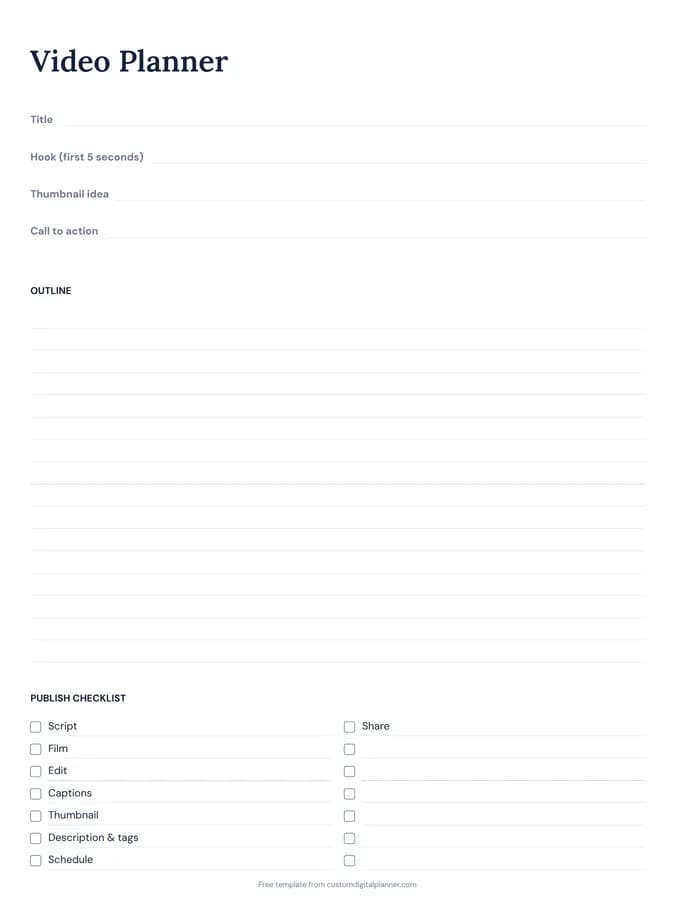
Shown for iPad in the Classic Navy theme. Printable downloads use white paper (there's a dark mode preview below); the e-ink version is black and white.
One page, ready to fill in.
- Write-in lines for title, hook (first 5 seconds), thumbnail idea and call to action
- Lined space for outline
- A checklist: script, film, edit, captions, thumbnail, description & tags, schedule and share
- Undated, so you can print or duplicate it as often as you need
Who it's for
Video creators, small business owners making product or tutorial videos, teachers recording lessons, and anyone starting a channel who wants a repeatable process.
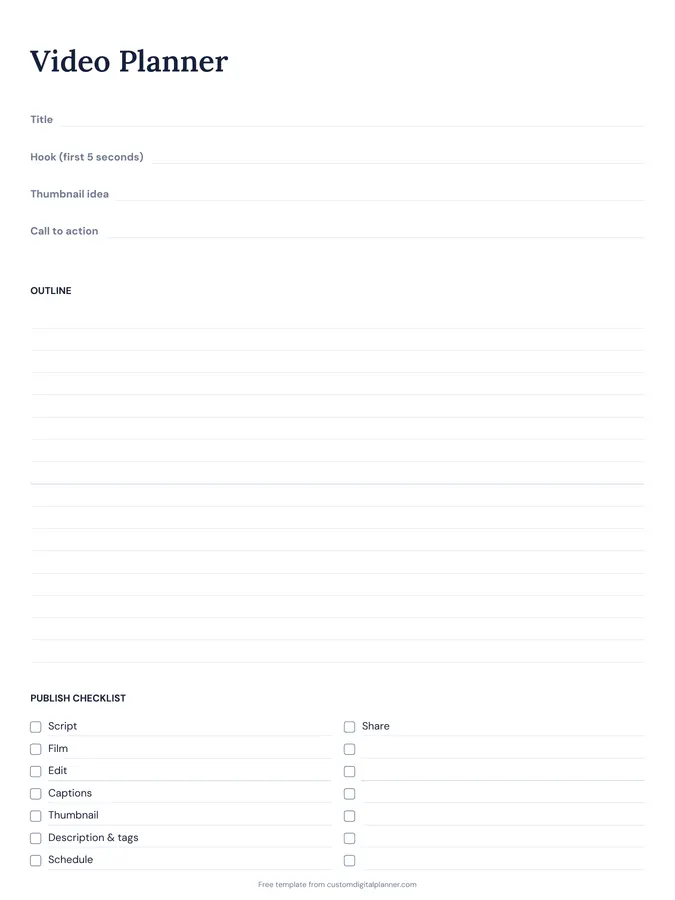
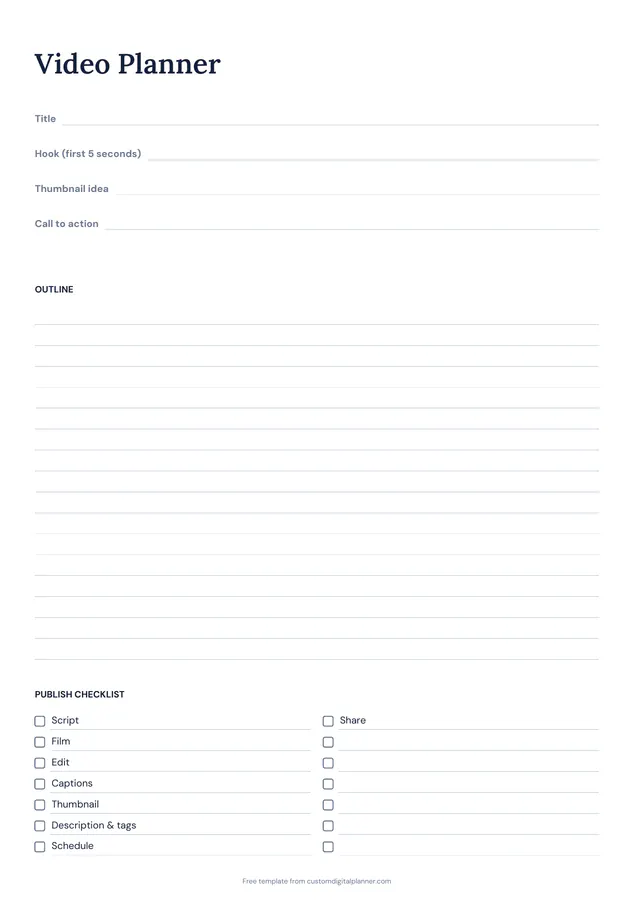
Getting the most from a video planner.
Write the hook first
The first five seconds decide whether people keep watching. Write the hook before the outline, and make it a promise the video keeps.
Plan the thumbnail with the title
Title and thumbnail work as a pair. Sketch the thumbnail idea next to the title so they say different, complementary things.
Outline in beats, not a script
Write the main points in order with a line each. You can talk naturally from beats, and it's quicker than a full script.
End with one call to action
Subscribe, watch the next video, visit a link: pick one. Writing it down stops you ending with a list of five.
Tick the checklist as you go
The publish checklist covers every step from script to sharing. Ticking it means nothing gets forgotten, like captions or the description.
Batch similar steps
Film several videos in one session and edit them together. Use the checklist on each page to track where every video is in the process.
Included in 4 planners
This template is a page in each of these planners. Open one to see everything else that comes with it.
Get it inside a full hyperlinked planner
The content creator planner includes this page alongside dated month and week pages for your year, with side tabs and links between every page. Pick your device and theme, preview it free, and pay only when it's right.
- Dated pages for the whole year
- Tap a tab or a date to jump there
- GoodNotes, Notability, Samsung Notes, e-ink and print sizes
Opens the content creator planner with the Content Creator section switched on.
Or read about the content creator planner first.
What's on the video planner?
Title, hook, thumbnail idea and call to action, a lined outline, and an eight-step publish checklist.
Does it work for short-form video?
Yes. For short clips, the hook and outline are often the whole plan, and the checklist still applies.
How many videos per page?
One. Print or duplicate a page for each video and keep them in order.
Can I use it with the content calendar?
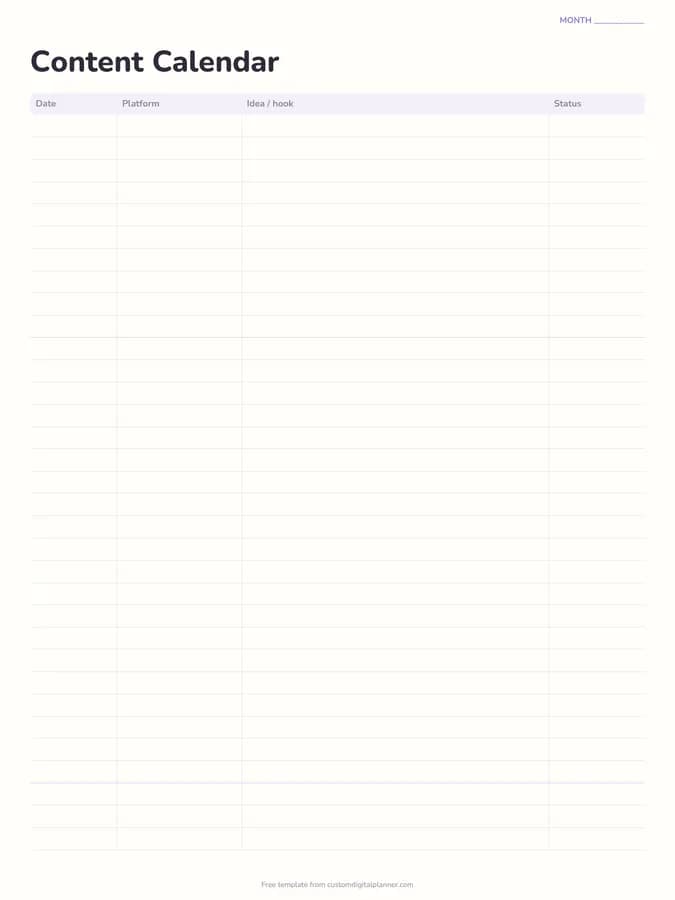
Yes. Put the idea on the calendar, then plan the video itself on this page.
Can I plan a series?
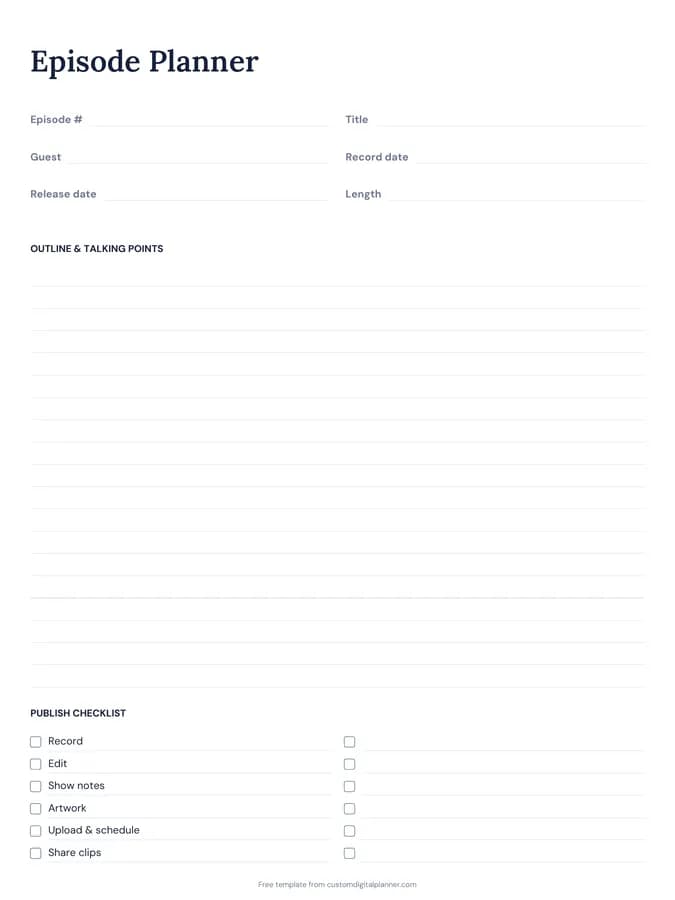
Yes. Use a page per episode and number them in the title line, then put the series on the content calendar.