Medical Appointment Log Template (Printable PDF & GoodNotes)
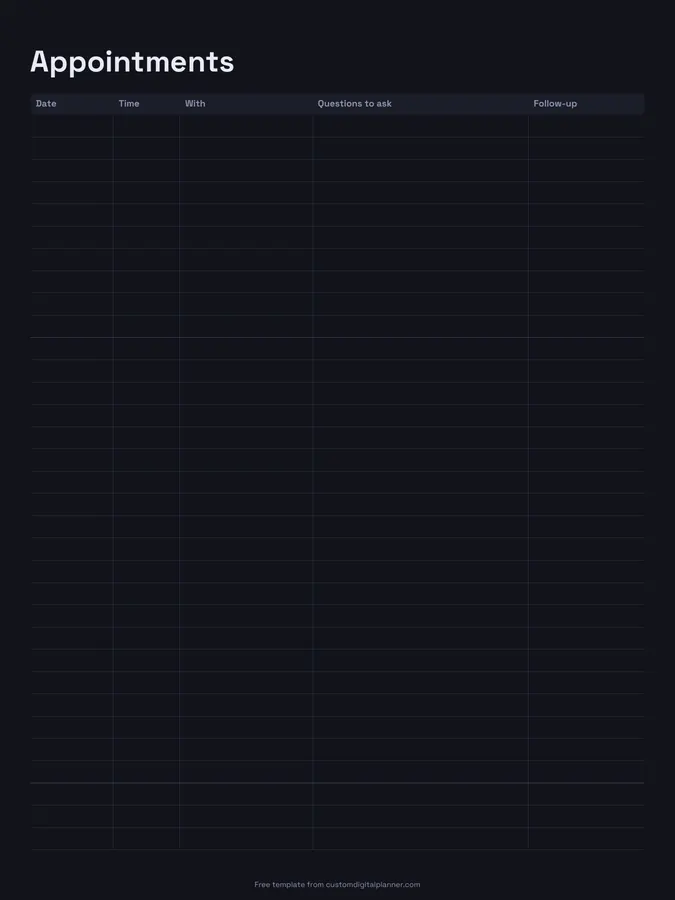
An appointment log with five columns: date, time, who with, questions to ask, and follow-up. The questions column is the widest on purpose: writing questions down before an appointment is the easiest way to make sure they get asked.
- Printable US Letter8.5 × 11 in, white paper
- Printable A4210 × 297 mm, white paper
- iPad / GoodNotesAlso Notability and Noteshelf
- E-ink tabletreMarkable, Kindle Scribe, Boox
Free PDF, 1 page, undated. No sign-up needed.
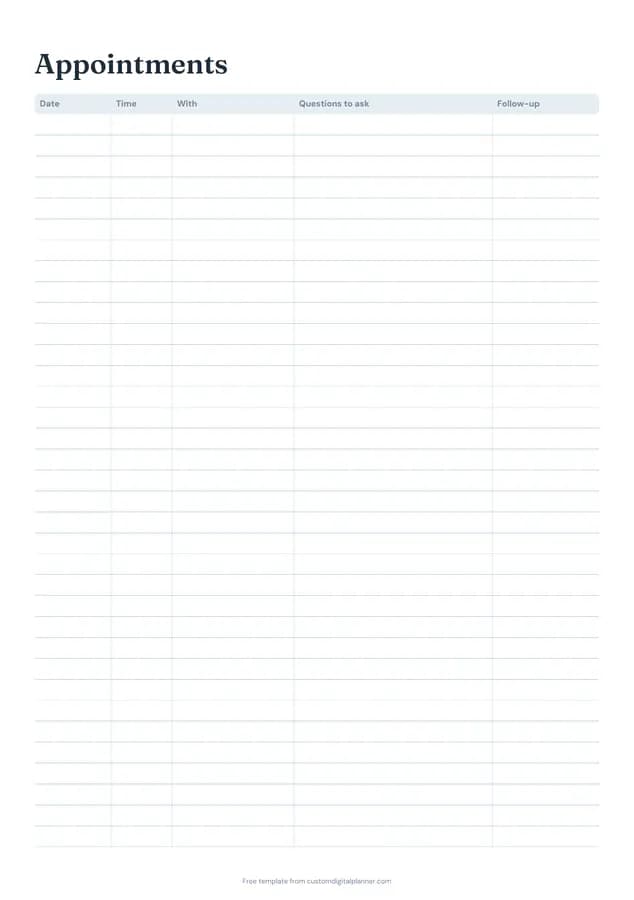
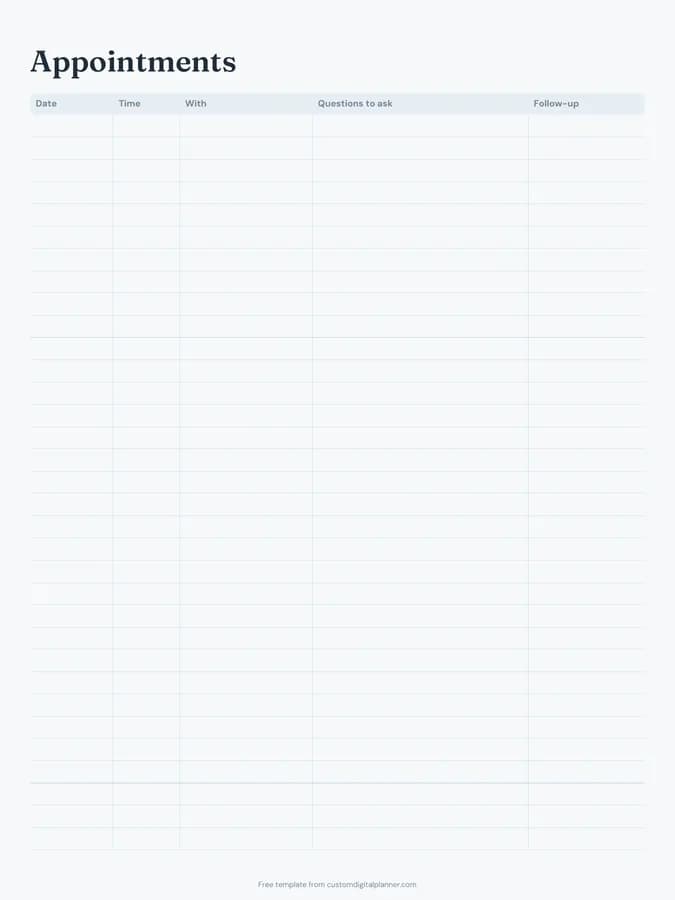
Shown for iPad in the Ocean Calm theme. Printable downloads use white paper (there's a dark mode preview below); the e-ink version is black and white.
One page, ready to fill in.
- A table with columns for date, time, with, questions to ask and follow-up
- Undated, so you can print or duplicate it as often as you need
Who it's for
People with a chronic condition who see several specialists, parents juggling children's appointments, carers managing an older relative's care, and anyone who walks out of an appointment and remembers the question they meant to ask.
Getting the most from a medical appointment log.
Write questions the day before
Questions come up at odd times. Add them to the row for your next appointment as you think of them, then read them out in the room.
Put the most important question first
Appointments are short. If only one question gets answered, make it the one at the top.
Use follow-up for what happens next
Blood test booked, referral sent, review in six weeks: write it in the follow-up column before you leave, and add any dates to your calendar.
Keep one log per person
If you manage appointments for children or a parent, give each person their own page. It makes history easy to find when a doctor asks.
Use it beyond doctors
Dentist, optician, physio, vet, school meetings: anything with an appointment and questions fits on the page.
Included in 13 planners
This template is a page in each of these planners. Open one to see everything else that comes with it.
Get it inside a full hyperlinked planner
The caregiver planner includes this page alongside dated month and week pages for your year, with side tabs and links between every page. Pick your device and theme, preview it free, and pay only when it's right.
- Dated pages for the whole year
- Tap a tab or a date to jump there
- GoodNotes, Notability, Samsung Notes, e-ink and print sizes
Opens the caregiver planner with the Health Admin section switched on.
Or read about the caregiver planner first.
About this medical appointment log template
Need help importing it? See devices and apps or the FAQ.
What should I record for each appointment?
The date and time, who you saw, the questions you wanted answered, and what happens next. Many people also note what the doctor said in the follow-up column.
Can I use it during pregnancy?
Yes. It's one of the pages in the pregnancy planner, where it helps keep track of scans, midwife visits and questions between them.
Is there space to write the answers?
Write short answers next to each question, or use the follow-up column. For long appointments, add a lined notes page behind it.
Does it work on e-ink tablets?
Yes. The e-ink version is black and white and sized for reMarkable, Kindle Scribe and Boox, so you can write questions on the way to the appointment.
How many appointments fit on a page?
Around 15 rows on the printable versions, with a wide questions column. Busy months may need two pages, or a page per person.