Cycle
Cycle Tracking
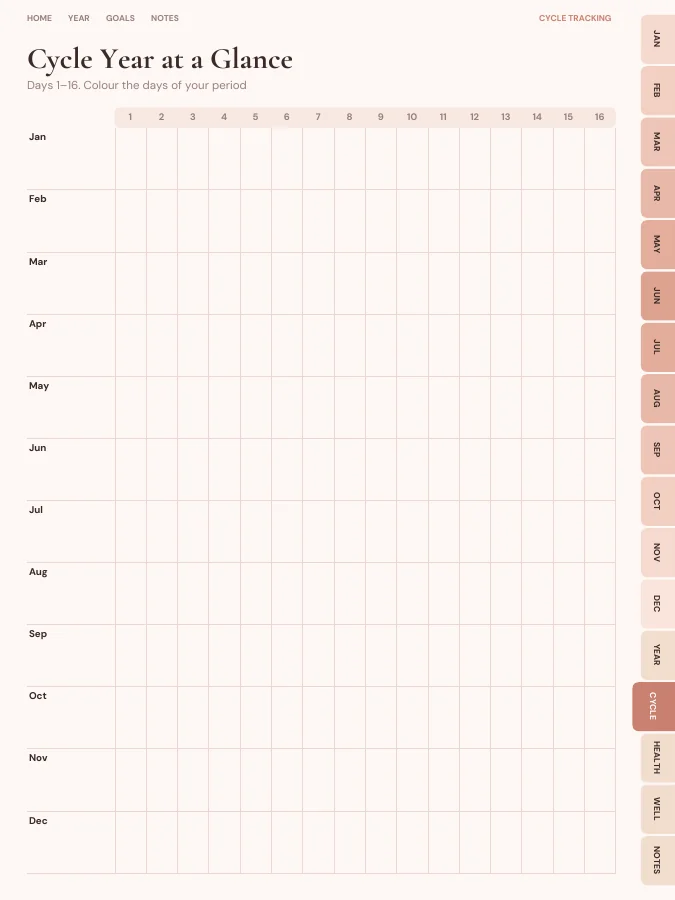
Cycle year at a glance, a monthly cycle log and symptom tracking.
- Cycle Year at a Glance1 page
- Cycle Year at a Glance1 page
- Cycle Logevery month
A menstrual cycle tracker with a year at a glance, a monthly cycle log for flow, cramps, mood and energy, appointments, medication and wellness pages.
A period and cycle tracker with a year-at-a-glance grid split across two readable pages, a monthly cycle log for flow, cramps, mood, energy, headaches, bloating, cravings and sleep, a cycle length table, appointments with questions to ask, a medication tracker, mood pixels and a self-care menu.
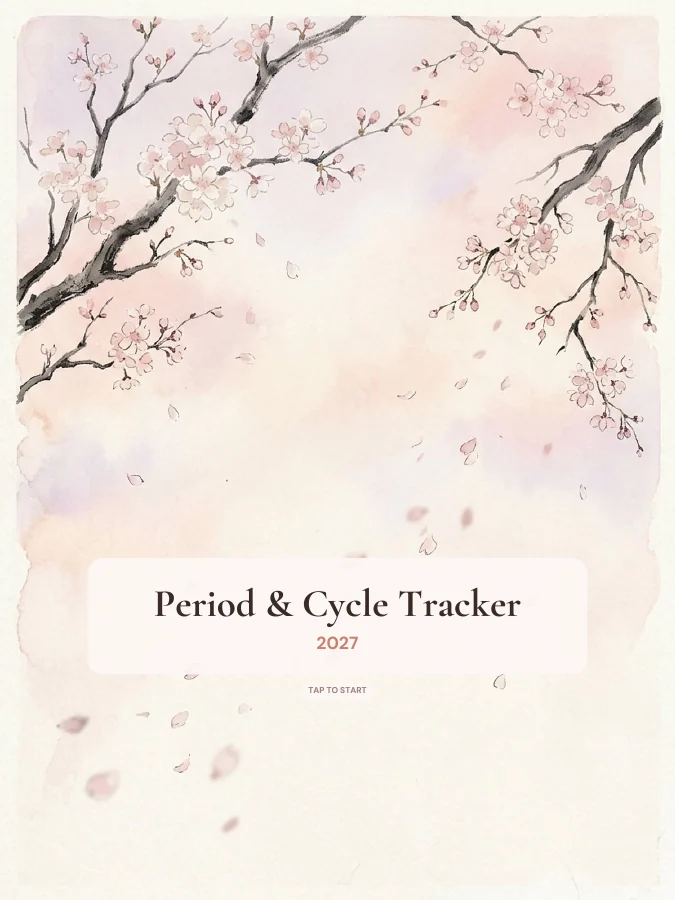
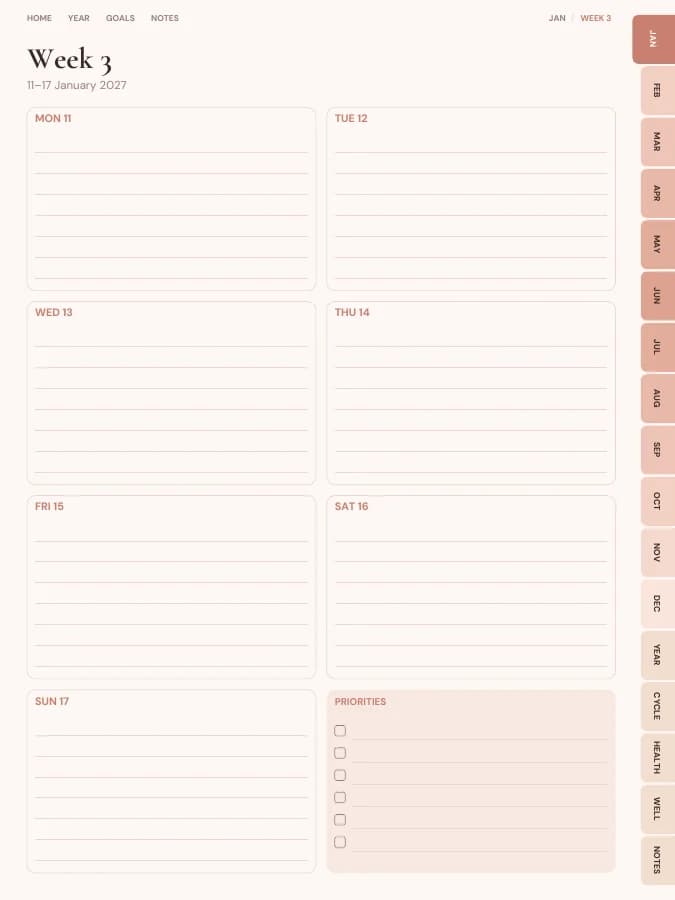
Rendered by the same engine that builds yours, in the Blush Boho theme for iPad portrait.
Cycle year at a glance, a monthly cycle log and symptom tracking.
Medication tracker and appointments.
Wellness tracker, year in pixels, self-care menu.
Cover and contents · 2 pages
A cover with your name and a linked contents page that every tab returns to.
Year overview · 1 page
The whole year on one page. Tap any date to open it.
Year goals · 1 page
Your goals and their milestones in one place, filled in by the AI if you use it.
Monthly calendars · every month
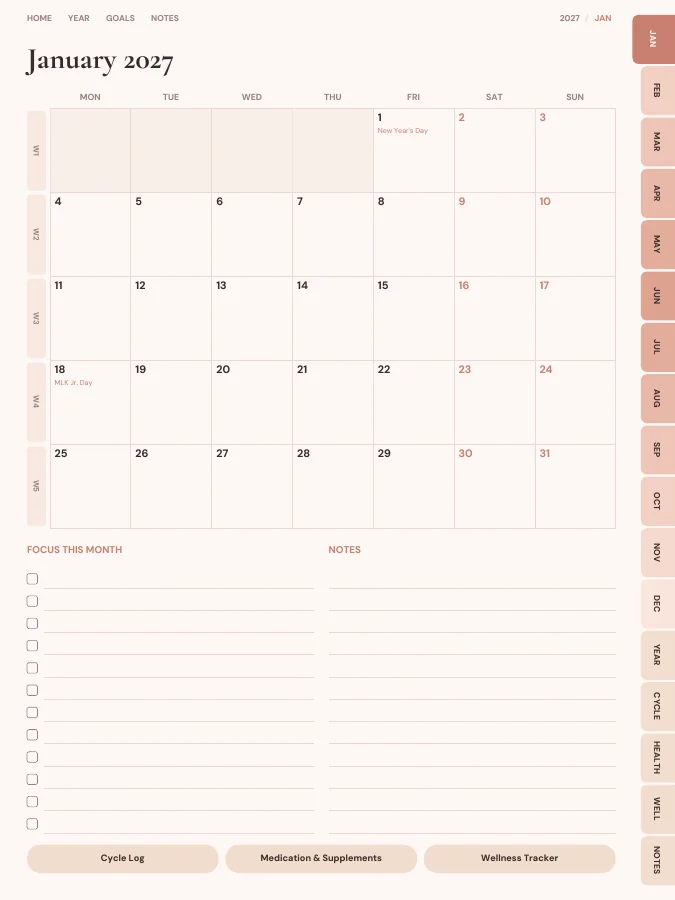
A month grid with a focus list and notes. Every date links to its day or week.
Weekly pages · every week
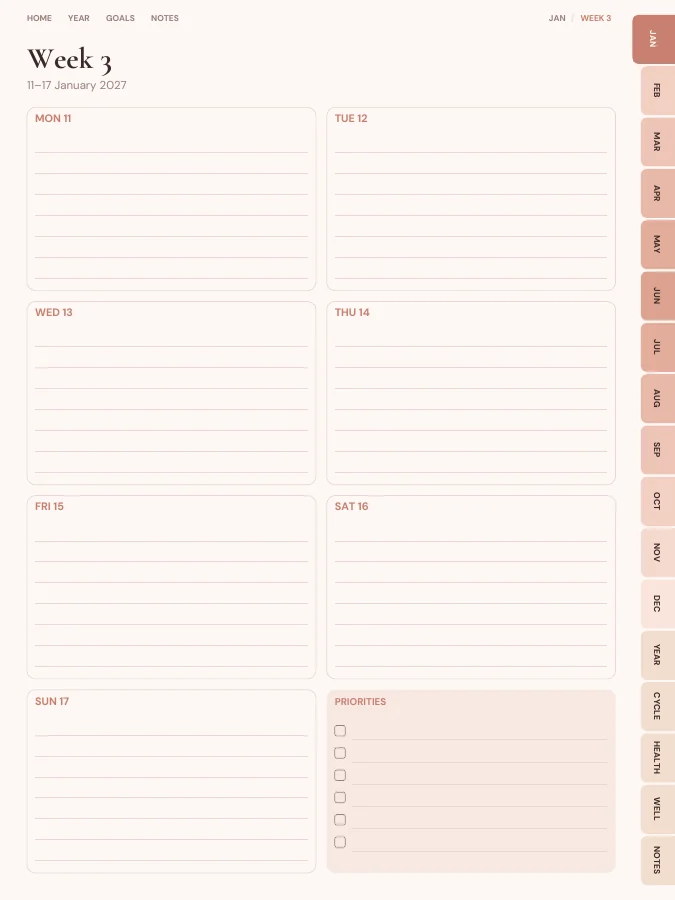
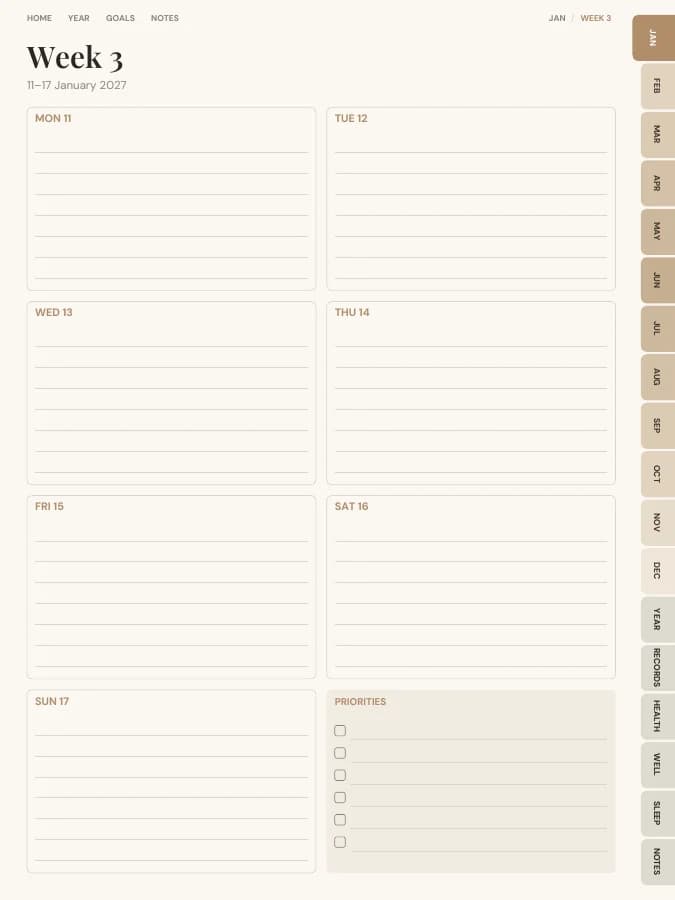
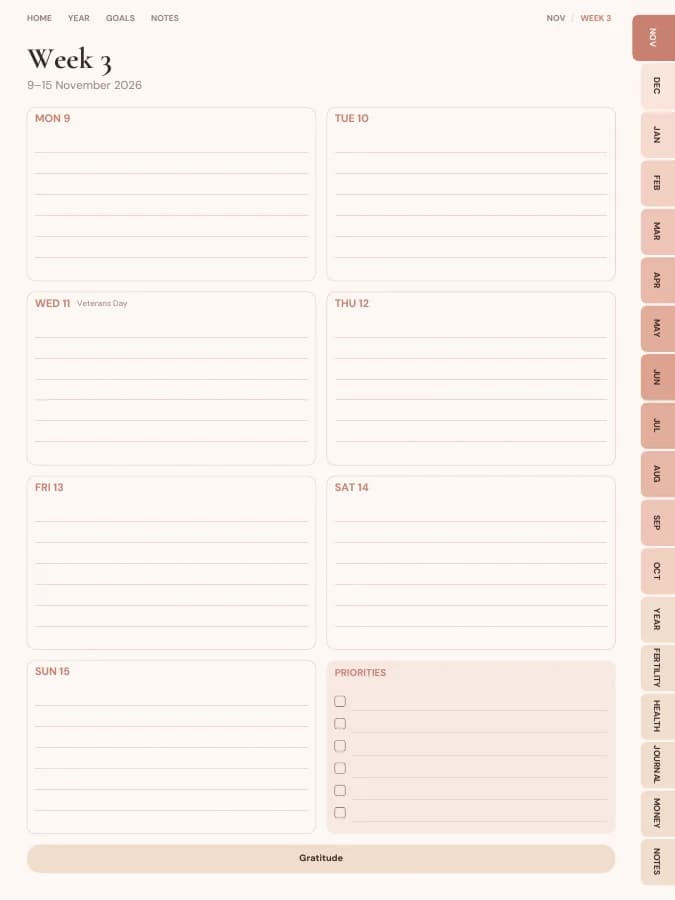
One page per week with your weekly goal actions and priorities.
Notes · 20 pages
Lined, dotted, grid or blank pages. You choose how many, up to 100.
The sample above comes to 113 pages over 12 months. Yours changes with the months, sections and notes pages you choose.
Type a goal like one of these and the AI breaks it into a milestone for each month and a small action for each week, then prints them on your month and week pages. You read and edit every line before you download.
Your goal
Track every day for three cycles
Your goal
Note symptoms before my appointment
Your goal
Notice how sleep changes through my cycle
The cycle year at a glance has a row for each month. Colour the days of your period; the year is split over two pages so every square is big enough to see.
The monthly cycle log has rows for flow, cramps, mood, energy, headache, bloating, cravings and sleep. Rate each 0 to 3 or just tick.
Write the start and end dates and the cycle length in the cycles table at the bottom of each month.
The health section has a monthly medication tracker for pain relief, supplements or hormonal contraception.
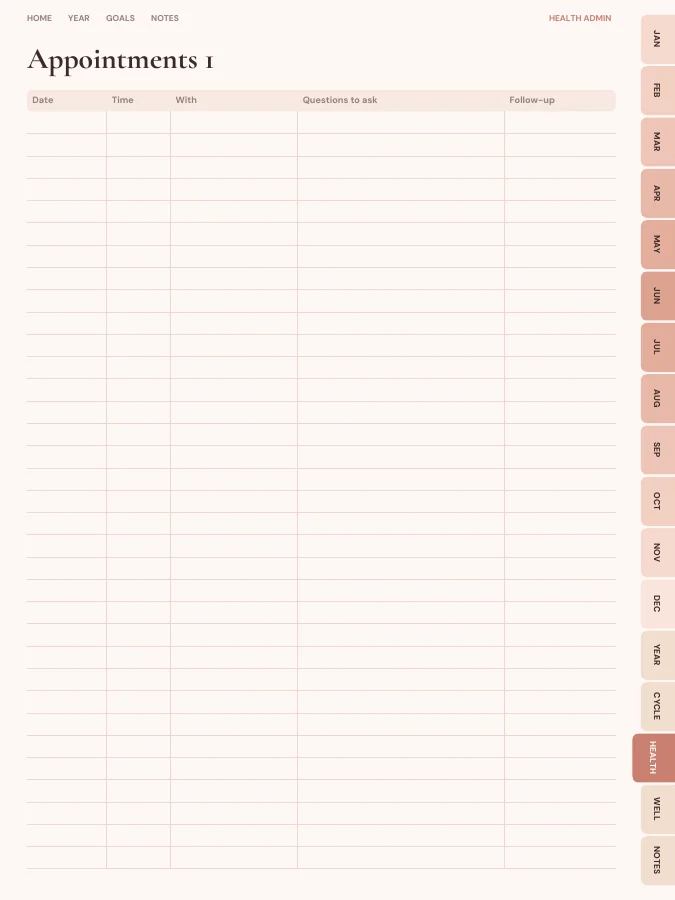
Write questions on the appointments page before seeing a doctor, and bring the cycle log.
A period and cycle tracker needs a year view, a daily log and somewhere for health notes. This one includes:
Dated month calendars and a weekly page for each week, handy for noting how you felt. There are no daily pages; the cycle log has a column for every day of the month.
A cycle year at a glance over two pages (days 1–16 and 17–31) and a cycle log for every month with eight symptom rows and a cycles table.
Appointments with questions to ask and a monthly medication and supplement tracker.
Year in pixels, a self-care menu and a monthly wellness tracker.
Every section can be switched off in the builder, and sections from other planners can be added.
A printable period tracker is popular because it keeps this information off apps and servers entirely. Print the year at a glance and each month's log on A4 or US Letter.
The digital version lives only on your own device and in your note app; we never see what you write. Colouring squares with a highlighter is quick on a tablet.
One goal, followed through a single week. The milestone and weekly actions are the kind of lines the AI goal step writes onto your month and week pages; the daily notes are what you add by hand.
Goal
Track every day for three cycles
Milestone for February
Second cycle fully logged
This week's actions
iPad — Portrait
GoodNotes, Notability, Noteshelf, Xodo, Collanote, ZoomNotes
iPad — Landscape
GoodNotes, Notability, Noteshelf, Xodo
Android tablet — Portrait
Samsung Notes, Penly, Flexcil, Xodo, Noteshelf
Android tablet — Landscape
Samsung Notes, Penly, Flexcil, Xodo
E-ink tablet
reMarkable, Kindle Scribe, Boox, Supernote
Printable — A5
Print at home or at a print shop, fits A5 binders
Printable — A4
Print at home on standard A4 paper
Printable — US Letter
Print at home on US Letter paper
Printable — Half Letter
Fits Happy Planner classic and half-letter discs
Blush Boho
Terracotta, blush and sun-washed arches.
Prefer something else? Pick from 13 themes, including dark mode and an e-ink theme, and change the accent colour.
See all themesNo. It's a record you fill in, and it doesn't calculate predictions. Cycles vary, so it shouldn't be used as contraception. If your cycle changes or worries you, talk to a doctor.
Some people prefer to keep this information off apps and servers. The planner is a file on your own device or a printout, and we never see what you write in it.
You can build this period tracker and flip through every page in your browser for free, with a watermark. The tabs and links work in the preview, so you can check the layout before you pay. The clean PDF is $12 once, or included in Pro at $49 a year for unlimited planners. There is no free download of the full planner.
Yes. Download the iPad size for GoodNotes, Notability, Noteshelf, Xodo, Collanote or ZoomNotes; the Android size for Samsung Notes, Penly, Flexcil or Xodo; or the E-ink size for reMarkable, Kindle Scribe, Boox and Supernote. The links work in any app that follows PDF links, usually in read mode rather than pen mode. Every size is included in the price.
Dated by default, starting in January 2027. You can pick any start month and year (including this month), a length from 3 months to 5 years, and Monday or Sunday weeks. Or switch to undated and write the dates in yourself, so a skipped week isn't wasted.
Only the goal parts, and only if you want it to. Type up to six goals and the AI writes a milestone for each month and a short action for each week onto your month and week pages, plus a motto for each month. You can edit every line before you download. Everything else, from the calendar pages to the trackers, is yours to fill in by hand. You can try it 3 times a day without an account.
With the default settings it comes to about 132 pages. That includes 12 month pages, 53 weekly pages, the Cycle Tracking, Health Admin and Wellness pages and 20 notes pages. Switching off sections makes it shorter, and the builder shows the total as you change things.
Set your dates, device and goals, flip through the preview free, and pay only when it's right.
Build this planner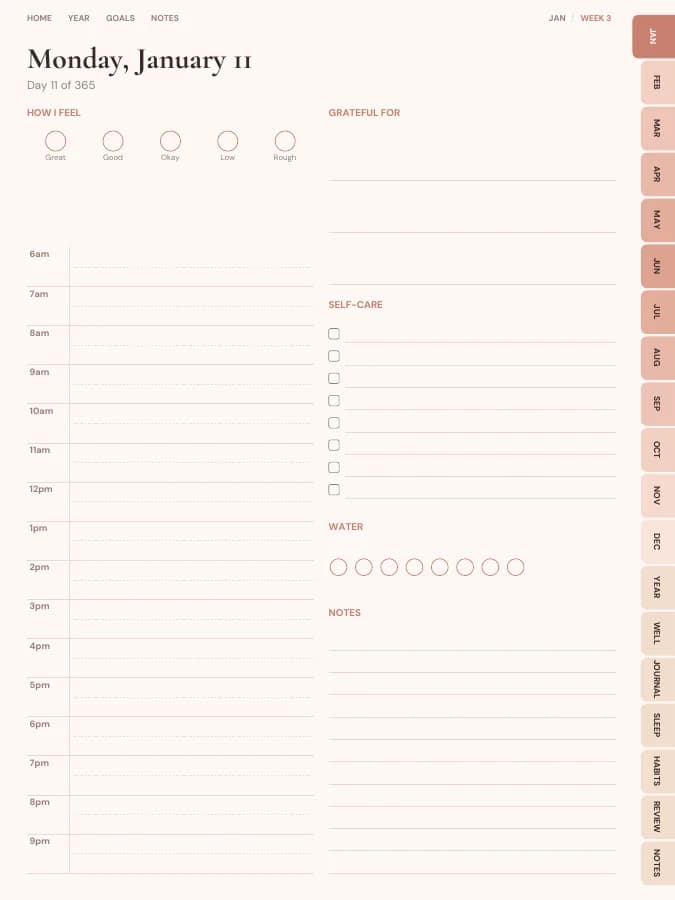
Mood, sleep, gratitude and gentle routines for a calmer year.
Symptoms, energy, meds and appointments tracked gently, for low-energy days too.

Appointments, medication and results in order, and a gentle place for everything else.
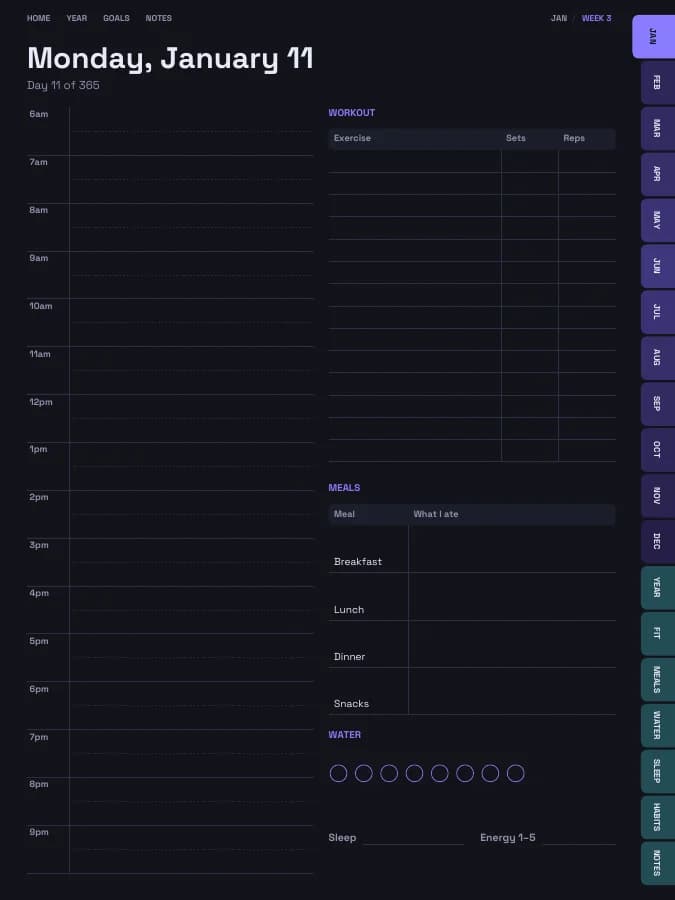
Training plans, workout logs, meals, sleep and water in one place.