Medication Tracker Template (Printable PDF & GoodNotes)
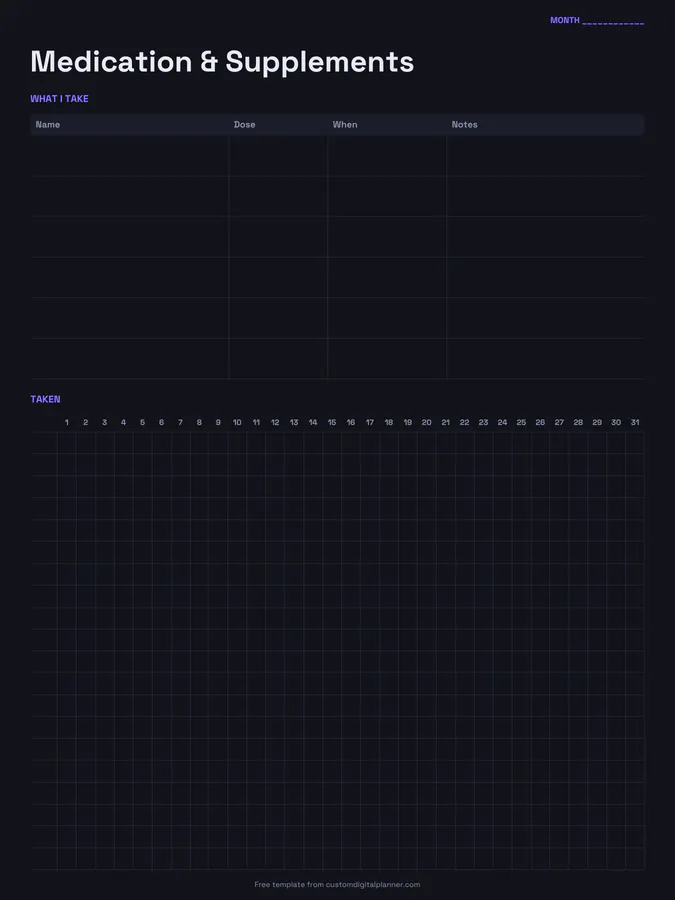
A monthly medication and supplement tracker. The top table lists what you take with its name, dose, when and notes; below it, a 31-day grid lets you tick off each medicine every day. It's a simple way to see missed doses at a glance.
- Printable US Letter8.5 × 11 in, white paper
- Printable A4210 × 297 mm, white paper
- iPad / GoodNotesAlso Notability and Noteshelf
- E-ink tabletreMarkable, Kindle Scribe, Boox
Free PDF, 1 page, undated. No sign-up needed.
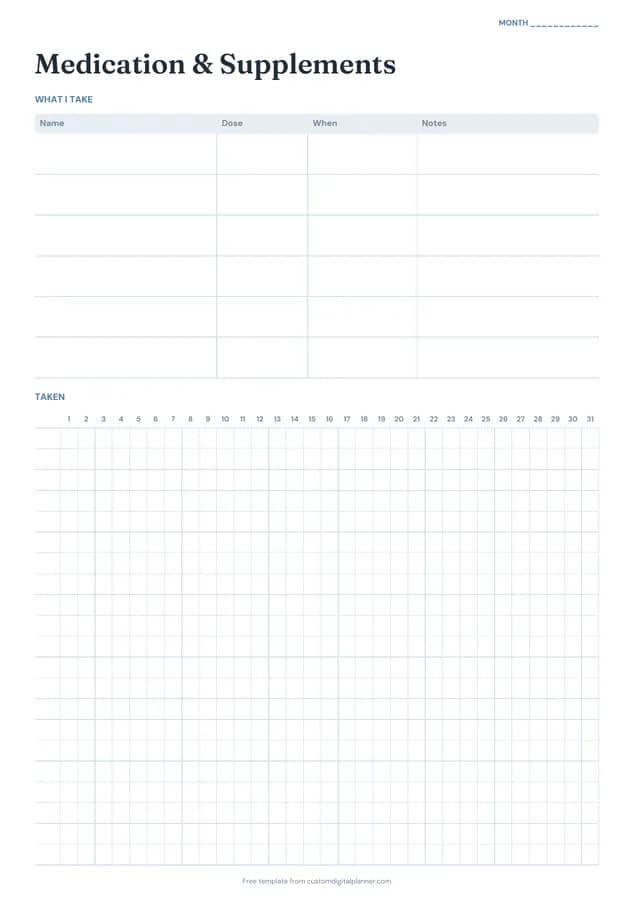
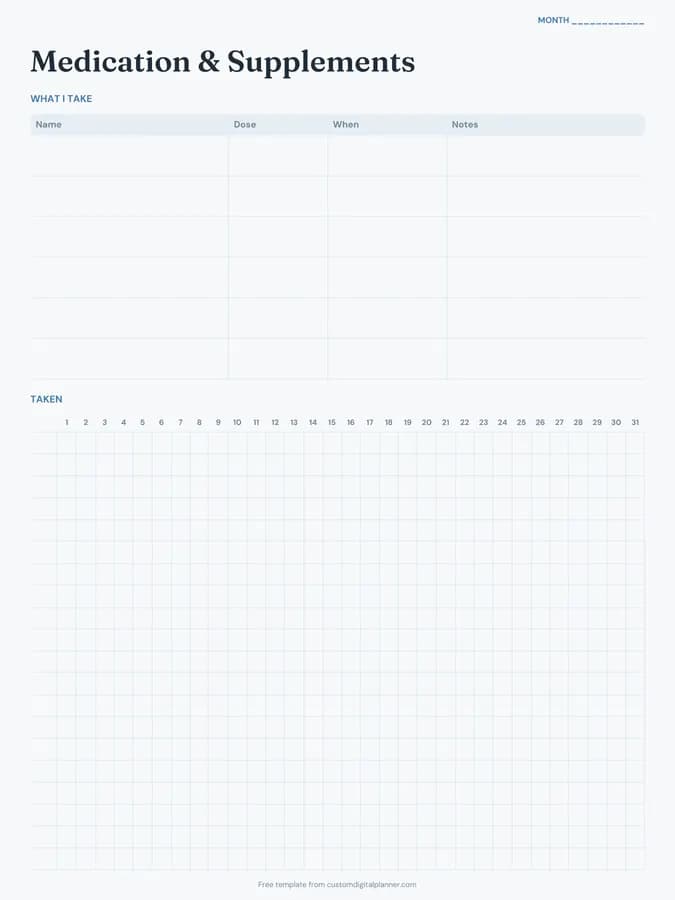
Shown for iPad in the Ocean Calm theme. Printable downloads use white paper (there's a dark mode preview below); the e-ink version is black and white.
One page, ready to fill in.
- A "What I take" table with columns for name, dose, when and notes
- A 31-day tracker
- A “Month” line at the top, so it works for any month and year
Who it's for
People on several daily medicines, those with a new prescription who don't want to miss a dose, parents managing a child's course of antibiotics, and carers giving medication to a relative. Pharmacists and nurses often recommend a simple chart like this one.
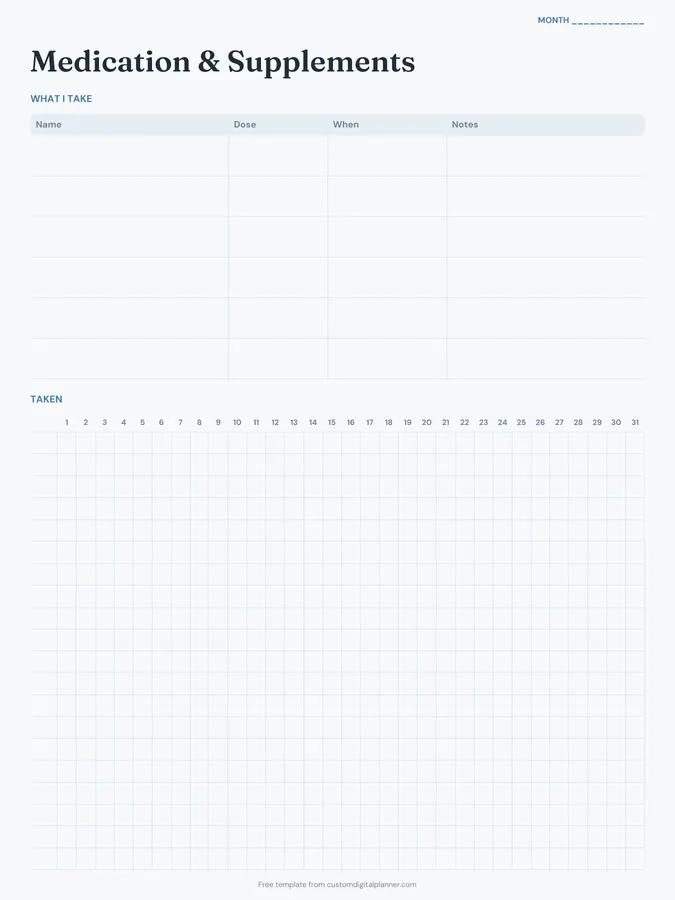
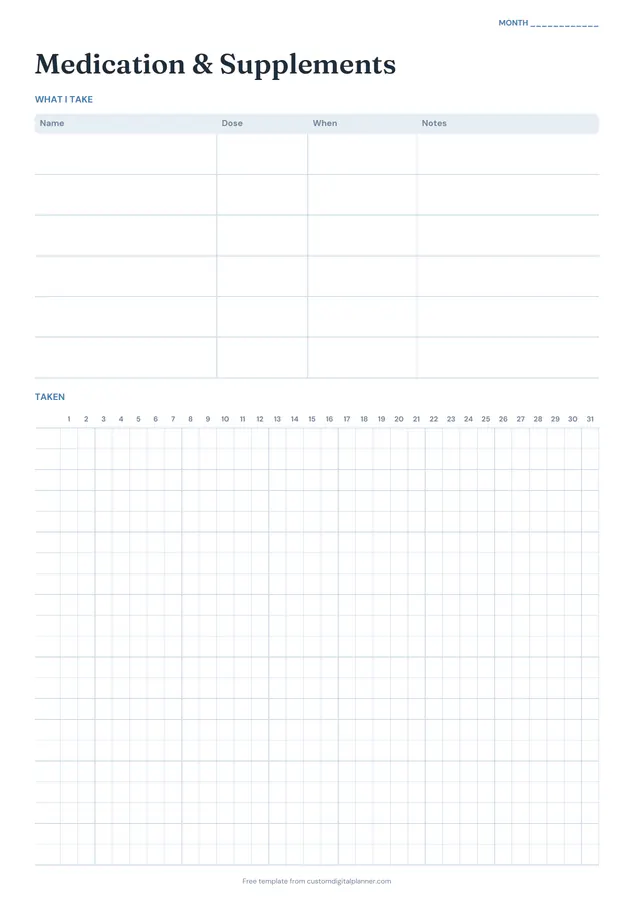
Getting the most from a medication tracker.
Use the same order in both tables
Write medicines in the top table in the same order as the rows in the tracker below, so row 1 is always the same tablet. It avoids ticking the wrong line.
Split medicines taken twice a day
If you take something morning and night, give it two rows ("Metformin AM", "Metformin PM") so each dose has its own tick box.
Tick straight after taking it
Keep the page with your pill box or on the fridge and tick immediately. Ticking later from memory is how double doses happen.
Use notes for instructions and refills
"With food", "not with dairy", "refill on the 20th": the notes column is the place for the details that are easy to forget.
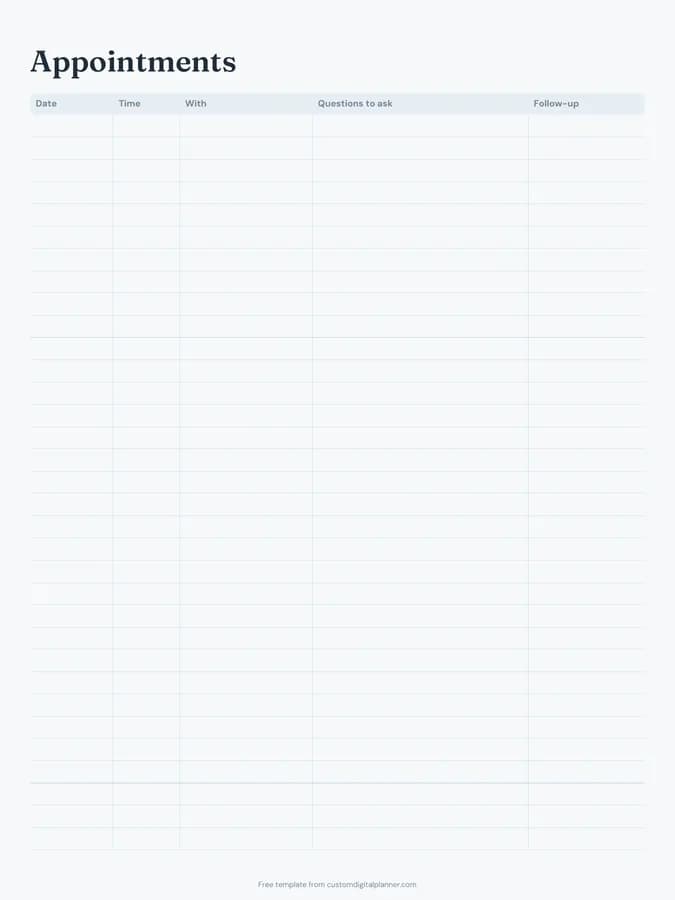
Take it to appointments
Bring the page to doctor or pharmacy appointments. It answers "what are you taking and are you taking it regularly?" in seconds.
Included in 12 planners
This template is a page in each of these planners. Open one to see everything else that comes with it.
Get it inside a full hyperlinked planner
The chronic illness planner includes this page alongside dated month and week pages for your year, with side tabs and links between every page. Pick your device and theme, preview it free, and pay only when it's right.
- Dated pages for the whole year
- Tap a tab or a date to jump there
- GoodNotes, Notability, Samsung Notes, e-ink and print sizes
Opens the chronic illness planner with the Health Admin section switched on.
Or read about the chronic illness planner first.
About this medication tracker template
Need help importing it? See devices and apps or the FAQ.
How many medications can I track?
The top table has six rows for medicines and supplements, and the daily tracker below has matching rows. For more, use a second page or a row per dose.
Can I use it for someone I care for?
Yes. Carers often keep it on the fridge so everyone in the house can see what's been given. The daily care log template is useful alongside it.
Does it work for supplements and vitamins?
Yes. The page is titled Medication & Supplements, and many people use it only for vitamins or for a short course like antibiotics.
Is it a replacement for my prescription instructions?
No. Always follow your doctor's and pharmacist's instructions. The tracker is a record to help you take medicines as prescribed.