See how it's done, step by step.
Short videos with captions, filmed on the real site and real planner pages. Each one has the same steps written out underneath, so you can follow along at your own pace.
Apps
Get your planner into your note app.
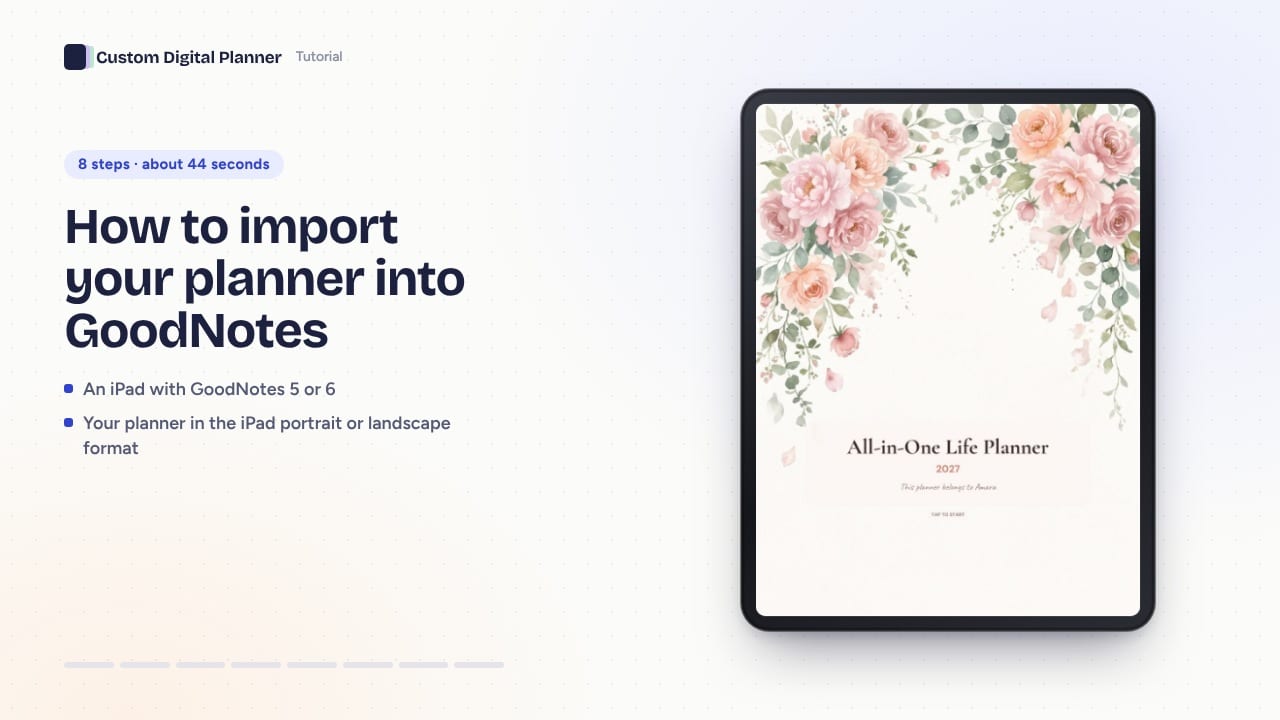 44 s8 steps
How to import your planner into GoodNotes
Get your hyperlinked PDF planner into GoodNotes on iPad: download it, share it from Files, import it as a new document and tap the tabs in read-only mode.
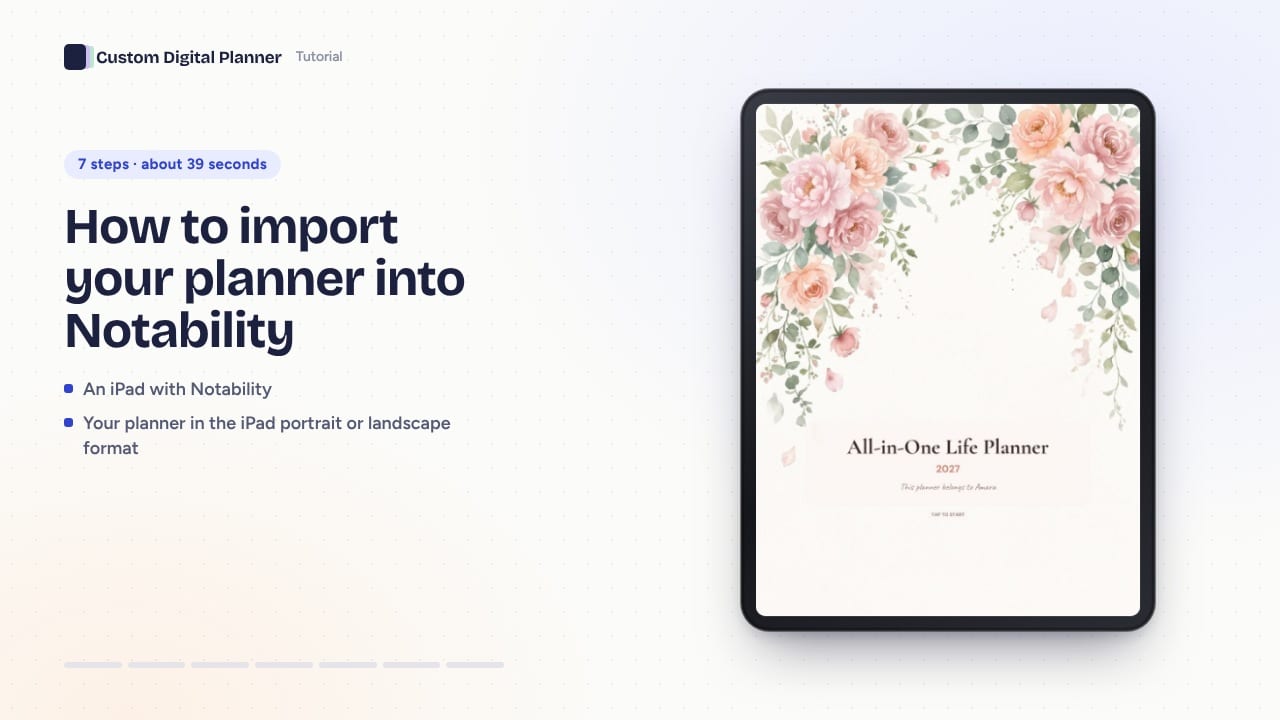 39 s7 steps
How to import your planner into Notability
Open your hyperlinked PDF planner in Notability on iPad: share it from Files as a new note, keep it in its own subject and tap links when you're not writing.
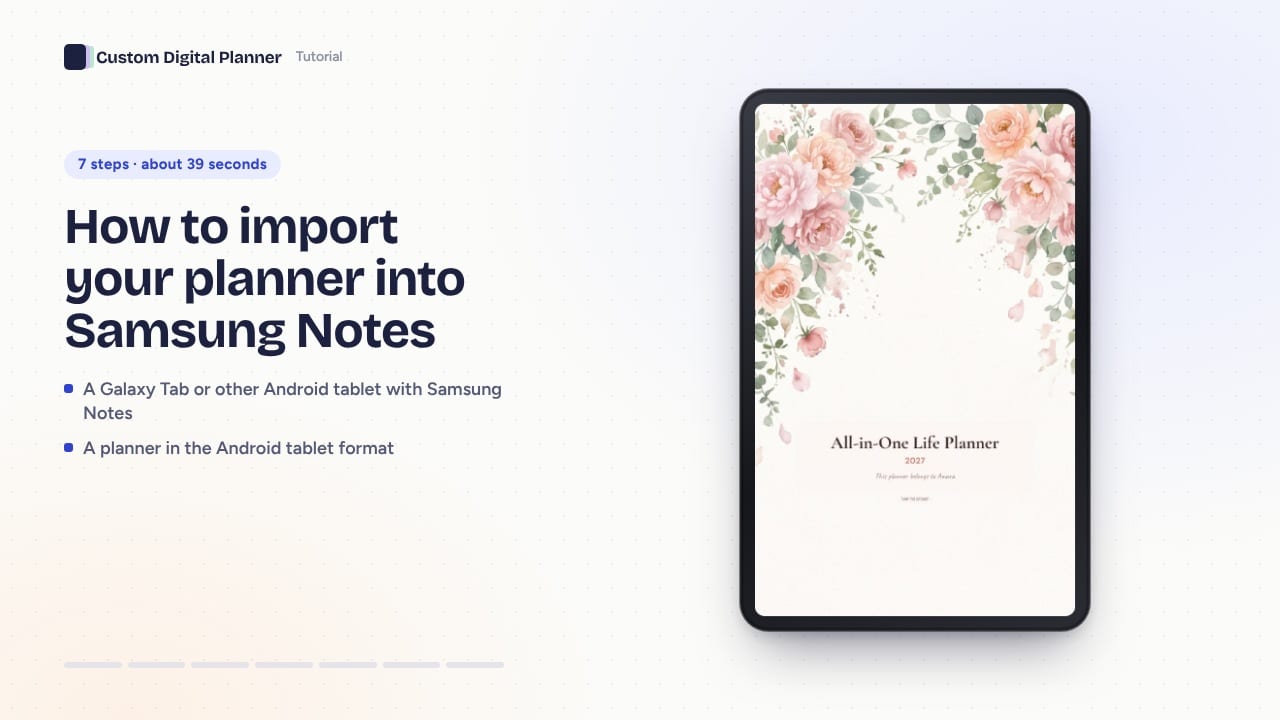 39 s7 steps
How to import your planner into Samsung Notes
Use a hyperlinked planner on a Galaxy Tab: choose the Android format, download the PDF, import it into Samsung Notes and switch to read mode to tap tabs.
Using your planner
Tabs, printing and stickers.
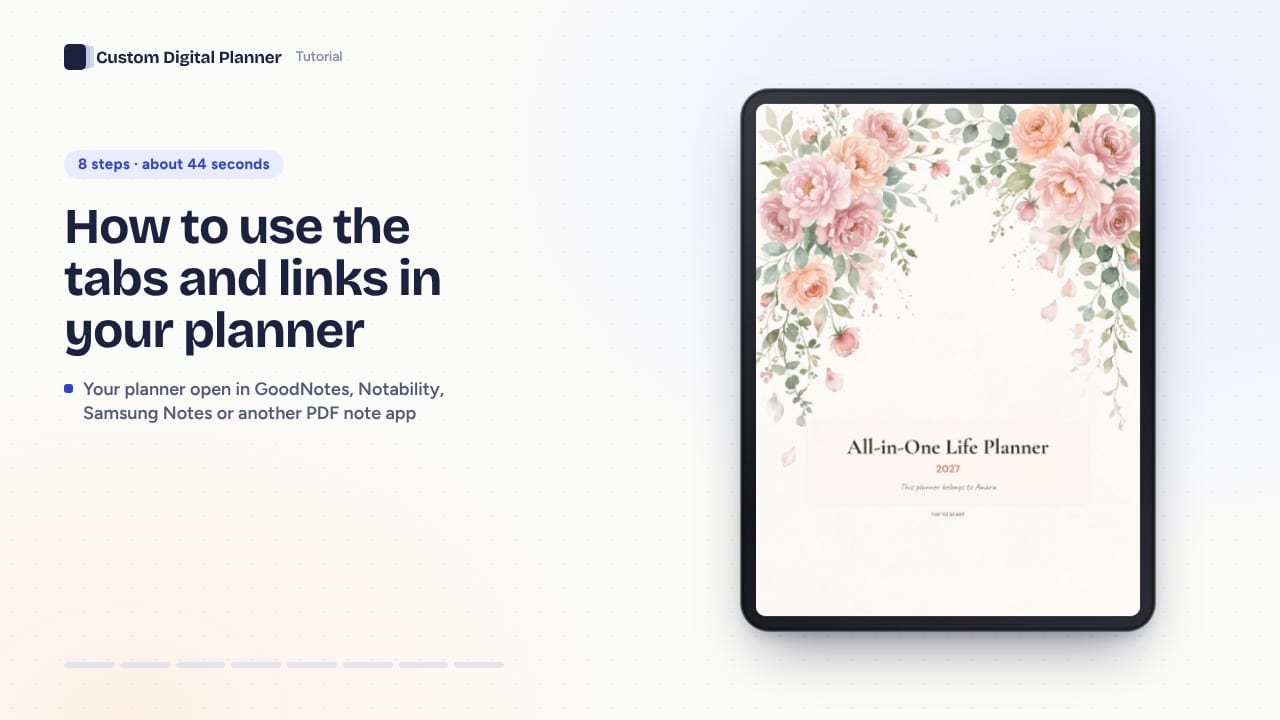 44 s8 steps
How to use the tabs and links in your planner
Get around a hyperlinked planner in seconds: turn off pen mode, tap the side tabs, open a day from the month, go up to the week and back to Home.
 39 s7 steps
How to print your planner at home (and print inserts)
Print your planner in A5, A4, Letter, Half Letter or Pocket size, and print free single-page inserts like a habit tracker for a binder or notebook.
 34 s6 steps
How to use digital stickers in your planner
Download a sticker book that matches your planner theme, then copy stickers onto your pages with the lasso or insert single PNGs as images.
Builder
Make the planner yours before you download.
 39 s7 steps
How to use the AI goal planner in the builder
Type a goal in the planner builder and get a milestone for every month and an action for every week, printed on your month and week pages. Edit every line before you download.
 34 s6 steps
How to add your own photo to your planner
Put your own photo on your planner's cover and on an About Me page: upload a JPG, PNG or WebP in the builder and see it on the real pages before you download.
Account
Next year's planner and gifts.
 34 s6 steps
How to make next year's planner from this one
Move a saved planner on by one year from your dashboard: tap Make it next year, check your goals, and download the new dates. Your old file stays as it was.
 39 s7 steps
How to gift a custom digital planner
Give a year of Pro or one custom planner: pick a card, add their name and a message, email it on the day you choose or print the card. They redeem it with a code.
Prefer reading?
Our guides go deeper on apps, devices and planning habits.