How to use the AI goal planner in the builder
The Goals step turns a goal like “Run my first 10K” into monthly milestones and weekly actions, then prints them on the right pages of your planner. You read and edit everything first.
You'll need
- A planner open in the builder (any planner type)
39-second video with captions, no sound. Filmed on the real site and real planner pages.
Step by step
- 1
Open the Goals step
In the builder, go to the Goals step, near the end. Your choices from the earlier steps are kept.
- 2
Type your goal
Write one goal per line, up to six. Short, concrete goals work best, like “Run my first 10K”.
- 3
Add why and when
Optionally add why it matters and a deadline. Both help the plan pace itself.
- 4
Plan my year
Tap Plan my year with AI. It usually takes 10 to 25 seconds.
- 5
Read the milestones
Open a goal to see one milestone for each month and an action for each week.
- 6
Edit any line
Every milestone and weekly action is a text box. Change anything that doesn't fit your life.
- 7
Preview and download
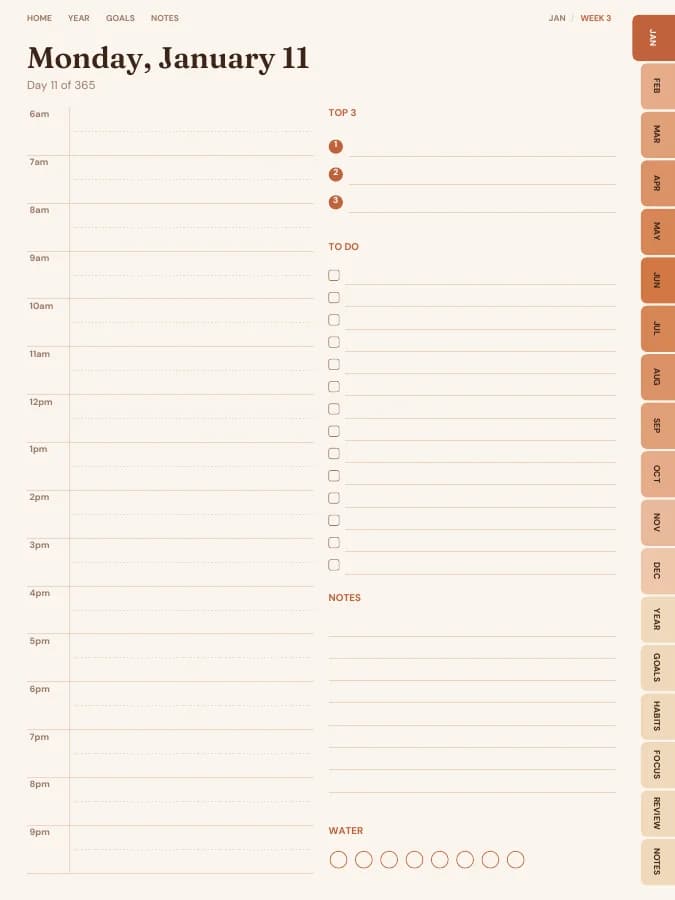
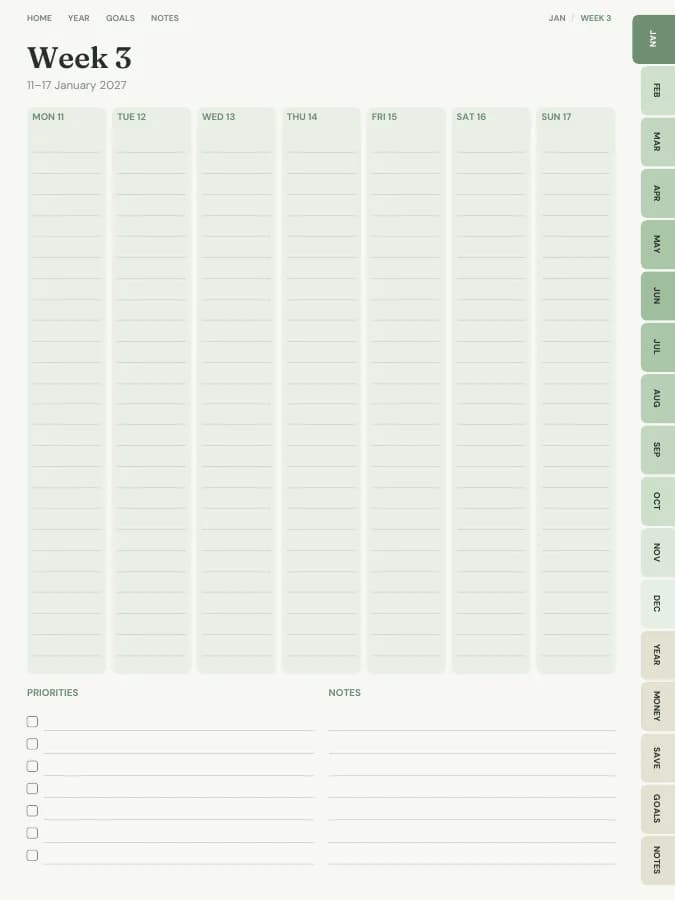
In Preview & get, flip through the planner: the milestones are printed on your month pages and the actions on your week pages.
Daily allowance
AI planning has a daily allowance, larger on Pro. If you use it up, your typed goals are kept and you can plan again tomorrow.
Planners to try it with
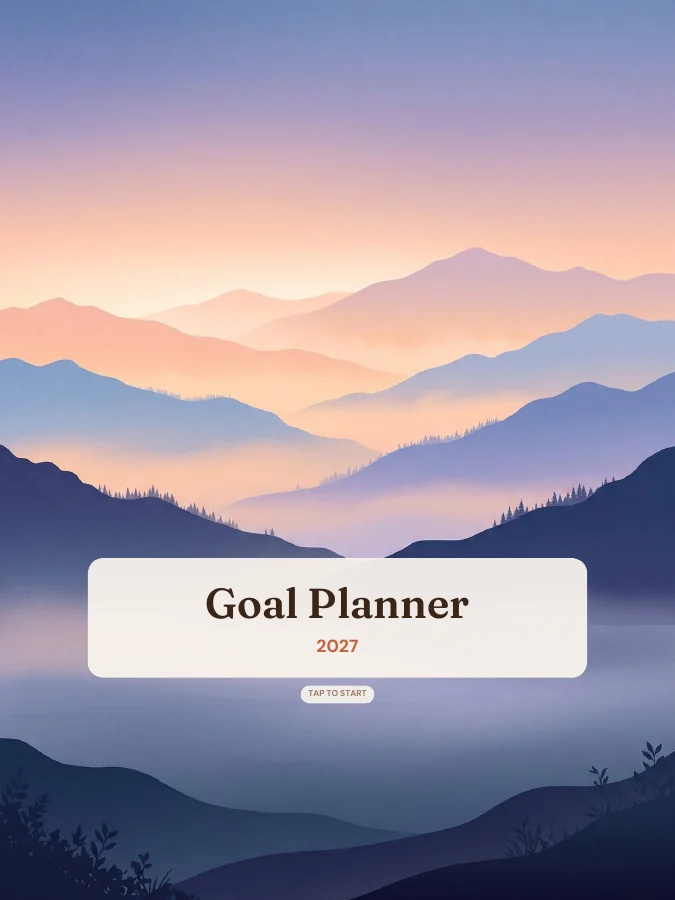
Goal Planner
Type your goals. Get a planner with every milestone already on the right page.
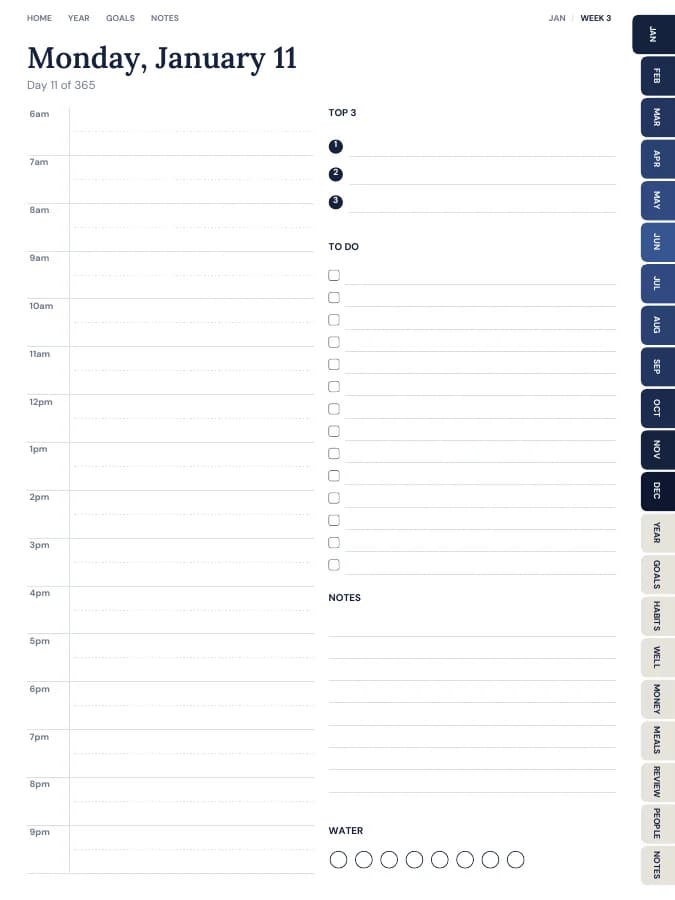

All-in-One Life Planner
Your whole year — goals, habits, money and meals — in one tabbed planner.
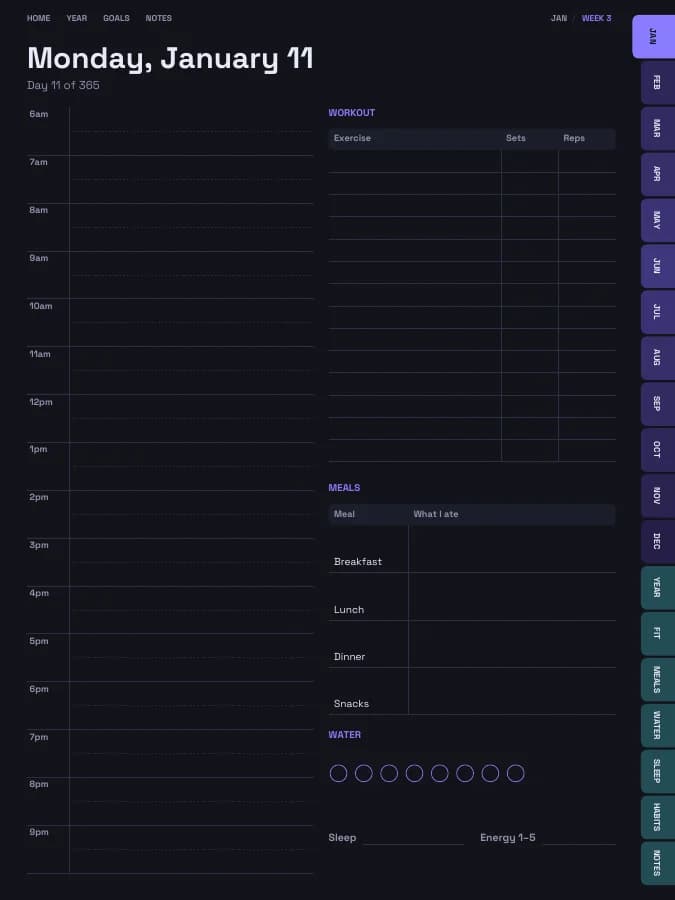
Fitness Planner
Training plans, workout logs, meals, sleep and water in one place.
Budget Planner
Monthly budgets, bills, savings and debt payoff — in your own categories.