How to gift a custom digital planner
A planner gift lets them choose their own planner, cover and pages. You choose the card and when it arrives.
You'll need
- Their name, and their email if you want us to send it
39-second video with captions, no sound. Filmed on the real site and real planner pages.
Step by step
- 1
Open the gift page
Go to Gift a planner from the menu or the footer.
- 2
Choose the gift
Pick a year of Pro, for unlimited planners, or one custom planner.
- 3
Pick a card design
Choose a card. The preview on the right updates as you go.
- 4
Say who it's for
Add their name. Choose Email it to them and pick a send date, or I'll give it myself to print the card.
- 5
Add your name and message
Write the name to show on the card and an optional message.
- 6
Pay and send
Pay securely by card. We email the gift on the date you chose, and you get the code too.
- 7
They open their gift
They tap the button in the email, or type the 12-character code at Redeem a gift.
Already on Pro?
A gifted year adds 12 months on top, so nothing is wasted. Gift codes don't expire.
Planners to try it with
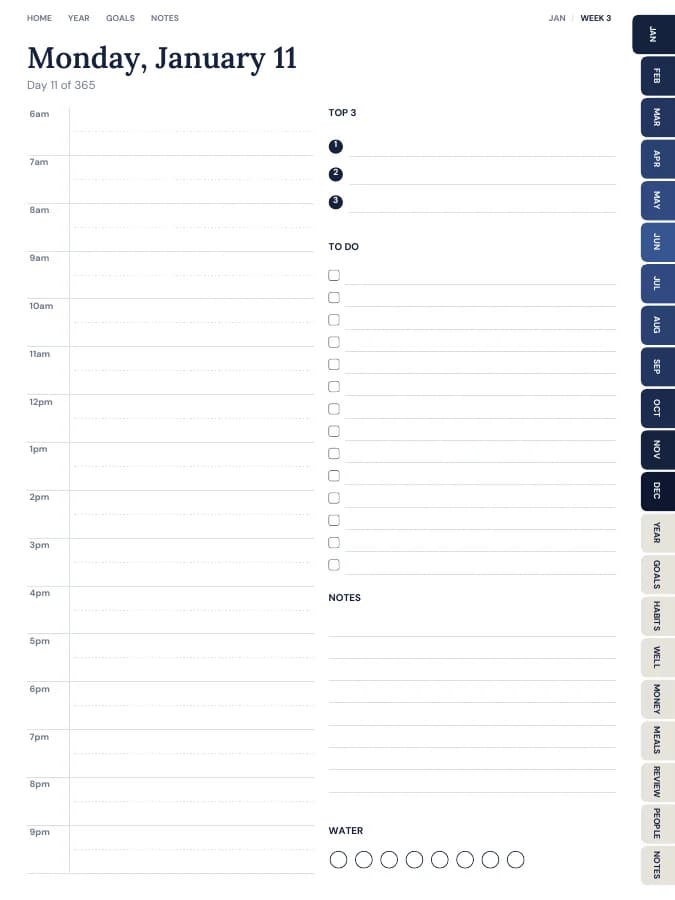
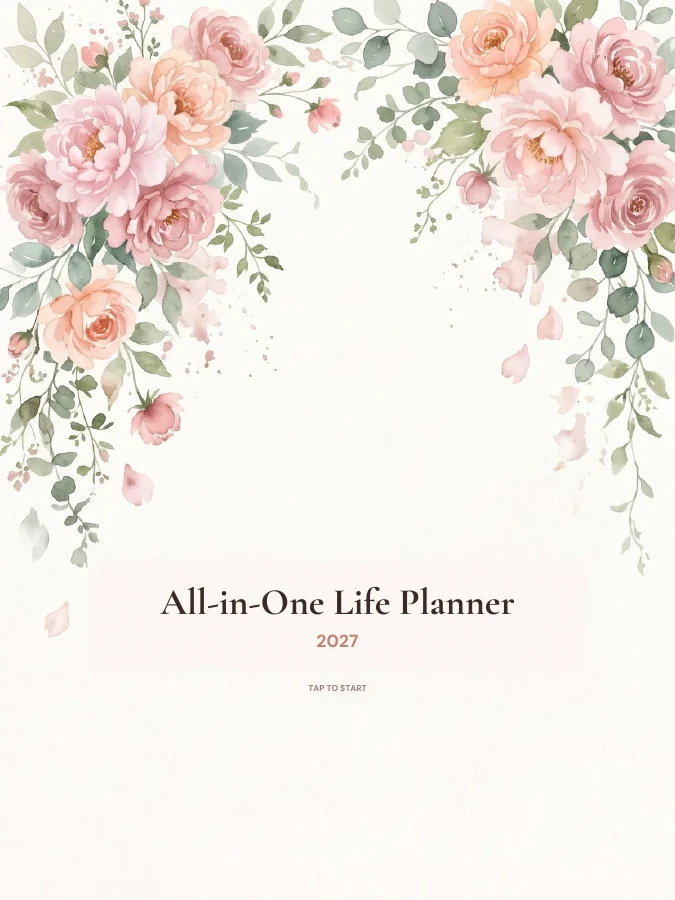
All-in-One Life Planner
Your whole year — goals, habits, money and meals — in one tabbed planner.
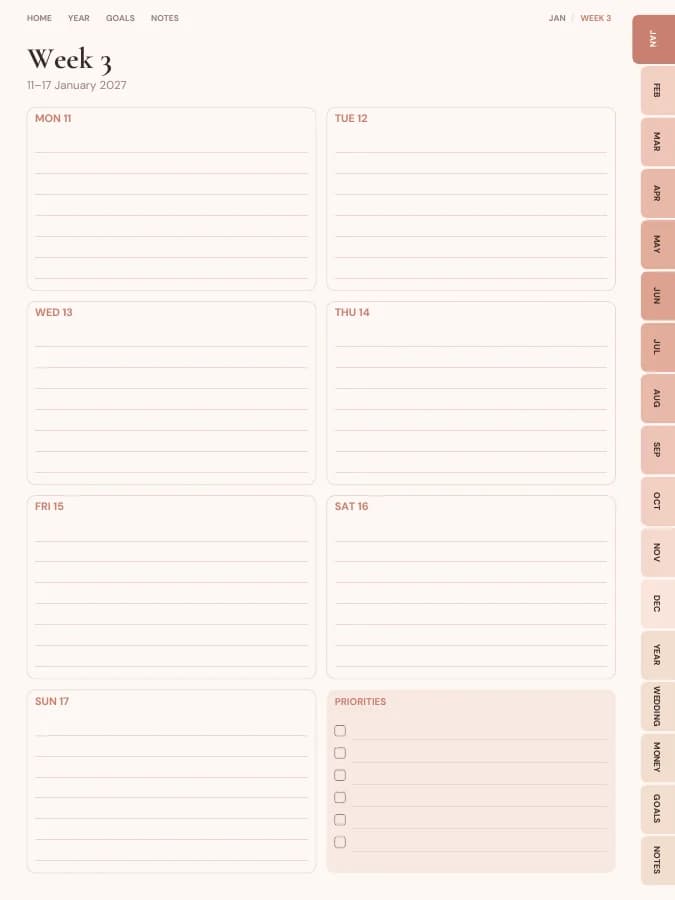
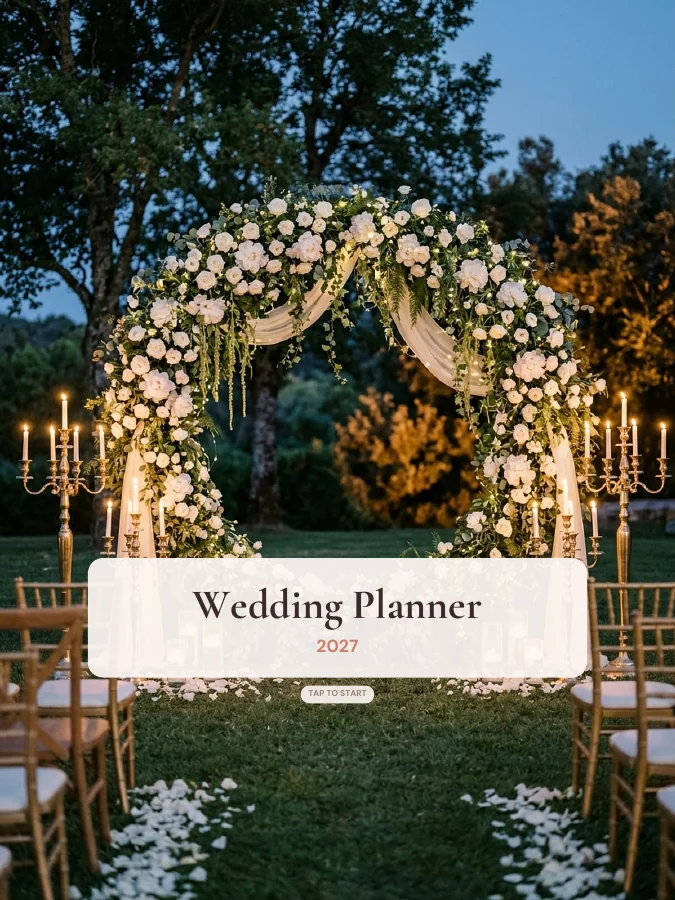
Wedding Planner
Checklist, budget, guest list, vendors and day-of timeline.
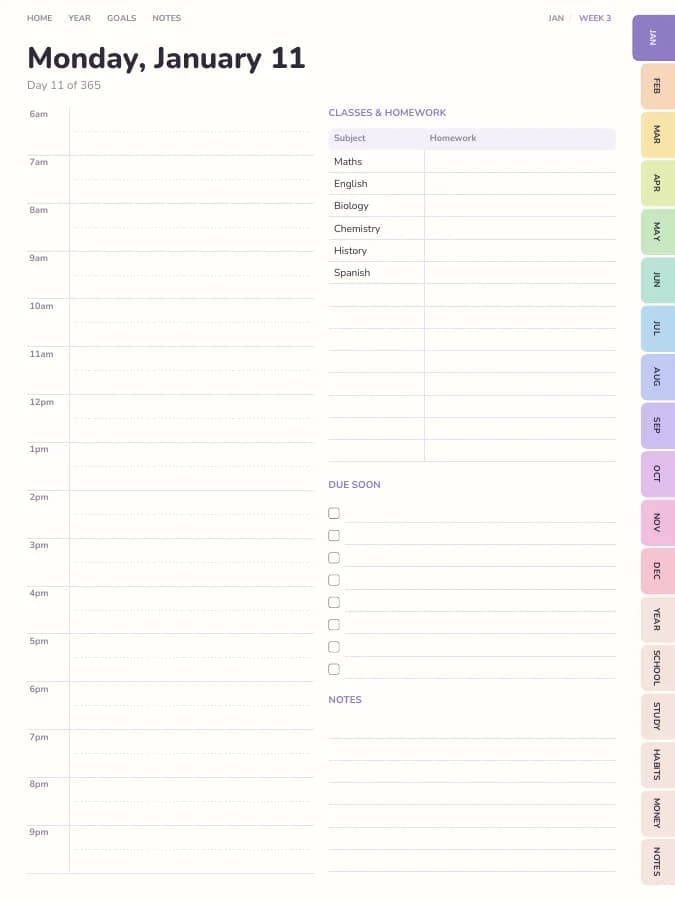
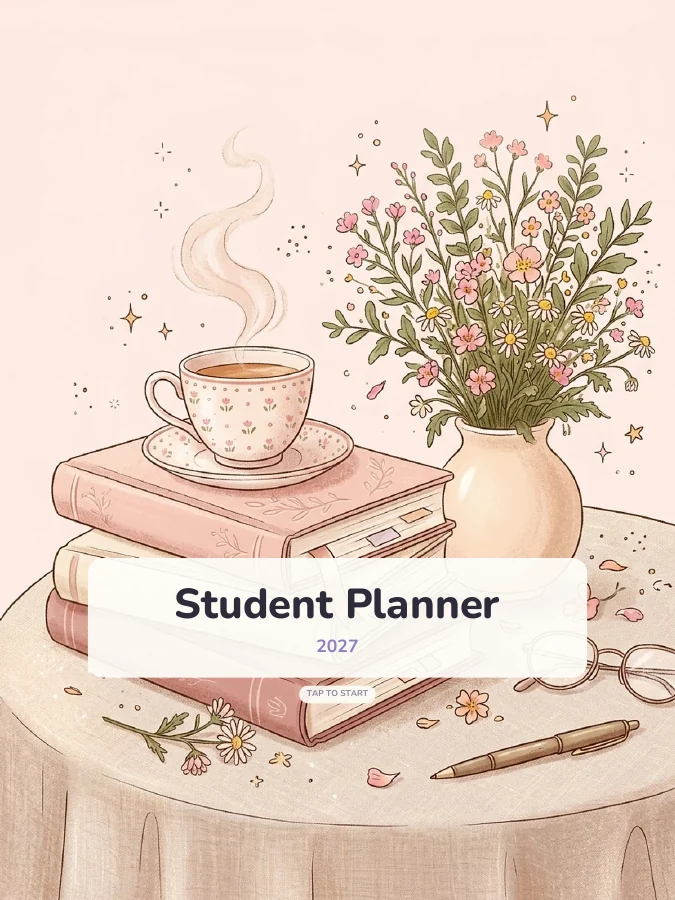
Student Planner
Classes, assignments, exams and grades — all linked to your calendar.
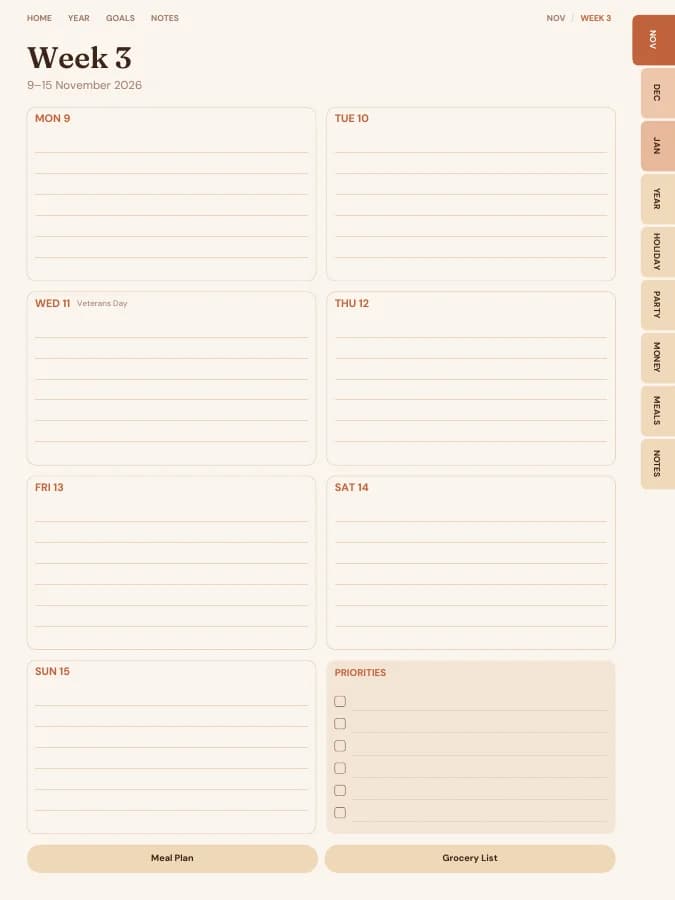

Christmas Planner
Gifts, cards, food and hosting from November to January, so December feels calmer.