Year in Pixels Template (Printable PDF & GoodNotes)
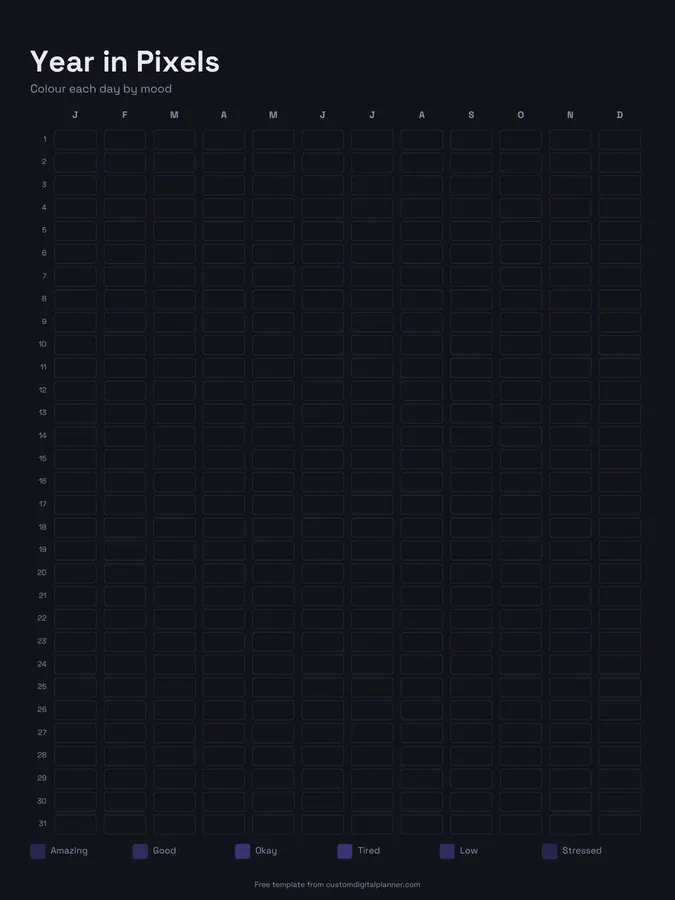
A year in pixels mood tracker: a grid with a square for every day of the year, months across and days down. At the end of each day, colour the square to match your mood, and by December you have the whole year in one picture.
- Printable US Letter8.5 × 11 in, white paper
- Printable A4210 × 297 mm, white paper
- iPad / GoodNotesAlso Notability and Noteshelf
- E-ink tabletreMarkable, Kindle Scribe, Boox
Free PDF, 1 page, undated. No sign-up needed.
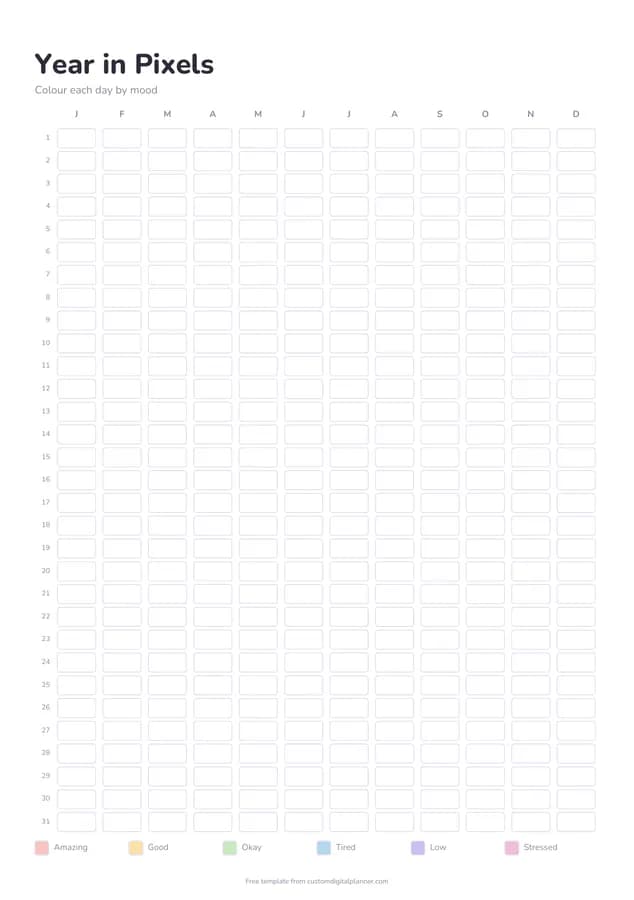
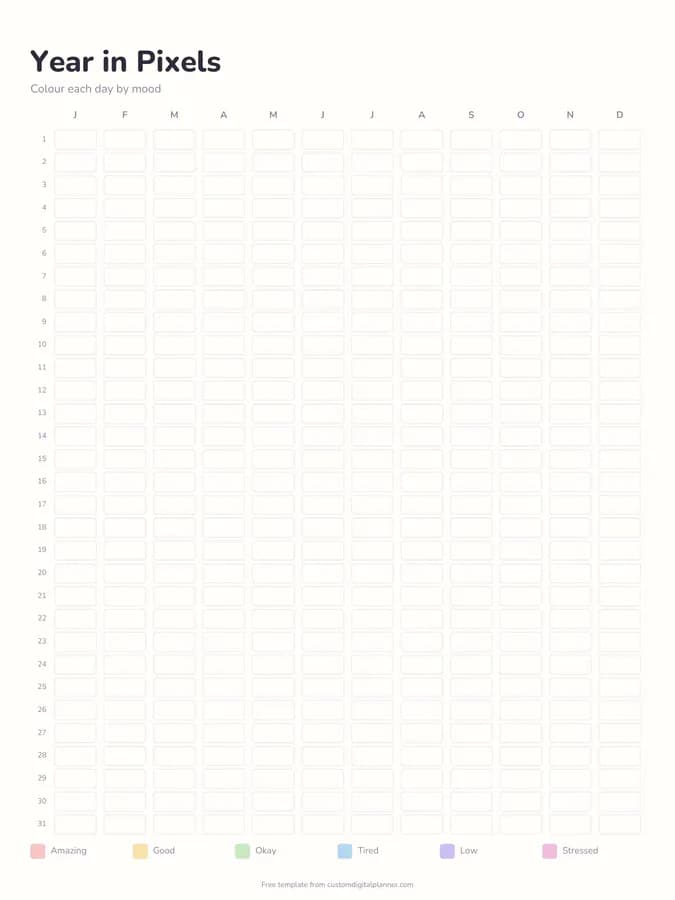
Shown for iPad in the Pastel Rainbow theme. Printable downloads use white paper (there's a dark mode preview below); the e-ink version is black and white.
One page, ready to fill in.
- A grid with a column for each month and a row for each day, 1 to 31
- One square for every day of the year
- A mood key along the bottom with six moods: amazing, good, okay, tired, low and stressed
- Undated, so it works for any year
Who it's for
Anyone curious about how their year really felt, people managing depression, anxiety or seasonal mood changes who want a long view, and bullet journal fans who enjoy a colourful spread they can finish one square at a time.
Getting the most from a year in pixels.
Colour the key before you start
The key at the bottom lists six moods: amazing, good, okay, tired, low and stressed. Colour each key square with the pen you'll use for that mood. Using the same colours all year is what makes the patterns visible.
Colour it at the same time every day
Do it before bed, when you can judge the whole day. If you miss a few days, fill them in from memory or leave them blank rather than guessing.
Track something else if mood doesn't suit you
Pixels work for anything with a daily level: energy, anxiety, pain, sleep quality or productivity. Just write what you're tracking on the colour key.
Look for patterns each month
At the end of the month, check whether low days cluster around certain weeks, seasons or events. It's especially useful for spotting seasonal mood changes.
Use pencils or digital highlighters
On paper, coloured pencils give even squares without bleeding. In GoodNotes, a highlighter with a wide nib fills a square in one stroke.
Included in 23 planners
This template is a page in each of these planners. Open one to see everything else that comes with it.
- All-in-One Life Planner
- Teacher Planner
- Wellness & Self-Care Planner
- ADHD Planner
- Teen Planner
- Family & Mom Planner
- Gratitude Journal
- Habit Tracker Planner
- Nurse & Shift Worker Planner
- Nursing School Planner
- Guided Journal
- Therapist Planner
- Shadow Work Journal
- Caregiver Planner
- Sobriety Journal
- Period & Cycle Tracker
- Medical School Planner
- Chronic Illness Planner
- Mental Health Journal
- Blood Pressure Log
- Postpartum Planner
- Social Worker Planner
- Yoga Teacher Planner
Get it inside a full hyperlinked planner
The wellness & self-care planner includes this page alongside dated month and week pages for your year, with side tabs and links between every page. Pick your device and theme, preview it free, and pay only when it's right.
- Dated pages for the whole year
- Tap a tab or a date to jump there
- GoodNotes, Notability, Samsung Notes, e-ink and print sizes
Opens the wellness & self-care planner with the Wellness section switched on.
Or read about the wellness & self-care planner first.
What is a year in pixels?
A grid with one square for each day of the year, which you colour according to your mood. Over the year it builds into a single colourful picture of how you felt.
Can I start it in the middle of the year?
Yes. The page isn't dated, so start today and colour from here. Leave earlier squares blank or use them for the next year.
Can I change the moods on the key?
Yes. Six moods are printed (amazing, good, okay, tired, low and stressed), but you can write over them with your own, such as calm, anxious or angry. Pick whatever you'll stick with all year.
Is it a mental health tool?
It's a self-tracking tool, not a diagnosis. Many people share their pixels with a doctor or therapist because it shows patterns over months, but it doesn't replace professional help.